LG TV Slow After Update: What’s Actually Happening and How to Fix It
Last updated: July 2026 | 🕒 8 min read
Disclosure: GearPulse360 participates in the Amazon Associates Program. This particular article contains no affiliate links; other content on our site may.
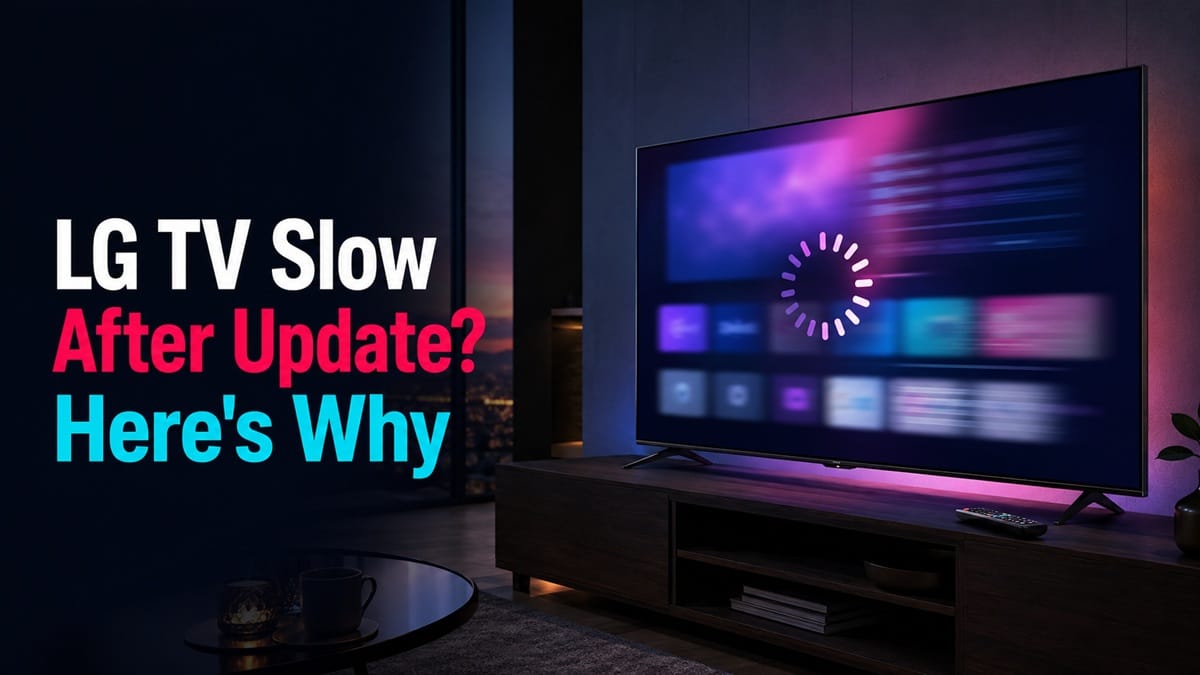
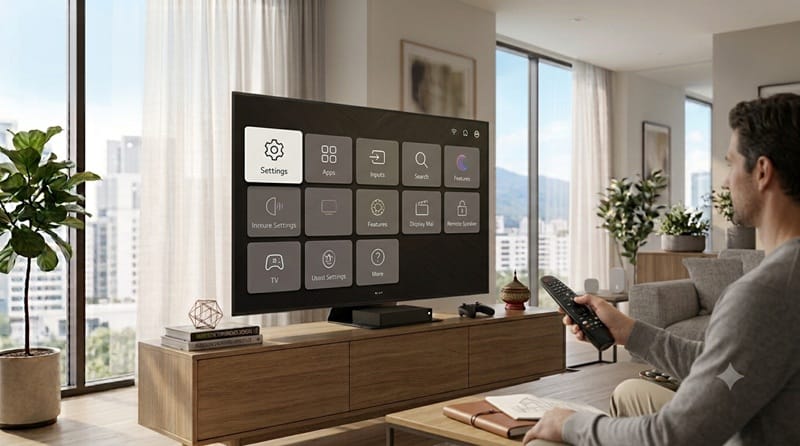
You didn’t touch a single setting. The TV rebooted itself after installing a software update, and now everything about using it feels a little off — the Magic Remote’s pointer trails behind your hand, menus hesitate before responding, and for a moment it’s tempting to assume the update itself is the thing that’s broken, rather than just something the TV is still working through.
Most of the time, it didn’t. An LG TV slow after update is a known, explainable pattern — based on manufacturer documentation and independent testing data across recent webOS generations, that temporary slowdown is a side effect of what the TV is doing in the background, not a sign the update failed.
This guide walks through what actually happens on your LG TV in the hours after an update, how to tell a normal adjustment period from a lingering problem, and what to do about each. For the wider set of LG software quirks beyond just post-update lag, our LG webOS problems 2026 guide covers the broader picture — this one stays narrowly focused on the update trigger itself.
Table of Contents
The Short Answer: Why Your LG TV Is Slow After an Update
An LG TV that’s slow after an update is usually rebuilding its app cache, thumbnail previews, and content recommendations in the background — a process that briefly competes with whatever you’re doing on-screen. This settles down within a normal day or two of regular use for most owners. It’s only worth troubleshooting further if the lag hasn’t eased up after several days of normal use.
What Actually Happens to a LG TV During an Update
The reindex and cache rebuild
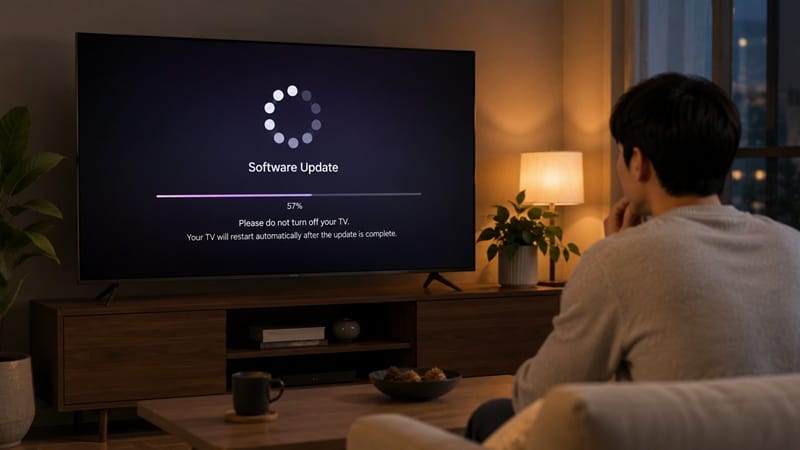
When webOS installs a new version, it doesn’t just swap out old code for new. Based on how webOS updates are known to behave across recent generations, the process replaces system files and then restarts the TV’s core services — which includes rebuilding the app launcher’s cache, refreshing content thumbnails for your installed streaming apps, and re-registering background processes like voice search and screen-off updates. That rebuild work runs on the same limited memory and processor that’s also trying to render your home screen — which is exactly why things briefly feel heavier right after an update than they did the day before.
Temporary lag versus something that sticks around
There’s a meaningful difference between a TV that’s slow for a day while background indexing finishes, and one that stays sluggish a week later. The table below separates the most commonly reported post-update symptoms from what’s actually behind them, so you’re not guessing at a fix that doesn’t match the cause.
Symptom → Cause → Fix
| SYMPTOM | LIKELY CAUSE | FIX | DIFFICULTY |
|---|---|---|---|
| Home screen loads slowly for the first day or two after updating | Background cache and thumbnail rebuild still finishing | Leave the TV powered on and in normal use; avoid repeated restarts, which may interrupt and restart part of that background process | Easy |
| One specific app freezes or takes several tries to open | That app’s own cache conflicts with the new webOS version | Delete and reinstall the affected app rather than the whole TV | Medium |
| Everything is still noticeably slow more than a week after updating | Accumulated storage clutter or too many installed apps competing for memory | Run the built-in memory or storage cleaner, and uninstall apps you don’t use | Medium |
If the issue persists after trying these steps, contact LG support directly for your specific model.
For the exact steps LG documents for checking and installing an update in the first place — useful if you’re trying to confirm whether the update actually finished cleanly — see LG’s official update guide.
Why LG TV Update Slowdowns Matter More in 2026
Newer processors handle the rebuild faster
Not every LG TV experiences a post-update slowdown the same way. RTINGS’ review of the LG C4 OLED notes that its smart features and webOS responsiveness are a strength on that newer Alpha-processor generation, which gives the TV more headroom to run background indexing without it showing up as visible lag. Older LG models with less processing power tend to show that same background load more visibly, and for longer.
The ad and recommendation layer adds extra background work
webOS’s home screen recommendation rows and promotional content also refresh as part of a major update, adding to the same background load that’s driving the temporary lag. If what you’re noticing is less about speed and more about a cluttered home screen — more promo tiles, reshuffled app rows — that’s a related but separate webOS pattern, and waiting it out won’t fix that part the way it fixes the lag.
It’s also worth ruling out whether the slowness is really a platform-wide issue versus a single stubborn app. If only one or two apps won’t open properly after the update, that’s a narrower problem with its own fix — walked through separately in our guide to LG TV apps won’t open.
If you’re already weighing whether your current LG TV’s software behavior is a dealbreaker or just something to ride out, it helps to know what a genuine upgrade would actually change versus what’s just a webOS quirk you’d carry over to any new set — we’ve broken that down model by model in our best OLED TVs of 2026 picks.
Should You Wait It Out, Reset, or Contact Support?
Once you’ve ruled out a single misbehaving app, the real question is whether to keep using the TV as-is while it settles, or step in with a fix. The box below walks through that single decision.
Wait It Out, or Act Now?
What This Means for You in Practice
Buy This If…
If your LG TV has felt persistently slower with each successive update over a couple of years, and a power cycle plus storage cleanup hasn’t meaningfully helped, that pattern is more about accumulated age and storage limits than any single update. At that point, it’s reasonable to start looking at what current-generation LG OLEDs offer — our LG OLED roundup breaks down which 2026 models are worth considering.
Skip This If…
If this is the first update where you’ve noticed lag, or the slowdown started within the last few days, there’s no reason to consider a reset or a new TV yet. This is squarely the normal adjustment window most LG owners see after any major webOS update.
FAQs: LG TV Slow After Update
Is it normal for an LG TV to be slow after an update?
Yes — a temporary slowdown right after installing a webOS update is common and expected while the TV rebuilds its app cache and thumbnails in the background. According to RTINGS’ testing of LG’s C4 OLED, newer Alpha-processor generations handle this kind of background load more smoothly than older LG models, though some lag is normal across the board immediately after an update.
Does a software update mean my LG TV is broken?
No. A slower home screen or a stuttering app in the hours after an update is a side effect of background processing, not a sign of hardware failure or a corrupted install. Genuine failed updates usually show a clear error message or a TV that won’t finish booting, which is a different situation entirely.
How long does the slowdown after an LG TV update usually last?
For most owners, the lag noticeably eases within a day or two of normal use and is fully gone within a week. If it’s still present after that window, it’s worth working through the fixes above rather than assuming it will resolve on its own.
If my LG TV keeps getting slower with every update, is it time to replace it?
Not necessarily, but a TV that’s had this pattern repeat across several updates over a couple of years is a different case than a single slow week. Rule out storage clutter and app buildup first; if the pattern persists after that, comparing your options in our LG OLED buying guide is a reasonable next step rather than a reset.
Will future webOS updates fix this slowdown for good?
Not entirely, no. The reindexing step itself is built into how webOS installs any major update — it’s not a bug being patched out, it’s how the platform rebuilds its cache and thumbnails after a system-file change. That means a brief adjustment window after future updates is a recurring part of the update process itself, not something a future release is likely to eliminate outright.

iYaiii
Editor, GearPulse360
iYaiii is the editor and founder of GearPulse360, specializing in TV reviews and consumer electronics. He researches every recommendation before publishing.
✅ Based on spec analysis and LG’s official and RTINGS data — last verified July 2026