Hisense U8QG Dolby Vision Picture Problems: Why Highlights Look Blown Out (and How to Fix It)
Last updated: July 2026
🕒 8 min read
Disclosure: GearPulse360 participates in the Amazon Associates Program. This particular article contains no affiliate links; other content on our site may.
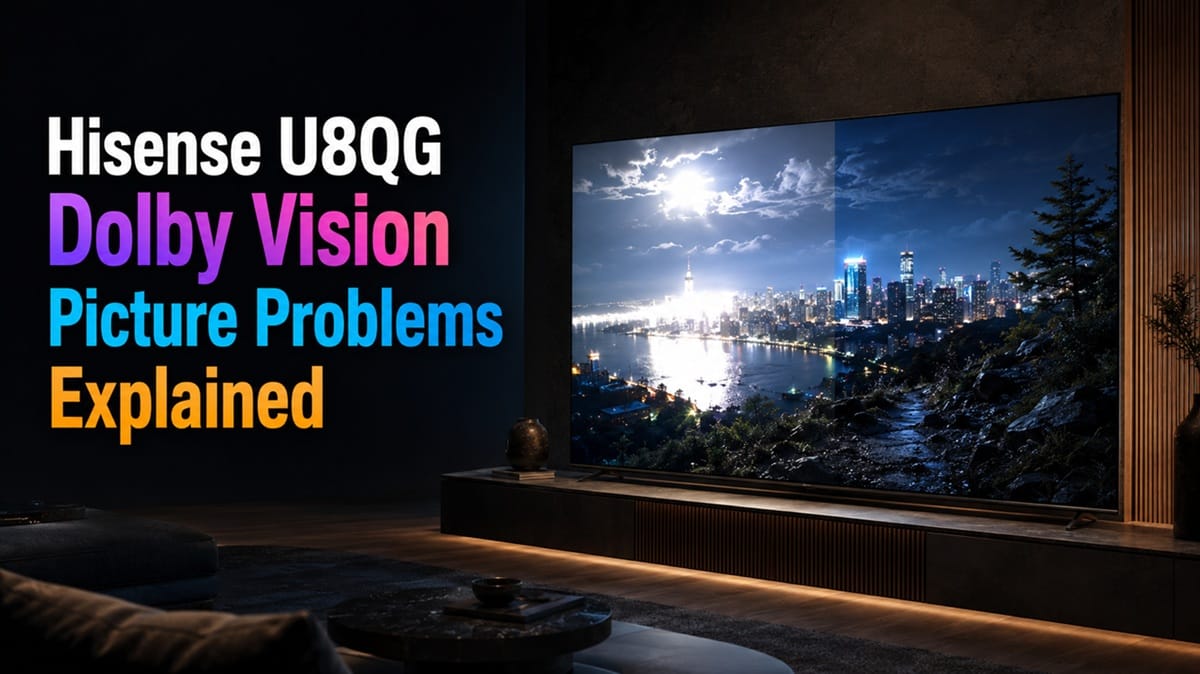
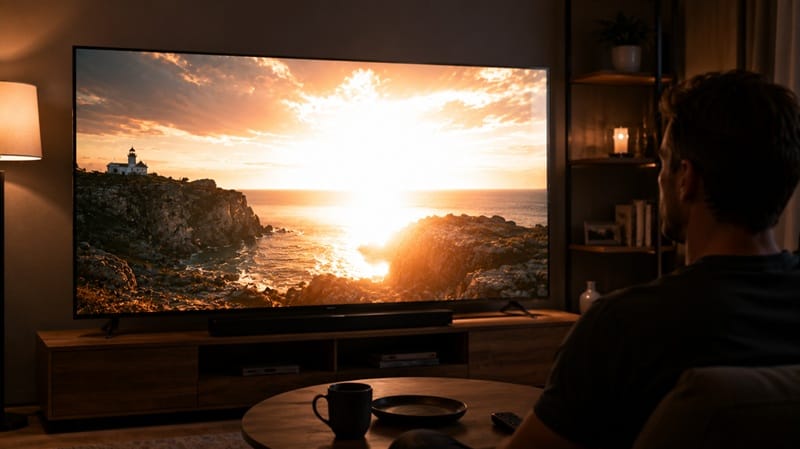
Watch a bright outdoor scene in Dolby Vision on the Hisense U8QG and the sky can lose its shape — clouds, haze, and highlights blur into one flat brightness instead of the gradual detail the scene was mastered with. Colors in that same bright band often look more artificial than the shadows a few feet away in the same frame.
That’s a strange thing to run into on a TV sold specifically on its brightness — the U8QG is widely reported to reach up to 5,000 nits of peak brightness. RTINGS’ lab testing of the 65-inch model points to the cause of these Hisense U8QG Dolby Vision picture problems: uneven tracking of Dolby Vision’s brightness metadata in the TV’s HDR processing, which pushes much of the image higher than the mastering data specifies. That’s a calibration behavior tied to picture-mode settings, not a hardware fault.
This isn’t the same complaint we covered on the Hisense TV washed out Dolby Vision piece — that model, the U7SG, looks flatter and cooler than intended. The U8QG’s issue runs the other direction: its processing pushes brightness past the creator’s target instead of falling short of it.
Table of Contents
The Short Answer: What Causes the Hisense U8QG’s Dolby Vision Picture Problems
RTINGS’ lab measurements show the U8QG displaying most of the HDR brightness range above what Dolby Vision’s metadata calls for, and turning on Dynamic Tone Mapping pushes it further still. It’s adjustable in the picture menu, not a sign of a faulty unit. The trade-off is that part of the U8QG’s headline brightness comes from overriding the director’s target rather than following it.
What’s Actually Happening: Dolby Vision’s Metadata vs. the U8QG’s Processing
How Dolby Vision Is Supposed to Work
Dolby Vision’s core promise is scene-specific precision. Instead of one fixed brightness curve for an entire film the way HDR10 does, Dolby’s own explanation of the format describes metadata that adjusts brightness, contrast, and color scene by scene, sometimes frame by frame, to match what was approved in the mastering suite. A TV that tracks this metadata closely renders a candlelit dinner and a sunlit beach at the specific brightness levels a colorist set for each, not just “bright HDR” in general terms.
Where the U8QG’s Numbers Land Off Target
RTINGS’ real-scene brightness testing measured three sample scenes with Dynamic Tone Mapping enabled. A lit skyscraper window, mastered around 700 cd/m², measured at 821 cd/m² — about 17% over target. A sunlit pool scene, mastered around 300 cd/m², measured at 546 cd/m² — nearly double what the scene called for. A hallway scene mastered much brighter, around 1,950 cd/m², measured at only 977 cd/m² — roughly half of its target.
RTINGS’ separate PQ EOTF tracking test reaches a similar verdict across the full curve: most brightness levels read higher than intended, with a roll-off only near the very peak of content mastered at 4,000 nits — a roll-off RTINGS notes doesn’t do much to preserve highlight detail, since the image is already over-brightened well before that point.
Dynamic Tone Mapping’s Role in the U8QG’s Dolby Vision Picture Problems
Those three scenes above were measured with Dynamic Tone Mapping (DTM) switched on. RTINGS tested the same scenes again in Filmmaker Mode with DTM off, and turning DTM back on pushed every one of them brighter still. DTM isn’t correcting the tracking gap — it’s adding to it.
RTINGS’ own head-to-head comparison of the U8QG and the Hisense 65U7SG review frames this as a real trade-off rather than a spec-sheet footnote: the U8QG’s extra brightness headroom goes largely unused by real content, while the U7SG tracks closer to what’s actually mastered into the source.
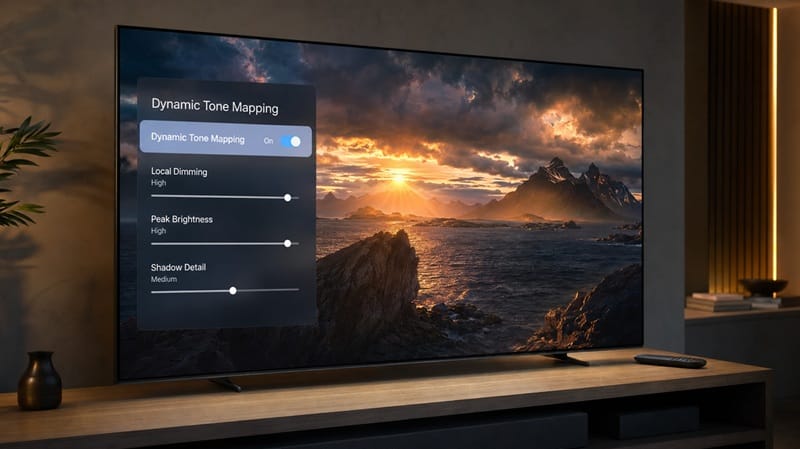
The U8QG’s contrast and HDR color volume both score well in the same RTINGS testing, so this is a brightness-tracking issue rather than a broader picture-quality problem. If the settings below don’t close the gap enough for your taste, our best 4K TVs of 2026 roundup ranks alternatives that weigh brightness against accuracy differently.
Fixing the Overshoot: Settings That Actually Help
The processing itself isn’t user-adjustable, but how hard the TV leans on it is. The table below covers the settings most directly tied to this specific symptom.
Symptom → Cause → Fix
| SYMPTOM | LIKELY CAUSE | FIX | DIFFICULTY |
|---|---|---|---|
| Hisense U8QG — mid-bright HDR highlights look artificially blown out | Dynamic Tone Mapping amplifying an existing brightness-tracking gap | Switch to Filmmaker Mode or a Dolby Vision Custom preset and turn Dynamic Tone Mapping off | Easy |
| Hisense U8QG — Dolby Vision looks noticeably brighter than the same title in HDR10 | Peak Brightness setting left on “High,” which also raises the TV’s black floor | Set Peak Brightness to Standard for movie viewing and reserve High for sports or bright-room use | Easy |
| Hisense U8QG — colors in bright highlights look off compared to darker parts of the same scene | Uncalibrated white balance and gamma compounding the tone-mapping overshoot | Run the TV’s basic calibration menu or have it professionally calibrated for HDR | Medium |
If the picture still looks off after these changes, that’s worth a call to Hisense support rather than continuing to chase settings.
What This Means for You in Practice
Who Should Pay Attention to This
If you mainly watch movies and prestige TV in a dim or dark room, this is worth ten minutes with the picture menu — that’s exactly the content and lighting where an overshot highlight is most noticeable. It’s also worth knowing before you buy if accuracy matters more to you than raw peak brightness; our breakdown of how Mini-LED and OLED handle HDR differently covers that trade-off at the panel-technology level, beyond this one model.
Who Doesn’t Need to Worry
If you mostly watch sports, daytime TV, or game in a bright living room, the U8QG’s extra punch is arguably doing its job — those are exactly the conditions where more brightness reads as a benefit rather than a distraction. Casual viewers who aren’t sensitive to HDR tracking accuracy may not notice this at all.
FAQs: Hisense U8QG Dolby Vision Picture Problems
Why does Dolby Vision look overly bright or blown out on the Hisense U8QG?
RTINGS’ lab testing found the U8QG’s Dynamic Tone Mapping pushes brightness above Dolby Vision’s mastering targets on mid-brightness content, while the largest, most demanding highlights fall short instead. The full measurements are in RTINGS’ Hisense U8QG review.
Does a higher peak brightness rating mean more accurate Dolby Vision?
No. Peak brightness is a ceiling the panel can physically reach; accuracy is whether the TV stops climbing at the level a scene’s own metadata calls for. A TV can carry an enormous peak-brightness spec and still overshoot the mastering target on ordinary scenes — which is what RTINGS measured on the U8QG.
Has Hisense fixed this on the newer UR8SG?
There’s no independently tested data confirming that yet. RTINGS’ U8QG review notes the model has already been replaced by the UR8SG, but until that successor goes through the same lab testing, there’s no verified basis for saying its tone-mapping behaves any differently.
Should I get the U8QG or a Hisense U7-series model instead if Dolby Vision accuracy matters most?
If tracking accuracy in a dark room is your priority, the U7-series measures closer to Dolby Vision’s mastering targets, though at a lower peak-brightness ceiling. Our Hisense 75U7SG review covers what that trade-off looks like at a larger screen size.
Should this stop me from buying the Hisense U8QG?
That depends on which matters more to you: if mastering-accurate HDR in a dark room is the priority, the settings above only partly close the gap, and the U7-series measures closer to target out of the box. If contrast, color output, and raw punch are what you’re shopping for, the tracking overshoot is a manageable trade-off rather than a reason to walk away — RTINGS’ testing shows those other categories holding up well on their own.

iYaiii
Editor, GearPulse360
iYaiii is the editor and founder of GearPulse360, specializing in TV reviews and consumer electronics. He researches every recommendation before publishing.
✅ Based on RTINGS lab data and Dolby’s official technology documentation — last verified July 2026