What Are the Dimensions of a TV? Width, Height, and Weight by Screen Size
Last updated: August 2026
🕒 8 min read
Disclosure: GearPulse360 is a participant in the Amazon Associates Program. Some pages on this site contain affiliate links, and we may earn a commission from qualifying purchases at no extra cost to you.
A 65-inch TV is not 65 inches wide — that number is the diagonal, corner to corner, and it’s the single most common mix-up we hear from readers measuring a wall or a media console before buying. So what are the dimensions of a TV once you break the size class down into actual width, height, and depth? We pulled the numbers so you don’t have to guess and end up with a screen that’s a few inches too wide for the cabinet.
Most of the confusion comes down to one thing: the advertised “size” is a diagonal measurement, but the number that actually matters for fitting a TV into your space is the width. On a standard 16:9 screen, that width is meaningfully smaller than the diagonal number suggests — a 75-inch TV, for example, is about 65 inches wide, not 75.
Every common size from 32 to 100 inches gets its screen-only width, height, and area worked out first, and then those figures get checked against a real manufacturer’s full outer dimensions — stand, bezel, and all — since that’s the number you actually need before mounting or buying furniture. If you’re specifically trying to figure out how high to place a TV once you know its height, our guide on how high a TV should be mounted picks up right where this one leaves off.
Table of Contents
The Short Answer: What Are the Dimensions of a TV by Size?
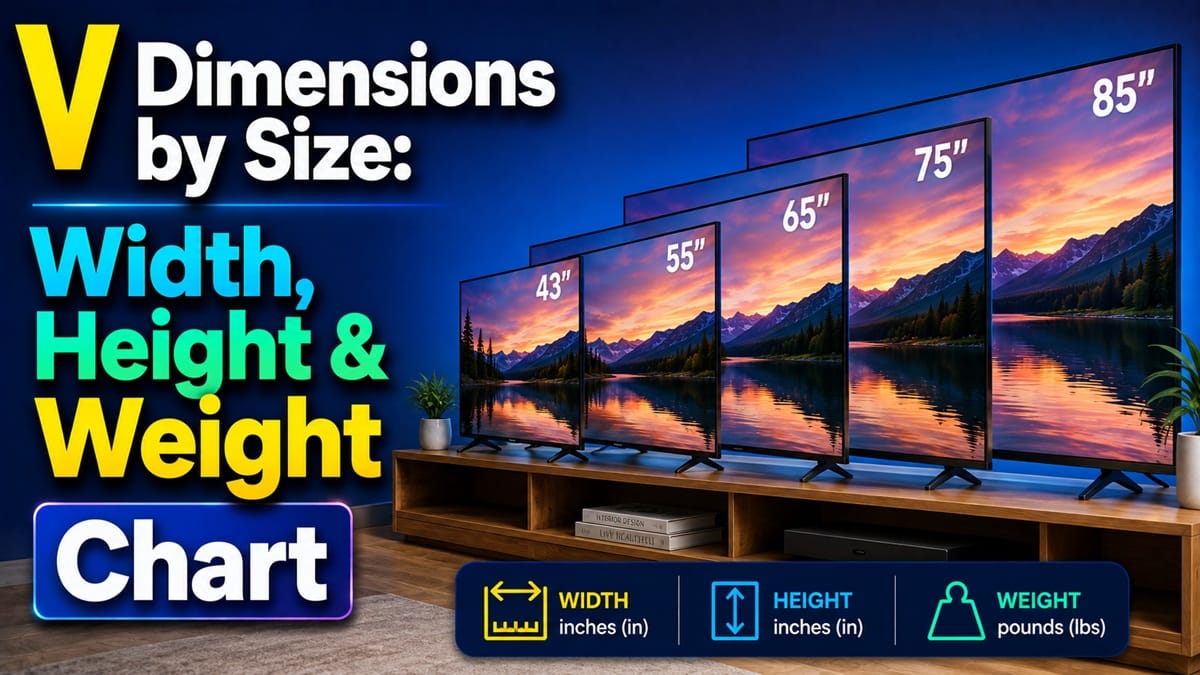
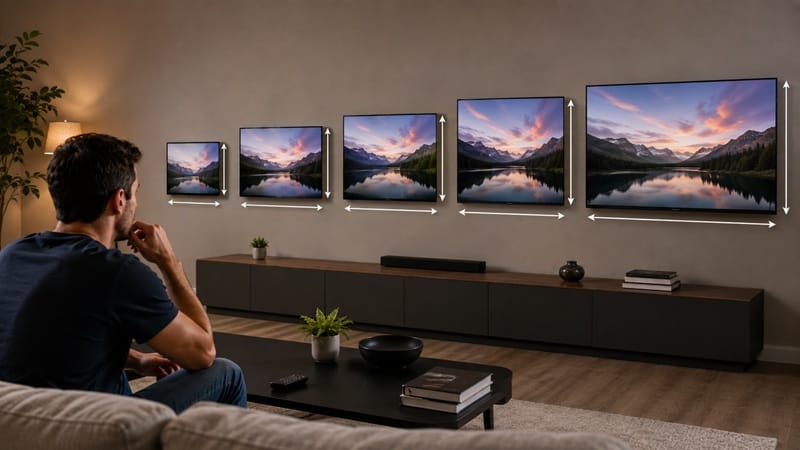
For a standard 16:9 TV, width is roughly 87% of the diagonal size and height is roughly 49% of it. That means a 55-inch TV measures about 48 inches wide by 27 inches tall, and a 65-inch TV measures about 57 inches wide by 32 inches tall — both screen-only, before the bezel or stand adds a little more.
TV Width and Height by Screen Size
The Full Size Chart, 32 to 100 Inches
Bezels are thin enough on current TVs that the screen-only measurement below is a close stand-in for the finished product’s footprint. These are approximate width and height figures for a standard 16:9 panel, broken out by the most commonly searched sizes.
- 32″: 27.9″ wide × 15.7″ tall
- 40″: 34.9″ wide × 19.6″ tall
- 43″: 37.5″ wide × 21.1″ tall
- 50″: 43.6″ wide × 24.5″ tall
- 55″: 47.9″ wide × 27″ tall
- 60″: 52.3″ wide × 29.4″ tall
- 65″: 56.7″ wide × 31.9″ tall
- 70″: 61″ wide × 34.3″ tall
- 75″: 65.4″ wide × 36.8″ tall
- 80″: 69.7″ wide × 39.2″ tall
- 85″: 74.1″ wide × 41.7″ tall
- 98″: 85.4″ wide × 48″ tall
- 100″: 87.2″ wide × 49″ tall
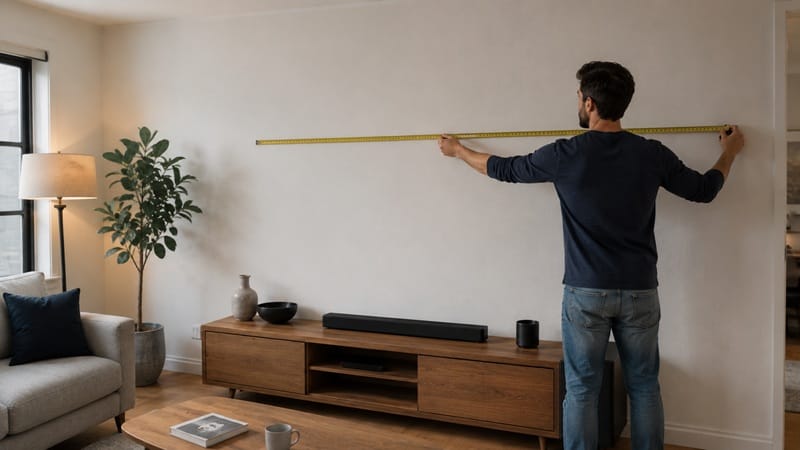
Two sizes dominate what people search for: how wide a 55-inch TV is and how wide a 75-inch TV is, likely because those sit right at the boundary of “fits an existing console” versus “needs a wall mount or a bigger stand.” At 47.9 inches, a 55-inch TV still fits most standard TV stands. At 65.4 inches, a 75-inch TV usually needs a stand or wall space rated for at least 68–70 inches of clearance.
Screen-Only vs. a Real Manufacturer’s Full Dimensions
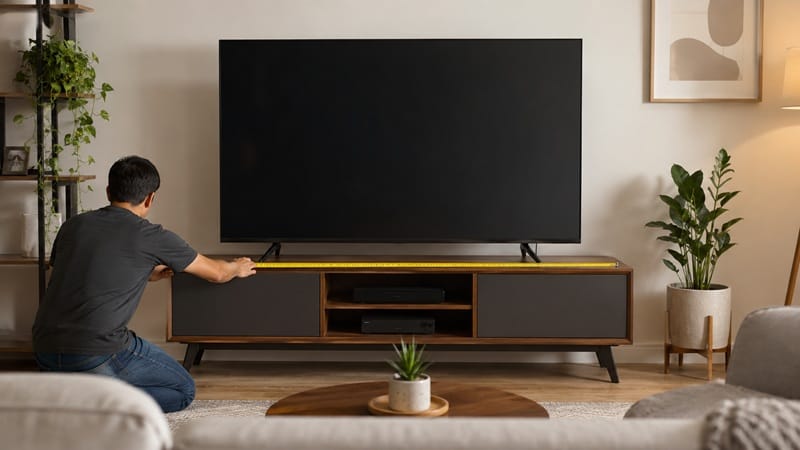
The numbers above are screen-only estimates, and they don’t include the bezel, the stand, or the chassis depth — which is exactly why the manufacturer’s own spec sheet matters once you’ve narrowed down a size. Take a 65-inch Samsung OLED as a real example: the screen-only formula puts it at 56.7 inches wide, and Samsung’s own listing confirms a nearly identical 56.86-inch width — but the manufacturer page adds what the formula can’t: 35.30 inches tall and 10.44 inches deep with the stand attached, versus 32.74 inches tall and just 1.57 inches deep without it.
That’s the gap between “close enough to plan around” and “exact enough to buy furniture against.” RTINGS’ TV Table Tool is a useful way to cross-check a specific model’s lab-measured physical dimensions and weight before you commit to it.
Why the Diagonal Number Alone Isn’t Enough
Screen Area Grows Faster Than the Diagonal Suggests
Because area scales with both width and height at once, a 75-inch TV actually has close to 85% more screen area than a 55-inch model, even though the diagonal is only about 36% larger. That’s worth keeping in mind if you’re debating between two sizes that sound close on paper but will look very different on the wall. If you’ve already settled on a size and just need to know where to physically install it, our walkthrough on how to install a TV wall mount covers stud-finding, hardware, and the mounting process itself step by step.
Dimensions are only half the planning question — once you know a size will physically fit, our best OLED TVs of 2026 roundup breaks down which picks are actually available in each of the sizes covered above, so you’re not narrowing down a footprint just to find your preferred model doesn’t come in it.
How Much TVs Weigh at Each Size
Weight varies more between models than width or height does, since panel technology, stand design, and internal components all factor in — so there’s no single universal number the way there is for screen dimensions. As a real-world anchor, that same 65-inch Samsung OLED weighs 42.11 lb without its stand and 44.97 lb with it attached, which is a reasonable ballpark for a mid-size OLED at that screen size, though a Mini-LED or QLED model of the same size can run heavier due to a thicker backlight assembly.
What This Means for You in Practice
Who Should Pay Attention to This
If you’re choosing between two adjacent sizes — say 65 vs. 75 inches — and trying to work out whether either one actually fits your console, wall, or the space between a fireplace and the ceiling, the width figures above are the number to check first, not the diagonal. Our best 55-inch OLED TVs guide is a good next stop if the 55-inch width row above lines up with your space.
Who Doesn’t Need to Worry
If you’re replacing an existing TV with the exact same advertised size, the footprint will be close enough to your old one that a fresh measurement rarely changes anything — the differences that matter here mostly show up when you’re jumping up or down a size class, not staying put.
FAQs: TV Dimensions by Size
What are the dimensions of a TV by screen size?
For a standard 16:9 TV, width is about 87% of the diagonal and height is about 49% of it — so a 65-inch TV is roughly 57 inches wide and 32 inches tall, screen-only. RTINGS’ TV size and distance reference breaks the same formula down across every common size from 32 to 100 inches.
Is a 65-inch TV wider than my console if it’s 50 inches wide?
Yes — a 65-inch TV is about 56.7 inches wide screen-only, and can run closer to 57 inches once you count the panel edge, so it will overhang a 50-inch-wide console on both sides. A stand or console rated for at least 60 inches of surface width gives a more comfortable margin.
How much does a 65-inch TV weigh?
A 65-inch OLED typically lands in the low-to-mid 40-lb range — one current 65-inch Samsung OLED model weighs 42.11 lb without its stand and 44.97 lb with it attached. Panel type and stand design shift that number some, and a Mini-LED or QLED set of the same size can weigh more due to a thicker backlight layer.
What’s the biggest TV you can buy, and what’s the smallest?
On the large end, 2026’s biggest mainstream option is 115 inches — LG’s 115QNED92B is a current example at that size. On the small end, 32 inches is typically the smallest size major brands still sell as a standalone TV; anything smaller is usually marketed as a monitor rather than a television. Availability at either extreme is narrower than mid-range sizes like 55″ or 65″, so it’s worth confirming a specific model is still in production before planning around it.
Does a bigger TV always mean a much bigger wall footprint?
Not linearly — because screen area scales with both width and height together, a 75-inch TV has close to 85% more screen area than a 55-inch one, even though the diagonal is only about 36% larger. The width difference is what actually determines wall or console fit, not the area.
Should I trust a generic size chart or the manufacturer’s spec page?
Use a generic chart like the one above to narrow down which sizes are even worth considering, then switch to the exact manufacturer spec page for your chosen model before buying furniture or mounting hardware — bezel design and stand footprint can shift the real numbers slightly from the screen-only estimate.

iYaiii
Editor, GearPulse360
iYaiii is the editor and founder of GearPulse360, specializing in TV reviews and consumer electronics. He researches every recommendation before publishing.
✅ Based on RTINGS reference data and Samsung manufacturer specifications — last verified August 2026