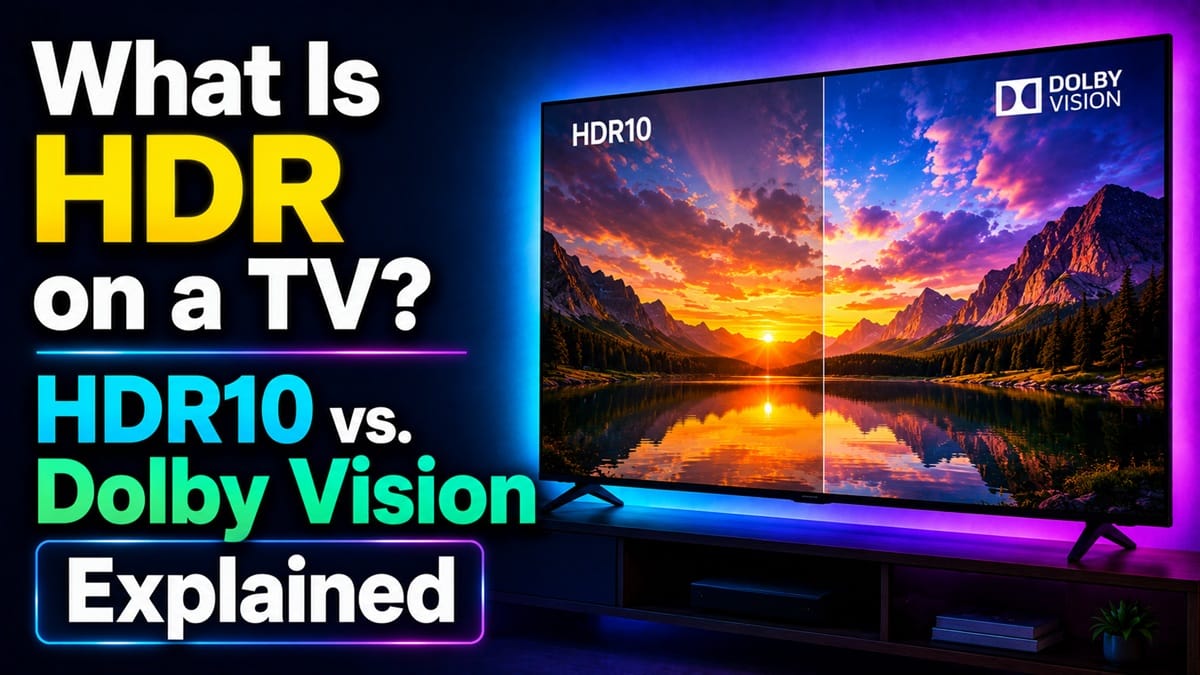
What Is HDR on a TV? HDR10, Dolby Vision, and Whether You Should Leave It On
Last updated: August 2026
🕒 7 min read
Disclosure: GearPulse360 is a participant in the Amazon Associates Program. Some pages on this site contain affiliate links, and we may earn a commission from qualifying purchases at no extra cost to you.
You finally sit down to watch something after setting up a new TV, and there it is on the settings menu: an “HDR” toggle you don’t remember choosing, sitting next to a picture that looks a little different than you expected — maybe punchier, maybe strangely dim in a dark scene. That’s usually the first moment anyone actually asks what HDR on a TV is doing, rather than just seeing it printed on a spec sheet.
Most people run into this the same way: a streaming app auto-switches into an HDR picture mode, or a game console lists “HDR10” and “Dolby Vision” as separate options with no explanation of the difference. Based on editorial research into how these formats are documented, the short version is that HDR isn’t one single setting — it’s a family of formats that don’t all behave the same way on every TV.
This guide covers what HDR actually changes on screen, how HDR10 and Dolby Vision differ, and when leaving HDR on (or turning it off) is the better call. For a closer look at how HDR interacts with picture processing on a specific panel type, our LG OLED HDR banding breakdown covers a related processing quirk worth knowing about.
Table of Contents
Quick Answer
HDR (High Dynamic Range) expands a TV’s brightness and color range so it can show deeper shadows, brighter highlights, and more shades in between than standard SDR. HDR10 is the baseline format every HDR TV supports; Dolby Vision adds scene-by-scene adjustment on top of it.
- Best for: Movies, shows, and games mastered in HDR and watched in a dim or dark room
- Not ideal for: Bright rooms with lots of glare, or content that wasn’t actually mastered in HDR
- Key advantage: More realistic contrast and color when the source and display both support it properly
- Starting price: Included on nearly every mid-range and above 4K TV sold in 2026
The Short Answer: What Is HDR on a TV?
HDR, or High Dynamic Range, is picture metadata that tells a TV how bright the highlights should get, how dark the shadows should go, and how much color detail to preserve in between — well beyond what the older SDR (Standard Dynamic Range) standard could describe. The TV then uses its own backlight and processing to try to reproduce that range as closely as its hardware allows.
What Is HDR on a TV, Technically? HDR10 vs. Dolby Vision
HDR10 — the baseline format
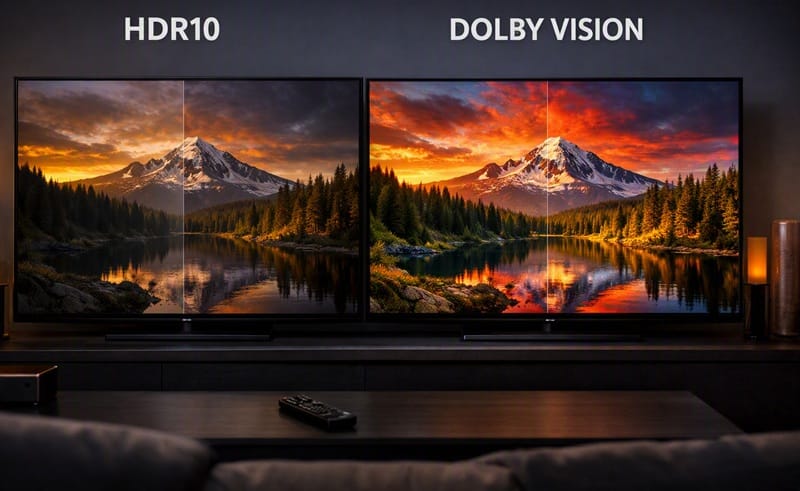
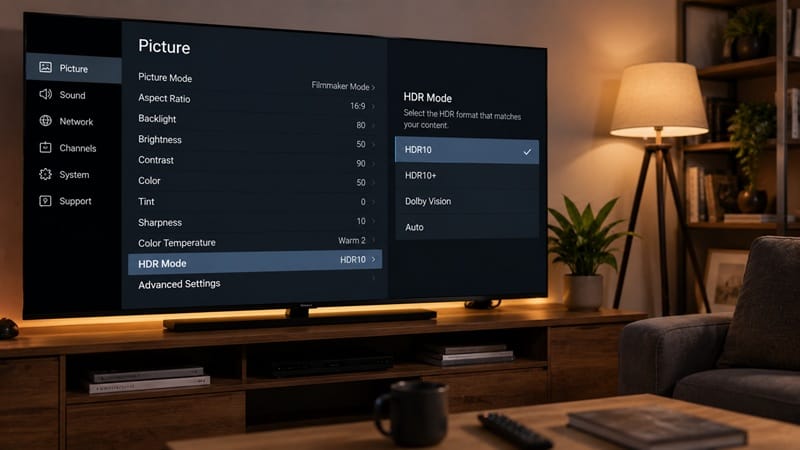
Based on published specs, HDR10 is an open, royalty-free format, which is why it’s the one every HDR-capable TV is required to support. It uses static metadata — meaning the brightness and color instructions are set once for the entire movie or show, not adjusted scene by scene.
That single-pass approach is simple and universally compatible, but it can leave some scenes looking a little brighter or dimmer than the content creator intended, since one setting has to cover the whole runtime.
Dolby Vision — dynamic, scene-by-scene metadata
Dolby Vision builds on the same HDR foundation but adds dynamic metadata, adjusting the picture based on the specific content, device, and platform rather than locking in one setting for the whole title. Dolby’s own description of the format frames this as dynamically optimizing image quality scene by scene to keep detail visible across both bright and dark moments in the same piece of content.
Think of HDR10 as setting one exposure for an entire photo album, while Dolby Vision re-exposes each photo individually — the same underlying idea, applied with a finer level of control. Not every TV supports Dolby Vision (some rely on the competing HDR10+ format instead), so it’s worth checking a model’s spec sheet rather than assuming.
Why HDR Matters More in 2026 Than It Used To
HDR content has become the default rather than the exception. Based on published platform documentation, most major streaming platforms now master new releases in HDR by default, and current-generation game consoles support HDR10 as standard, with several titles adding Dolby Vision support as well.
Why Inconsistent HDR Handling Matters More Now
That shift changes the stakes of getting HDR handling right. A TV with a dim or inconsistent HDR picture used to be an edge-case complaint; now it affects a much larger share of everyday viewing. Some panels handle this transition better than others — our Hisense TV washed out Dolby Vision breakdown walks through one real example of what can go wrong when a TV’s tone-mapping doesn’t keep up with an HDR source.
If you’re weighing how much HDR performance actually matters for your next TV rather than just your current one, our best 4K TVs of 2026 roundup tracks which current models handle HDR brightness and color most consistently across price tiers, alongside the rest of what makes a set worth buying.
Should You Turn HDR On or Off?
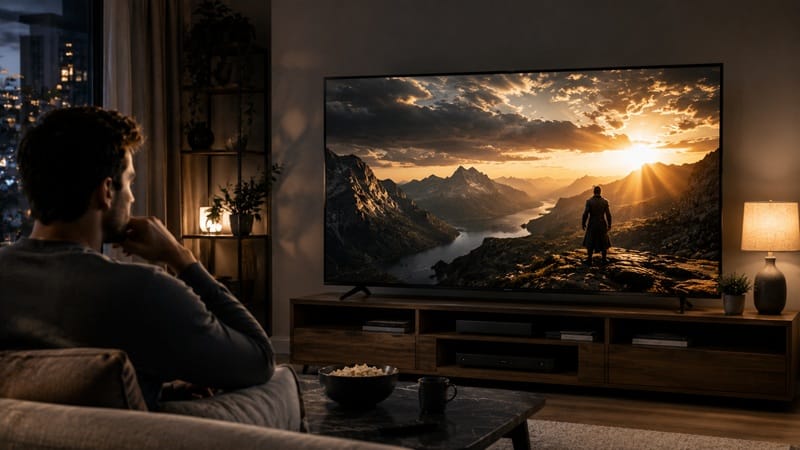
The most common misconception is that “HDR on” automatically means “better picture.” That’s only true when two conditions line up: the content you’re watching was actually mastered in HDR, and your TV’s picture mode is set up to display it accurately rather than pushing brightness and saturation past what looks natural.
When those conditions aren’t met — say, an SDR show gets force-converted to a fake-HDR look by a TV’s own processing, or a bright room washes out HDR’s extra shadow detail anyway — leaving HDR on can make the picture look noticeably worse: oversaturated, artificially glowing, or dimmer than the SDR version of the same content. In that case, switching back to SDR or a calibrated picture mode for non-HDR content is a completely reasonable choice, not a downgrade.
What This Means for You in Practice
Who Should Pay Attention to This
If you regularly stream HDR content or play HDR-supported games in a dim or dark room, understanding how your TV’s HDR mode behaves is worth the ten minutes it takes to check. If you’re shopping for a new set specifically because HDR performance matters to you, our OLED vs Mini LED compared guide breaks down how the two leading panel types handle HDR brightness and contrast differently.
Who Doesn’t Need to Worry
If most of your viewing is daytime TV, sports, or older SDR content, HDR simply won’t be doing much work most of the time — there’s no need to chase a “perfect” HDR setup for content that was never mastered to take advantage of it in the first place.
FAQs: HDR on TVs
What is HDR on a TV, in one sentence?
HDR on a TV is a picture format that expands the range between the darkest shadows and brightest highlights a screen can show, along with a wider range of color, compared to standard SDR content. RTINGS’ HDR brightness testing shows just how much this varies by model — some TVs reach peak highlights several times brighter than others on the exact same scene.
Is Dolby Vision better than HDR10?
Dolby Vision’s dynamic, scene-by-scene metadata generally allows for more precise picture adjustment than HDR10’s single static setting, but the difference depends heavily on how well a given TV processes either format — a well-calibrated HDR10 picture can still look better than a poorly handled Dolby Vision one.
Why does HDR sometimes look worse than SDR on my TV?
This usually comes down to picture mode, not the format itself. Many TVs default to an overly aggressive “Dynamic” or “Vivid” mode for HDR content, which can push brightness and saturation past what the source was mastered for — switching to a more neutral or Filmmaker-style mode often fixes it.
Does turning HDR off hurt picture quality on non-HDR content?
No — SDR content wasn’t mastered with HDR’s extended range in mind, so watching it in SDR mode shows it the way it was intended to look. Forcing HDR processing onto SDR content can actually introduce a washed-out or overly bright appearance rather than improving it.
Do I need a special HDMI cable for HDR to work?
For 4K HDR content, an HDMI cable rated at least “Premium High Speed” (or HDMI 2.0/2.1 compliant) is generally needed to carry the full bandwidth HDR requires — an older or lower-spec cable can cause HDR to drop out or fail to activate even on a fully HDR-capable TV.

iYaiii
Editor, GearPulse360
iYaiii is the editor and founder of GearPulse360, specializing in TV reviews and consumer electronics. He researches every recommendation before publishing.
✅ Based on spec analysis and RTINGS data — last verified August 2026