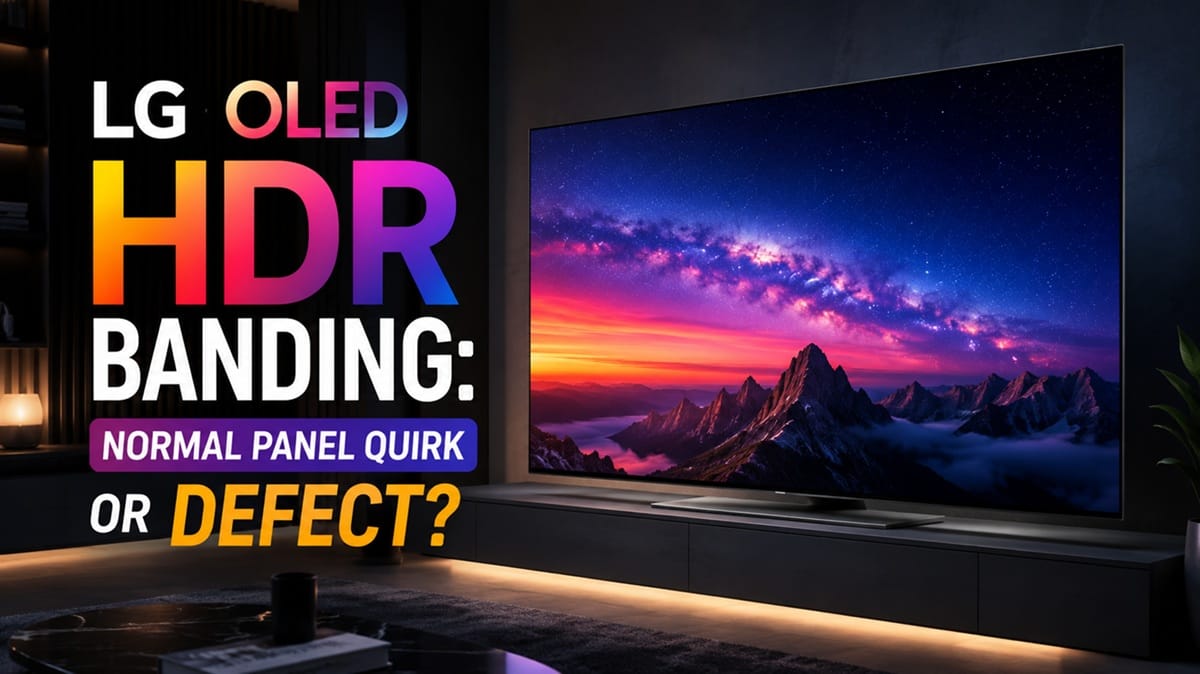
LG OLED HDR Banding: Why It Happens and How to Reduce It
Last updated: July 2026
🕒 7 min read
Disclosure: GearPulse360 participates in the Amazon Associates Program. This particular article contains no affiliate links; other content on our site may.
You’re deep into a dim scene — a spaceship corridor lit only by red emergency lights, or a quiet nighttime shot in a nature documentary — and you notice it: faint horizontal stripes creeping across what should be one smooth gradient from red to black. Your first thought is that something’s wrong with the TV you just spent a lot of money on.
What you’re looking at is LG OLED HDR banding, and based on RTINGS’ published gradient-test methodology and LG’s own picture-quality specifications, it’s rarely a sign that your unit is defective. It’s a real, measurable characteristic of how OLED panels and video processors handle extremely low luminance — and it shows up on more displays than most owners realize.
This isn’t the same issue as LG’s Filmmaker Mode too dark problem, which is about picture-mode brightness targets rather than panel behavior. Here, we’ll walk through what’s actually behind those stripes, where LG’s own processing fits in, and what’s realistic to expect from your settings menu.
Table of Contents
The Short Answer: Why LG OLED HDR Banding Happens
LG OLED HDR banding mostly comes down to how few luminance steps a display has to work with near black, combined with how the source video was compressed and how the TV’s processor maps HDR content onto the panel. It’s rarely one single cause — usually it’s two or three of these factors stacking on top of each other in the same scene.
What Actually Causes LG OLED HDR Banding
Near-Black Bit Depth Is an OLED-Wide Limitation
Every current OLED panel, LG’s included, is a 10-bit display. That sounds like plenty of gradation until you consider how HDR content is mastered: a huge amount of picture information gets packed into the darkest portion of the brightness range, because that’s where filmmakers do a lot of their shadow detail work. Squeezing that much tonal information into a limited number of near-black steps is where banding tends to originate, and it’s a limitation shared across OLED technology in general rather than something specific to one brand or model.
LG’s Tone Mapping and Processing Add a Second Layer
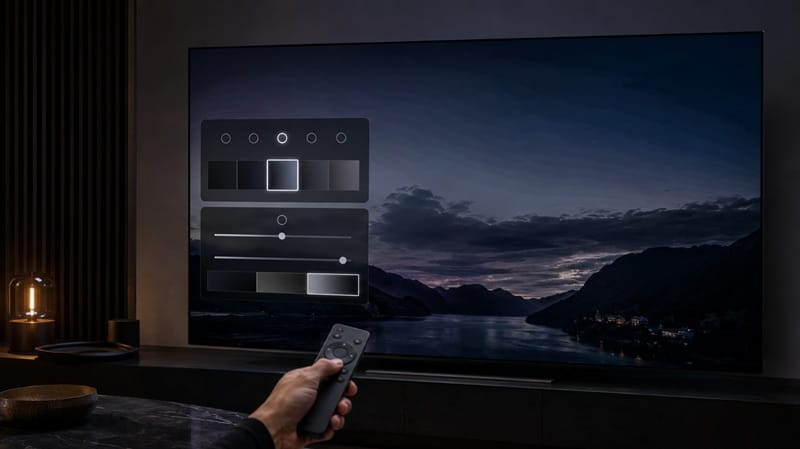
On top of the panel itself, LG’s TVs run their own tone-mapping pass to translate incoming HDR metadata into something the screen can actually display. LG markets this as Dynamic Tone Mapping Pro, and its job is to analyze brightness scene by scene and adjust the luminance curve so highlights and shadows both stay watchable. Done well, this smooths out gradients. Done aggressively, it can introduce its own visible steps, especially in scenes with large areas of near-uniform dark color — skies, water, smoke, and fog are the usual suspects.
Compression adds a third variable that has nothing to do with the TV itself. Streaming services encode video at bitrates far lower than a 4K disc, and dark gradients are one of the first things that compression flattens into visible steps, since the encoder has less data to work with in low-contrast areas. That’s part of why the same movie can look noticeably different for banding depending on whether you’re watching it through a streaming app or from physical media.
Why It Matters in 2026
Newer LG Processors Are Narrowing the Gap
LG positions its newest AI processors as handling HDR tone mapping with more scene-by-scene precision than earlier generations, with Dynamic Tone Mapping Pro built specifically around smoother, more targeted adjustments rather than one flat curve for the whole picture. If you’re comparing a current-year model against a TV from two or three years ago, that processing difference is one of the more meaningful year-over-year changes, even though the underlying OLED panel technology hasn’t fundamentally changed.
Automatic Dimming Behavior Can Make It More Visible
There’s a related but different quirk that often gets confused with it: why OLED TVs dim automatically (ABL). Automatic brightness limiting doesn’t cause banding on its own, but the luminance shifts it introduces during bright, high-APL scenes can make any existing gradient steps more noticeable right as the picture transitions into a darker moment.
If a single unit’s banding has you wondering whether a different LG tier would do better in these scenes, that’s really a processor question — our best OLED TVs of 2026 guide is where we track which generation of alpha processor each current model actually ships with.
Is It a Setting, a Cable, or the Panel?
Before assuming the worst, it helps to narrow down where the banding is actually coming from. A few things worth checking in order:
Rule Out the Source First
Streaming apps compress video far more aggressively than a 4K Blu-ray disc, and that compression is one of the most common causes of visible banding — completely independent of the TV. A practical test: play the same dark scene from a 4K disc, then the streamed version of the same title. If the banding is worse or only present in the streamed version, the panel itself likely isn’t the problem — the compressed file is.
Check Picture Mode and Tone Mapping
Filmmaker Mode and Cinema-style presets apply less aggressive processing than Vivid or Standard modes, which sometimes reduces visible steps in gradients. If your TV has a dedicated tone-mapping or dynamic tone-mapping toggle, testing it on and off during a known problem scene is a reasonable way to see whether the processor — rather than the panel — is contributing to what you’re seeing.
Confirm the Connection
An HDMI cable or port that isn’t rated for full bandwidth — HDMI 2.1 is what 4K120 and enhanced HDR formats actually need — can force the TV to fall back to a lower-quality signal, which introduces its own banding on top of anything the source or panel are already doing. Rule this out on any TV before assuming a hardware issue.
What This Means for You in Practice
Who Should Pay Attention to This
Anyone who watches a lot of dark, moody content — horror, noir-lit dramas, space scenes — is more likely to notice banding than someone who mostly watches brightly lit sitcoms or sports. If that’s your typical viewing diet, take a look at our LG OLED roundup before buying, since newer processors in that lineup handle this specific scenario noticeably better than older ones. Gamers running dark scenes with variable refresh rate active sometimes notice a different but related picture hiccup — worth checking our LG OLED VRR flicker breakdown if that’s what you’re seeing instead of banding.
Who Doesn’t Need to Worry
If you’re mainly watching sports, daytime content, or brightly lit shows, near-black banding is unlikely to be something you ever notice in normal use. This is a narrow, scene-dependent issue rather than something that affects the picture across the board.
FAQs: LG OLED HDR Banding
What causes LG OLED HDR banding?
LG OLED HDR banding is usually a combination of limited near-black bit depth, source video compression, and the TV’s own tone-mapping processing. According to RTINGS’ gradient testing, this near-black behavior affects a wide range of displays, not just one brand or panel generation.
Is HDR banding a sign my LG OLED is defective?
Not usually. Mild banding in dark HDR scenes is common across OLED TVs and is often related to why your OLED looks too dark in general — a settings or source issue rather than a hardware fault. Persistent, obvious stripes that show up across a wide range of content and sources are the stronger signal to raise with LG support.
Can you fix HDR banding with picture settings?
You can often reduce it. Switching to a less aggressive picture mode, toggling dynamic tone mapping, and testing a different source can all noticeably change how visible banding is in a given scene, even though no setting eliminates it entirely.
Does HDR banding get worse over time on an OLED?
Based on how the issue is understood, banding tied to near-black bit depth doesn’t get worse with panel age — it’s a processing and mastering characteristic, not a form of wear. If banding does noticeably increase over time on one specific TV, that’s a different symptom worth investigating separately.
Will LG’s newer OLED processors fix banding for good?
They’re narrowing it, according to LG’s own statements about its newest processors, but banding is unlikely to disappear completely as long as OLED panels remain 10-bit and HDR content keeps packing detail into the darkest part of the brightness range. Expect gradual improvement each generation rather than a single fix.

iYaiii
Editor, GearPulse360
iYaiii is the editor and founder of GearPulse360, specializing in TV reviews and consumer electronics. He researches every recommendation before publishing.
✅ Based on spec analysis and LG’s official and RTINGS data — last verified July 2026