LG OLED VRR Flicker: Why It Happens and What Actually Fixes It
Last updated: July 2026
🕒 8 min read
Disclosure: GearPulse360 participates in the Amazon Associates Program. This particular article contains no affiliate links; other content on our site may.
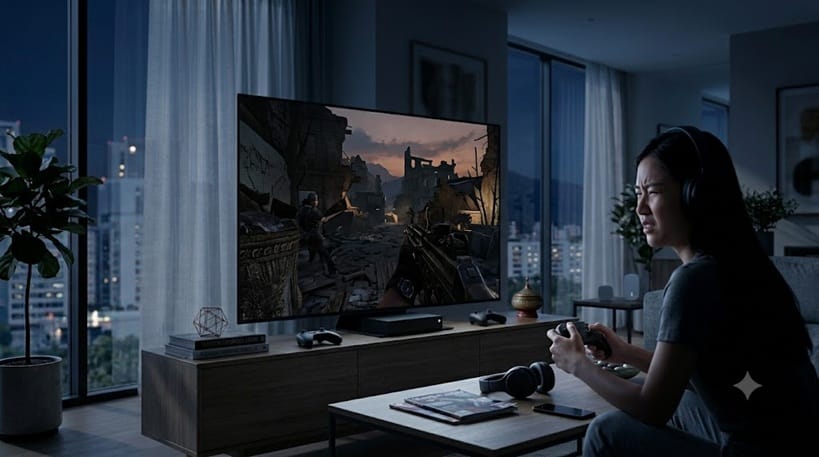
Toggle VRR off mid-game and the shimmer in your shadows vanishes on the spot. Toggle it back on and it returns like clockwork — same dark corner, same faint pulse, every time.
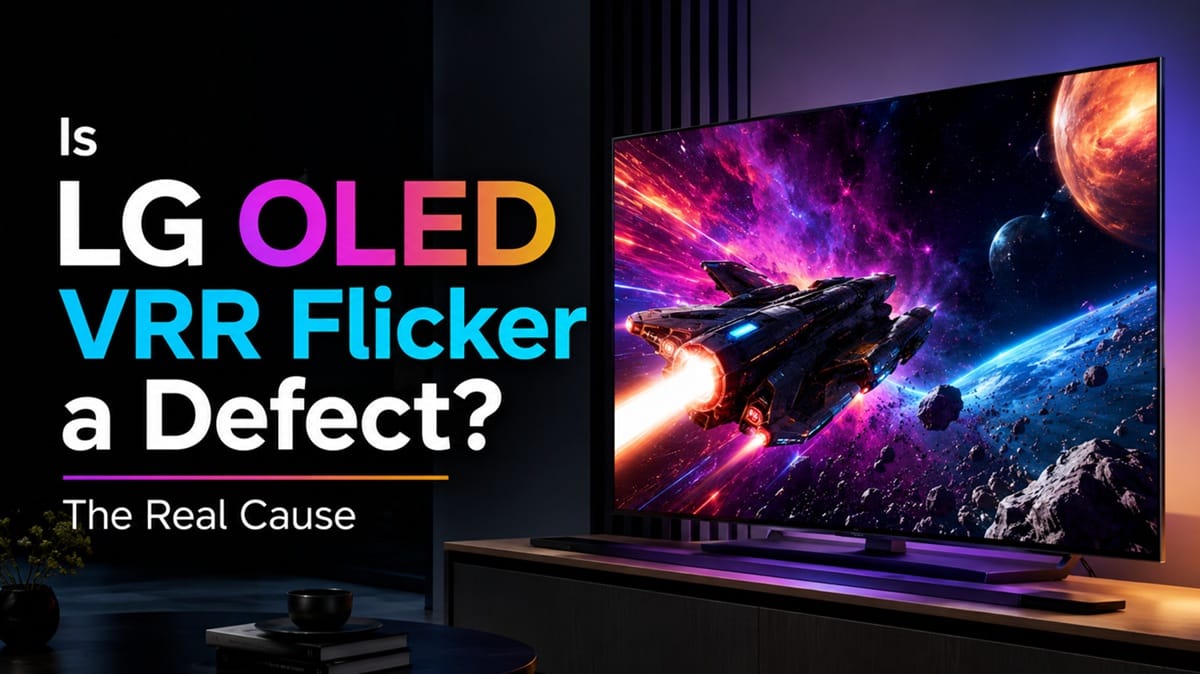
If you’ve searched for LG OLED VRR flicker after seeing this, the first question is usually the same one: is the panel defective? Based on manufacturer specifications and independent testing data, the honest answer is almost always no. This is a known behavior tied to how OLED panels respond when the refresh rate itself is changing, not a symptom of a bad unit.
It only shows up when the refresh rate itself is in motion, which is why it’s tied specifically to VRR gaming sessions rather than static content — if you’ve noticed banding in dim gradients instead, that’s a separate panel behavior covered in our LG OLED HDR banding piece. Below, we cover what’s actually causing VRR flicker, why it’s more noticeable in some games and rooms than others, and which Game Optimizer settings actually reduce it.
Table of Contents
The Short Answer: What Causes LG OLED VRR Flicker
LG OLED VRR flicker happens because the panel’s gamma response shifts slightly every time the refresh rate changes — and with Variable Refresh Rate enabled, that’s constantly. It’s most visible in dark scenes because the human eye is far more sensitive to small brightness swings in shadow detail than in bright highlights. It affects OLED panels broadly, not one LG model or one specific unit.
What’s Actually Happening on the Panel
Why Self-Lit Pixels Behave Differently Than LCD Backlights
An LCD TV keeps a separate backlight running at a steady output while the panel itself just gates how much light passes through. An OLED panel doesn’t have that buffer — every pixel is its own light source, and its brightness is calculated fresh for whatever refresh rate the signal is currently running at.
Think of it like a metronome that has to reset its tempo mid-song every time the beat changes speed. Most of the time it lands close to where it should. But right at the moment the tempo shifts, there’s a tiny stumble — and that stumble, on an OLED panel, shows up as a brightness flicker instead of a rhythm hiccup.
Why This Is a VRR-Specific Issue, Not a General Flicker Problem
According to LG’s own Game Optimizer support documentation, VRR is designed to let the TV’s refresh rate track the game’s frame rate in real time, which is what eliminates screen tearing. That constant tracking is exactly the mechanism that also produces the gamma shift. A fixed 120Hz mode doesn’t have this problem because the refresh rate never moves — it trades away tear-free motion to get there.
Why It’s Worse in Some Games and Rooms Than Others
Frame Rate Volatility Is the Real Trigger
A game that holds a rock-steady 60fps rarely shows noticeable flicker, because there’s nothing for VRR to actively correct. A game whose frame rate swings between 45fps and 90fps depending on what’s on screen gives VRR constant work to do, and each correction is a fresh chance for the gamma curve to stumble. Open-world titles with variable scene complexity tend to show this more than locked-frame-rate console modes.
This is part of why gaming-focused reviews matter more than spec sheets alone — our full LG G6 review covers how VRR actually behaves across a full gaming session on a current-generation panel, which tells you more about real-world flicker than a refresh-rate number ever will.
Room Lighting Changes What You Notice
A brightness shift of a few percent is easy to miss in a bright room and hard to miss in a dark one. If you mostly game with the lights on, VRR flicker that would bother a home-theater setup may never register for you at all — which is worth knowing before you assume something’s wrong with your specific TV.
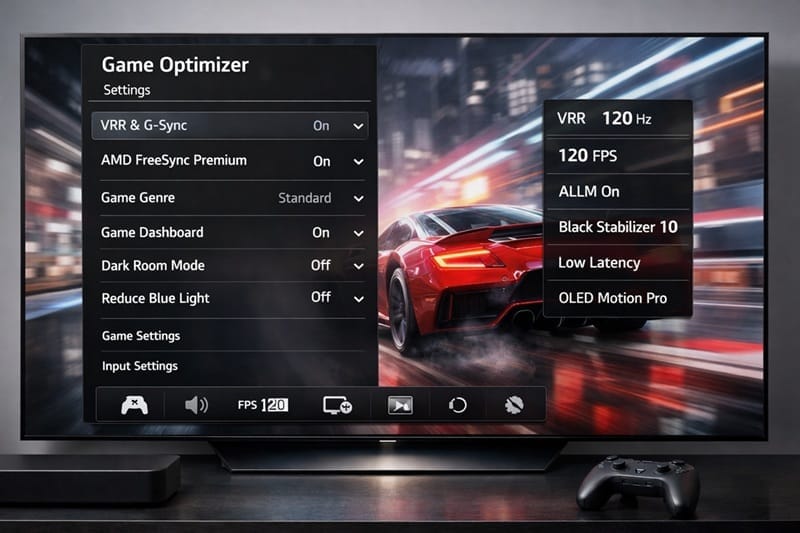
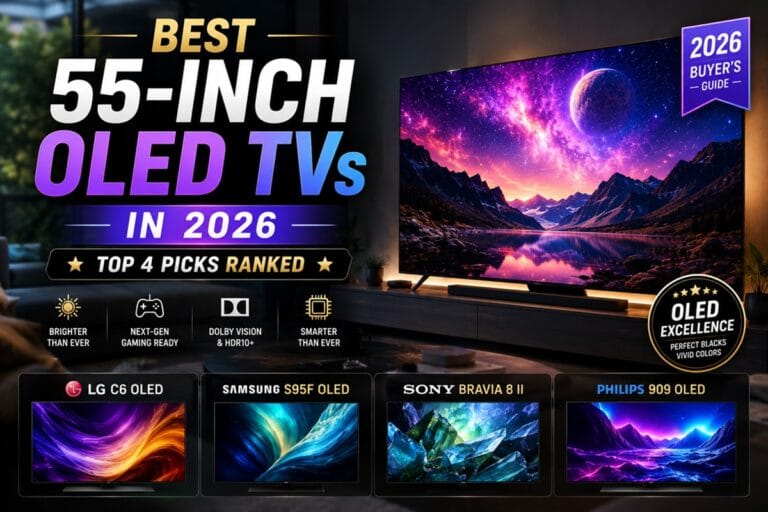
Chasing a flicker-free VRR experience shouldn’t be the deciding factor in a TV purchase on its own, though — our best OLED TVs of 2026 roundup weighs gaming features against the rest of the picture-quality picture, so you’re not over-indexing on one setting.
What Actually Reduces LG OLED VRR Flicker
None of the fixes below eliminate VRR flicker outright — based on RTINGS’ testing methodology for this behavior, it’s a characteristic of how OLED panels handle variable refresh rates, not a bug with a permanent patch. What they do is reduce how often you’ll notice it.
Symptom → Cause → Fix
| SYMPTOM | LIKELY CAUSE | FIX | DIFFICULTY |
|---|---|---|---|
| Shimmer in dark scenes only, VRR enabled | Frame rate swinging widely as the scene load changes | Cap the game’s frame rate a few fps below the panel’s max refresh so VRR has less range to correct | Medium |
| Flicker only on PC at the panel’s max refresh rate (e.g. 165Hz) | Wider VRR swing range at the top-end refresh rate | Test at a locked 120Hz instead — a smaller VRR window is typically more stable | Easy |
| Brief black flash, not a brightness pulse | HDMI handshake drop, not VRR flicker at all | Try a different HDMI port or cable — this is a separate issue from the gamma-shift flicker covered here | Easy |
| Flicker persists across every game and setting combination | Outdated TV firmware, or in rare cases a genuine panel fault | Update webOS fully, then contact LG support if the issue is still unusually severe compared to what’s described here | Advanced |
If flicker is severe enough to be distracting at every frame rate and setting, that’s outside normal VRR behavior and worth a support conversation with LG.
If what you’re dealing with doesn’t fit this VRR-specific pattern — flicker that shows up with VRR off, or outside of gaming entirely — our why is my tv flickering guide covers the broader set of non-VRR causes and fixes.
What This Means for You in Practice
Who Should Pay Attention to This
If you’re primarily a PC gamer running uncapped frame rates, or you play open-world titles with heavy frame rate swings in a dark room, you’re the most likely to notice LG OLED VRR flicker. It’s worth testing the frame-rate-cap fix above before assuming anything is wrong with your unit.
If reliability and gaming performance are both high on your list while you’re still comparing models, our LG OLED roundup breaks down which current-generation panels handle VRR most cleanly.
Who Doesn’t Need to Worry
If you mostly play console games with a locked 60fps or 120fps mode, or you game with room lighting on, you’re unlikely to ever notice this. VRR flicker is a real, documented OLED characteristic — but for most console-first setups, it’s simply not visible enough to affect the experience.
If the flicker isn’t a dealbreaker and you’re now shopping by price, an open-box unit can meaningfully cut the cost of a current-generation LG OLED — as long as the manufacturer’s warranty actually transfers with it. Our LG OLED open box worth it breakdown walks through when that tradeoff holds up.
FAQs: LG OLED VRR Flicker
Is LG OLED VRR flicker a sign my TV is defective?
Not on its own. RTINGS’ dedicated VRR flicker testing — run on OLED gaming monitors, which use the same self-emissive panel technology as OLED TVs — found this gamma-shift behavior across multiple brands, which points to a panel-technology characteristic rather than a defect in any single unit.
The same underlying LFC handoff shows up on backlit panels too, not just self-emissive ones — our Hisense TV VRR flicker breakdown covers how it plays out on a Mini-LED set instead of OLED.
Does turning off VRR fix the flicker completely?
Yes — disabling VRR removes the flicker because the refresh rate stops changing, but you trade that for the screen tearing VRR exists to prevent. Most gamers find the frame-rate-cap approach a better middle ground than switching VRR off entirely.
Does this happen on every LG OLED model?
The underlying behavior applies across LG’s OLED lineup, since it comes from how any OLED panel handles a changing refresh rate rather than from one specific model’s hardware. We don’t have independently verified data pinning down how much any single processor generation changes the severity, so treat model-to-model differences here as unconfirmed rather than assumed.
Should I avoid an LG OLED for gaming because of VRR flicker?
No — this shouldn’t be a deciding factor on its own. It’s a minor, scene-dependent artifact rather than a functional problem, and it exists across OLED gaming displays broadly, not as a reason to rule out LG specifically.
Can a firmware update get rid of VRR flicker completely?
Don’t expect a full fix from software alone. A firmware update can smooth how quickly the gamma curve settles after a refresh-rate change, but it can’t remove the underlying cause: every self-lit pixel has to recalculate its own output each time the refresh rate moves, and that recalculation happens at the panel level, not the software layer. Newer processors have narrowed the effect over successive generations, but a patch note alone isn’t going to erase it.

iYaiii
Editor, GearPulse360
iYaiii is the editor and founder of GearPulse360, specializing in TV reviews and consumer electronics. He researches every recommendation before publishing.
✅ Based on spec analysis and LG’s official and RTINGS data — last verified July 2026