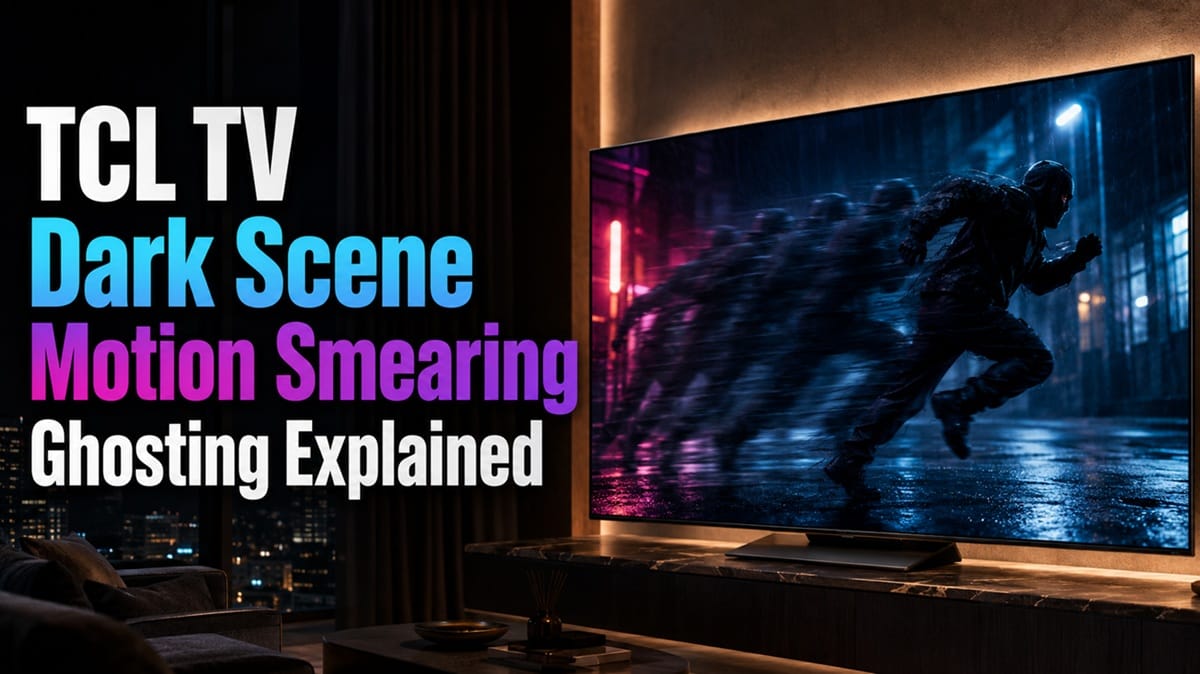
TCL TV Dark Scene Motion Smearing Ghosting: What’s Actually Causing It
Last updated: July 2026
🕒 7 min read
Disclosure: GearPulse360 participates in the Amazon Associates Program. This particular article contains no affiliate links; other content on our site may.
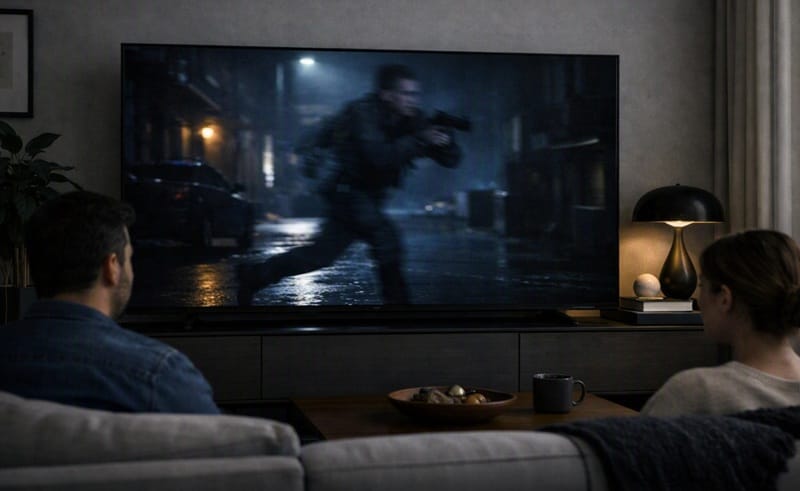
You’re watching something dark — a cave scene, a nighttime chase, credits rolling on a black background — and there’s a smeary trail behind anything that moves, or a faint double-image ghosting off the edges of subtitles and bright objects. It’s the kind of thing you don’t notice on a bright sports broadcast, only in a dim room with the lights off.
That pattern follows the content, not a fault in one particular unit. Based on manufacturer specifications and published lab data on TCL’s Mini-LED lineup, dark-scene smearing and ghosting trace back to two separate mechanisms that don’t always show up together — which is why the symptom looks a little different from one person’s TV to the next.
This article breaks down what’s actually happening, since the same complaint gets grouped together online even when the underlying cause isn’t the same. If you’ve already run into this on a specific model, our TCL QM8K motion blur breakdown covers the brighter-scene side of TCL’s motion handling in more depth.
Table of Contents
The Short Answer
TCL TV dark scene motion smearing and ghosting come from two different sources: local-dimming zones that lag slightly behind fast-moving bright objects, and LCD pixel response times that run slower for transitions into and out of near-black shades. Budget and mid-tier TCL Mini-LED models, which carry fewer dimming zones than the flagship tier, tend to show both effects more visibly.
What’s Actually Causing the Smearing
Local-Dimming Zone Lag
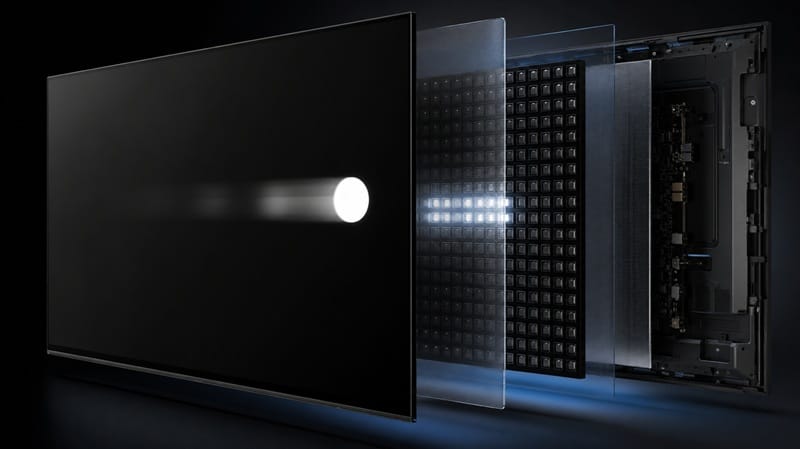
TCL’s Mini-LED sets — including the Halo Control-branded backlight system used across the 2026 QM-series and its Amazon-exclusive QM64L variant — divide the screen into dimming zones that brighten and dim independently to boost contrast. That’s the whole point of Mini-LED. But zones can’t always keep pace with a bright object moving quickly across a dark background.
RTINGS’ lab testing of the TCL QM8K, a flagship sibling that shares the same general Halo Control approach, found the dimming system does an otherwise strong job tracking fast-moving objects. But the leading edge of a moving bright shape comes out a bit darker than the rest of it — a small lag between the object’s position and the backlight zone catching up.
Separately, RTINGS also measured the QM8K’s edge handling on fast motion as a clear weak point, noting inconsistent edges around moving objects that add noticeable blurriness in scenes with a lot of motion (RTINGS’ TCL QM8K review).
Slow Pixel Response in Near-Black Transitions
The second cause sits at the panel level, not the backlight. VA-type LCD panels — which is what TCL uses across its Mini-LED lineup, QM64L included — are inherently slower to shift pixels into and out of very dark shades than they are at brighter luminance levels. That’s a property of the liquid crystal itself, not a TCL-specific flaw.
On the TCL QM7L, a 2026 mid-range Mini-LED model with the same general local-dimming and panel-class approach as the QM64L, RTINGS measured a strong overall response time. But the review specifically called out that transitions run a bit slower going into and out of dark shades, and it also flagged noticeable ghosting at the sides of moving objects.
Combined, that lines up with what most people describe as dark-scene smearing: the panel does its best work in bright scenes and its slowest work in dark ones, and the ghosting shows up right at the boundary between the two.
Why This Shows Up More on TCL’s Budget and Mid-Tier Mini-LED Models
Fewer Zones, More Visible Lag
Dimming-zone count scales with price tier, and the gap is measurable. RTINGS counted 1,680 zones on the 65-inch QM8K versus 1,152 zones on the 65-inch QM7L — a roughly 30% drop one tier down. Fewer zones means each one covers more screen area, so the same lag behind a moving object spans more visible space and is easier to catch.
This is a fundamentally different mechanism from how OLED panels handle motion, since OLED doesn’t rely on a zoned backlight at all — every pixel controls its own light output. Our OLED motion and response time explained guide covers why that changes the equation for dark-scene motion on OLED sets specifically.
Zone count isn’t the only spec that gets trimmed as you move down TCL’s price tiers, either. Port specs shift too — a budget or mid-tier model’s HDMI inputs don’t always carry the same version number as the flagship’s, and the spec sheet rarely spells out which port supports what. Our TCL budget TV picture quality and HDMI features breakdown covers what actually changes on TCL’s lower-tier sets, beyond just dimming zones.
If the tradeoffs here have you second-guessing Mini-LED altogether, our best 4K TVs of 2026 roundup sorts current picks by panel type and budget instead of leaving you to compare spec sheets one by one.
Is This Normal, or a Sign Something’s Wrong With Your TV?
What Normal Dark-Scene Smearing Looks Like
The clearest tell is whether the effect tracks the content. If the smearing or ghosting comes and goes with the scene — worse during a dark chase sequence, gone during a well-lit interior shot — that’s the response-time and dimming-zone behavior described above, and it’s expected on this panel class rather than a fault in your specific unit. Turning the room lights back on usually makes it far less noticeable too — not because the panel is doing anything differently, but because your eyes are less sensitive to small brightness shifts in a lit room.
When It Points to an Actual Problem
That said, there’s a difference between mild, occasional smearing and something more severe — persistent trailing on nearly everything, a fixed patch of the screen that lags no matter what’s playing, or an image that looks broken rather than just imperfect.
If it’s the latter, that points toward a panel or backlight issue rather than the normal response-time tradeoff described above, and it’s worth a support conversation rather than settling for a picture-mode tweak.
What This Means for You in Practice
Who Should Pay Attention to This
If you watch a lot of dark, cinematic content — horror, thrillers, space movies, prestige dramas shot with low-key lighting — in a dark or dimmed room, this is worth factoring into your purchase decision. It’s also more relevant if you’re comparing TCL’s budget and mid-tier Mini-LED sets specifically, since the gap narrows the closer you get to TCL’s flagship zone counts.
If contrast and dark-scene motion clarity matter more to you than price, our OLED vs Mini LED compared guide walks through where each technology actually wins.
Who Doesn’t Need to Worry
If most of your viewing is daytime TV, sports, sitcoms, or gaming in a lit room, this effect is unlikely to bother you in any meaningful way. Bright, high-contrast content is exactly where TCL’s Mini-LED backlight performs best, and the dimming-zone lag and dark-transition slowdown described above are both specifically dark-scene phenomena.
FAQs: TCL TV Dark Scene Motion Smearing Ghosting
Why does my TCL TV smear or ghost during dark scenes?
Two mechanisms are usually at play at once: the local-dimming backlight lagging slightly behind a bright object’s position, and the LCD panel itself taking longer to shift into and out of near-black shades. RTINGS’ published testing on TCL’s QM-series measures both independently rather than as a single defect (RTINGS’ TCL QM7L review), which is why the fix for one — lowering local dimming — doesn’t fully resolve the other.
Does this mean my TV has a defective panel?
Usually not. The distinction is whether it moves with the content or stays put: normal dark-scene smearing follows moving objects and disappears once the scene brightens, while an actual panel defect tends to sit in the same fixed spot on the screen no matter what’s playing, or shows up in bright scenes too.
Can a picture setting fix dark scene smearing?
Adjusting motion-smoothing or local-dimming intensity settings can reduce the visibility of the effect for some viewers, though it won’t eliminate it entirely, since part of the cause is the panel’s underlying response time rather than processing. Lowering local dimming can reduce zone-lag halos at the cost of some contrast.
Is this worse on cheaper TCL Mini-LED models?
Yes, roughly in proportion to the zone-count gap between tiers — RTINGS measured about 30% fewer dimming zones on the mid-range QM7L than on the flagship QM8K at the same 65-inch size. Our TCL 65QM64L review covers where that specific model’s Mini-LED implementation sits in TCL’s current lineup.
Does OLED avoid this problem entirely?
The dimming-zone-lag half, yes — OLED has no backlight zones to lag behind moving objects. But it isn’t a clean trade either way: RTINGS’ own testing notes that OLED panels can show more visible judder and stutter in low-frame-rate content than TCL’s Mini-LED sets, precisely because OLED’s near-instant pixel response doesn’t smooth motion the way a slower LCD transition sometimes does. For the wider picture beyond motion alone, see our breakdown of does TCL Mini-LED look as good as OLED.

iYaiii
Editor, GearPulse360
iYaiii is the editor and founder of GearPulse360, specializing in TV reviews and consumer electronics. He researches every recommendation before publishing.
✅ Based on TCL’s official specifications and RTINGS data (TCL QM7L, TCL QM8K) — last verified July 2026