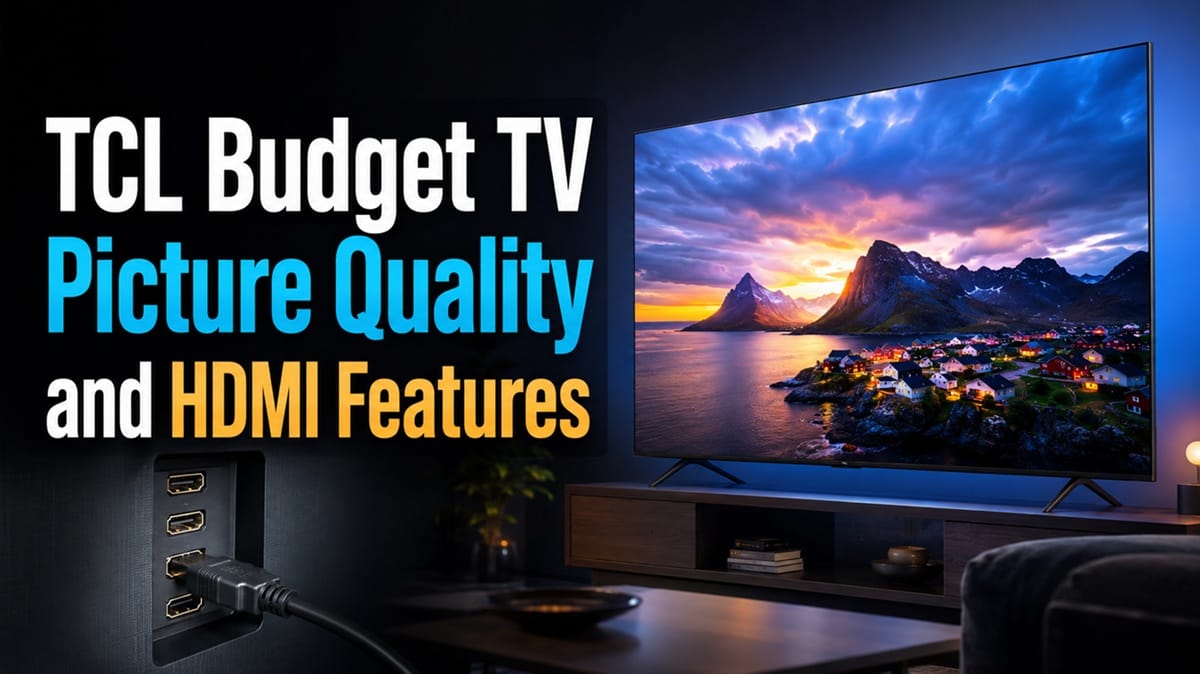
TCL Budget TV Picture Quality and HDMI Features: What You’re Actually Getting
Last updated: July 2026
🕒 7 min read
Disclosure: GearPulse360 participates in the Amazon Associates Program. This particular article contains no affiliate links; other content on our site may.
You’re looking at a budget TCL and the spec sheet reads like a much pricier TV — QLED color, Dolby Vision, Auto Game Mode, a Motion Rate number in the hundreds. Then you check the port list and it just says “HDMI,” with no version number attached, and the picture gets a lot less clear.
TCL’s budget-tier lineup isn’t one TV in different screen sizes — the F7D and F8D use different backlights, different native refresh rates, and different port counts, despite sitting one letter apart in the model name. Based on TCL’s own published specifications, those differences show up exactly where they matter most: panel type, refresh rate, and how many of the listed HDMI ports actually carry the gaming features TCL advertises.
This piece covers TCL budget TV picture quality and HDMI features for the F7D and F8D specifically — what each series specifies on paper, where that differs from the marketing copy on the same product page, and how it compares once you move up to a tested tier like does TCL Mini-LED look as good as OLED. If you already own one of these sets or are choosing between them, the goal is closing the gap between what the box promises and what the spec sheet confirms.
Table of Contents
TCL Budget TV Picture Quality and HDMI Features: The Short Answer
TCL’s cheapest 2026 sets, like the F7D, use a standard LED backlight at a 60Hz native refresh rate and TCL’s own spec table lists HDR10 only, despite marketing copy elsewhere on the same page mentioning Dolby Vision. Step up to the F8D and you get a real Mini LED backlight with local dimming at 120Hz, plus one more HDMI port. Neither series’ official spec sheet states an HDMI version number — TCL’s own support documentation says that’s model-dependent and has to be confirmed per model, not assumed from the spec sheet.
What You Actually Get in Picture Quality Across the Budget Line
The F7D: TCL’s True Entry Point
According to TCL’s own specification table for the F7D, this series runs a standard LED backlight (not Mini LED) at a native 60Hz refresh rate. The “Motion Rate 240” figure on the marketing side of the same page refers to TCL’s motion interpolation processing, not the panel’s actual refresh rate — worth separating out if you’re comparing this set against anything with a faster native panel.
The F8D: A Real Backlight Upgrade, Not Just a Higher Model Number
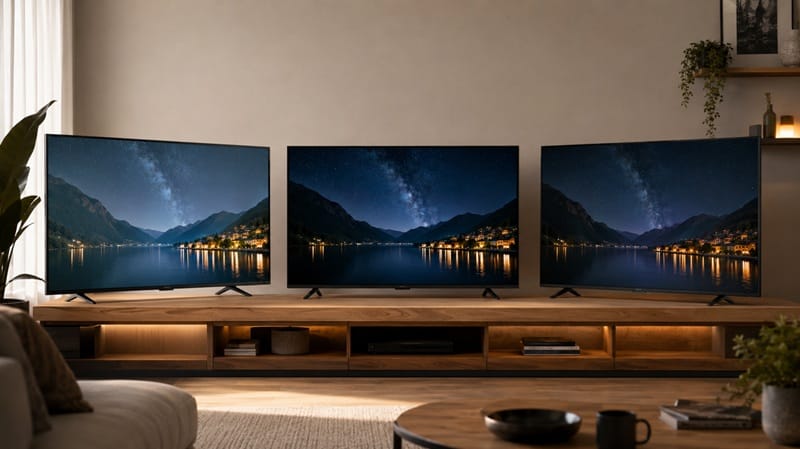
The F8D moves to a Mini LED backlight with local dimming and a native 120Hz refresh rate, per TCL’s own spec table for the F8D. This is a meaningfully different panel architecture from the F7D, not a minor spec bump — local dimming zones are what let a TV show deep blacks next to bright highlights without one washing out the other, which the F7D’s edge-lit-style LED backlight isn’t built to do as well.
TCL builds the F8D’s panel, refresh rate, and HDMI count identically across every screen size in the series, so the buying decision within F8D usually comes down to size and price rather than any further spec differences. For the exact numbers on one specific size, our TCL 75F8D review walks through the 75-inch model’s real-world picture quality, port layout, and how its Fire TV platform holds up against TCL’s Google TV-based Mini LED sets.
The same series also comes in a smaller 50-inch size for rooms that don’t need a 75-inch screen. Our TCL 50F8D review covers whether the smallest F8D still holds up as a genuine budget QLED or feels like a cut-down version of the panel described above.
HDMI Ports and Gaming Features by Series
What’s Actually on the Back Panel
TCL’s spec table lists 3 total HDMI ports on the F7D and 4 total HDMI ports on the F8D. Both series list Auto Game Mode, which auto-switches the TV into low-latency mode when it detects a console — but neither official spec table states a specific HDMI version or confirms Variable Refresh Rate support. That’s a real gap if you’re shopping for a PS5 or Xbox and assuming “Auto Game Mode” means the same thing as HDMI 2.1 with VRR — it doesn’t necessarily. Our tcl tv dark scene motion smearing ghosting piece covers a related motion-handling issue that shows up more on lower-refresh budget panels like the F7D.
Why TCL Doesn’t Always Confirm the Port Version on the Spec Sheet
This isn’t unique to the F7D and F8D — it’s how TCL structures its spec pages across most of its budget-tier lineup. One tier up, where independent lab testing exists, the picture is much clearer: RTINGS’ testing of the TCL QM6K confirms 2 HDMI 2.1 ports supporting 4K at 144Hz and VRR. It’s a different series running Google TV rather than Fire TV, so it isn’t a stand-in for the F7D or F8D specifically — but it does show what a fully-specified budget TCL port list looks like, versus the F7D and F8D’s spec tables, which stop at a port count without a version number.
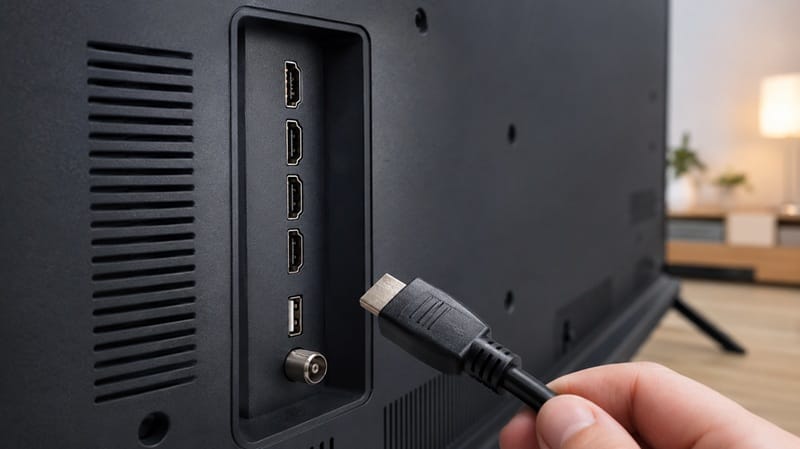
If you’ve worked through this comparison and you’re leaning toward something with clearer gaming specs confirmed up front, our best 4K TVs of 2026 roundup lines up current picks across every panel type and price bracket, with HDMI and refresh-rate specs stated plainly for each one.
The Dolby Vision Discrepancy Worth Double-Checking
One specific inconsistency worth flagging on the F7D’s own product page: the marketing section advertises “HDR Pro+ with Dolby Vision, HDR10+, HDR10, & HLG,” but the Specifications tab on that same page lists “HDR Format Supported: HDR10” and nothing else. Both sections come from TCL, on the same product listing, and they don’t agree with each other.
That’s not necessarily a mistake on TCL’s part — retailers and manufacturers sometimes carry over marketing copy across a whole product family without updating it per SKU. But it means you shouldn’t treat the bullet-point marketing language as confirmation of Dolby Vision support on the F7D. If Dolby Vision playback matters to you, it’s worth checking the box, the manual, or asking the retailer directly before assuming the marketing copy applies to your specific size and region.
What This Means for You in Practice
Buy the F7D or F8D If…
You want a basic 4K set for casual streaming and don’t need confirmed VRR or guaranteed Dolby Vision. The F8D’s Mini LED backlight is a real step up in contrast over the F7D, and both are reasonable picks if picture quality on paper matters less to you than price. If you’re weighing Mini LED against OLED more broadly before deciding how much backlight technology actually matters to you, our OLED vs Mini LED compared guide breaks down where each technology wins.
TCL sells similar budget and Mini LED tiers under the Roku TV platform too, and if that’s the version you land on, our how to turn brightness down on Roku TV guide covers the exact menu path for dialing in picture settings once it’s set up.
Skip This Tier If…
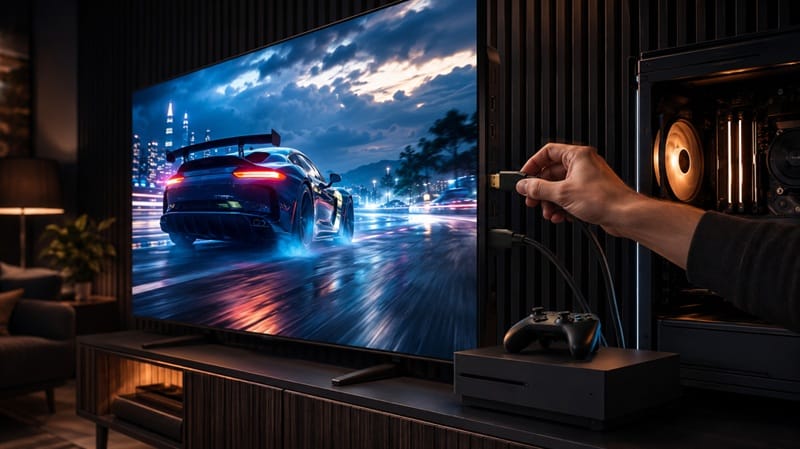
You need HDMI 2.1 features confirmed at purchase — for competitive gaming, 4K/120Hz console output, or guaranteed VRR — since neither the F7D nor F8D’s official spec sheet states this outright. In that case, a model with independently tested and confirmed specs, like the QM6K one tier up, removes the guesswork entirely.
FAQs: TCL Budget TV Picture Quality and HDMI Features
Does TCL’s budget TV lineup support HDMI 2.1?
Some models do and some don’t, and TCL’s own support documentation confirms there’s no blanket answer — TCL states that some of its TVs support HDMI 2.1 and others don’t, and recommends confirming by model number directly. Neither the F7D nor F8D’s spec table names an HDMI version, so don’t assume 2.1 is included based on the port count alone.
Is the F8D’s picture quality actually better than the F7D’s, or just the smart TV features?
It’s the panel itself, not just software. The F8D uses a Mini LED backlight with local dimming at 120Hz, while the F7D uses a standard LED backlight at 60Hz — that’s a difference in how the screen produces contrast and motion, not a features checklist difference.
Do TCL’s cheapest TVs support Dolby Vision?
Check the Specifications tab, not just the marketing bullets. On the F7D’s own product page, the marketing copy lists Dolby Vision while the spec table lists HDR10 only — the two sections don’t match, so it’s worth confirming directly for your exact size and region before buying based on that feature.
Which TCL budget model makes more sense for console gaming?
If gaming features need to be guaranteed rather than assumed, a tier with confirmed specs is the safer pick. Our tcl qm8k motion blur breakdown covers how TCL’s higher-refresh Mini LED panels handle fast motion, which is the more relevant comparison if smooth gameplay is the priority over price.
How can you actually check which HDMI ports support 2.1 on a budget TCL TV?
The product page’s Specifications tab won’t tell you — it lists a total port count, not a version per port. The model-specific manual (usually under the Downloads tab on TCL’s own product page) or a direct question to TCL support with the exact model and size in hand is more reliable than the marketing bullets or the spec table alone.

iYaiii
Editor, GearPulse360
iYaiii is the editor and founder of GearPulse360, specializing in TV reviews and consumer electronics. He researches every recommendation before publishing.
✅ Based on TCL’s official specifications and RTINGS data — last verified July 2026