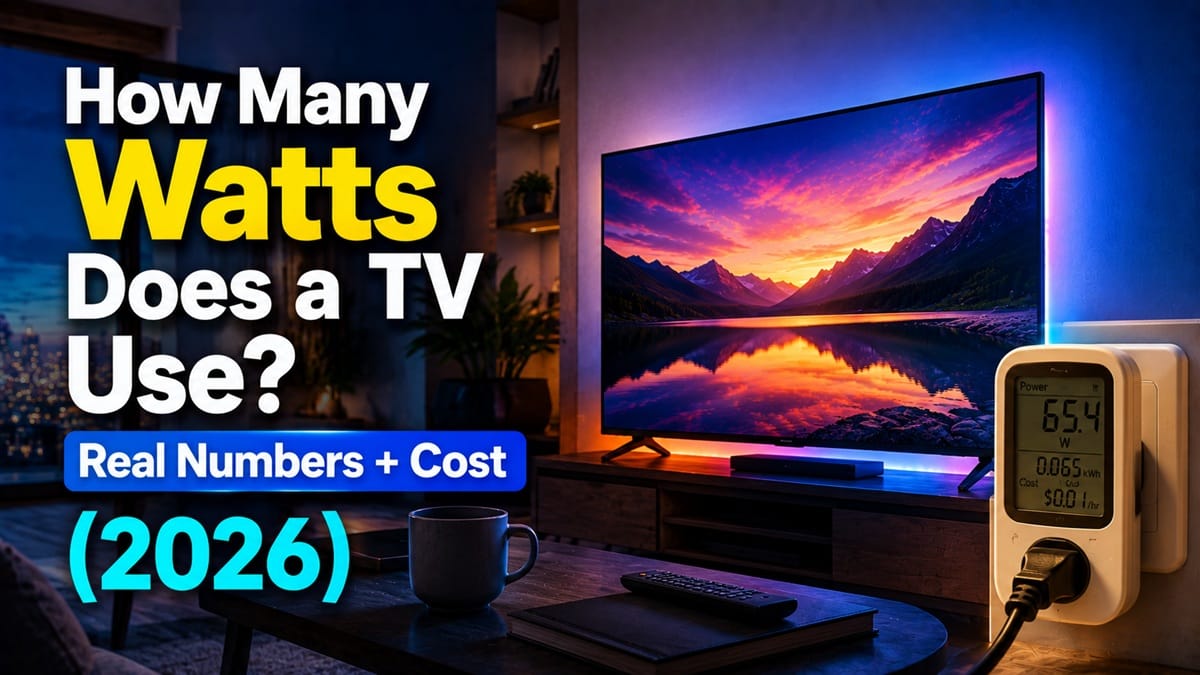
How Many Watts Does a TV Use? (And What It’s Actually Costing You)
Last updated: August 2026
🕒 7 min read
Disclosure: GearPulse360 is a participant in the Amazon Associates Program. Some pages on this site contain affiliate links, and we may earn a commission from qualifying purchases at no extra cost to you.
You pulled up your latest electric bill, it was higher than you expected, and now you’re staring at the TV wondering how many watts does a TV use — and how much of that jump is actually its fault. It’s a fair question — a TV runs for hours every day, and unlike a fridge or a water heater, most people have no idea what number it’s actually pulling.
The honest answer depends more on your TV’s size and brightness settings than most people assume — a 42-inch set and an 85-inch set aren’t in the same conversation, and neither are two TVs of the same size running different picture modes. Panel type plays a role too, but it’s not the deciding factor people often assume it is, and that draw ties directly to what a TV backlight is and how hard it’s working on LED-based sets specifically. If you just want a fast estimate, the box below gives you a starting range — the sections after it walk through where that range comes from.
Table of Contents
Quick Answer
Most TVs use somewhere between 30 and 250 watts while actively playing content, depending mainly on screen size and brightness — with standby power adding only a small amount on top of that.
- Typical range (43″–65″): roughly 60–150 watts during active viewing
- Biggest factor: screen size and picture brightness — not panel type alone
- Rough annual cost: commonly in the range of $15–$45/year for average use, before extreme brightness or very large screens push it higher
- Standby power: a small addition on modern sets, not the main driver of your bill
The Short Answer: How Many Watts Does a TV Use?
Most modern TVs draw somewhere between 30 and 250 watts while actively playing content. A smaller 32–43-inch set typically sits in the 30–80 watt range, a mainstream 55–65-inch set usually lands around 60–150 watts, and very large or extremely bright sets can push past 200 watts. Standby power, by contrast, is usually just a few watts or less on anything made in the last several years.
How Many Watts Does a TV Use? What Determines the Number
Screen size, brightness, and picture settings
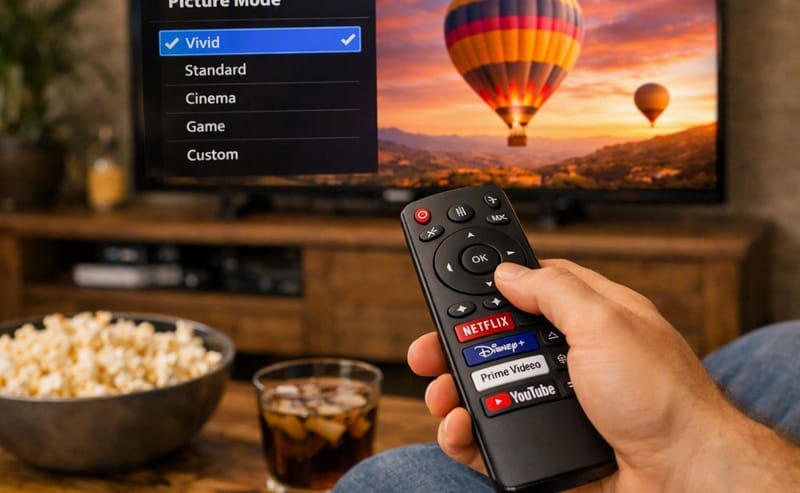
Screen size is the single biggest lever — more pixels and a larger backlight or panel area both need more power to light up. But brightness settings can move the number almost as much as size does. A TV running in a dim, “Movie” or “Filmmaker” picture mode can use meaningfully less power than the same set running its brightest “Vivid” or “Standard” mode, especially with HDR content that pushes peak brightness higher.
Samsung’s own energy-saving documentation is a useful reference here: features like Brightness Optimization and Adaptive Picture (part of Intelligent Mode) are specifically designed to trim power draw by adjusting brightness to the room and the content, rather than running the panel at a fixed high level all the time — worth checking if you’re trying to bring your own set’s number down.
Panel type — a smaller factor than people expect
It’s tempting to assume OLED automatically uses more (or less) power than LED-based TVs, but the real-world picture is messier than that. Independent testing shows that brightness and content matter enough that a very bright, HDR-heavy LED set can draw more power than a dimmer OLED of the same size — panel type shifts the number, but it doesn’t override brightness as the dominant variable.
Why This Adds Up More in 2026 Than It Used To
Bigger screens have become the default
The average TV people buy today is simply larger than it was a few years ago — 65-inch and even 75-inch sets are now common mainstream picks rather than premium outliers. Since screen size is one of the two biggest drivers of wattage, that shift alone means a “typical” TV today draws more power than a “typical” TV from several years back, even before brightness or HDR content is factored in.
Running cost adds up over a TV’s full lifespan
A few dollars a month doesn’t feel significant on its own, but it compounds over the years a TV stays in service. If you’re also wondering how long TVs typically last before replacement makes sense, that same timeline is worth keeping in mind when you’re estimating the total running cost of a set you’re planning to keep for a decade or more.
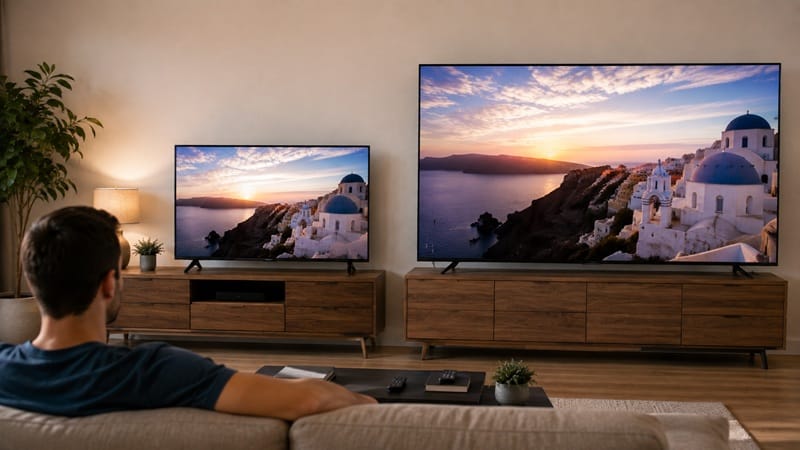
None of this is really an argument against buying a bigger or brighter TV — it’s more about knowing what you’re signing up for. If you’re shopping for a new set anyway, our best 4K TVs of 2026 roundup notes efficient standout picks across sizes, so power draw doesn’t have to be something you find out about after the fact.
Standby Power vs. Active Viewing: Which Actually Costs More
There’s a common assumption that a TV left plugged in and “off” is quietly running up the bill in the background — but for most households, that’s backwards. A TV drawing 100 watts for five hours of active viewing a day adds up to far more energy over a year than the same TV sitting in standby mode around the clock. Standby power on modern TVs is usually small enough that it’s not the main driver of your electricity cost; the hours you actually spend watching, and how bright the picture is while you do, matter more.
That said, leaving always-on features enabled — voice assistants that stay listening, or a “Quick Start” mode that keeps more of the TV’s electronics powered so it boots faster — can add some avoidable draw on top of the baseline. It’s a smaller effect than active-viewing brightness, but it’s not nothing if you’re trying to trim the number down.
What This Means for You in Practice
Who should actually pay attention to this
If you’re running a large (65″+) TV for several hours a day at high brightness, or you’ve noticed your bill creep up around the same time you upgraded to a bigger screen, the wattage breakdown above is worth acting on — dialing back brightness or switching out of a “Vivid”-style picture mode is a real, no-cost way to bring the number down.
Who doesn’t need to worry about this
If you’re running a smaller or mid-size TV a few hours an evening, the cost difference between “efficient” and “not especially efficient” settings is usually a few dollars a year — not something that needs to change how you use your TV day to day.
FAQs: TV Power Consumption
How many watts does a TV use per hour?
Most TVs draw their rated wattage continuously while in use, rather than varying dramatically hour to hour — so a TV rated around 100 watts uses roughly 100 watt-hours (0.1 kWh) for every hour of active viewing at a given brightness setting. RTINGS’ power consumption and electricity cost guide breaks this down by model if you want to check a specific set.
Do bigger TVs always use more electricity than smaller ones?
Generally yes, screen size is one of the two biggest factors in TV power draw — but it’s not absolute. A large TV running a dim, calibrated picture mode can use less power than a smaller TV running at maximum brightness with HDR content, so size alone doesn’t guarantee a higher number.
Does turning my TV off at the wall actually save money?
It saves a small amount — standby power on modern TVs is typically low enough that unplugging makes only a marginal difference to your bill compared to simply watching at a lower brightness setting. It’s more useful as a habit for very old TVs or as a way to fully disable always-on features than as a major cost-saving move on its own.
Is OLED more expensive to run than LED or QLED?
Not necessarily. Independent testing shows brightness and HDR content have a bigger effect on power draw than panel type alone, so a bright LED or QLED can use more power than a dimmer OLED of the same size. Panel type isn’t a reliable predictor of running cost by itself.
How do I estimate my own TV’s actual electricity cost?
Multiply your TV’s wattage (check the settings menu or the label on the back, if listed) by your daily viewing hours, divide by 1,000 to get kWh, then multiply by your electricity rate and by 365 for a yearly figure. RTINGS’ power consumption calculator does this automatically if you’d rather not do the math by hand.

iYaiii
Editor, GearPulse360
iYaiii is the editor and founder of GearPulse360, specializing in TV reviews and consumer electronics. He researches every recommendation before publishing.
✅ Based on RTINGS and Samsung’s official data — last verified August 2026