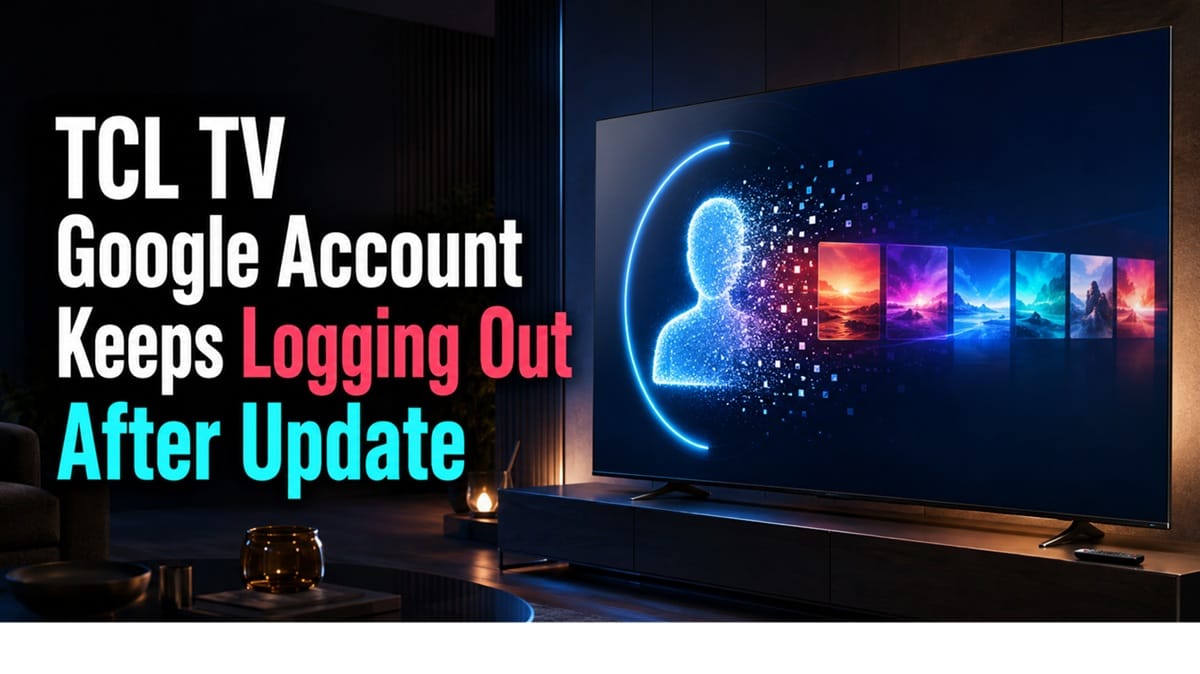
TCL TV Google Account Keeps Logging Out after Update? Here’s What’s Actually Happening
Last updated: July 2026
🕒 7 min read
Disclosure: GearPulse360 participates in the Amazon Associates Program. This particular article contains no affiliate links; other content on our site may.
Your TCL TV just installed a software update, and now it’s asking for your Google password again — sometimes once, sometimes every few hours since. One re-login right after an update is routine. A pattern of them in the same week usually means something else is going on, and it’s fair to wonder whether that something is a bug or an actual account problem.
TCL’s own support documentation and Google’s account help pages both point to the same root cause: the update disrupts the local sign-in token stored on the TV, not the account’s security. A single logout resolves itself the moment you sign back in. The repeat version needs a different approach, which is what the rest of this guide walks through.
Why updates trigger the logout in the first place, the difference between a one-time re-authentication and a repeating loop, and the exact steps to stop it all follow below — including what applies if you’ve also run into a related issue like a TCL Google TV freezing or stuck in a reboot loop. If a factory reset or removing the account only fixed things temporarily, keep reading for what to check next.
Table of Contents
The Short Answer: Why This Happens after an Update
A firmware update on a TCL Google TV can wipe or invalidate the locally stored authentication token that keeps you signed in, forcing a fresh login. That part is normal and usually only happens once. If the TV keeps logging out repeatedly — every reboot, every few hours, or every time a specific app opens — the update most likely left a corrupted profile or a stuck background sync process behind, and that needs a slightly different fix than just typing your password in again.
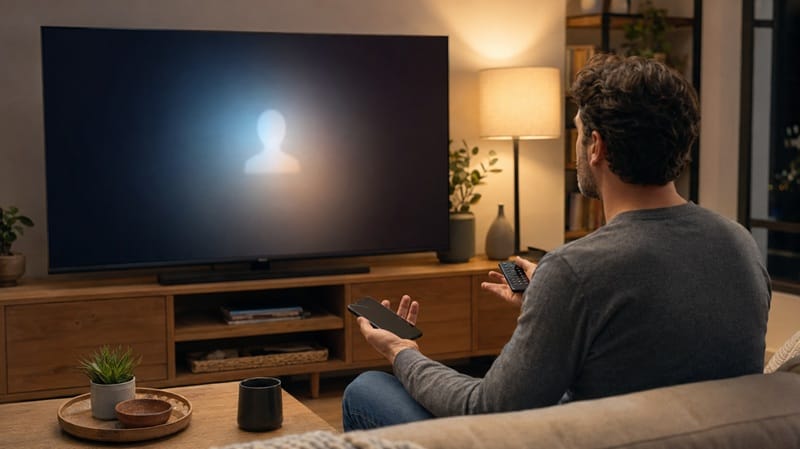
Why a TCL TV Google Account Keeps Logging Out after an Update
What the update actually changes
Google TV stores an authentication token on the device so it doesn’t have to ask for your email and password every time you turn the TV on. According to TCL’s own troubleshooting documentation, a firmware update can reset system-level settings tied to accounts and sign-in, which is why a single re-login request right after an update isn’t unusual. The problem starts when that token doesn’t get replaced cleanly, and the TV falls back into asking for it over and over.
One-time re-auth vs. a genuine loop
It helps to separate two different experiences that both get described as “keeps logging out.” One is a single prompt the first time you turn the TV on post-update — expected behavior. The other is a repeating pattern where you sign in, use the TV normally for a while, and then get bumped out again without warning. TCL’s support documentation frames the second pattern as connected to account security checks or an unstable network connection during the sign-in handshake, rather than a hardware fault.
What Else Triggers This after a Firmware Update
Common triggers beyond the update itself
A few conditions tend to show up alongside the update-related logout loop: a recent password change that hasn’t fully synced to the TV, two-step verification blocking a silent re-authentication attempt, or a home network connection that drops mid-handshake during the token refresh. Each of these is a software- or account-state issue rather than anything tied to the panel or internal hardware — the same broad category of problem behind other Google TV platform quirks, like a Hisense TV that keeps freezing and restarting, even though the two symptoms don’t look anything alike on screen.
Why factory reset sometimes “fixes” it and then it comes back
A factory reset clears the corrupted token, so it typically fixes the immediate loop right away. That doesn’t rule out a deeper problem in the update itself: if the loop comes back within a few days, a firmware-level bug is more likely than a corrupted one-time token, and that’s a case for contacting TCL support instead of resetting the TV again.
Symptom → Cause → Fix
| SYMPTOM | LIKELY CAUSE | FIX | DIFFICULTY |
|---|---|---|---|
| One-time sign-in prompt right after update | Local auth token reset by the firmware install | Sign back in normally — this is expected and shouldn’t repeat | Easy |
| Repeated logout every few hours or every reboot | Corrupted profile sync or unstable network during token refresh | Remove and re-add the Google account under Settings, then reconnect to a stable network before signing in | Medium |
| Logout loop returns days after a factory reset | Underlying account security check tied to a recent password change or 2-Step Verification | Verify sign-in on a phone or computer first, complete any pending verification prompts, then retry on the TV | Medium |
If the issue persists after trying these steps, contact TCL support directly.
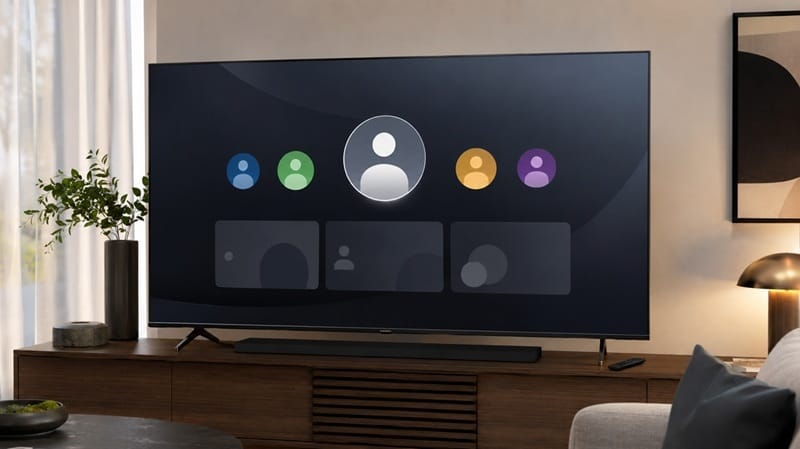
Working through a repeat logout loop takes a bit of patience, and it’s the kind of thing that can make you second-guess a purchase you were otherwise happy with. If a rough account sign-in experience has you rethinking the platform itself rather than just this one bug, our best 4K TVs of 2026 roundup breaks down which sets pair a smoother smart-TV experience with the picture quality you’re after.
How to Actually Fix Repeated Google Account Logouts
Step 1: Confirm it’s not a one-time re-auth
Sign in once and use the TV normally for a full day before assuming this is a loop. A single post-update prompt is expected and doesn’t need any of the steps below.
Step 2: Verify the account on another device first
Sign into the same Google account on a phone or computer. If it asks for 2-Step Verification or a password reset there, complete that first — the TV can’t resolve an account-level security hold on its own.
Step 3: Check the TV’s network connection
An unstable Wi-Fi connection during the token refresh is a common trigger. Move the TV closer to the router if possible, or switch to a wired connection during setup to rule out connectivity as the cause.
Step 4: Remove and re-add the account
From Settings, go to Accounts & Sign-in, remove the affected profile, restart the TV, and add the account again from a clean state rather than just re-entering the password over the existing session.
Step 5: Factory reset as a last resort
If the loop survives steps 1 through 4, a factory reset clears every stored token and forces a completely fresh setup. Back up any app-specific logins first, since this resets the whole TV, not just the Google account.
What This Means for You in Practice
Buy This If…
You’re comfortable working through a short account re-verification process occasionally, and you’d rather troubleshoot a software quirk than switch smart TV platforms entirely. In the reports we reviewed for this guide, that single re-sign-in right after the update was usually the end of it.
Skip This If…
You’ve already worked through every step above and the loop keeps coming back within days, or it’s paired with other symptoms like apps crashing or the interface freezing — at that point it’s worth contacting TCL support directly rather than repeating the same reset cycle.
None of this is a panel-level problem — if what’s actually bothering you is a fixed dot on the screen rather than a login prompt, that’s a different kind of TCL ownership question entirely. Our TCL TV dead stuck pixel guide walks through what actually counts as a manufacturing defect versus normal tolerance.
FAQs: TCL TV Google Account Logout Issues
Why does my TCL TV Google account keep logging out after update?
The update most likely reset the local authentication token the TV uses to stay signed in. A single re-login is normal; a repeating pattern usually points to a corrupted profile sync or an account security check rather than a hardware problem. RTINGS’ ongoing TCL TV coverage hasn’t flagged this specific bug in testing, which fits a pattern common to software issues: they tend to surface in daily use well after a review period ends.
Does this mean my Google account was hacked?
Not typically. Repeated logouts on a single device are far more often a session or sync issue than evidence of unauthorized access. It’s still worth checking your account’s recent activity on a phone or computer just to be safe, but a logout loop by itself isn’t a reliable sign of a compromised account.
Will a factory reset permanently fix the logout loop?
Use the timing as your test: if the loop stays gone for more than a week after the reset, the corrupted token was the actual problem. If it returns sooner than that, treat it as a sign the update itself introduced a bug rather than a one-off setup issue, and contact TCL support with the specific software version installed.
Is a logout loop a sign I should stop using this TV’s Google account features?
Not on this issue alone. A logout loop is a software problem with a known set of fixes, not a defect in the panel or hardware. If you’ve already worked through a related freeze-and-restart or reboot-loop issue on the same set and both keep recurring together, that combination is a stronger reason to contact TCL support than either symptom alone. If it’s the account and platform quirks wearing you down rather than the TV itself, our look at TCL owners switching to Roku TV after Google TV problems lays out what actually changes with a platform switch, and what doesn’t.
Is this specific to TCL, or does it happen on other Google TV brands too?
Account sync issues after a firmware update aren’t exclusive to TCL — they show up periodically across brands that run Google TV, since the underlying authentication system is Google’s, not the TV manufacturer’s. The exact frequency and how quickly it gets patched varies by brand and how often each one ships updates.

iYaiii
Editor, GearPulse360
iYaiii is the editor and founder of GearPulse360, specializing in TV reviews and consumer electronics. He researches every recommendation before publishing, cross-referencing manufacturer support documentation with independent testing coverage where available.
✅ Based on TCL support documentation and editorial research — last verified July 2026