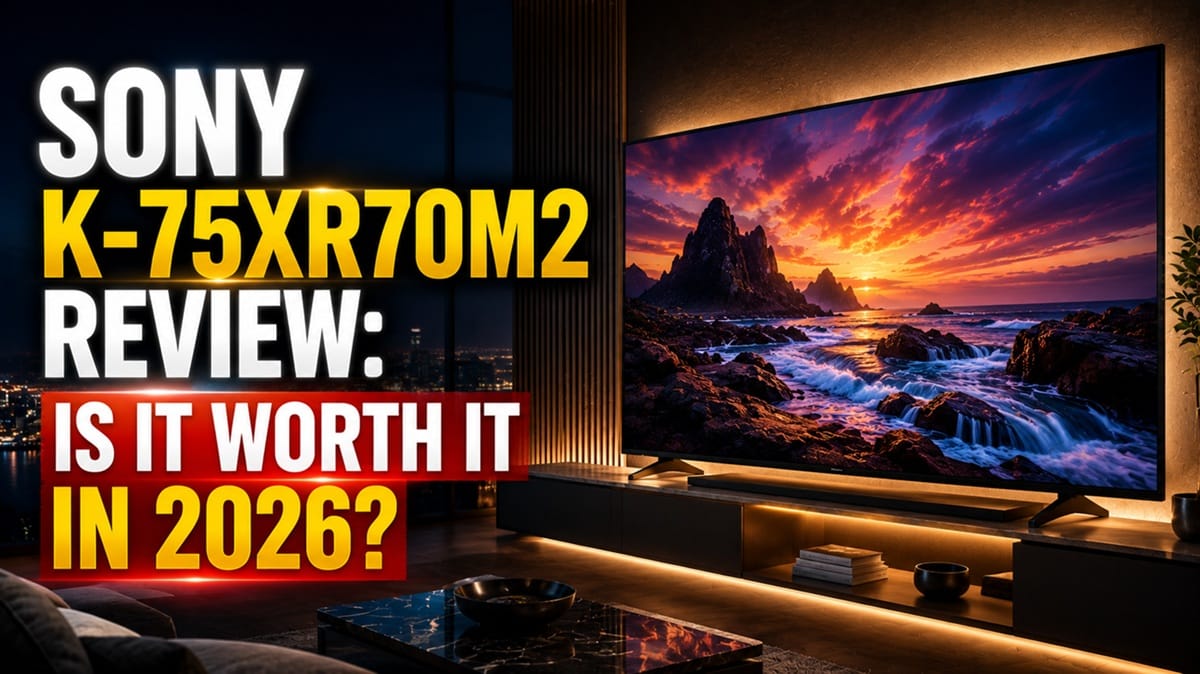
Sony K-75XR70M2 Review: Does the True RGB Backlight Justify the Price?
Last updated: July 2026
🕒 9 min read
Disclosure: As an Amazon Associate I earn from qualifying purchases. This article contains affiliate links — we may earn a small commission if you buy through them, at no extra cost to you.
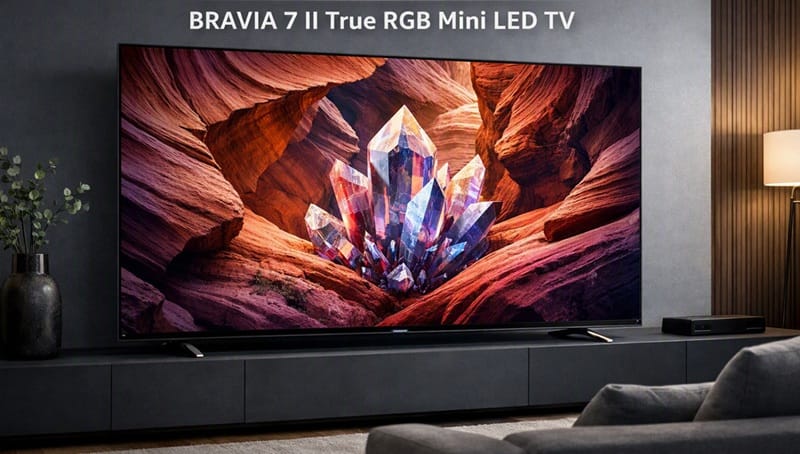
Sony calls this TV “True RGB,” but independent lab testing turned up an almost contradictory detail: with the set’s own recommended local dimming setting, most of what actually plays on screen runs on a plain white backlight, not the red-green-blue configuration the name is built around. That’s the real story sitting underneath the Sony K-75XR70M2 review conversation this year — a 75-inch True RGB Mini LED TV that sits below Sony’s flagship BRAVIA 9 II but above its standard Mini LED lineup, and asks buyers to pay a mid-flagship price for a backlight technology that, in practice, spends most of its time doing something else.
People land on this review for one of two reasons: they’re deciding whether Sony’s new RGB Backlight Master Drive Pro is worth the premium over a conventional Mini LED set, or they’re comparing the K-75XR70M2 against Sony’s own step-down K-75XR30M2 sibling and trying to figure out where the real difference actually shows up.
Based on RTINGS’ independent lab testing of the BRAVIA 7 II series — which tested the 65-inch unit and confirmed the results apply across all six sizes, including this 75-inch model — plus Sony’s own published specifications, this review covers where that RGB backlight actually helps, where Sony’s conservative default settings get in the way of it, and how the K-75XR70M2 stacks up against the rest of the field. For a wider look at how this generation of backlight tech compares to OLED, our best 4K TVs of 2026 roundup puts it in context.
Table of Contents
Quick Verdict
At a Glance
★★★★★ 7.8 / 10
At a Glance
Picture Quality
Gaming
Audio
Value
👍 Best For: Movie and home-theater viewers in a dim-to-moderately-lit room, seated roughly center, who want richer color and contrast than standard Mini LED without paying OLED prices.
👎 Skip If: Your room gets direct sun most of the day, you sit off to the side often, or fast motion clarity matters more to you than color volume.
One-Line Verdict: A real step up in color and contrast over standard Mini LED, held back by conservative motion processing and only average bright-room performance.
🛒 Check Availability on AmazonProduct Specs at a Glance
Product Specs
Sony K-75XR70M2 (BRAVIA 7 II)
True RGB Mini LED (LCD/VA) · RGB Backlight Master Drive Pro · Google TV 14
| 📺 Panel Type | True RGB Mini LED |
| ⚡ Refresh Rate | 120Hz native |
| 📏 Screen Size | 75″ (74.5″ diagonal) |
| 🌈 HDR Support | Dolby Vision, HDR10 |
| 🔌 HDMI 2.1 | 2 of 4 ports (VRR, ALLM) |
| 🎮 Console Support | PS5 & Xbox 4K/120Hz, VRR |
| 📡 Smart Platform | Google TV 14 |
Design & Build Quality
Materials & Finish
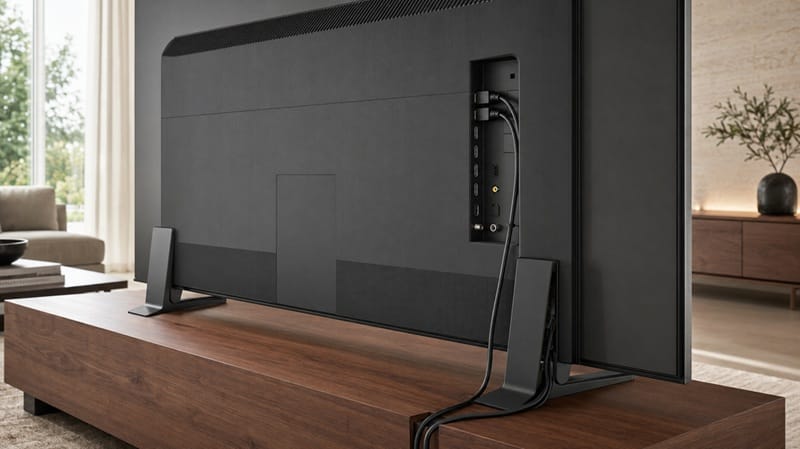
The K-75XR70M2 uses Sony’s “Harmonic Presence” design language, with thin, uniform bezels on all four sides and a center-mounted Mirage Stand built around a semi-opaque lens panel designed to route cables out of view. According to RTINGS’ testing, build quality is fantastic despite the TV being largely made of plastic — it feels sturdy with no signs of quality control issues. Sony’s own product announcement for the True RGB lineup describes the stand and rear cover as using power-efficient design choices carried over from the flagship BRAVIA 9 II, which lines up with what we’d expect from a step-down model in the same family.
Ports & Connectivity
Connectivity is where the K-75XR70M2’s mid-flagship positioning shows. Only 2 of the 4 HDMI ports run full HDMI 2.1 bandwidth (one of those doubles as the eARC port), while the remaining two are capped at HDMI 2.0. That’s fine for a typical PS5-plus-soundbar setup, but it’s worth planning around if you’re connecting more than two 4K/120Hz sources. eARC support covers the full range of audio passthrough formats, including Dolby Atmos and DTS:X, so a compatible soundbar or receiver isn’t held back.
Performance & Real-World Use
Home Theater & Movie Nights
This is where the K-75XR70M2 earns its keep. RTINGS measured excellent black uniformity and strong native contrast, and the local dimming system does a good job containing bloom around bright highlights with very little light bleed into neighboring zones. HDR peak brightness measures strong too — RTINGS recorded a 2% highlight window peaking around 1,613 cd/m², which is well above the level needed for small, bright details like streetlights or explosions to stand out against a darker frame.
Full spec details are on Sony’s official K-75XR70M2 product page. The one real caveat for a dedicated theater setup: viewing angle is only mediocre, so a wide seating arrangement will see noticeably washed-out color and contrast off to the sides.
Gaming with PS5 and Xbox
Input lag is excellent across every supported mode as long as you’re in Game Mode, and both the PS5 and Xbox Series X|S get full 4K/120Hz, HDR, VRR, and Auto Low Latency Mode support (1440p is the one resolution neither console gets on this TV). Where it falls short is motion clarity — RTINGS’ testing found noticeably blurry fast-action motion at both 60Hz and the TV’s maximum 120Hz refresh rate, and there’s no low-latency motion interpolation mode to compensate. If you’re playing fast-paced shooters or racing games competitively, that blur is the kind of thing you’ll notice within the first session.
Bright Room & Daytime Viewing
SDR brightness is fantastic on paper — RTINGS measured a real-scene peak around 953 cd/m², easily enough to overcome glare from windows or overhead lighting during bright content. The problem is the glossy screen finish itself, which does very little to reduce the intensity of direct reflections, and total reflected light is only decent. In practice, that means dark scenes specifically — not bright ones — get hard to see if you’re watching during the day in a room with any meaningful ambient light.
Key Features Breakdown
What Makes the K-75XR70M2’s RGB Backlight Different
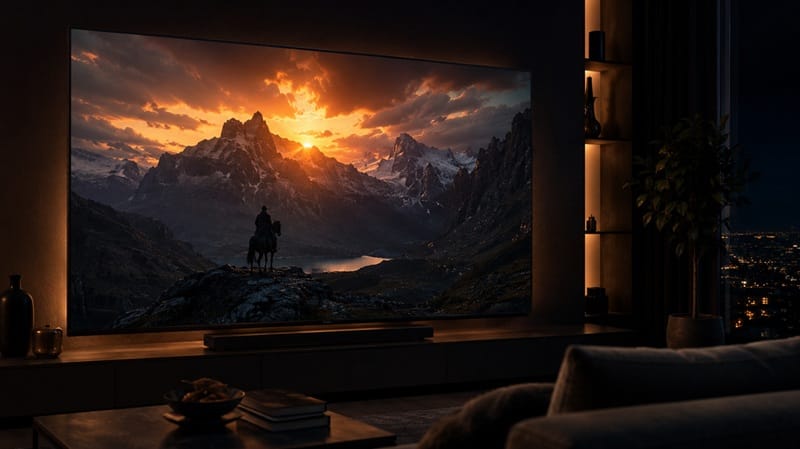
Standard Mini LED TVs use a blue LED backlight paired with a quantum dot film to produce color. The K-75XR70M2 instead uses Sony’s RGB Backlight Master Drive Pro, which drives independently controlled red, green, and blue LEDs directly — no quantum dot conversion layer needed. The upside, confirmed by RTINGS’ color volume testing, is real: excellent SDR and HDR color volume with almost no loss of saturation in brighter scenes.
The catch is behavioral, not just theoretical — with Auto Local Dimming set to Sony’s recommended “Medium,” the backlight actually falls back to plain white for the vast majority of real content, only engaging the full RGB mode in more color-varied scenes.
You can force RGB mode to stay active more often by setting local dimming to “High,” but RTINGS’ testing found this introduces noticeable color cross-talk between zones — a real trade-off, not a free upgrade.
XR Processor and Google TV 14
Sony’s XR Processor handles scene-recognition-based upscaling and contrast adjustment, and RTINGS rated both low-quality content smoothing and upscaling sharpness as excellent — old DVDs and lower-resolution cable channels look notably cleaner than the source material alone would suggest. Google TV 14 is fast and stable in RTINGS’ testing, running on a MediaTek Pentonic 1000 chipset without notable bugs. It does carry ads by default, though the initial setup lets you skip signing into a Google account entirely if you’d rather run it as a more basic, ad-light smart TV.
The Good, the Bad, and the Ugly
Pros
- ✅ Excellent black levels and contrast — RTINGS-confirmed uniform blacks and effective local dimming with minimal light bleed, which matters most in a dark or dim room.
- ✅ Strong HDR and SDR brightness, backed by real numbers — measured peaks over 1,600 cd/m² in HDR mean highlights actually punch through instead of looking flat.
- ✅ Full current-gen console support — 4K/120Hz, VRR, and ALLM work correctly on both PS5 and Xbox Series X|S, with excellent input lag in Game Mode.
Cons
- ❌ Fast motion blurs noticeably — this shows up at both 60Hz and the TV’s max 120Hz refresh, and there’s no interpolation mode to fall back on.
- ❌ Only 2 of 4 HDMI ports are full HDMI 2.1 — fine for one console plus a soundbar, tighter if you’re running multiple 4K/120Hz sources.
The Ugly
The combination that matters most here is mediocre viewing angle plus a glossy screen that does little to fight reflections. If your seating isn’t roughly centered and your room isn’t reasonably controlled for daytime light, you’re fighting the K-75XR70M2’s two weakest results at the same time — washed-out color from the side, and hard-to-see dark scenes during the day. That’s the real cost of choosing RGB Mini LED over OLED at this size and price, and it’s worth being honest about before buying rather than after.
Who Should Buy This — and Who Shouldn’t
Buy This If
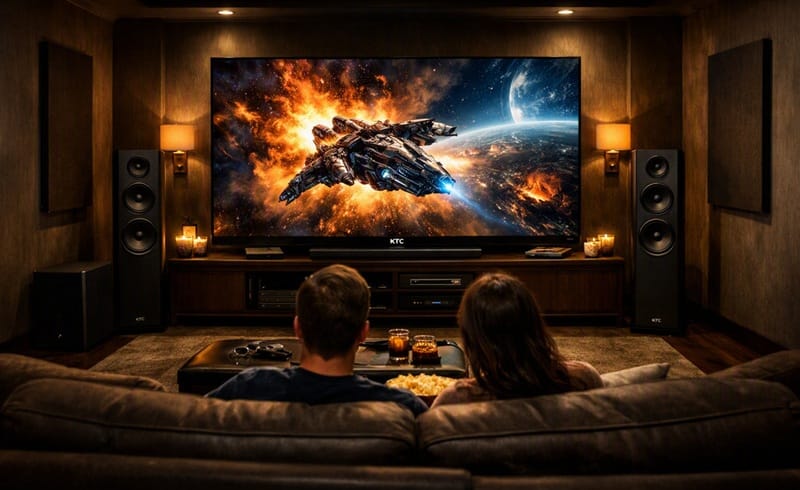
The K-75XR70M2 makes the most sense for someone who treats their living room like a dedicated theater rather than a bright, multi-use space — dim to moderately lit, seating roughly centered on the screen, movies and prestige TV as the main use case. Think of it less like an all-purpose family SUV and more like a car tuned for a specific kind of road: exceptional when conditions match what it was built for, less forgiving outside that. If you’re still deciding between RGB Mini LED and OLED for this kind of room, our OLED vs Mini LED compared guide walks through where each technology actually wins.
Skip This If
Skip the K-75XR70M2 if your room gets consistent direct sunlight, if you sit off-center often (family rooms with wide seating especially), or if fast-motion gaming clarity matters more to you than color depth. For reference, RTINGS’ own side-by-side comparison confirms the LG G6 OLED delivers meaningfully better picture quality overall — deeper, more uniform blacks with no haloing or color cross-talk — plus a clearly stronger gaming experience, with lower input lag and clearer motion.
That edge does come at a real premium over this TV’s price point. If bright-room glare or reflections are already a concern for your space, it’s worth reading how this exact issue plays out on Sony’s related Mini LED lineup in our Sony BRAVIA 7 reflection problem breakdown before you buy.
Final Verdict
Is the Sony K-75XR70M2 Worth Buying?
For the right room, yes — the Sony K-75XR70M2 delivers real, RTINGS-confirmed gains in black level, contrast, and HDR brightness over standard Mini LED, and it’s a legitimate step up from Sony’s own Sony K-75XR30M2 review pick if color volume and contrast matter more to you than saving money. It’s worth being clear-eyed here too: RTINGS’ own comparisons note that cheaper, conventional Mini LED sets like the TCL QM8L deliver similar real-world performance for less, and remain the better default pick for most buyers.
The K-75XR70M2 earns its price specifically for the RGB backlight’s color and contrast gains — not as an across-the-board upgrade. It’s not the TV to buy for a bright, sun-facing room or for competitive gaming where motion clarity is the priority, but for a controlled home theater setup where that specific gain matters to you, it holds up. 🛒 Check Availability on Amazon
Frequently Asked Questions
Is the Sony K-75XR70M2 a good TV in 2026?
Yes, for the right setting. It offers strong contrast, uniform blacks, and bright HDR highlights backed by independent lab measurements. It’s best suited to a dim-to-moderately-lit room with centered seating rather than a bright, multi-angle living room.
Does the True RGB backlight actually make a visible difference over standard Mini LED?
Yes, but with a caveat worth knowing before you buy — according to RTINGS’ independent testing, the backlight falls back to a plain white configuration for most real content under Sony’s recommended settings, only engaging full RGB mode in more color-varied scenes. The color volume gains are real when it does engage, they just aren’t constant.
Is the K-75XR70M2 good for PS5 and Xbox gaming?
It supports 4K/120Hz, VRR, and ALLM on both PS5 and Xbox Series X|S with excellent input lag in Game Mode. The trade-off is motion clarity — fast on-screen action shows noticeable blur, and there’s no low-latency interpolation mode to reduce it.
How does it compare to the Sony BRAVIA 9 II?
The BRAVIA 9 II is a real step up, not just a badge difference — better local dimming for deeper blacks in mixed scenes, higher peak brightness, and a matte screen finish that handles daytime glare noticeably better than the K-75XR70M2’s glossy panel.
Who should skip the K-75XR70M2?
Anyone in a consistently bright, sun-facing room, anyone who regularly watches from an off-center seat, and competitive gamers who prioritize motion clarity over color depth should look elsewhere — either at Sony’s matte-screen BRAVIA 9 II or at an OLED alternative.

iYaiii
Editor, GearPulse360
iYaiii is the editor and founder of GearPulse360, specializing in TV reviews and consumer electronics. He researches every recommendation before publishing.
✅ Based on spec analysis and Sony’s official and RTINGS data — last verified July 2026