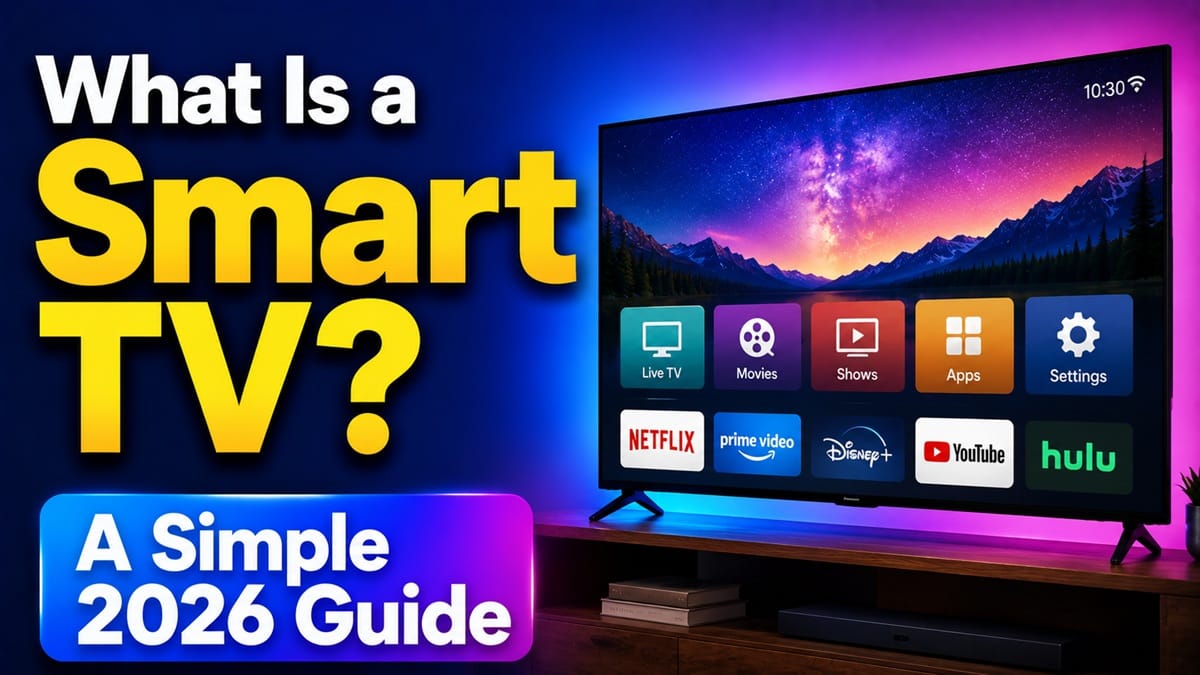
What Is a Smart TV? A Plain-English Explanation (and How to Tell If You Have One)
Last updated: August 2026
🕒 8 min read
Disclosure: GearPulse360 is a participant in the Amazon Associates Program. Some pages on this site contain affiliate links, and we may earn a commission from qualifying purchases at no extra cost to you.
You’re standing in front of a TV — maybe in a store, maybe in your own living room — and someone asks, “Is that a smart TV?” You’re not totally sure how to answer, because the term gets thrown around so loosely that it’s stopped meaning much on its own.
That confusion is fair. So what is a smart TV, really? Most shoppers assume “smart” just means the TV can connect to WiFi, but that’s only part of it — plenty of older TVs can get online with a streaming stick plugged in and still aren’t smart TVs in the way the term is used. The real definition comes down to what’s built into the TV itself, not what you can plug into it.
This article covers what makes a TV smart, the handful of operating systems doing the work behind the scenes, and how to check whether the TV in front of you already qualifies. If you’re trying to understand the display technology side of things instead — the panel, not the platform — our explainer on what OLED TV technology is covers that separately.
Table of Contents
Quick Answer
A smart TV is a television with a built-in operating system that connects to the internet and runs streaming apps on its own, no separate device required.
- Best for: Anyone who wants streaming apps working out of the box, with no extra hardware
- Not ideal for: Households already fully happy with a game console or streaming stick handling apps
- Key advantage: One remote, one interface, no extra device to manage
- Where to check: Look for a Home button on the remote or search the model number on the manufacturer’s site
The Short Answer: What Makes a TV “Smart”
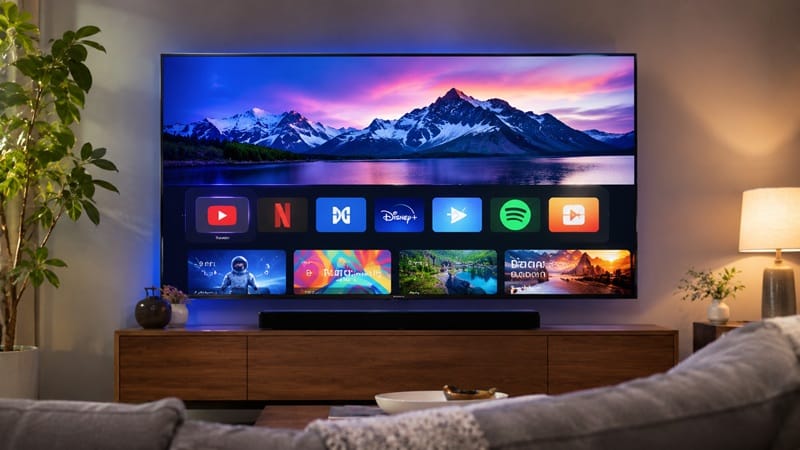
A smart TV is built around software, not just a screen. It has its own operating system, and that system is what signs into your streaming accounts, remembers what you were watching, and opens apps like Netflix, YouTube, or a sports app directly, with no other device required to make that happen. That internal software is the actual definition of “smart” here, not the internet connection itself.
What Makes a TV Smart
It’s the Operating System, Not the WiFi
Every smart TV runs on an operating system built specifically for television — the same basic idea as a phone running iOS or Android, just designed for a remote and a living-room screen instead of a touchscreen. That OS is what lets you open an app, sign into an account, and get personalized recommendations without any other hardware involved.
A regular TV with a streaming stick plugged in can do a lot of the same things, but the smarts are living in that stick, not the TV. Unplug it, and the TV goes back to being a plain display with no app layer of its own.
The Platforms You’ll Run Into
Almost every current smart TV runs one of a handful of platforms, and which one you get depends heavily on the brand — and sometimes the specific model. LG TVs run webOS, and Samsung uses Tizen. Sony typically ships Google TV, while TCL and Hisense split across platforms by model: many of their US sets run Google TV or Roku TV, but VIDAA — Hisense’s own in-house operating system — ships on a large share of Hisense TVs sold outside the US. RTINGS’ smart TV testing coverage is a reliable way to confirm which platform a specific model ships with before you buy.
Whatever the platform, they all do the same basic job, but the menus, remote layout, and voice-assistant behavior differ enough that switching brands can feel like learning a new phone.
Why the Platform Matters More Than the Panel
Smart Features Are a Separate Decision From Picture Quality
It’s easy to assume a better TV automatically means a smarter one, but the operating system and the display technology are decided independently by each manufacturer. A TV can have a fantastic picture and a clunky, laggy interface, or the reverse — solid navigation on a display that’s nothing special. If you’re comparing the display side of that equation, our piece on how OLED TVs work walks through what’s happening behind the screen, separate from anything the smart platform controls.
This is also why two TVs from the same brand’s current lineup, at similar prices, can sometimes run different smart platform versions with different app support — that’s often tied to the chip inside the TV, not just the release year.
The platform is genuinely worth comparing before you buy, but it’s rarely the deciding factor on its own — most people end up choosing a TV first on picture and price, then adjusting to whatever smart platform came with it. Our best OLED TVs of 2026 roundup breaks down that fuller picture for anyone still deciding between sets.
How to Tell If You Already Have a Smart TV
If you’re not shopping and just trying to figure out what’s already sitting in your living room, a few quick checks settle it.
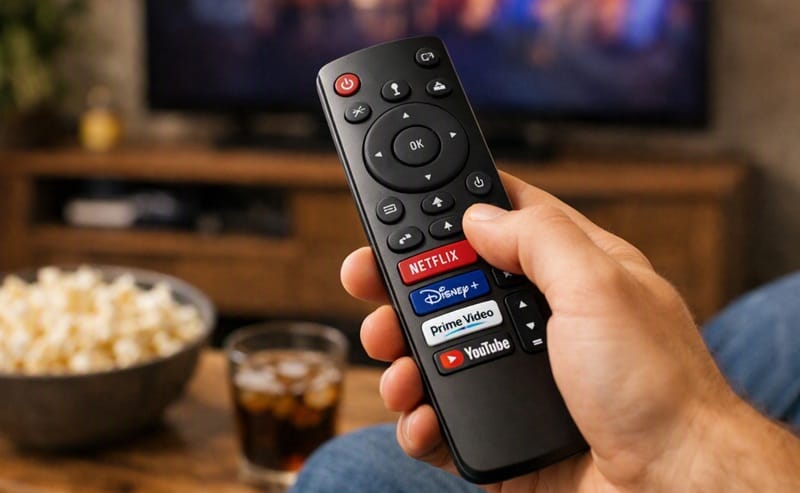
- Check the home button on your remote. If there’s a dedicated Home or Smart Hub button, or app-branded buttons for Netflix or YouTube, the TV almost certainly has a built-in platform.
- Turn it on with no other devices connected. If you see an app menu or a streaming home screen rather than just an input-selection prompt, that’s the smart TV’s own interface, not something plugged in.
- Look up the model number. Searching your TV’s exact model (usually printed on a sticker on the back) against the manufacturer’s site will confirm which platform, if any, it shipped with.
If none of that turns anything up, the TV is a “regular” or “dumb” TV — which isn’t a dealbreaker, since a streaming stick or box added to any HDMI-equipped set gets you most of the same functionality.
Once you’ve confirmed the TV does have a built-in platform, the next step is usually getting your apps signed in and organized — our guide on installing apps on a smart TV walks through that setup across the major platforms.
What This Means for You in Practice
Who Should Pay Attention to This
This matters most if you’re shopping for a first TV, replacing an older set, or trying to troubleshoot an app that “should” be there but isn’t. It’s also worth understanding before you buy if internet access matters to you at all — our piece on whether a smart TV still works without an internet connection covers what you lose if your setup doesn’t have reliable WiFi.
Who Doesn’t Need to Worry
If you’re happy with a streaming stick or game console handling all your apps, the TV’s own smart platform is mostly irrelevant to your day-to-day use — you’ll rarely, if ever, touch its native interface.
FAQs: What Is a Smart TV
What is a smart TV, in one sentence?
In practice: it’s a TV that opens Netflix, YouTube, and similar apps on its own, with no box or stick plugged in to do the work for it. RTINGS’ smart TV testing coverage is a good place to see how these built-in platforms perform in practice, beyond the marketing copy.
Does a smart TV need WiFi to work at all?
No — a smart TV without an internet connection still works as a regular TV for live broadcast, antenna, or connected-device input, it just loses access to its streaming apps and online features until it’s reconnected.
Do I need a separate streaming device if I already have a smart TV?
Not necessarily. Most smart TVs cover the major streaming apps out of the box, though a streaming stick can still be worth adding if your TV’s platform is older, slower, or missing a specific app you use often.
Is a smart TV the same thing as a 4K TV?
No — “smart” describes the software and app platform, while 4K describes the resolution of the display, and a TV can be either, both, or neither depending on the model.
Can I make a non-smart TV act like a smart TV?
Yes — plugging in a streaming stick or box adds the same core app functionality to almost any TV with an HDMI port, even though the TV itself still isn’t technically “smart.”

iYaiii
Editor, GearPulse360
iYaiii is the editor and founder of GearPulse360, specializing in TV reviews and consumer electronics. He researches every recommendation before publishing.
✅ Based on spec analysis and RTINGS data — last verified August 2026