Why Is My TV Flickering? Common Causes and How to Fix It
Last updated: August 2026
🕒 7 min read
Disclosure: GearPulse360 is a participant in the Amazon Associates Program. Some pages on this site contain affiliate links, and we may earn a commission from qualifying purchases at no extra cost to you.
A TV that flickers can mean five completely different things depending on when it happens — a quick pulse during a dark scene, a full-screen flash every few minutes, or a shimmer that only shows up on one input. Owners often assume the panel itself is failing, when in a lot of cases the real cause is something as ordinary as a loose HDMI cable or a backlight setting doing exactly what it’s designed to do.
Most people searching this are trying to answer one specific question before they do anything else: is this worth troubleshooting, or is the TV already on its way out? That distinction matters, because the fix for a signal-related flicker takes two minutes, while a hardware-level flicker usually doesn’t resolve no matter what you change in the settings menu.
Below, we break down the most common causes of TV flickering — from cable and connection issues to backlight dimming behavior and refresh-rate mismatches — and separate the fixes you can try tonight from the signs that point to a genuine hardware fault. This is a different issue from Hisense TV VRR flicker below 48fps, which is specific to variable refresh rate during gaming rather than general on-screen flickering.
Table of Contents
The Short Answer: What’s Actually Causing Your TV to Flicker
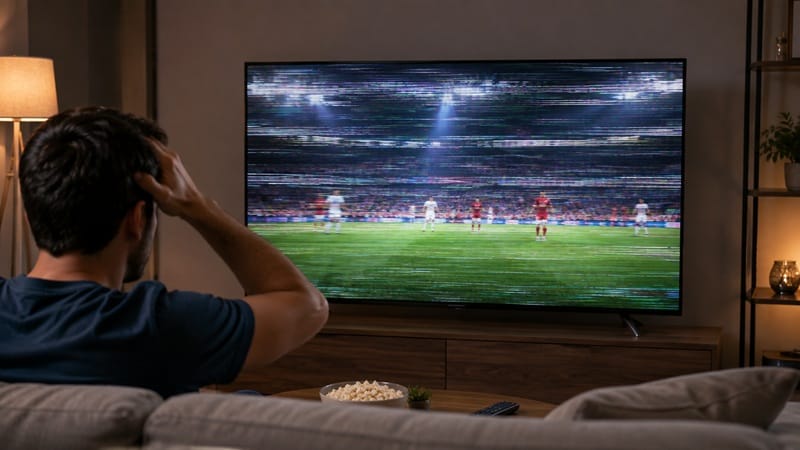
Most TV flickering traces back to one of three things: a loose or damaged cable connection, a backlight dimming feature working as intended, or — less commonly — a genuine hardware fault in the panel or power supply. Reseating cables and disabling motion-smoothing or local-dimming features resolves the flicker in most cases. If the flicker persists after both of those steps, or shows up as a full-screen flash rather than a subtle pulse, that’s a stronger signal of a hardware-level cause.
What’s Actually Causing the Flicker
Loose or Failing Cable Connections
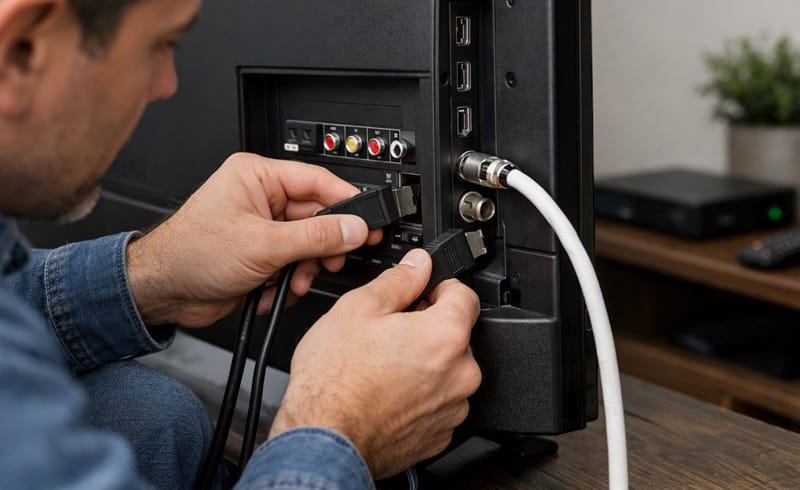
A partially seated HDMI cable is one of the most common causes of intermittent flickering, especially if the flicker comes and goes rather than staying constant. The handshake between a source device and the TV can drop for a fraction of a second and briefly show as a flash or a moment of static.
Try reseating the cable at both ends, then testing a different HDMI port and, if you have one, a different cable entirely. According to RTINGS’ TV troubleshooting guide, cable and port swaps resolve a large share of intermittent picture issues before any deeper diagnosis is needed.
Backlight Dimming (PWM Flicker)
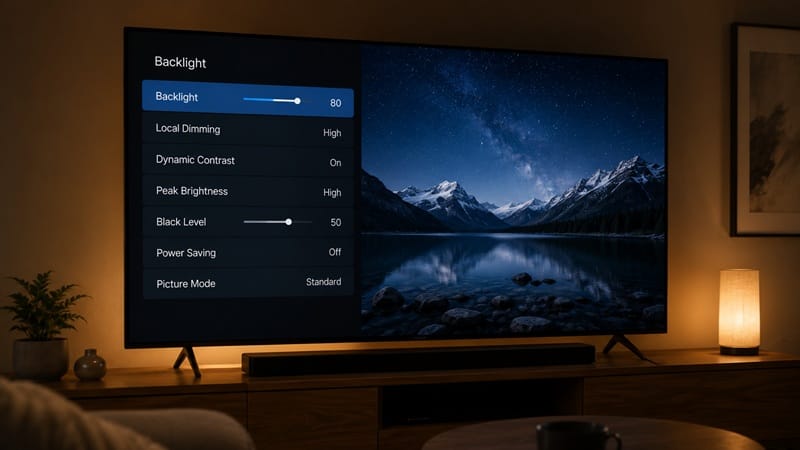
Many LED and Mini-LED TVs dim the backlight using pulse-width modulation (PWM) — rapidly switching the backlight on and off rather than lowering its brightness continuously. At most viewing distances this isn’t visible, but at lower brightness settings, or for people sensitive to flicker, it can register as a faint pulsing that’s more noticeable in dark scenes.
This isn’t a fault — RTINGS’ PWM flicker testing measures exactly this behavior across a wide range of TVs, since some models rely on it more heavily than others at low backlight levels. Raising the backlight setting, switching out of a power-saving picture mode, or turning off local dimming can reduce how noticeable it is.
Refresh Rate and Variable Refresh Rate (VRR) Mismatches
If the flicker only happens during fast motion or specific game sessions, it’s likely tied to a mismatch between the source device’s frame rate and the TV’s refresh rate, or a VRR range issue rather than a general hardware problem. That’s a narrower, gaming-specific version of this same symptom — see our coverage of LG OLED VRR flicker if that description matches what you’re seeing.
When Flickering Signals Something More Serious
Power Supply and Aging Panel Issues
If the flicker is constant rather than occasional, affects the entire screen at once, or gets worse when the TV has been on for a while, that pattern is commonly associated with a failing capacitor in the power supply board or a backlight driver nearing the end of its life — a well-documented failure mode in TV repair diagnostics, though pinpointing the exact part requires opening the set. Unlike a cable or settings issue, this kind of flicker typically doesn’t respond to any troubleshooting step, since the fault sits in the hardware rather than the signal or the software.
A TV still well within its warranty period with this kind of symptom is generally worth a support claim rather than further troubleshooting at home.
Software or Firmware Glitches
Occasionally a specific app or streaming service will flicker while the rest of the interface stays stable — that points to a software-level bug in that app rather than the TV itself. A factory reset or an app reinstall usually clears this faster than a full firmware update does.
If you’ve worked through the cable and backlight checks above and the flicker is still there, it may be worth stepping back and asking whether it’s this specific TV or the platform it’s running that’s the real source of frustration — our best 4K TVs of 2026 roundup ranks current picks by reliability and picture quality if a replacement starts to look more practical than more troubleshooting.
What This Means for You: Should You Worry About This?
Worth troubleshooting yourself if:
- The flicker is intermittent, not constant
- It’s tied to a specific input, app, or game session
- It changes when you adjust local dimming or picture mode settings
Worth a support call or a closer look before buying used if:
- The flicker is constant and affects the full screen
- It appears regardless of input, source, or settings
- It gets worse the longer the TV has been powered on
If you’re comparing panel types specifically because flicker or backlight behavior is a concern, our OLED vs Mini LED comparison covers how each technology handles dimming and motion differently, which is worth a look before you shop for a replacement.
Frequently Asked Questions
Why is my TV flickering only in dark scenes?
This is almost always PWM backlight dimming rather than a fault — the backlight cycles on and off rapidly to hit lower brightness levels, and that cycling is more visible against dark content. Raising the backlight setting or disabling local dimming usually reduces it.
Will a firmware update fix my TV’s flickering?
It depends on which of the causes above is actually behind it. An app-specific glitch usually clears up with an update, since that’s exactly the kind of bug updates are meant to patch. A PWM-related pulse responds to a picture-mode or local-dimming change instead — not an update — since it’s designed behavior rather than a bug. A flicker from a power supply or backlight driver won’t respond to any update at all, since no update can replace a failing part. So if you’ve already tried updating and nothing changed, that’s itself a decent sign you’re dealing with the hardware case rather than the software one.
Can a bad HDMI cable really cause flickering?
Yes — a marginal or partially seated cable can cause the handshake between the source and TV to drop intermittently, which shows up as a flash or brief flicker. This is worth ruling out first since it’s the fastest fix, and it’s a well-documented cause according to RTINGS’ TV troubleshooting documentation.
Is TV flickering covered under warranty?
Yes, if it turns out to be the hardware case rather than the settings case — see the signs above. Before contacting support, keep a short log: what you were watching, how long the TV had been on, and whether it showed up on every input. That record is usually what turns a slow back-and-forth with support into a same-call warranty claim.
Does screen flickering get worse over time?
If the cause is a settings-related PWM effect, no — it stays consistent unless you change the picture mode. If the cause is a failing power supply component, it’s commonly reported to get more frequent or more visible over weeks or months — a pattern consistent with a part gradually degrading rather than a signal or settings issue, though the exact timeline varies by TV.

iYaiii
Editor, GearPulse360
iYaiii is the editor and founder of GearPulse360, specializing in TV reviews and consumer electronics. He researches every recommendation before publishing.