Samsung Frame Pro Wireless One Connect Problems: Why Pairing Fails and How to Fix It
Last updated: July 2026
🕒 9 min read
Disclosure: GearPulse360 participates in the Amazon Associates Program. This particular article contains no affiliate links; other content on our site may.
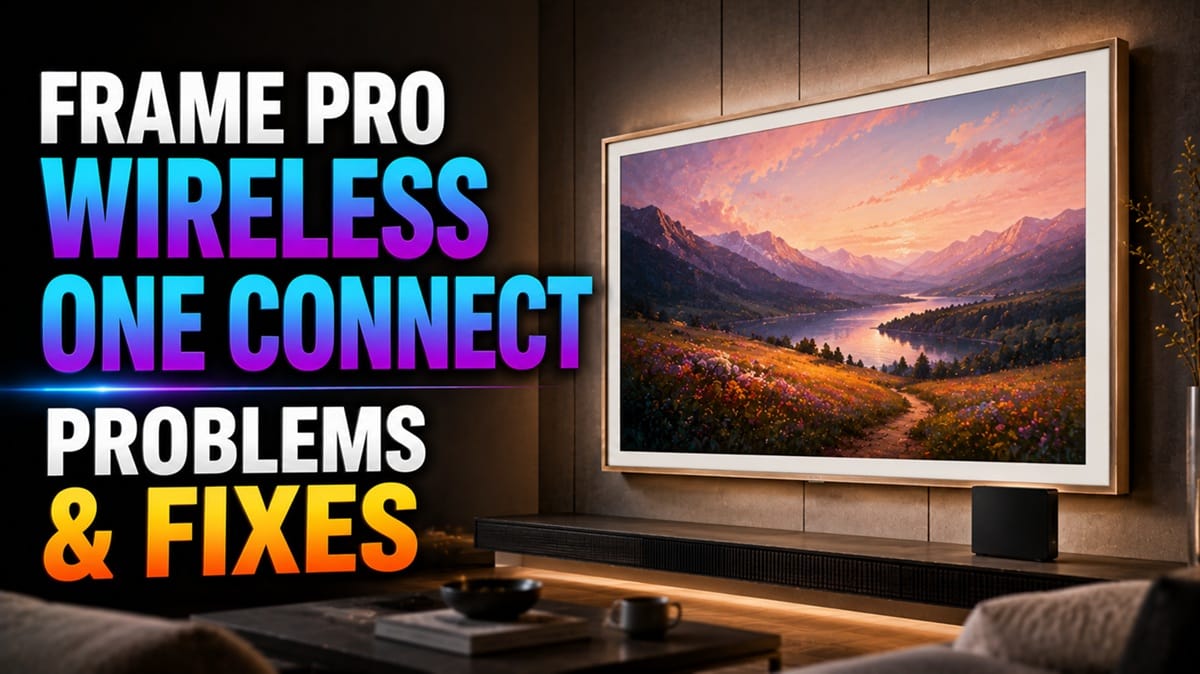
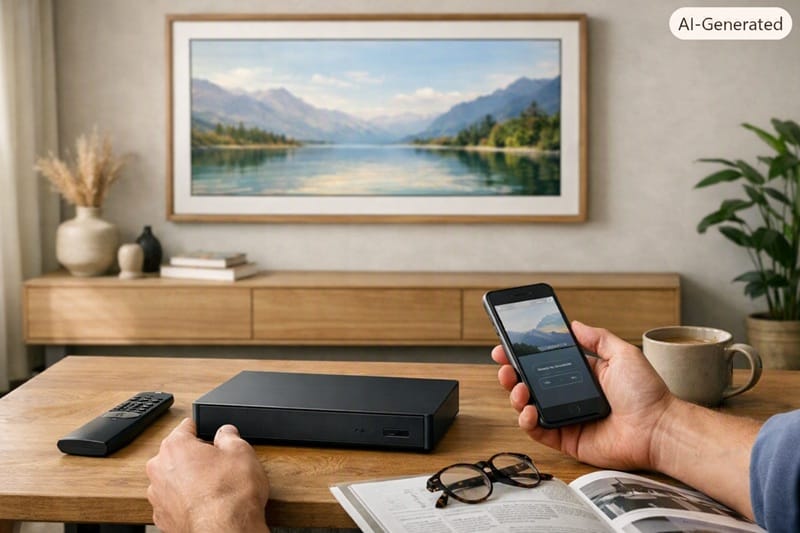
You get the Frame Pro out of the box, mount it, plug in the Wireless One Connect box, and wait for that pairing light to turn blue. It doesn’t. It just sits there glowing solid white, no matter how many times you press and hold the PAIR button. If that’s where you are right now, you’re not dealing with a defective TV — Samsung Frame Pro wireless One Connect problems follow a handful of recognizable patterns, and most of them trace back to pairing mode, box placement, or a mismatched generation rather than a faulty panel.
Based on manufacturer documentation and a wide pattern of owner reports across Samsung’s community forums, the complaints cluster into three distinct buckets: the box never enters pairing mode in the first place, a successful pairing drops out mid-use, or the box that shipped simply isn’t the version this specific TV expects. Each one has a different fix, and getting one confused for another is exactly how an owner ends up describing the wrong problem to Samsung support.
This guide walks through all three, plus what Samsung’s own troubleshooting steps say to do before you assume the hardware is at fault. It’s a different failure path than the wired One Connect box covered in our Samsung One Connect box problems guide — that piece deals with a physical cable and port; this one is entirely about a Wi-Fi-based pairing relationship between two separate devices.
Table of Contents
The Short Answer: What’s Actually Going Wrong
Most Samsung Frame Pro wireless One Connect problems come down to one of three things: the box’s LED never reaches the blinking-blue pairing state, an already-paired box drops the connection mid-use and shows a disconnected message, or the box shipped is a different generation than the TV expects and the two simply can’t talk to each other. None of these trace back to a defective panel — they’re all connectivity-layer failures, which is a very different repair path than a picture problem would be.
How Wireless One Connect Actually Works
A Wi-Fi Pairing Relationship, Not a Cable
The standard One Connect box most Samsung TVs use is tethered to the panel through a physical cable. The Frame Pro’s Wireless One Connect box drops that cable entirely and sends video and audio over a dedicated wireless connection instead, which is why it can sit up to 10 meters away from the TV in a different part of the room. That flexibility is the whole appeal of the design — but it also means the box has to complete a pairing handshake with the TV every time it’s set up, and that handshake is the step that tends to fail.
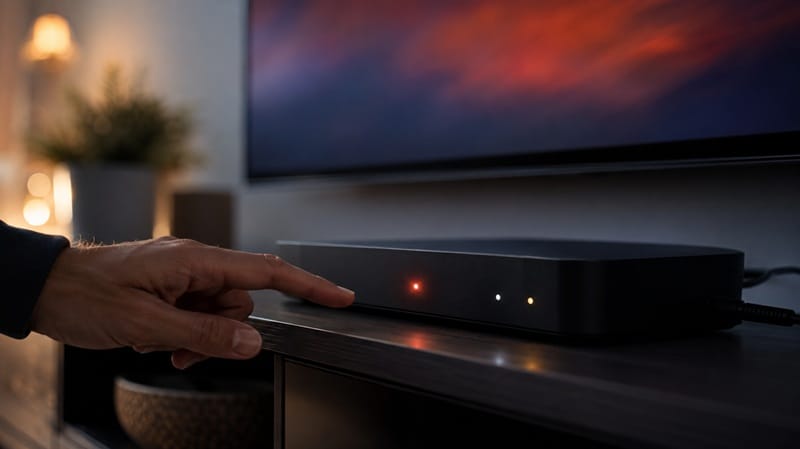
According to Samsung’s own setup instructions, the box ships in pairing mode by default and should locate the TV automatically the first time both are powered on. When it doesn’t, the LED indicator is the main diagnostic tool: solid white means the box is powered but not in pairing mode, a blinking blue light means it’s actively searching, and solid blue confirms a successful pair. If your box never gets past solid white, pressing and holding the PAIR button for a few seconds is meant to force it into pairing mode — and if that doesn’t work either, the cause usually isn’t the button itself.
Why Placement Matters More Than It Looks
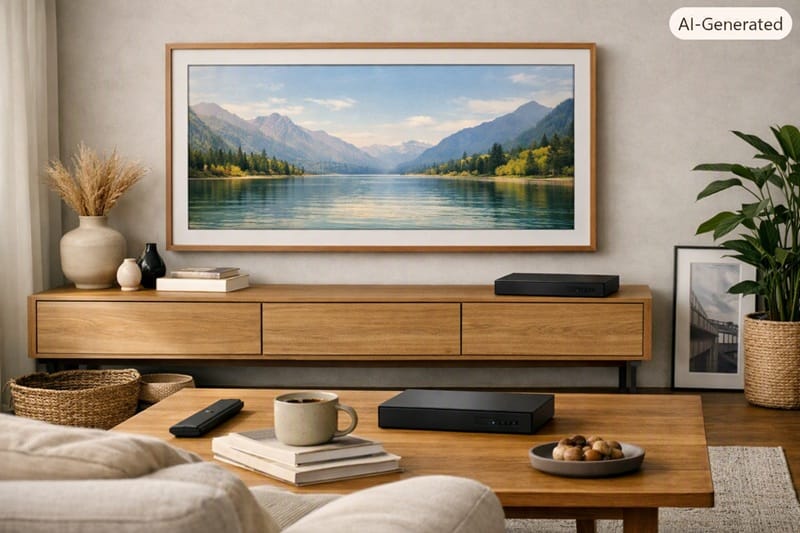
Samsung’s documentation lists a few hard constraints: the box needs to stay within 10 meters of the TV, in the same room, with no closed metal cabinet and no wall or thick obstruction directly between the two. Owners who’ve mounted the Frame Pro flush against a wall sometimes assume “closer is always better” and tuck the box in a spot with better proximity but worse line of sight — which can be the opposite of what actually helps.
Pairing Failures and Mid-Use Disconnects in 2026
The Box Never Reaches Blinking Blue
This version shows up repeatedly across owner reports: the LED sits on solid white indefinitely, the TV’s setup screen identifies that a box exists nearby but can’t complete the pairing, and repeated PAIR-button holds don’t change anything. Based on Samsung’s published self-diagnosis steps (Settings > All Settings > Support > Device Care > Self Diagnosis > Wireless One Connect), the recommended sequence is to check the power connection, confirm there’s no obstruction between the box and TV, and try a full factory reset of the box using a longer 10-second hold rather than the standard 3-second pairing hold.
A firmware mismatch can also sit underneath this exact symptom — the same way a stalled update has been known to introduce unrelated bugs elsewhere in Samsung’s lineup, as we cover in our Samsung OLED firmware update problems guide. Keeping the TV on its current software version is a reasonable first check before assuming the box itself is defective.
A Working Pair Suddenly Disconnects
The second pattern shows up after weeks or months of normal use: the screen displays a “Wireless One Connect Disconnected” message during regular viewing, sound from a connected soundbar cuts out, or an HDMI source simply goes dark. Unlike the pairing failure above, the TV and box have already proven they can talk to each other — something is interrupting an existing link rather than blocking a new one. Power-cycling both devices and re-running the pairing sequence resolves this for many owners, though a box that disconnects repeatedly in the same spot points back to placement or interference rather than a one-off glitch.
The Box Doesn’t Match the TV’s Generation
The least obvious cause, but a real one: Wireless One Connect boxes aren’t universally interchangeable across Samsung’s lifestyle TV generations. A box built for an earlier Frame Pro release won’t pair with a newer model, and vice versa, even though the boxes can look nearly identical. If a factory reset and a placement check both come up empty, comparing the model number printed on the bottom of the box against Samsung’s compatibility listing for your specific TV model is worth doing before requesting a replacement.
A pairing headache during setup is a frustrating first impression, but it’s worth separating from the buying decision itself — Art Mode rendering, gaming response, and everyday picture quality don’t run through the wireless link at all. If you’re still weighing this year’s lifestyle and gaming TVs before committing to one, our best 4K TVs of 2026 roundup covers sizes, panel types, and price tiers side by side.
Diagnosing Samsung Frame Pro Wireless One Connect Problems
Symptom → Cause → Fix
| SYMPTOM | LIKELY CAUSE | FIX | DIFFICULTY |
|---|---|---|---|
| LED stuck on solid white, never blinks blue | Box isn’t entering pairing mode | Hold PAIR for 3 seconds to re-enter pairing mode; if unchanged, hold 10 seconds for a full factory reset | Easy |
| “Wireless One Connect Disconnected” mid-viewing | Interference or obstruction interrupting an active link | Power-cycle both devices, then re-check placement for metal cabinets or wall obstructions | Medium |
| TV detects a box but pairing never completes | Mismatched box generation for this TV model | Check the box’s model number against Samsung’s compatibility listing before requesting a replacement | Harder |
If the issue persists after trying these steps, contact Samsung support with both the TV and box model numbers ready.
What This Means for You in Practice
Who Should Pay Attention to This
If you’re mounting a Frame Pro somewhere unconventional — a gallery wall with no console underneath, a room with thick or metal-lined walls, or a spot more than a few meters from where the box will sit — it pays to stress-test the wireless link during your return window, before it closes. If reliable placement flexibility matters as much as the art-mode design itself, it’s also worth comparing against wired-cable alternatives like LG’s LG 55LX7B review, which takes a different approach to the same gallery-style concept.
Who Doesn’t Need to Worry
If your setup keeps the TV and box in the same open room at a modest distance, without cabinets or walls in between, the pairing process for most owners completes on the first attempt and stays stable afterward. The failure patterns above are real, but they’re not universal — plenty of Frame Pro installs never see them.
FAQs: Samsung Frame Pro Wireless One Connect Problems
Why won’t my Samsung Frame Pro wireless One Connect box pair?
The most common cause is that the box never enters pairing mode — its LED stays solid white instead of blinking blue. Try holding the PAIR button for 3 seconds first, and if that doesn’t change anything, hold it for 10 seconds to force a factory reset before pairing again. The wireless design is meant to replace the visible One Connect cable entirely, which is exactly why a failed pairing leaves you with no working inputs at all until it’s resolved — see RTINGS’ Frame Pro 2026 review for a closer look at the hardware itself.
Does the distance between the TV and the box matter?
Yes. Samsung specifies a maximum range of 10 meters between the Wireless One Connect box and the TV, and that range assumes there’s no significant obstruction in between. A thick wall, a closed metal cabinet, or even a dense piece of furniture can weaken the connection enough to prevent pairing or cause it to drop later.
My box shows “Wireless One Connect Disconnected” — is that a hardware failure?
Not necessarily. This message typically means an already-paired connection was interrupted, which is a different situation than never pairing in the first place. Power-cycling both the TV and the box, then re-checking for new obstructions or interference sources introduced since the last time it worked, resolves this for many owners without needing a replacement box.
Can I use a Wireless One Connect box from a different Samsung TV?
Generally, no. Wireless One Connect boxes are matched to specific TV generations, and a box built for a different model year may never complete pairing even though it looks physically identical. If you’ve swapped boxes or received a replacement, check the model number against Samsung’s published compatibility list before assuming anything else is wrong.
Is the wireless design a dealbreaker compared to a wired One Connect box?
That depends on what you value in the installation. A wired box skips the pairing step entirely, but it also means running a visible cable to wherever the TV is mounted — the exact constraint the wireless version exists to remove. If a clean, cable-free wall mount matters more to you than a guaranteed one-step setup, the wireless version is still the better trade; if you’d rather skip pairing altogether, the wired box removes that variable from the equation entirely.

iYaiii
Editor, GearPulse360
iYaiii is the editor and founder of GearPulse360, specializing in TV reviews and consumer electronics. He researches every recommendation before publishing.
✅ Based on Samsung’s official support documentation and RTINGS data — last verified July 2026