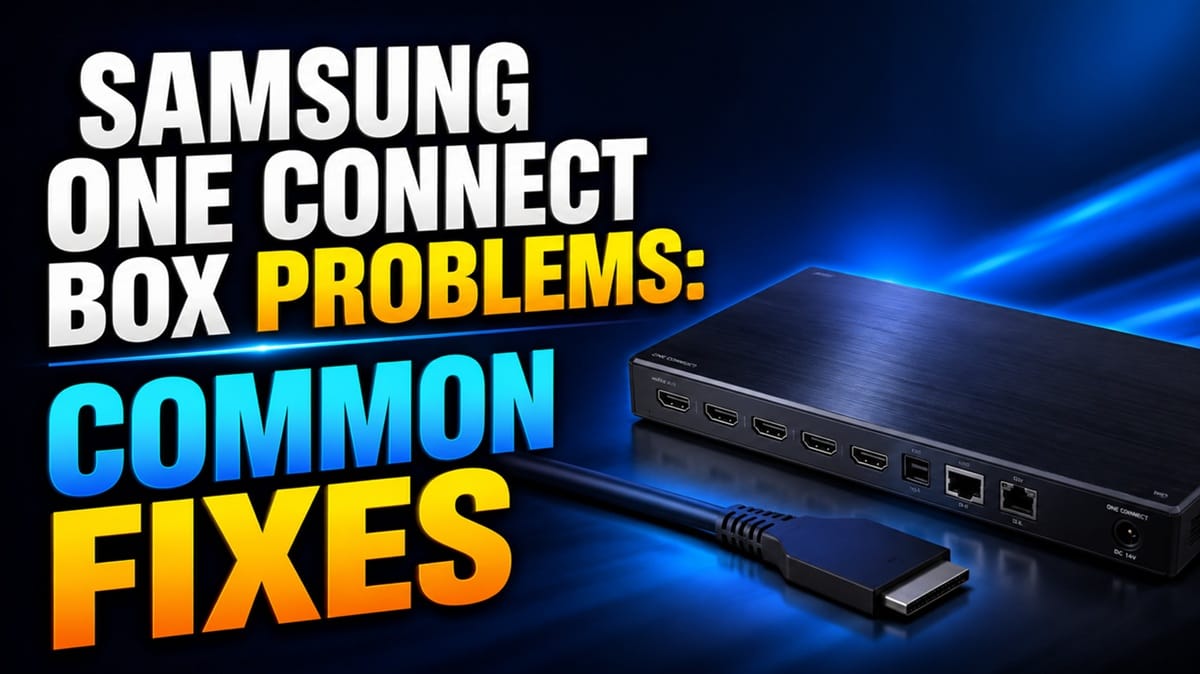
Samsung One Connect Box Problems: Why It Loses Power, Picture, or Ports
Last updated: July 2026
🕒 8 min read
Disclosure: GearPulse360 participates in the Amazon Associates Program. This particular article contains no affiliate links; other content on our site may.
Your Samsung TV powers on and plays sound, but the screen stays black — and if your setup uses a One Connect Box, that separate box is usually the first thing worth checking, not the panel itself. Samsung One Connect box problems tend to show up as one of three patterns: no power at all, a black screen despite everything else working, or ports that stop recognizing devices one at a time. Based on Samsung’s own published troubleshooting guidance and patterns reported across its official support community, most of these trace back to the box or the connecting cable rather than the display.
A common misconception is treating any One Connect issue as a TV problem, which sends people chasing panel repairs or firmware updates when the fault sits in a separate, independently replaceable component. It’s also easy to confuse this with a software problem — our Samsung OLED firmware update problems guide covers what happens when an update itself introduces bugs, which is a different failure path from the hardware and connection issues covered here.
Not every symptom below points to the same fault, and mixing them up is what sends people toward a TV repair they don’t need — so before anything else, this piece draws the line between a box problem and a panel problem, then hands you Samsung’s own checklist for telling which one you’re facing.
Table of Contents
The Short Answer: What Causes Samsung One Connect Box Problems
Samsung One Connect box problems are most often caused by a loose or damaged connector cable, a power fault inside the box itself, or a firmware mismatch between the box and the TV after an update. A black screen with working audio typically points to the box or cable rather than the panel, since the panel isn’t what’s failing to receive a signal — the connection feeding it is.
What the One Connect Box Actually Does
Why Samsung Separates the Ports From the TV
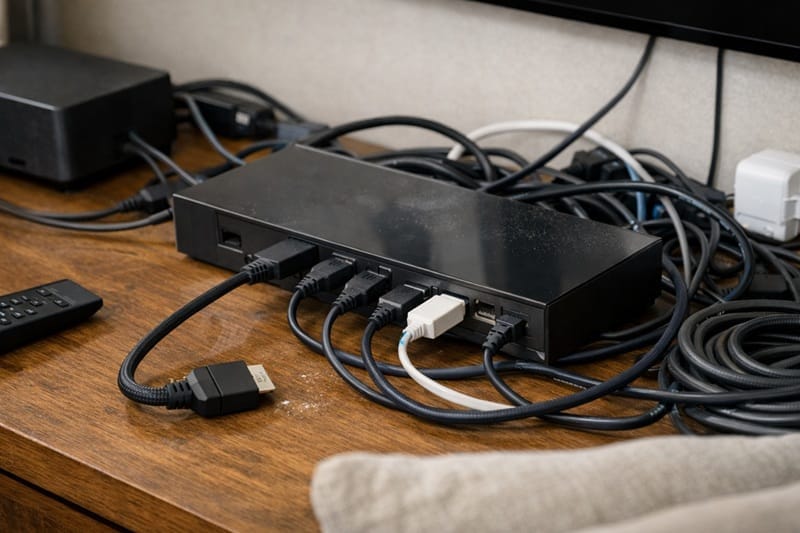
The One Connect Box exists to move all your HDMI, optical, and antenna connections off the back of the TV and into an external unit, connected by a single cable. It’s a design choice tied to Samsung’s thinner panels and, on models like The Frame, to keeping the wall-mounted look clean. That single cable carries both power and signal in most implementations, which is exactly why a cable or box fault can take down picture, sound, or every connected port at once instead of just one.
Where the Failure Points Usually Are
Samsung’s support page on black-screen issues specifically flags a working-audio, no-picture combination as a case where an external device — including a One Connect Box — is the more likely cause, not the TV panel. That’s a useful starting distinction before you assume the worst about the TV itself.
Why This Matters More in 2026
Wired vs. Wireless One Connect
Samsung has shipped both wired and wireless versions of the One Connect system across recent lineups, and the wireless variant introduces its own separate pairing failure mode that’s distinct from the cable and power issues covered here. If your set uses the wireless box paired with a Frame Pro model, our Samsung Frame Pro wireless One Connect problems guide walks through that pairing failure path in full.
How This Differs From a Power Board Fault
It’s worth separating a One Connect issue from a fault inside the TV’s own power board, which is a different failure point entirely — our power board breaker trip guide covers that scenario, where the problem originates inside the TV rather than in the external box or cable.
Symptom → Cause → Fix
| SYMPTOM | LIKELY CAUSE | FIX | DIFFICULTY |
|---|---|---|---|
| No red LED on the box, TV won’t power on | Box isn’t receiving power, or the internal power supply has failed | Confirm the outlet works, reseat the power cable, then check Samsung’s power-on troubleshooting page for your model year | Easy |
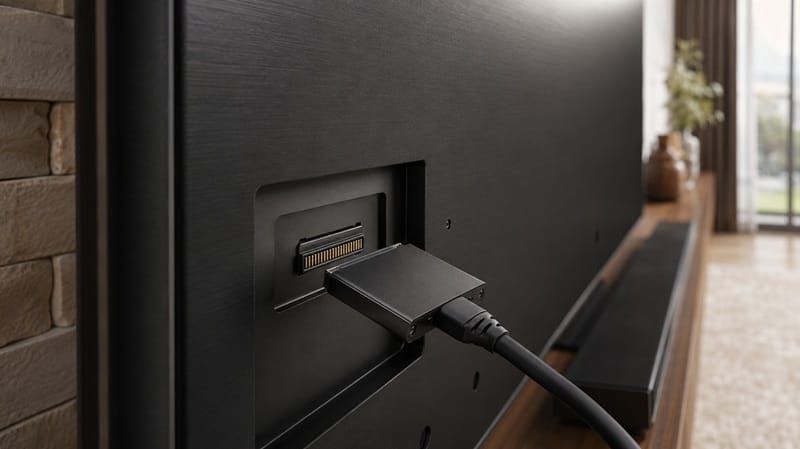
| Black screen, but audio still plays | One Connect cable connection is loose at the TV-side port | Disconnect and firmly reseat the One Connect cable at both ends, making sure it’s fully seated on the TV side | Easy |
| One HDMI port stops recognizing devices, others still work | A single port on the box has degraded rather than the whole unit | Test the same device on a different port to confirm it’s port-specific, then run the TV’s built-in HDMI cable test | Moderate |
| Ports work intermittently, or all fail after several hours of use | Not officially confirmed by Samsung — owners commonly suspect heat buildup or a developing internal fault | Power-cycle the TV and box, improve ventilation around the box, and contact Samsung support if the pattern repeats | Moderate |
One Connect issues don’t say anything about the TV’s actual performance — the panel, processor, and picture quality are all unaffected, since the fault sits in a separate box. If hardware reliability across brands is part of what you’re weighing, our best OLED TVs of 2026 roundup lines up long-term durability alongside picture quality across this year’s field.
Is a One Connect Box Problem Something to Worry About?
Timing decides the answer. Inside standard warranty, Samsung treats the One Connect Box as a serviceable, individually replaceable part — not a reason to service or replace the whole TV. Outside warranty, cost becomes the real factor, since the box is sold and serviced separately from the panel. Either way, ruling out a loose cable first takes five minutes and costs nothing, versus assuming you’re already looking at a repair bill.
What This Means for You in Practice
Who Should Pay Attention to This
This matters most if you own a QLED, Neo QLED, or Frame TV from a lineup that ships with a One Connect Box — particularly sets that are wall-mounted, where the cable gets flexed or the box sits somewhere with limited airflow. If you’re comparing current Samsung OLED options and want to know how they stack up on connections and long-term ownership, our Samsung OLED roundup breaks down the current lineup side by side.
Who Doesn’t Need to Worry
If your TV doesn’t use a One Connect Box at all — many standard OLED and QLED models route connections directly through the panel — none of this applies to your setup. And if you’ve owned your set for years without a single symptom from the table above, there’s no evidence pointing to a fault developing on its own without a trigger like a loose cable or a power event.

FAQs: Samsung One Connect Box Problems
What’s the first thing to check for Samsung One Connect box problems?
Start with the connector at the TV side — disconnect the One Connect cable, check it for damage, and firmly reseat it, following Samsung’s official One Connect setup guidance for your model. This single step resolves a large share of black-screen and no-recognition cases without needing a service call.
Can I replace a Samsung One Connect Box myself?
Yes, in most cases — the box is designed as a separate, swappable component rather than something fused to the TV, and Samsung sells replacement units through its parts channel for out-of-warranty situations. Compatibility is tied to your exact model number, so confirm the correct box before ordering rather than assuming any One Connect Box will pair with any TV.
Is a black screen always a One Connect Box problem?
No — a black screen with no sound at all usually points back to the TV or the power source, while a black screen with audio still playing is the specific pattern that points toward the box or cable. That distinction is the fastest way to narrow down which side of the setup to troubleshoot first.
Does a Samsung firmware update cause One Connect box problems?
It can in some cases, though it’s a separate failure path from a hardware or cable fault — see our Samsung OLED firmware update problems guide (linked above) for what to do if symptoms start right after an update specifically, rather than developing gradually over time.
Are wireless One Connect boxes more prone to problems than wired ones?
They fail in different ways rather than more often — a wireless box introduces a pairing step between the box and the TV that a wired cable doesn’t need, so a wireless setup that won’t connect is troubleshooting a different fault than the power and cable issues covered above.

iYaiii
Editor, GearPulse360
iYaiii is the editor and founder of GearPulse360, specializing in TV reviews and consumer electronics. He researches every recommendation before publishing.
✅ Based on spec analysis and Samsung’s official support documentation — last verified July 2026