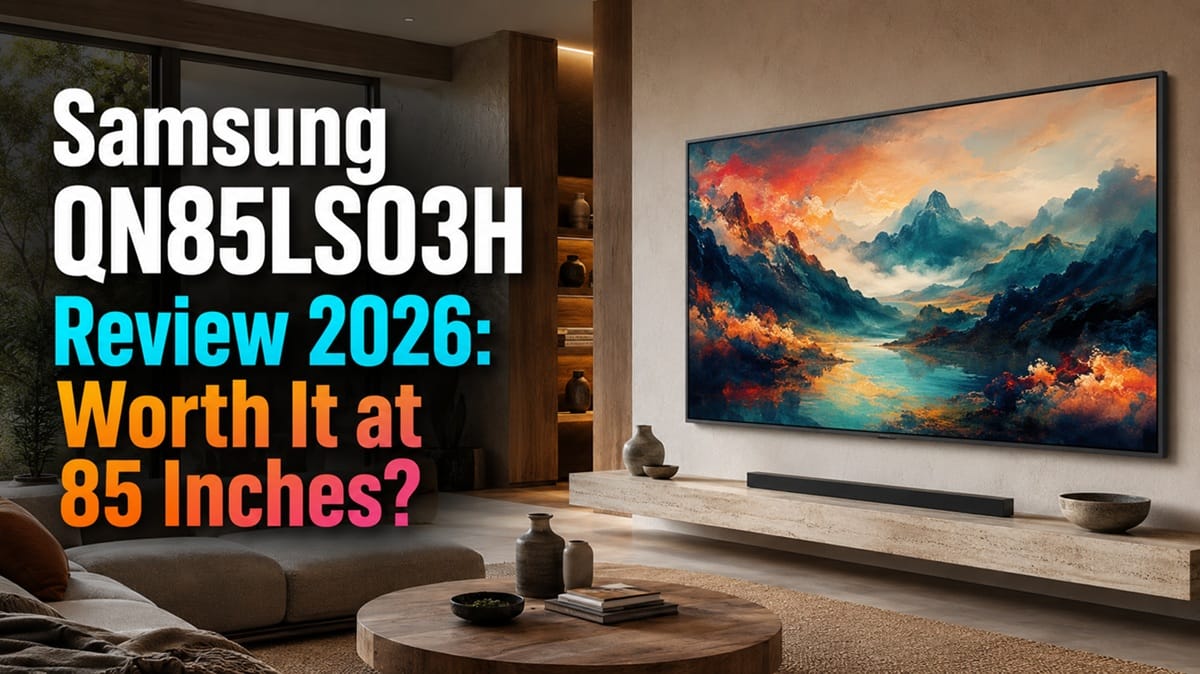
Samsung QN85LS03H Review 2026: Does the 85-Inch Frame Pro Earn Its Price at This Size?
Last updated: July 2026
🕒 9 min read
Disclosure: As an Amazon Associate I earn from qualifying purchases. This article contains affiliate links — we may earn a small commission if you buy through them, at no extra cost to you.
RTINGS tested one Frame Pro — the 65-inch model — and applied the results to every size Samsung sells it in, including the 85-inch QN85LS03H this review covers. That’s the fact this review is built around: the panel technology, the local dimming system, and the gaming latency don’t change as the screen gets bigger. What changes is the price, the wall space you need, and how much of a design statement you’re making. Our Samsung QN85LS03H review works through that distinction directly — what the largest Frame Pro size actually buys you beyond a bigger picture.
We drew on RTINGS’ published Frame Pro 2026 testing and Samsung’s own spec sheet for the 85-inch unit rather than a separate hands-on test of this specific size. If you’re weighing 85 inches against the smaller Frame Pro models, or wondering whether Samsung’s cheaper non-Pro Frame gets you close enough for less, that comparison runs throughout. Shoppers who haven’t settled on a Frame-style TV at all will get more out of our best 4K TVs of 2026 roundup, which covers the wider field across every brand and budget.
Table of Contents
Quick Verdict
At a Glance
★★★☆★ 5.8 / 10
At a Glance
Picture Quality
Gaming
Audio
Value
👍 Best For: Buyers with a large wall who want gallery-quality Art Mode and daytime picture quality, and can absorb a flagship-tier price for it.
👎 Skip If: You want strong dark-room contrast, competitive gaming responsiveness, or the best possible value per inch.
One-Line Verdict: A striking design object with strong daytime picture quality, held back by a basic edge-lit dimming system that shows its limits at this size.
🛒 Check Availability on AmazonProduct Specs at a Glance
Product Specs
Samsung QN85LS03H — The Frame Pro (2026)
Edge-lit VA LCD (Neo QLED) · Matte Display · Tizen 2026
| 📺 Panel Type | Edge-lit VA LCD, Neo QLED (Mini LED backlight) |
| ⚡ Native Refresh Rate | 144Hz native (per RTINGS) |
| 🖥️ Screen Finish | Matte, anti-reflective |
| 🔌 Connectivity | Wireless One Connect box (4x HDMI 2.1) + rear Micro-HDMI |
| 🎮 HDR Formats | HDR10, HDR10+ (no Dolby Vision) |
| 🧠 Smart Platform | Tizen 2026, 7-year update promise |
Design & Build Quality
Materials & Finish
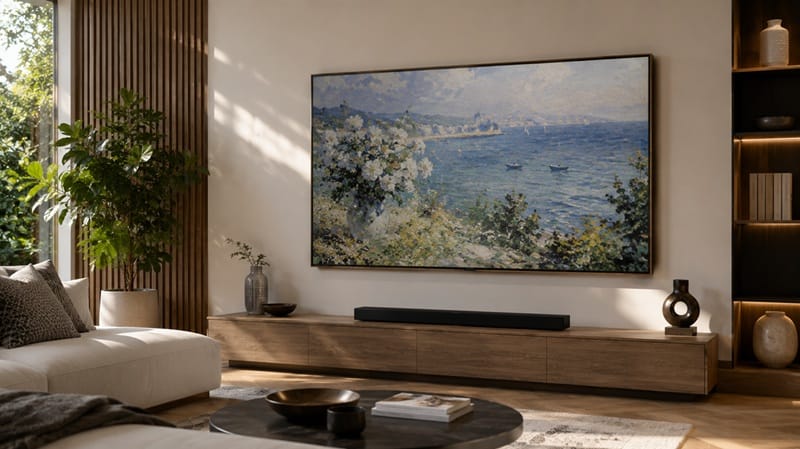
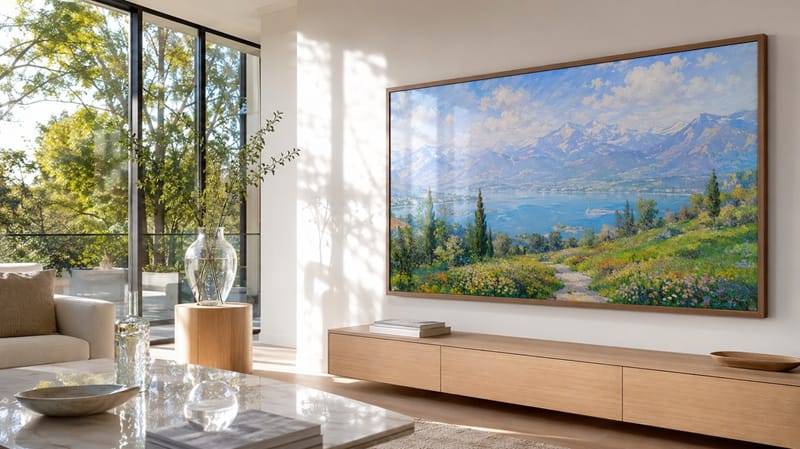
Samsung’s own product page for the 85-inch Frame Pro lists Glare Free technology on the matte display alongside the slim, customizable frame design, and RTINGS’ hands-on testing backs that up in practice. The matte coating does an excellent job cutting direct glare from windows and overhead lights, which is the whole premise of a TV designed to hang like a piece of art in a bright room. The Frame Pro also keeps the Wireless One Connect box that separates all of the TV’s ports from the panel itself, so the only things running to the wall are a slim power cable and, on the box’s end, your source devices.
RTINGS’ teardown of the same panel found it’s built entirely of plastic rather than metal, but rated the fit and finish as solid, with no quality-control issues on the unit they tested — which matters more than usual here, since an 85-inch panel needs to stay light enough to wall-mount in the first place.
Ports & Connectivity
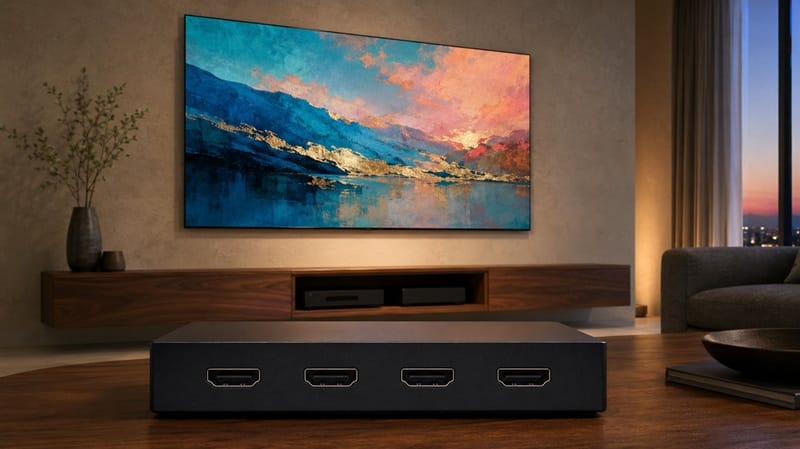
Nearly everything lives on the external Wireless One Connect box rather than the TV itself: four HDMI 2.1 ports rated for the full 48Gbps bandwidth, according to RTINGS’ testing of the same panel used across this lineup. The only connection directly on the back of the TV is a Micro-HDMI port plus a USB-C port, both intended as a low-latency fallback rather than a full input hub. That split is the tradeoff of the whole Frame Pro design: a clean wall mount, in exchange for routing most of your gear through a separate box placed elsewhere in the room.
On the audio side, RTINGS’ testing found it passes Dolby formats through eARC without issue but doesn’t support DTS at all — worth knowing if your Blu-ray collection or receiver leans on DTS-HD for lossless tracks.
Performance & Real-World Use
Daytime and Bright-Room Viewing
RTINGS’ lab testing of the Frame Pro 2026 found great SDR peak brightness and good HDR brightness, enough to comfortably overcome glare during the day — which lines up with what the matte coating is designed to do. Its testing also found the Frame Pro noticeably brighter than rivals like the Hisense CanvasTV 2026 and the entry-level Samsung Frame 2026, with more accurate out-of-box color and a more neutral color temperature than the Hisense in particular.
Dark-Room and Contrast Performance
This is where the size question actually matters. RTINGS categorizes the panel as an edge-lit VA LCD with a basic local dimming system — despite the Neo QLED name on the box, this isn’t the full-array Mini LED backlight found on Samsung’s higher-tier sets, and RTINGS notes the panel itself is nearly identical to the one used on the Samsung QN80H, a much cheaper conventional TV. Its testing describes the local dimming as doing very little to improve black levels, with bad zone precision and noticeable haloing around bright objects on a dark background.
RTINGS tested that behavior at 65 inches, not 85; we’d expect the same edge-lit backlight to show its haloing and uniformity issues at least as clearly on the larger panel, since nothing about the dimming hardware improves with screen size — but that specific claim is our inference from the panel’s known limitations, not a result RTINGS measured on the 85-inch unit directly.
Uniformity and Viewing Angle
RTINGS also flagged mediocre black uniformity and patchy gray uniformity on the tested unit, calling it distracting in sports and other bright, moving content. Viewing angle is only okay — colors shift and black levels rise noticeably off-center, which matters more on an 85-inch panel where a wide couch means more of your seating is off-axis by default.
Key Features Breakdown
Art Mode and the Wireless One Connect System
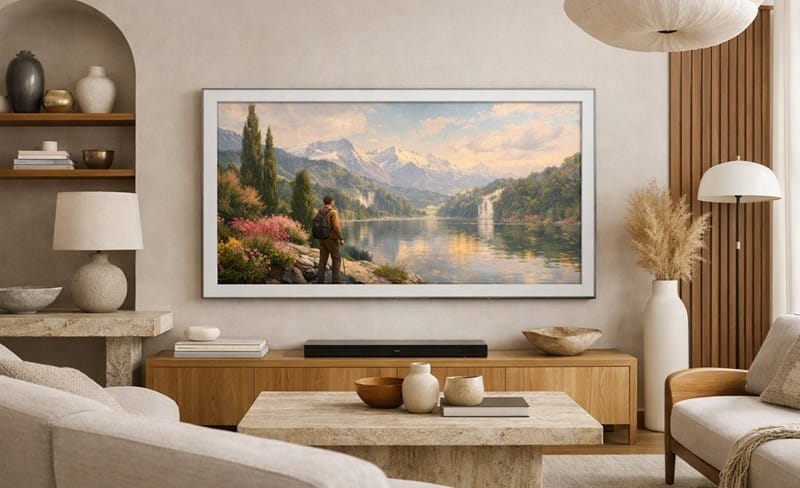
Art Mode is the actual reason most buyers consider a Frame Pro in the first place, and Samsung’s smart platform treats it as a first-class feature rather than a screensaver: it can be set to trigger automatically on motion, adjusts brightness and color tone to the room’s ambient lighting so art doesn’t look washed out or oversaturated, and supports both Samsung’s curated Art Store and your own uploaded photos. The Wireless One Connect box is what makes the wall-hanging illusion work — it transmits video and audio to the panel from up to roughly 33 feet away, so your source devices and cable clutter can sit somewhere out of sight entirely.
Gaming Features vs. Gaming Responsiveness
On paper the feature list is strong: full VRR support across FreeSync, HDMI Forum VRR, and G-SYNC Compatible, plus complete PS5 and Xbox Series X|S compatibility including 4K/120Hz, ALLM, and HDR. In practice, RTINGS’ testing found the Wireless One Connect box itself adds enough latency to make the TV a poor fit for fast-paced games, even at high refresh rates — the rear Micro-HDMI port measures dramatically lower input lag by comparison, but that means giving up the wireless setup that’s the whole point of buying a Frame Pro.
The Good, the Bad, and the Ugly
Pros
- ✅ Matte anti-reflective coating — nearly erases glare from windows and overhead lighting, which is exactly what a wall-mounted art display needs.
- ✅ High peak brightness — bright enough in both SDR and HDR to stay watchable in a sunlit room without washing out.
- ✅ Clean handling of low-quality sources — RTINGS found it does a good job smoothing compression artifacts from streaming without losing fine detail.
Cons
- ❌ Basic edge-lit local dimming — despite the Neo QLED branding, it barely moves the needle on black levels according to RTINGS’ testing.
- ❌ Patchy uniformity — noticeable bright patches and inconsistent black levels, especially distracting during sports.
- ❌ Wireless One Connect adds real input lag — a genuine problem for anyone who games competitively rather than casually.
The Ugly
The honest issue at 85 inches is that none of the Frame Pro’s underlying hardware changes with size — you’re getting the same edge-lit VA panel and the same basic dimming system RTINGS tested at 65 inches, spread across roughly 70% more screen area for a proportionally higher price. Buyers who mainly want a large, striking Art Mode display can live with that: dimming zone haloing is far less noticeable when the screen is showing a still image than fast-moving video. Buyers picturing Mini-LED-class contrast because of the “Neo QLED” name on the box are the ones who’ll be disappointed — that branding describes the LED backlight, not the zone count or precision behind it.
Who Should Buy This — and Who Shouldn’t
Buy This If
You have a large wall — think a great room or an open living space where an 85-inch panel reads as furniture rather than a screen — and Art Mode’s gallery experience is a real selling point, not an afterthought. Think of the Frame Pro less as a TV that happens to look nice and more as a piece of furniture that happens to play video; buyers who share that priority tend to be far happier with the tradeoffs here than buyers shopping on contrast ratio alone.
If the 85-inch price and the same-hardware-but-bigger tradeoff give you pause, our Samsung QN75LS03HE review covers the 75-inch non-Pro Frame, which shows how much of the Frame Pro’s premium you’re paying for the brighter panel and the wireless box specifically, rather than for size alone.
Buyers whose real priority is glare resistance rather than the art-frame form factor should look past this whole product category — our best OLED TVs for bright rooms guide rounds up panels built primarily for contrast that don’t carry the same edge-lit dimming compromise.
Skip This If
Skip this if dark-room home theater performance matters more to you than the art-frame aesthetic — the edge-lit dimming system simply isn’t built for deep, even blacks at any size. Competitive or fast-paced gamers should also look elsewhere, since the Wireless One Connect setup that defines this TV works against low input lag. Buyers chasing the best possible contrast for movies will get more consistent results from a true full-array Mini LED or OLED set instead.
Final Verdict
Is It Worth Buying?
Our Samsung QN85LS03H review comes down to this: you’re paying a flagship price for design, brightness, and a well-executed Art Mode experience, not for class-leading contrast or gaming performance. Buyers who want exactly that — an 85-inch, wall-flush art piece that’s also a capable daytime TV — are well served. Buyers shopping primarily on picture-quality specs will be happier, and spend less, elsewhere. If 85 inches is more size than your wall actually needs, the smaller Samsung QN65LS03H review covers the identical panel and dimming hardware at a size that’s easier to justify. 🛒 Check Availability on Amazon
Frequently Asked Questions
Is the Samsung QN85LS03H a good TV in 2026?
It’s a good TV for a specific job: a large, design-forward living space where Art Mode and daytime glare resistance matter as much as picture quality. It’s a weaker pick if dark-room contrast or gaming responsiveness are your priorities, since the edge-lit local dimming and Wireless One Connect latency both work against those use cases.
How does the QN85LS03H compare to Samsung’s non-Pro Frame at the same size?
According to Samsung’s own 2026 lineup materials, the Frame Pro keeps the Neo QLED display and the Wireless One Connect box, while the standard Frame switches to built-in connections for a simpler setup. RTINGS’ own testing of the standard Frame confirms what that difference means in practice: the non-Pro model has no local dimming feature at all, versus the Frame Pro’s basic edge-lit system — a real gap, even though RTINGS also found the Frame Pro’s dimming does little to improve black levels on its own.
The trade-off runs the other way for gaming, though: because the standard Frame’s inputs sit directly on the TV instead of routing through a wireless box, RTINGS measured excellent input lag on it, without the latency penalty that hurts the Frame Pro.
Is the QN85LS03H good for a bright living room?
Yes — this is the scenario it’s built for. The matte anti-reflective coating and high peak brightness are specifically what let it handle a sunlit room without the picture washing out or reflections becoming distracting.
Should I buy this TV mainly for gaming?
Probably not. It supports the full spec sheet — 4K/120Hz, VRR, ALLM — but RTINGS’ testing found the Wireless One Connect box adds enough input lag to make it a poor fit for fast-paced or competitive games. Connecting through the rear Micro-HDMI port instead lowers latency considerably, but that means giving up the wireless setup that’s the main reason to buy a Frame Pro over a conventional TV.
Do I have to use the Wireless One Connect box, or can I connect devices directly to the TV?
You can connect directly to the TV using its rear Micro-HDMI and USB-C ports, but the vast majority of the TV’s inputs — all four HDMI 2.1 ports — live on the Wireless One Connect box. Skipping the box means giving up most of your connectivity, so most owners will end up using it as intended.

iYaiii
Editor, GearPulse360
iYaiii is the editor and founder of GearPulse360, specializing in TV reviews and consumer electronics. He researches every recommendation before publishing.
✅ Based on RTINGS testing data and Samsung’s official product specifications — last verified July 2026