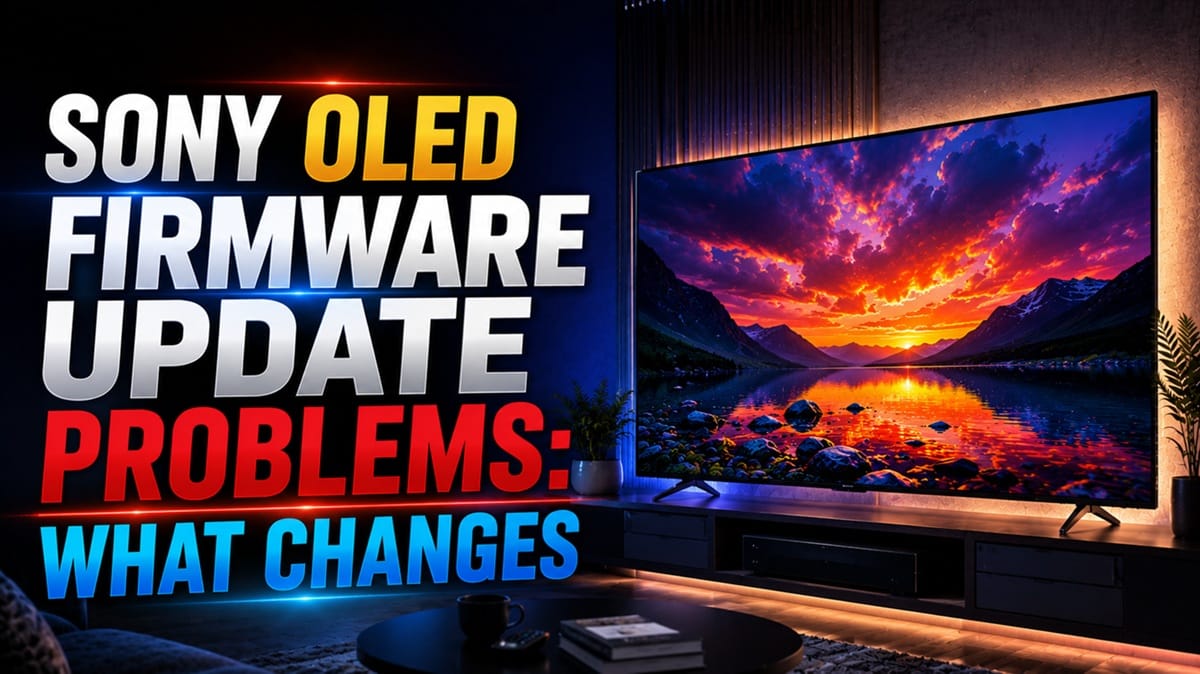
Why a Sony OLED Firmware Update Changes More Than the Version Number
Last updated: July 2026
🕒 8 min read
Disclosure: GearPulse360 participates in the Amazon Associates Program. This particular article contains no affiliate links; other content on our site may.
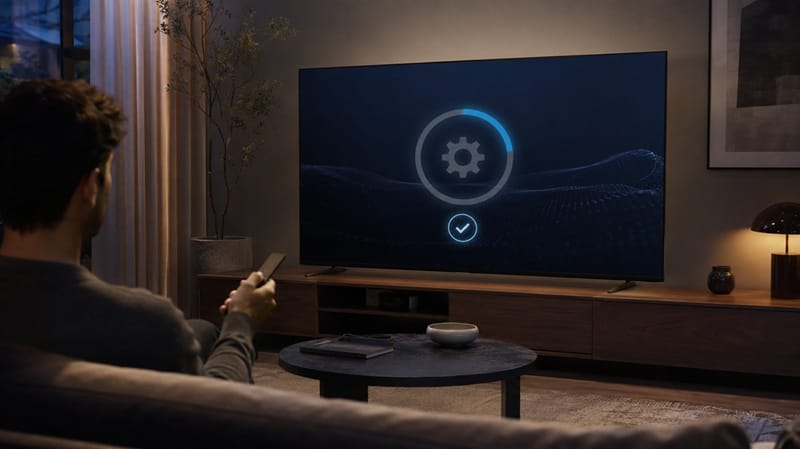
A Sony OLED update finishes overnight, and by morning the TV doesn’t quite feel like the one you left it as — the home screen has been reshuffled without asking, and nothing in the changelog mentions it. Nothing crashed. Nothing turned itself off. It’s just different, and Sony rarely explains why.
That gap between “the update installed fine” and “the TV behaves differently now” is exactly why Sony OLED firmware update problems get searched so often. People aren’t always chasing a bug — sometimes they’re just trying to figure out whether what changed was intentional.
Sony’s own support documentation, cross-checked against patterns reported across owner forums, points to a small, fairly predictable set of categories that most post-update complaints fall into.
The distinction worth drawing early is between a feature that actually stopped working and a feature Sony quietly redesigned. One is a bug worth reporting; the other is a settings menu you’ll need to re-learn, not fix.
This piece walks through both, plus how that same update rollout connects to the sluggishness covered in our Sony Google TV lag after update guide, before getting into whether you should install the next update the moment it appears.
Table of Contents
The Short Answer: What Causes Sony OLED Firmware Update Problems?
Usually only partly. Manufacturer specifications and editorial research into Sony’s Google TV rollout pattern show that most post-update complaints trace back to either a genuine app-layer bug that a follow-up patch resolves within a few weeks, or a menu/setting change that was intentional but poorly communicated — not a hardware fault and not something that damages the panel.
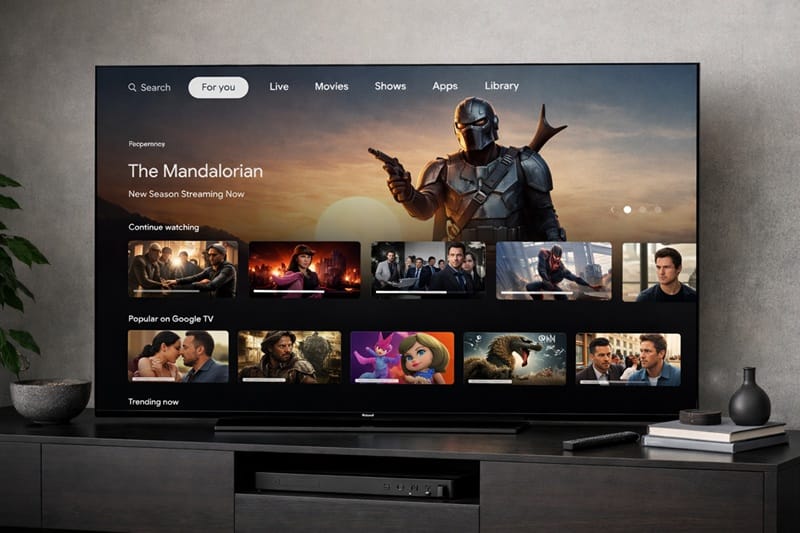
What Actually Changes When Sony Pushes a Google TV Update
Genuine Bugs vs. Unannounced Feature Changes
A real regression looks like this: an app that opened instantly now hangs on its splash screen, or HDMI-CEC stops passing volume commands to a soundbar that worked the day before. These are the cases worth documenting with the exact software version, since Sony’s support team will ask for it.
An unannounced change looks different — the picture mode list gets reordered, Bravia Core’s icon moves to a new row, or a toggle you’d switched off (like ambient light sensing) reverts to its factory position.
The remote can end up in its own category entirely. On Bluetooth and voice remotes, a firmware update sometimes resets the stored pairing without any error message, which looks like a dead remote rather than a software side effect — our Sony TV remote control problems guide covers how to tell that apart from an actual hardware issue.
Based on Sony’s own software update help documentation, updates are described as enhancing functionality and adding features — which is precisely the kind of language that covers a rearranged interface without ever calling it a “change.”
Channel switching that suddenly feels sluggish gets lumped into this list too, though it’s usually unrelated to whichever update just installed — a brief pause while a channel loads is baked into how Android TV and Google TV handle live channels generally, not something a specific firmware version introduced. Our Sony TV channel change delay guide breaks down when that pause is expected and when it’s actually worth troubleshooting.
A Quick Reference for the Most Common Reports
| SYMPTOM | LIKELY CAUSE | FIX | DIFFICULTY |
|---|---|---|---|
| Sony OLED — HDMI-CEC/eARC stops controlling a soundbar after update | Commonly reported to reset to default during a major software revision | Re-enable “BRAVIA Sync” in Settings and re-pair the connected device | Easy |
| Bravia Core app won’t launch or shows a blank screen | App-layer cache conflict left over from the update, not a licensing issue | Force-stop the app in Settings > Apps, then relaunch it | Easy |
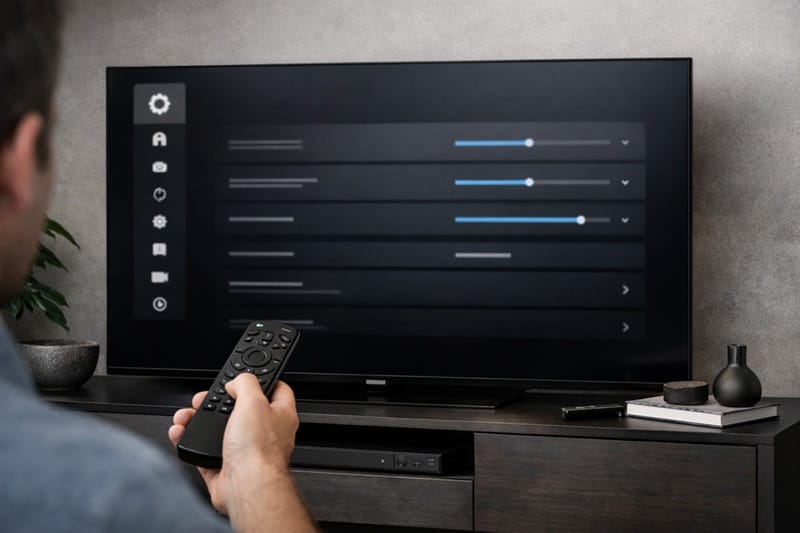
| Home screen layout or picture mode order rearranged | Intentional interface change bundled into the update, not a bug | Re-customize the row order in Settings > Home Screen; no fix needed beyond re-setting preferences | Medium |
If the issue persists after trying these steps, contact Sony’s support line with your exact software version.
Why This Happens More Often on Sony’s 2026 Lineup
Google TV’s Staged Rollout Isn’t the Same as a Bug
Sony’s current OLED lineup runs on Google TV rather than a Sony-built platform, which means updates often roll out in stages rather than to every unit at once. Two owners with the same model can be on different software versions for weeks without either one having a defective set.
That staggered pattern is also why forum threads about the same firmware update sometimes contradict each other: one person’s version already includes a fix the other person hasn’t received yet.
It’s a different situation from the settings-reset pattern covered in our Sony OLED that keeps shutting down guide, where a power-management setting — not the update rollout itself — is usually the root cause. Firmware update problems and standby-related shutdowns get lumped together in search results, but they trace back to two separate parts of the system.
Bravia Core Adds Another Layer
Sony’s Bravia Core streaming service is tied more closely to the TV’s firmware than most third-party apps, since it’s a Sony-built feature rather than a generic app running on top of Google TV.
Sony’s own support materials describe that tighter integration as the reason Bravia Core issues tend to show up disproportionately in the weeks right after a major update, compared to something like a standard streaming app.
None of this changes what the panel itself is capable of — a reshuffled menu or a CEC hiccup sits entirely on the software side, separate from contrast, color, and brightness performance.
If you’re still comparing models and want to know how a TV holds up months after the review units shipped, our best OLED TVs in 2026 roundup factors in that kind of longer-term software track record, not just first-impression picture quality.
Should You Install the Next Update Right Away?
A Simple Way to Decide
The honest answer depends on whether anything is currently broken. Editorial research into how Sony documents its releases points to a short pre-check as the safest approach before you decide either way.
Should You Update Now?
What This Means for You in Practice
Who Should Pay Attention to This
Anyone who relies heavily on HDMI-CEC with a soundbar or AV receiver, or who leans on Bravia Core for 4K rentals, should treat the first week after any major update as worth double-checking those specific features.
If firmware reliability is a real factor in your decision between brands right now, our breakdown of whether Sony’s OLED lineup is worth it in 2026 looks at software support alongside picture quality and price.
Who Doesn’t Need to Worry
If you mainly watch live TV or a couple of mainstream streaming apps and don’t lean on CEC device control, the odds of noticing anything at all after an update are fairly low — most of what gets reported concerns a narrower set of features than the volume of forum posts might suggest.
FAQs: Sony OLED Firmware Update Problems
What’s the most common Sony OLED firmware update problem?
The most frequently reported issue is an HDMI-CEC or eARC setting reverting to default, which breaks soundbar or receiver control until it’s manually re-enabled. Based on RTINGS’ Sony OLED review coverage, connectivity behavior like this is evaluated separately from picture-quality performance — a CEC glitch doesn’t affect contrast, color, or brightness.
Can a bad firmware update permanently damage my Sony OLED?
No. A firmware update can introduce a software bug or unwanted setting change, but it operates at the app and system-software layer — it doesn’t alter the physical OLED panel. There’s no publicly documented case of a standard Sony software update causing permanent hardware damage.
How do I roll back my Sony TV to a previous software version?
Sony doesn’t publish a standard consumer method for rolling back to an earlier software version once an update has installed. The supported path is contacting Sony support directly and describing the specific regression, since a fix is typically issued as a follow-up update rather than a rollback.
Should I buy a Sony OLED if firmware problems worry me?
Not on its own. What matters more is how a brand handles the fix once a real bug surfaces — how fast the follow-up patch lands and whether support actually engages with documented reports, which is the same lens worth applying to our Samsung OLED firmware update problems guide if you’re weighing both brands side by side.
Does skipping a firmware update affect my Sony warranty?
No. Declining or delaying a routine software update doesn’t void Sony’s standard warranty coverage. Warranty terms are tied to hardware defects and manufacturing issues, not to whether a TV is running the latest available software version.

iYaiii
Editor, GearPulse360
iYaiii is the editor and founder of GearPulse360, specializing in TV reviews and consumer electronics. He researches every recommendation before publishing.
✅ Based on spec analysis and Sony’s official and RTINGS data — last verified July 2026