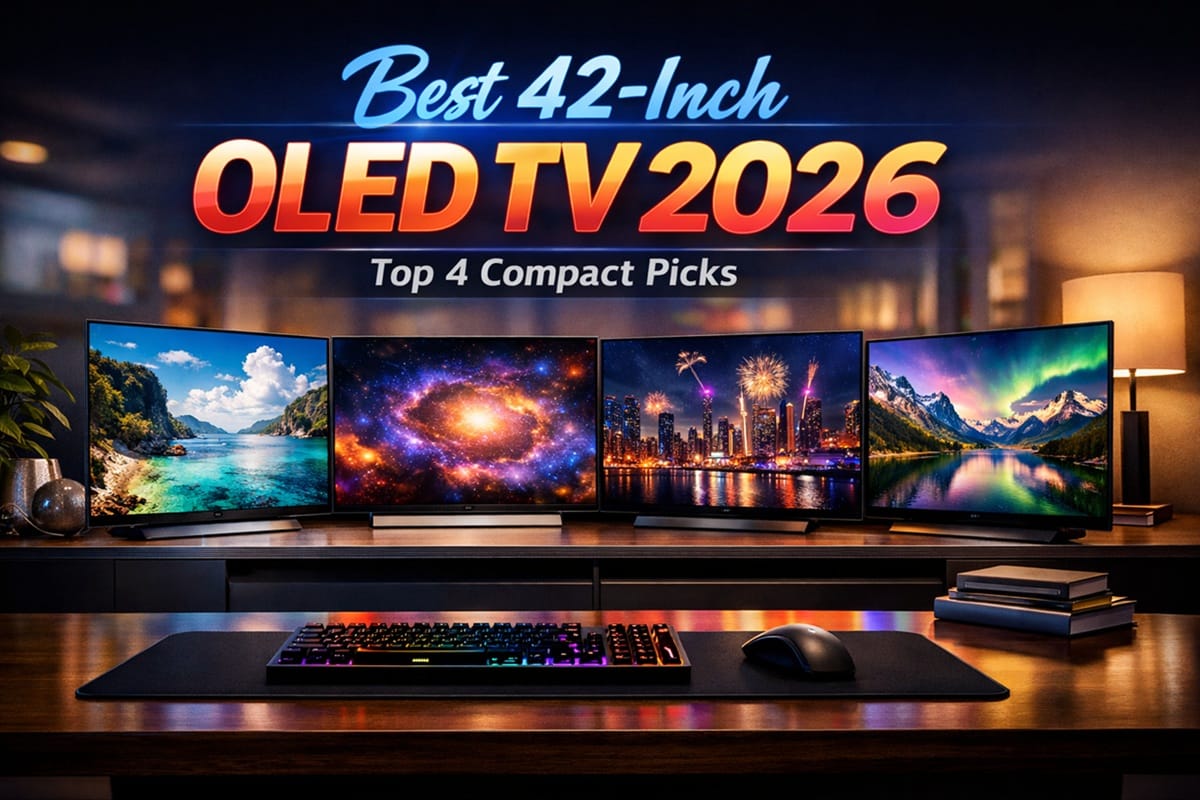
Best 42-Inch OLED TVs in 2026: Ranked for Desks, Bedrooms, and Small Rooms
Disclosure: As an Amazon Associate I earn from qualifying purchases. This article contains affiliate links — we may earn a small commission if you buy through them, at no extra cost to you.
Last updated: June 2026 | 🕒 9 min read
A 42-inch OLED sits in an odd spot: big enough to anchor a bedroom or a desk setup, small enough that it doesn’t take over a room you can’t dedicate to a media wall. If you’ve been eyeing one as a hybrid TV-and-PC-monitor or a secondary screen, the current options worth considering all come from just two brands — LG and Samsung.
We worked through the official spec sheets and independent test data for each model below. The short version: our top pick is the LG OLED42C6PUA, but which one actually fits your setup depends more on refresh rate and HDR format than on panel quality — at this size, every option here uses the same underlying panel technology.
Table of Contents
Best 42-Inch OLED TVs: Quick Comparison
| Pick | Model | Panel | Best For | Price |
|---|---|---|---|---|
| Best overall | LG OLED42C6PUA | WOLED | Newest processor, 165Hz | Amazon ↗ |
| Best value | LG OLED42C5PUA | WOLED | Same essentials, lower cost | Amazon ↗ |
| Best Samsung | Samsung 42S90H | WOLED | Tizen ecosystem, HDR10+ | Amazon ↗ |
| Best budget | Samsung 42S90F | WOLED | Lowest-cost OLED on this list | Amazon ↗ |
↻ Prices change frequently — click through for current pricing.
✓ Scores reflect our independent assessment, not Amazon customer reviews.
Best Overall 42-Inch OLED TV: LG OLED42C6PUA
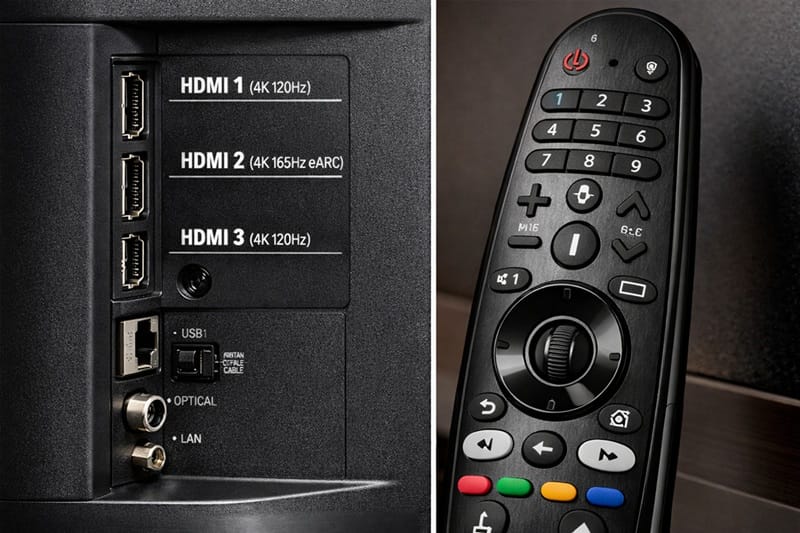
The LG C6 is the newest 42-inch OLED on the market, and the only one here running LG's latest Alpha 11 AI Processor Gen3 — the same chip used in the flagship G6. That processor unlocks a 165Hz refresh rate, up from the C5's 144Hz, alongside Dolby Vision and Dolby Atmos support.
One thing to know before you buy: LG's Brightness Booster technology, which lifts peak highlights on the 48-inch and larger C6 models, isn't included on the 42-inch size at all. According to LG's official C6 product page, the smallest model still uses the same WOLED panel family as its larger siblings, just without that extra brightness layer.
RTINGS' review of the LG C6 OLED 2026 confirms the lineup uses a standard Tandem WOLED structure across the 42-to-65-inch sizes, with the brighter Primary RGB Tandem panel reserved for the larger 77-inch and 83-inch C6H variants. For desk and bedroom setups, that brightness gap matters less than it sounds — OLED's per-pixel black levels still carry dark scenes and night gaming well. If 165Hz PC gaming with G-Sync and FreeSync Premium support is the priority, start here.
Best Value 42-Inch OLED TV: LG OLED42C5PUA
The C5 launched in 2025 as LG's mid-range OLED, and a year later it's the most discounted 42-inch OLED on this list while keeping nearly everything that made it well-reviewed at launch. LG's official C5 product page lists the Alpha 9 AI Processor Gen8 and a WOLED evo AI panel, with Dolby Vision, Dolby Atmos, and a 144Hz refresh rate — one generation behind the C6, but still well ahead of non-gaming TVs at this size.
RTINGS purchased and tested the 42-inch C5 specifically — not a larger sibling standing in for it — and found that the 42-inch and 48-inch models share a panel that lacks the Brightness Booster found on 55-inch-and-up C5 units. Based on that testing, the practical picture-quality gap between the C5 and C6 at this size is smaller than the processor difference suggests. The C5 mainly trails on refresh-rate ceiling and the newest webOS build — the core OLED picture itself holds up well against the newer model.
If you're also weighing OLED against QLED at this size, our OLED vs QLED comparison breaks down where each technology still has the edge.
Best Samsung 42-Inch OLED TV: Samsung 42S90H
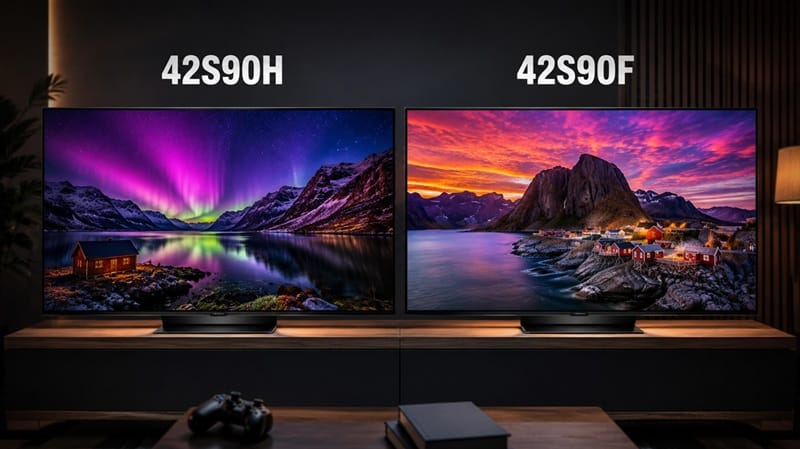
Samsung's S90H sits one tier below the flagship S95H, and the 42-inch model is Samsung's only 2026 OLED at this size. It's the pick to choose if you're already inside Samsung's ecosystem — SmartThings Hub, Tizen, Samsung TV Plus — or you specifically want HDR10+ support, which LG doesn't offer on the C5 or C6.
Samsung's official S90H product page lists Samsung Vision AI running on the NQ4 AI Gen3 processor for the 42-inch model, with a 165Hz refresh rate and OLED HDR+ with Glare Free. Unlike the 55-inch and larger S90H models, the 42-inch size uses a WOLED panel rather than Samsung's own QD-OLED — consistent with how Samsung has built the smaller sizes in this series for several generations.
RTINGS lists the 42-inch model, QN42S90HAEXZA, directly in its Samsung S90H review. One thing to flag: because this is WOLED rather than QD-OLED, color volume runs closer to the LG picks above than to Samsung's larger-screen QD-OLED TVs.
Best Budget 42-Inch OLED TV: Samsung 42S90F
The S90F is the 2025 predecessor to the S90H above, and it's now the most affordable 42-inch OLED from either brand. If the S90H's extra refresh-rate headroom and newer processor aren't priorities for you, the S90F covers the basics for noticeably less.
Samsung's official S90F product page confirms the NQ4 AI Gen3 processor with Motion Xcelerator up to 144Hz and OLED HDR support — one step below the S90H's OLED HDR+. Like the S90H, the 42-inch S90F uses a WOLED panel rather than QD-OLED.
RTINGS names the 42-inch QN42S90FAEXZA directly in its Samsung S90F review. Based on that data and Samsung's spec sheet, neither the S90F nor the S90H supports Dolby Vision — worth factoring in if most of what you watch is mastered for that format rather than HDR10.
What to Look for in a 42-Inch OLED TV
Panel Type: Why Every 42-Inch OLED Is WOLED
All four TVs in this guide — including both Samsung models — use WOLED panels, not QD-OLED. That's not a brand choice, it's a manufacturing one. Samsung Display currently produces QD-OLED panels in 55-inch and larger sizes only, so even Samsung's own 42-inch TVs source the same panel type LG uses.
If panel technology was going to be your tiebreaker between these four, it isn't one here — refresh rate, processor, and HDR format support do most of the differentiating at this size.
Refresh Rate and Gaming Performance
The LG C6 and Samsung S90H both reach 165Hz, while the older C5 and S90F top out at 144Hz. For console gaming on a PS5 or Xbox Series X, the difference won't matter much, since both consoles cap out below either number. It becomes relevant if you're using the TV as a PC monitor with a graphics card that can actually push past 144 frames per second.
HDR Format Support: Dolby Vision vs HDR10+
This is the cleanest dividing line in this lineup: LG's C5 and C6 support Dolby Vision but not HDR10+, while Samsung's S90H and S90F support HDR10+ but not Dolby Vision. Neither brand supports both formats on these models, so check which format your most-used streaming services lean on before picking a brand.
Brightness and Glare Handling at This Size
None of these four TVs include the full brightness-boosting tech their larger siblings get — LG's Brightness Booster isn't available at this size, even though Samsung does carry Glare Free over to its 42-inch S90H and S90F. If consistently bright-room viewing matters more to you than OLED's black levels, it's worth comparing against Mini-LED alternatives, which trade some contrast for higher sustained brightness; our OLED vs Mini LED comparison covers that trade-off in more depth.
Is 42-Inch Right for Your Room?
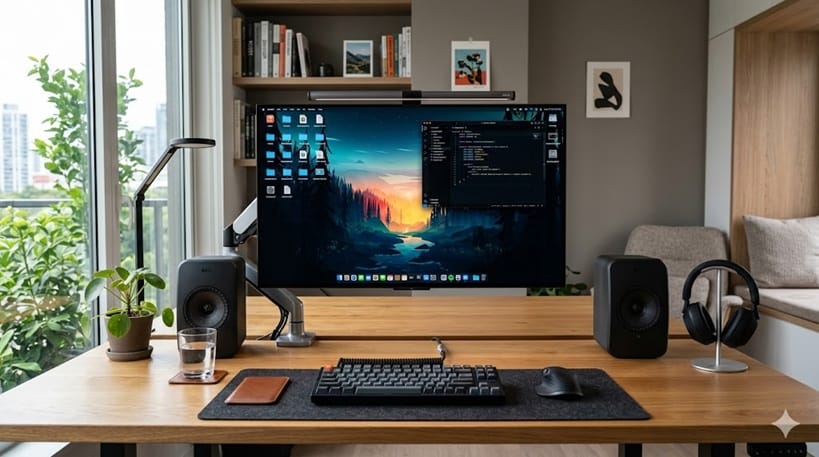
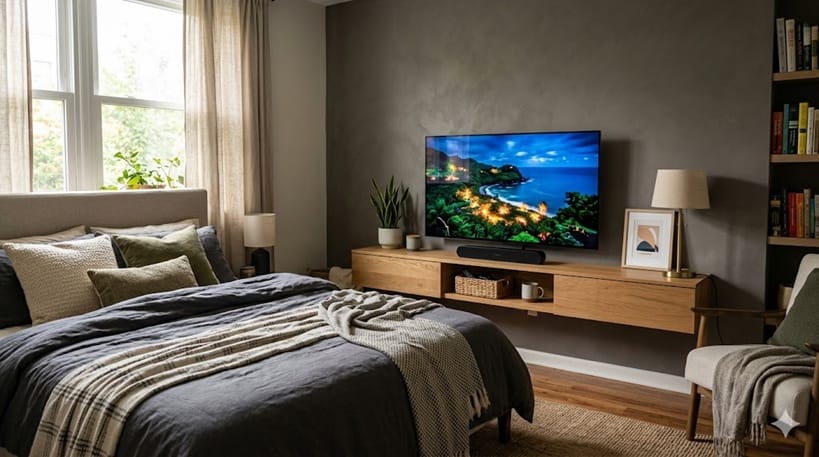
A 42-inch OLED has a noticeably tighter ideal viewing distance than most living-room TVs — close enough to suit a desk setup, but not built for sitting back across a large room. That makes it a strong fit for a desk, a bedroom dresser, or a small apartment living room, but it can feel undersized once you're sitting 8 feet back or more on a couch.
If 42 inches feels a little tight but a full living-room size still feels like overkill, our best 48-inch OLED TVs guide covers the next size up — still compact enough for a bedroom or a desk, just with a bit more breathing room.
If your room is bigger than that, sizing up gets you more screen without necessarily changing brand or panel tier — our Best 55-Inch OLED TVs guide covers the next practical step up for typical living-room viewing distances.
If you're choosing based on where the TV will actually live — an apartment, a dorm, a rental — rather than a specific inch count, our best OLED TVs for small spaces guide ranks both 42 and 48-inch picks through that lens instead.
How We Picked These TVs
We started from GearPulse360's master product list, narrowing to TVs marked currently active and sized at exactly 42 inches. There's no current-generation 42-inch OLED from Sony as of this writing, which is why this list covers only LG and Samsung.
For each model, we checked the manufacturer's official product page directly, then cross-referenced RTINGS' published review for that exact model. All four TVs here have a dedicated RTINGS review naming that specific model rather than relying on a predecessor's results.
This guide is based on published specifications and independent review data, not hands-on testing by our team. We'll revisit picks and rankings as new 42-inch OLED models launch or as pricing shifts meaningfully.
📍 Still deciding what size or budget makes sense? Our full roundup covers every OLED size and price tier we track for 2026: best OLED TVs of 2026.
42-Inch OLED TV FAQs
Which 42-inch OLED TV is best overall?
The LG OLED42C6PUA is our top pick. It's the only 42-inch OLED here running LG's newest Alpha 11 AI Gen3 processor — the same chip used in the flagship G6 — which unlocks a 165Hz refresh-rate ceiling that none of the other three picks match.
Is the LG C6 worth it over the C5 at 42 inches?
It depends on what you'll use it for. The jump to 165Hz mainly matters for PC gaming, and the newer webOS build adds AI features some buyers won't use. If neither of those matters to you, the C5 delivers very similar picture quality for less.
Are 42-inch OLED TVs dimmer than larger sizes?
Yes, generally. Both LG and Samsung skip their brightness-boosting features at this size, so 42-inch models run dimmer in HDR highlights than their 55-inch-and-up counterparts. OLED's black levels and contrast remain excellent regardless of size.
LG or Samsung for a 42-inch OLED?
It mostly comes down to HDR format and ecosystem. LG supports Dolby Vision but not HDR10+; Samsung supports HDR10+ but not Dolby Vision. If you're already using SmartThings or Tizen, Samsung keeps that consistent; otherwise it's largely a toss-up at this size.
Can I use a 42-inch OLED as a PC monitor?
Yes — all four picks here support HDMI 2.1 at up to 144Hz or 165Hz, which covers most modern graphics cards. None of these include a DisplayPort input, so PC connections go through HDMI.

iYaiii
Editor, GearPulse360
iYaiii is the editor and founder of GearPulse360, specializing in TV reviews and consumer electronics. He researches every recommendation before publishing.
✅ Based on spec analysis and LG's and Samsung's official data plus RTINGS — last verified June 2026