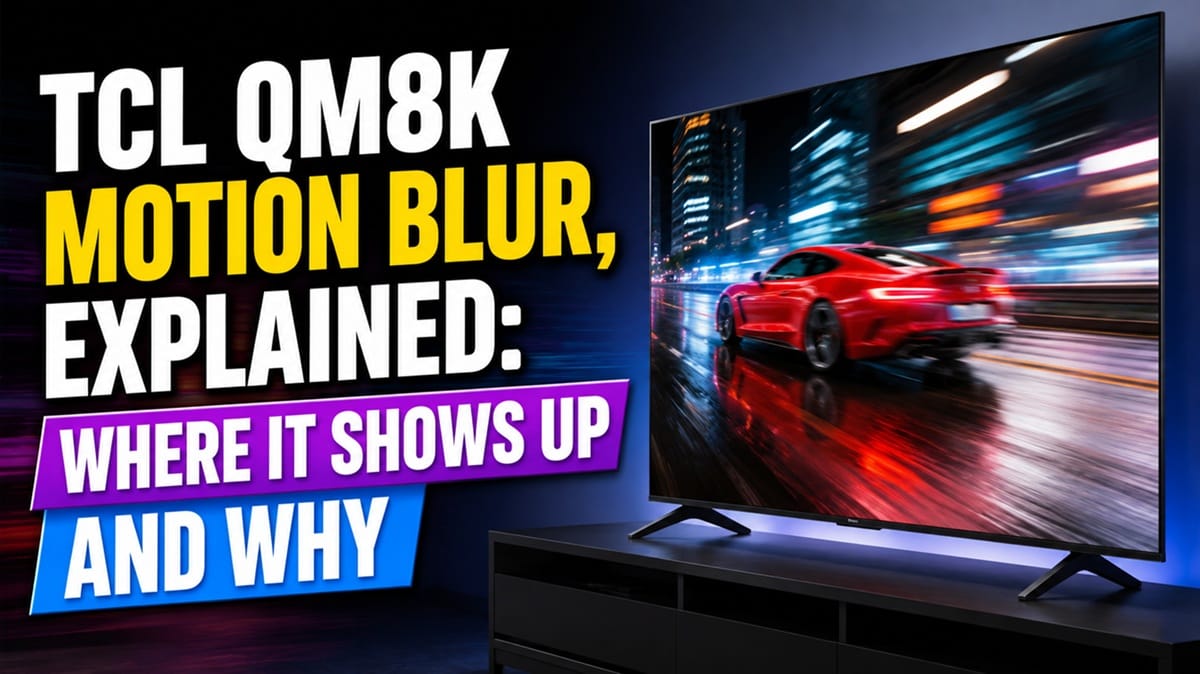
TCL QM8K Motion Blur, Explained: Where It Shows Up and Why
Last updated: July 2026
🕒 7 min read
Disclosure: As an Amazon Associate I earn from qualifying purchases. This article contains affiliate links — we may earn a small commission if you buy through them, at no extra cost to you.
You’re watching a fast break in basketball, or panning the camera across a video game map on the QM8K, and for a split second the edges of the action turn soft. That’s the moment most shoppers start typing “TCL QM8K motion blur” into Google — usually because someone told them Mini LED TVs “can’t do motion like OLED.”
That’s only half true. Motion blur isn’t unique to Mini LED, and it isn’t automatic just because a TV uses an LCD-type panel instead of OLED. Based on TCL’s published specifications for the QM8K and RTINGS’ general motion testing methodology, the picture is more specific than a blanket “Mini LED is blurry” verdict — and knowing where the QM8K’s motion handling actually comes from helps you set it up correctly instead of guessing.
This article covers what causes motion blur on LCD-type TVs like the QM8K, which of TCL’s own motion specs for this model actually matter, and where blur is still most likely to show up even with those features turned on. For the deeper technical breakdown of how motion and response time are measured, see our OLED motion and response time explained guide. We’ll start with the short version.
Table of Contents
The Short Answer
The TCL QM8K uses a 144Hz native-refresh WHVA (VA-type) Mini LED panel, which is fast for its panel class but still slower at pixel transitions than an OLED panel by design. Based on manufacturer specifications, TCL builds in several motion-focused features — a 144Hz native panel, backlight and pixel-response tuning it markets as “Zero Delay Transient Response,” and VRR up to 288Hz through its Game Accelerator mode — aimed specifically at reducing blur in fast content. Motion blur can still appear, most noticeably in dark, low-contrast scenes, which is a known weak point of VA-type panels generally rather than a QM8K-specific flaw.
What Causes TCL QM8K Motion Blur in the First Place
Sample-and-Hold Displays vs. Self-Emissive Pixels
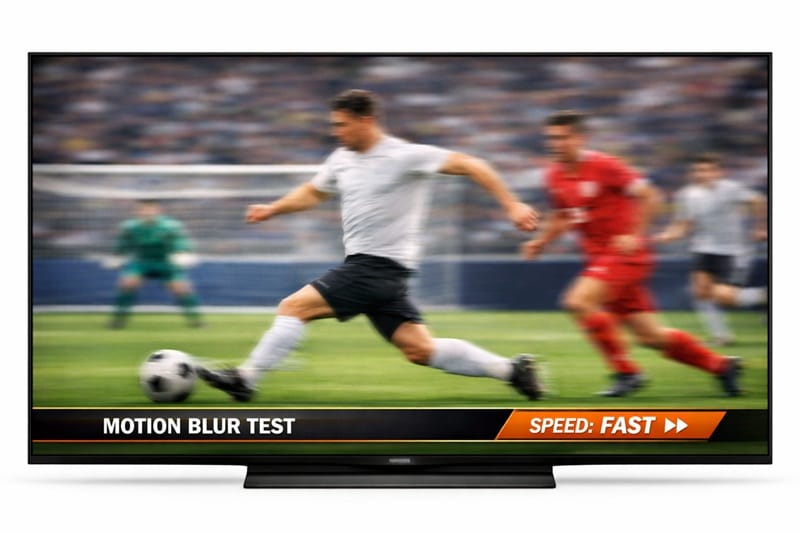
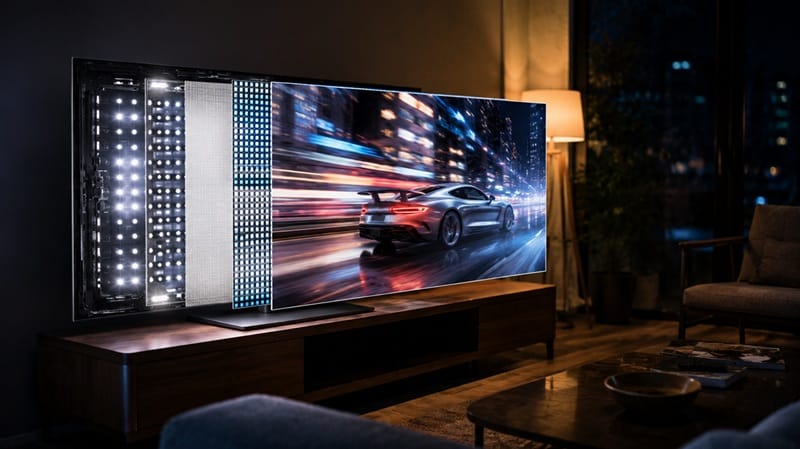
Every LCD-type TV, including Mini LED sets like the QM8K, uses what’s called a “sample-and-hold” display method: each frame is held on screen at full brightness until the next one arrives. Your eye keeps tracking motion smoothly during that hold, and the mismatch between the still frame and your eye’s movement is what reads as blur.
OLED panels are self-emissive and can flash frames on and off far more abruptly, which is part of why OLED sets tend to test faster on motion clarity in independent lab testing. That’s a structural difference between panel types, not a defect in any single model — including the QM8K. RTINGS’ motion blur and response time testing methodology explains how both sample-and-hold time and pixel response are measured and why they matter separately.
Panel Response Time on VA-Type LCDs
The QM8K uses what TCL calls a “CrystGlow WHVA” panel — a VA-type LCD variant. VA panels have historically been slower to shift individual pixels from one shade to the next than IPS panels, and that lag (response time) adds a second layer of blur on top of the sample-and-hold effect above. TCL’s marketing spec sheet cites tuning aimed at faster transient response on the QM8K, but VA-type panels as a category still tend to lag OLED and fast IPS panels on raw pixel response.
What TCL’s QM8K Motion Specs Actually Mean
144Hz Native Refresh Rate
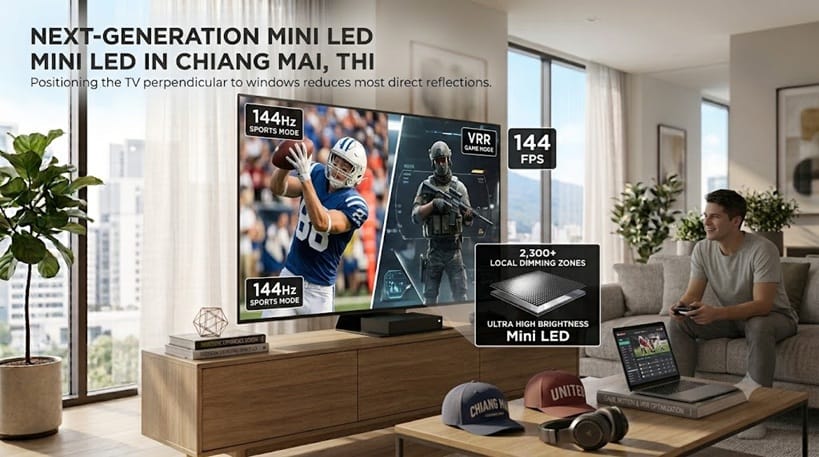
According to TCL’s published specifications, the QM8K carries a 144Hz native panel refresh rate, paired with VRR support up to 288Hz through TCL’s Game Accelerator feature. A higher native refresh rate shortens how long each frame is held on screen, which directly reduces sample-and-hold blur — this is a real, measurable spec, not just a marketing number. TCL carries this same 144Hz/VRR foundation forward into its 2026 flagship, the QM8L — see our full TCL 65QM8L review for how the newer model builds on it.
“Motion Rate 480” Isn’t a Hz Figure
TCL also lists a “Motion Rate 480” figure for the QM8K. This is a manufacturer-defined marketing metric, not a standardized measurement like native refresh rate or response time in milliseconds — it typically factors in backlight scanning and image processing alongside the panel’s real refresh rate. It’s worth knowing the difference so a “480” number isn’t mistaken for an actual 480Hz panel; treat it as a directional marketing spec rather than a lab-verified figure.
If you’re weighing the QM8K against other 2026 sets for fast-moving content, our TV buying roundup for 2026 breaks down picks by use case and budget, including how panel type factors into the decision.
Where TCL QM8K Motion Blur Still Shows Up
Dark, Low-Contrast Scenes
VA-type panels, including the QM8K’s WHVA panel, are generally slower to transition between dark shades than between bright ones. In practice, that means motion smearing is usually more visible in dim scenes — a night driving sequence or a dark video game level — than in brightly lit content, even with the panel’s higher native refresh rate engaged. That trade-off holds across the whole size range too — from the living-room-friendly TCL 75QM8L review up to TCL’s largest flagship, where our TCL 98QM8L review covers how the same panel technology holds up at 98 inches.
That interaction between local-dimming lag and slow near-black pixel response shows up across TCL’s Mini LED lineup generally, not just the QM8K — our dedicated breakdown of TCL TV dark scene motion smearing and ghosting walks through both mechanisms in more depth, including why the effect tends to scale with dimming-zone count across TCL’s tiers.
Interpolated vs. Native Frame Rate Content
Most streaming and broadcast content is delivered at 24, 30, or 60 frames per second, well below the QM8K’s 144Hz native refresh rate. Unless TCL’s motion smoothing/judder-reduction processing is active, the panel isn’t actually running at 144Hz for that content — it’s still sample-and-hold at the source frame rate, so blur reduction benefits are strongest with native high-frame-rate sources like PC or console gaming with VRR engaged, not standard streaming video.
These same panel-type trade-offs are why the choice between a Mini LED set like the QM8K and an OLED TV usually comes down to what you watch most. Our OLED vs Mini LED compared guide walks through the full picture-quality trade-off, not just motion.
What This Means for You in Practice
Buy This If…
You mostly watch daytime sports, play games with VRR enabled, or want strong HDR brightness alongside competitive motion handling for a Mini LED set — fast daytime action is where VA-type panels are least likely to show their motion weaknesses.
Skip This If…
Dark-scene motion clarity is your top priority — home theater use with lots of night scenes, film noir, or dimly lit gaming — an OLED panel’s self-emissive pixels will generally handle that specific scenario more cleanly than any VA-type Mini LED panel, the QM8K included.
Common TCL QM8K Motion Symptoms, At a Glance
FAQs: TCL QM8K Motion Blur
Does the TCL QM8K have motion blur?
Yes, to some degree — like all LCD-type/Mini LED TVs, the QM8K’s WHVA panel can show motion blur, most noticeably in dark scenes. See RTINGS’ full QM8K review for independent lab testing results beyond the manufacturer specs covered here.
Is TCL QM8K motion blur worse than an OLED TV?
Based on the structural differences between panel types, OLED’s self-emissive pixels generally test faster on motion clarity than VA-type LCD panels like the QM8K’s, particularly in dark scenes. In brighter, daytime content the gap narrows considerably. Motion is only one piece of that comparison — our full breakdown of does TCL Mini-LED look as good as OLED covers where TCL’s Mini-LED panels hold up and where OLED still pulls ahead.
Does turning on TCL’s motion smoothing fix blur?
It helps with judder from low-frame-rate sources like streaming video, but it doesn’t eliminate panel-level response-time blur. Motion smoothing interpolates extra frames; it doesn’t speed up how fast individual pixels can change shade.
Is the QM8K good for gaming if I’m worried about motion blur?
For gaming specifically, the QM8K’s VRR support up to 288Hz through Game Accelerator mode is the more relevant spec than its base 144Hz refresh rate — VRR keeps the panel’s refresh in sync with your console or PC’s frame rate, which reduces both judder and perceived blur during fast camera movement.
Should I buy the QM8K or an OLED TV if motion clarity matters most?
It depends on what kind of motion. For daytime sports and VRR gaming, the QM8K’s motion specs are competitive for a Mini LED set — our OLED vs Mini LED for sports breakdown covers that use case directly. For dark-scene motion clarity specifically, OLED still tends to have the edge.

iYaiii
Editor, GearPulse360
iYaiii is the editor and founder of GearPulse360, specializing in TV reviews and consumer electronics. He researches every recommendation before publishing.
✅ Based on manufacturer spec analysis (verified against TCL’s official pages) and RTINGS testing methodology — last verified July 2026