Sony TV Random Restart Freeze: Is It Software, Timing, or Something Bigger?
Last updated: July 2026
🕒 8 min read
Disclosure: GearPulse360 participates in the Amazon Associates Program. This particular article contains no affiliate links; other content on our site may.
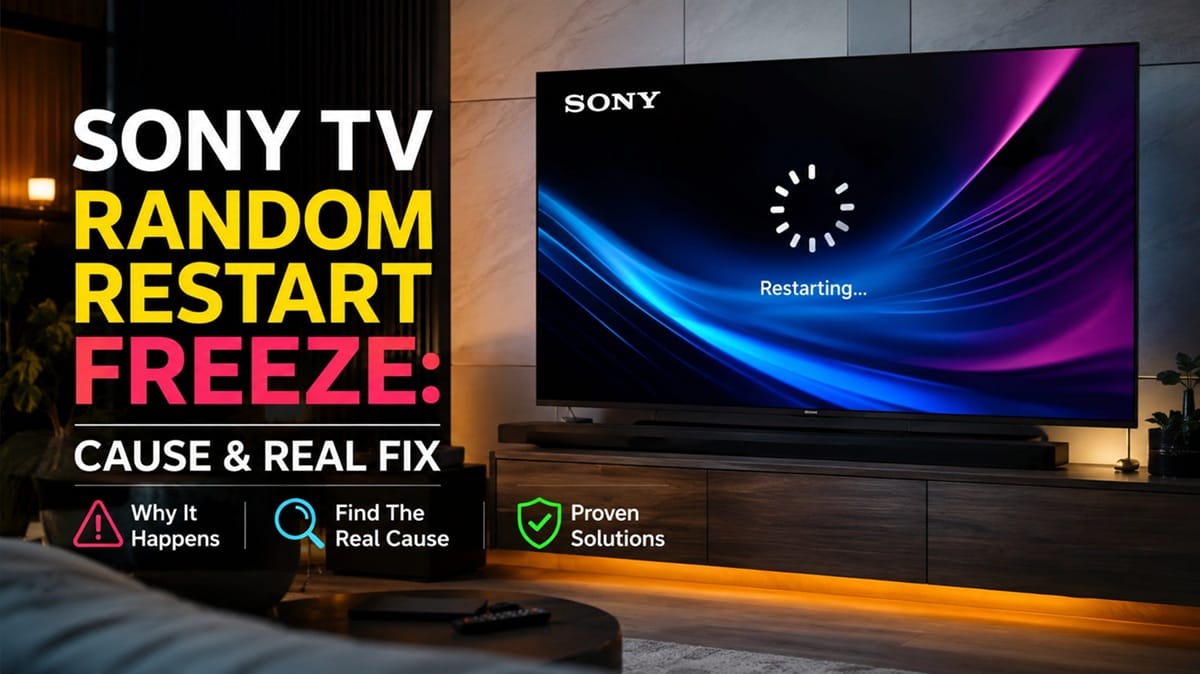
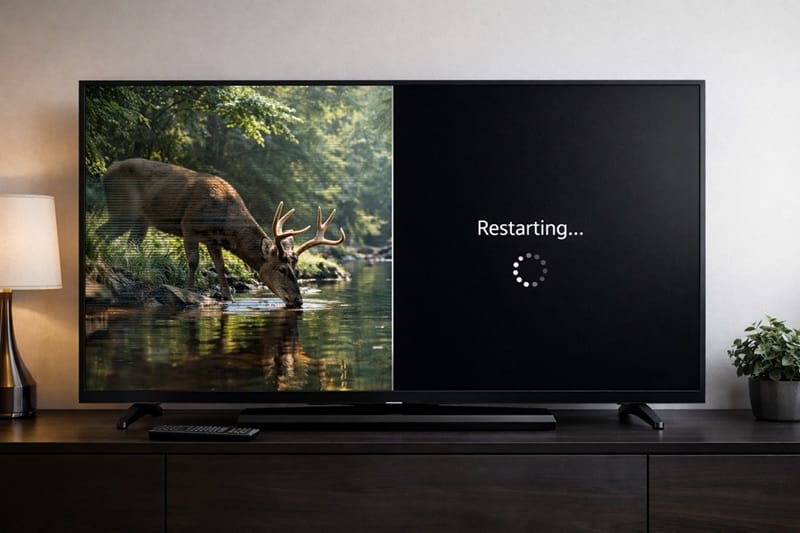
The picture holds on a single frame for a second or two — sound still playing, nothing you pressed — and then the screen goes black and the Sony logo comes back up on its own. Sometimes it happens once a week.
Sometimes twice in one evening, then nothing for a month. That unpredictability is what makes a Sony TV random restart freeze so hard to describe to support in a way that gets taken seriously.
Most people searching for this aren’t dealing with a TV that won’t turn on — theirs turns on fine, it just doesn’t stay on the way it used to.
RTINGS doesn’t run a long-term reboot-frequency test, so the clearest evidence here comes from Sony’s own support documentation — and based on that, the timing itself is a clue. A restart tied to a specific trigger — an app, a firmware update, a connected device — behaves differently from one with no pattern at all, and the two point to different fixes.
A common misconception is that any random restart means the panel or a major board is failing. In practice, a freeze that resolves into a restart on its own is one of three distinct things: a one-off software hiccup, a repeating boot loop, or a genuine hardware fault.
Each of those three has a different fix, which is the part most troubleshooting advice skips — and it’s a separate issue from a Sony OLED that keeps shutting down entirely rather than restarting.
Table of Contents
The Short Answer: What Causes a Sony TV Random Restart Freeze
A Sony TV that randomly freezes and restarts is almost always a software issue — a crashing app, a stuck firmware update, or a memory overload — rather than a failing panel. The freeze itself is the TV’s system briefly locking up before it forces its own reboot to recover.
True hardware causes exist but are far less common. They usually come with a second symptom — a blinking status light, or restarts that happen even with every app closed — rather than showing up as an isolated freeze.
What’s Actually Happening When a Sony TV Freezes and Restarts
Underneath the Google TV interface, a Sony set is running a full operating system, not unlike a phone — and like a phone, it has no clean way to tell you which of dozens of background processes actually caused the crash. A streaming app, a cast session, a widget refresh: any one of them can hang the system, and the restart that follows looks identical regardless of which one was responsible.
That’s the real reason this is harder to diagnose than a TV that won’t turn on at all — the symptom is the same every time, but the cause underneath it can be different each occasion.
The Software Side: Crashed Apps, Stuck Updates, and Full Storage
The most frequent trigger is a single app — often a streaming app that’s fallen out of date, or one running in the background longer than it should.
A firmware update that stalls partway through can leave the system in a similar state, restarting itself as it tries to recover. Storage nearly full from installed apps and cached data can produce the same effect.
Sony’s own guidance for a responsive TV with intermittent issues like app crashes or unexpected restarts starts with a proper power cycle rather than a factory reset. Unplugging the set for a full 30 seconds clears a temporary memory state that a soft restart from the remote doesn’t always reach, according to Sony’s TV reset support guidance.
The Less Common Side: HDMI-CEC Conflicts and Overheating
A soundbar or console using HDMI-CEC (Sony calls its version BRAVIA Sync) to control power can occasionally send a signal the TV interprets incorrectly, triggering a restart that looks completely random from the couch. If the pattern started right after connecting a new soundbar or console, turning off BRAVIA Sync under Settings > Devices is a quick way to test whether that’s the trigger.
Overheating from poor ventilation is rarer on a modern set but can produce the same symptom, particularly in an enclosed cabinet without at least a few inches of clearance around the vents.
Why This Has Gotten More Noticeable Since Google TV
Current Sony sets update more often than the Android TV generation before them, and each update carries some risk of a partial install if the TV loses power mid-download. More background processes also run by default — content recommendations, cast readiness, voice search — which means more opportunities for one of them to hang.
None of this means a 2026 Sony set is less reliable overall; it just means more moving software parts than a few years ago, which is the same underlying shift behind Sony Google TV lag after an update — a related but distinct symptom.
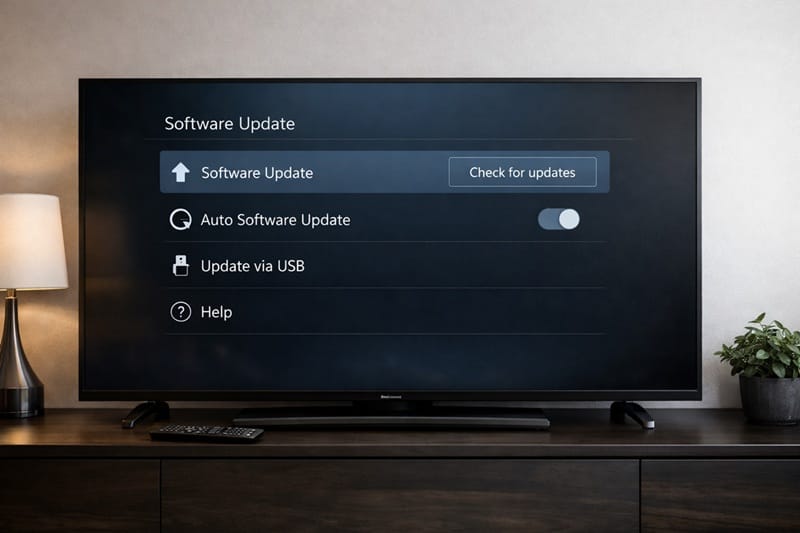
If a power cycle and an app cleanup don’t stop the pattern within a week or two, it’s worth checking whether the restarts are a sign the set is reaching the end of its practical software life rather than a bug that’ll get patched.
If you’re at that point and weighing a replacement, our best OLED TVs in 2026 roundup is a reasonable place to start comparing what else is out there before committing to a repair.
Freeze, Restart, or Boot Loop: Why the Distinction Changes What You Should Do Next
Not every “random restart” is the same event, and lumping them together is what makes this frustrating to troubleshoot:
- A single freeze that resolves into one restart and doesn’t repeat for days or weeks — almost always one hung app or process, self-corrected by the reboot.
- A restart that repeats within the same viewing session, often tied to a specific app or input — points to that app, a corrupted cache, or a stuck update.
- A true boot loop, where the TV restarts every 30–60 seconds before you can reach the settings menu — a deeper software state that usually needs a forced factory reset rather than a normal restart.
The first category rarely needs any action beyond keeping an eye on it, and the second responds well to clearing the offending app’s cache or reinstalling it. The third is the one where Sony’s documented recovery path — a forced factory reset performed with the buttons on the TV itself, since the remote can’t reach a menu that won’t stay open — becomes the realistic next step.
What This Means for You in Practice
Who Should Pay Attention to This
If the restarts are becoming more frequent month over month, happen even with every third-party app removed, or have escalated into a true boot loop, it’s worth documenting the pattern before contacting Sony.
A worsening trend after a factory reset is a different situation from an occasional freeze, and it’s closer to the territory covered in our look at whether Sony’s OLED lineup is worth it in 2026 if you’re deciding whether continued troubleshooting is worth your time.
Who Doesn’t Need to Worry
A single freeze-and-restart that hasn’t repeated after several weeks of normal use is well within the range of a routine software blip — the kind that shows up occasionally on any connected TV, not just Sony’s. We’ve walked through the same freeze-then-reboot pattern on Hisense TVs that keep freezing and restarting, where the fix depends on which smart TV platform the model is running.
There’s no need to open a support ticket or start shopping for a replacement over one isolated event.
FAQs: Sony TV Random Restart Freeze
What causes a Sony TV random restart freeze?
It’s caused by the TV’s software briefly hanging — usually a crashing app, a stuck firmware update, or storage running low — and then forcing a restart to recover, rather than a failing panel.
Sony’s own support documentation on continuous Android TV restarts treats this as a software-recovery issue first, reserving hardware diagnosis for cases that persist after a reset.
Why does my Sony TV freeze for a few seconds before it restarts?
That brief pause is the system trying to recover from a hung process on its own before giving up and forcing a reboot — it’s a timing issue in the software, not a sign the panel itself is failing. A frozen frame that resolves into a restart is a different symptom from a picture that’s actually degraded (banding, dimming, or discoloration), which points to the display rather than the software layer.
Will a factory reset fix a Sony TV that keeps randomly restarting?
It depends on the pattern. Sony’s own reset guidance is built around a factory reset clearing an isolated software glitch or a stuck update — it’s the documented next step after a power cycle hasn’t worked, not a guaranteed fix for every case.
If the restarts return within days of a clean reset with no new apps installed, that’s a signal worth escalating to Sony support rather than resetting again — it points toward a deeper software state or, less often, a hardware cause.
Is a Sony TV that randomly restarts covered under warranty?
Sony’s standard coverage runs one year from purchase — the same window we break down in our Sony OLED warranty denied guide — and a software-related restart pattern is typically resolved through troubleshooting steps like these rather than treated as a warranty repair, since there’s no failed component to replace.
If restarts continue after a forced factory reset and firmware reinstall with no improvement, that shifts the conversation toward a genuine hardware claim within that same one-year window.
Should a restart-freeze problem stop me from buying a Sony TV?
Use a simple threshold instead of a gut feeling: an isolated freeze that clears with a power cycle and doesn’t return for weeks is routine, while a pattern that survives a factory reset is the kind of thing worth researching before you commit to a specific model. If you’re still comparing brands rather than troubleshooting a set you already own, our Sony OLED roundup weighs long-term software stability alongside picture quality and gaming performance.

iYaiii
Editor, GearPulse360
iYaiii is the editor and founder of GearPulse360, specializing in TV reviews and consumer electronics. He researches every recommendation before publishing.
✅ Based on Sony’s official support documentation and editorial research — last verified July 2026