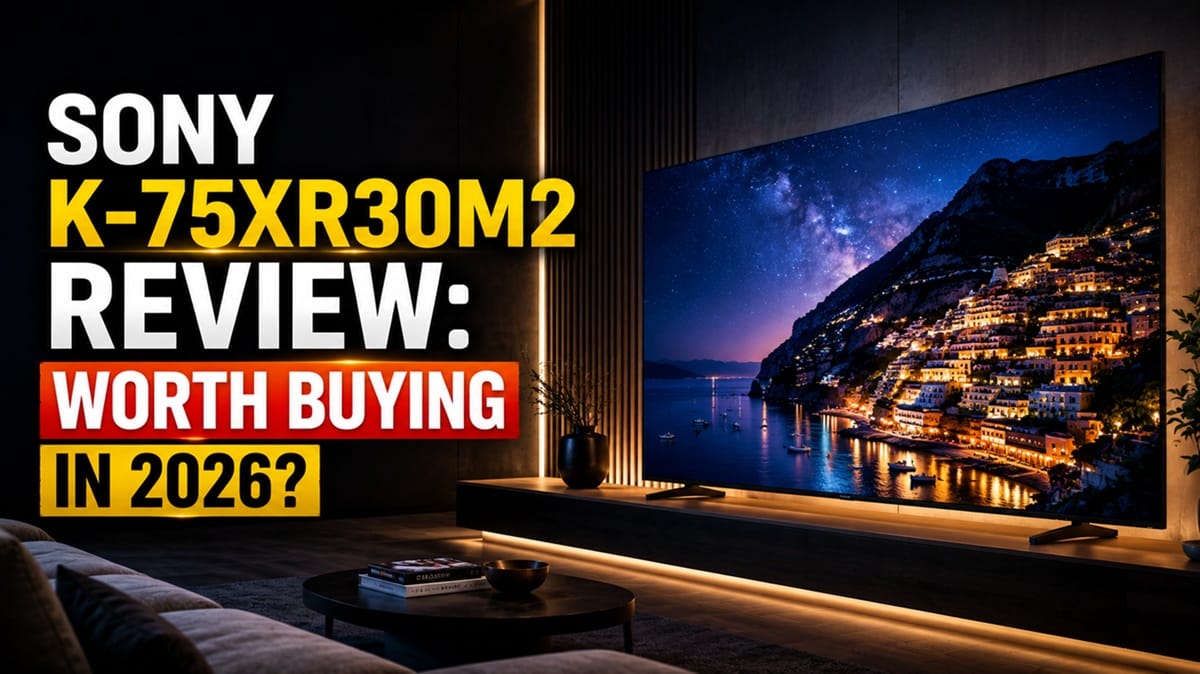
Sony K-75XR30M2 Review: Is This Budget 75-Inch Sony Worth It?
Last updated: July 2026
🕒 9 min read
Disclosure: As an Amazon Associate I earn from qualifying purchases. This article contains affiliate links — we may earn a small commission if you buy through them, at no extra cost to you.
Sony has kept its XR Processor out of reach of its cheapest TVs for years — it was a BRAVIA 7-and-above feature, full stop. The K-75XR30M2 breaks that pattern. This 75-inch BRAVIA 3 II pairs that same AI-driven processing chip with the most basic backlight Sony makes: a flat LED panel with no local dimming zones at all.
Drawing on manufacturer specifications and editorial research, this review covers what that trade-off actually means day to day — where the processing pulls its weight, and where a flat LED panel with no dimming zones shows its limits. If you’re still deciding whether this specific trade-off is the right one, our best 4K TVs of 2026 roundup puts it side by side with the rest of this year’s field.
Sony’s own BRAVIA 2 II sits below this model, and Samsung’s similarly-priced 75M70H competes directly in the same no-local-dimming budget bracket — a comparison worth keeping in mind as we go.
Table of Contents
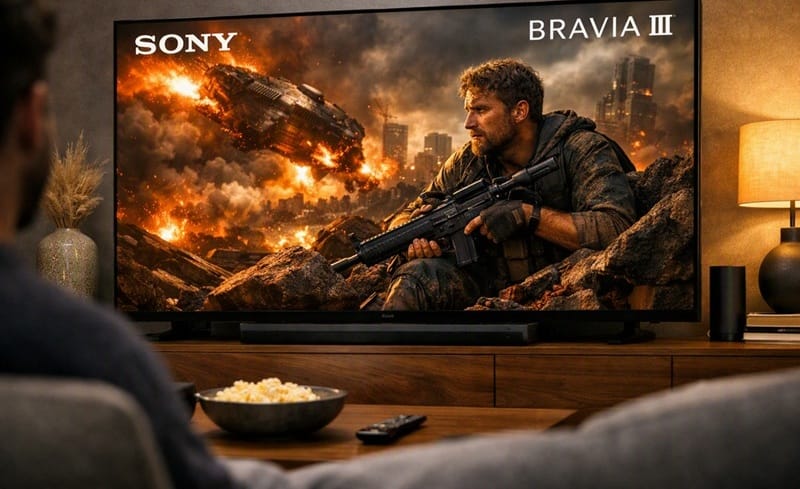
Quick Verdict
At a Glance
★★★★★ 7.2 / 10
At a Glance
Picture Quality
Gaming
Audio
Value
👍 Best For: Budget-conscious buyers who want a large, bright-room Sony screen with Google TV and solid gaming connectivity, and don’t need deep blacks in a dark room.
👎 Skip If: You watch mostly in a dark room, want real local dimming, or need 4K/144Hz for competitive gaming.
One-Line Verdict: A well-processed budget LED TV that’s honest about what it isn’t — a Mini LED or OLED replacement.
🛒 Check Availability on AmazonProduct Specs at a Glance
Product Specs
Sony K-75XR30M2 (BRAVIA 3 II)
Direct-lit LED (no local dimming) · XR Processor · Google TV with Gemini
| 📺 Panel Type | 4K LED, no local dimming |
| ⚡ Refresh Rate | 120Hz native |
| 🔌 HDMI | 4x HDMI 2.1 (VRR, ALLM) |
| 🎨 HDR Formats | Dolby Vision, HDR10, HLG |
| 🔊 Audio | Dolby Atmos, DTS:X, X-Balanced Speakers |
| 📡 Smart Platform | Google TV with Gemini |
| 🖥️ Anti-Glare Screen | Yes (65″ and 75″ only) |
Design & Build Quality
Materials & Finish
The K-75XR30M2 doesn’t try to look expensive, and based on manufacturer imagery and spec sheets, it doesn’t need to — at 75 inches, the screen itself does the talking. The bezels are slim by budget-tier standards, and the anti-glare coating — which Sony’s own product documentation confirms is exclusive to the 65″ and 75″ sizes in this lineup — is a genuine step up from the glossier finish on the smaller BRAVIA 3 II sizes.
Ports & Connectivity
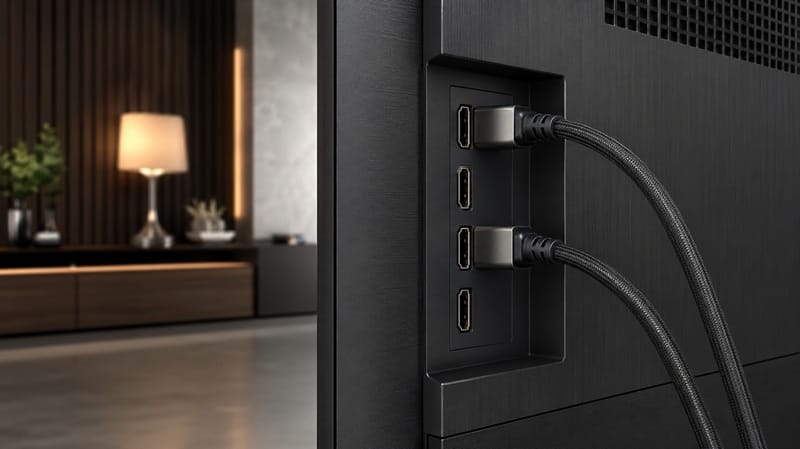
All four HDMI ports run at full HDMI 2.1 bandwidth, which is worth calling out — plenty of TVs at this price only give one or two ports the full spec and leave the rest at HDMI 2.0. That matters if you’re running a console, a soundbar, and a streaming box off the same set without juggling cables every time you switch.
Beyond the HDMI bank, the set also includes USB ports for local media playback, an optical digital audio output for older sound systems, and Wi-Fi plus Bluetooth for wireless connections. None of that is unusual for a 2026 TV at any price, but it means the K-75XR30M2 doesn’t cut corners on the basics just because it skimps on the backlight.
Sony K-75XR30M2 Performance & Real-World Use
Bright-Room Daytime Viewing
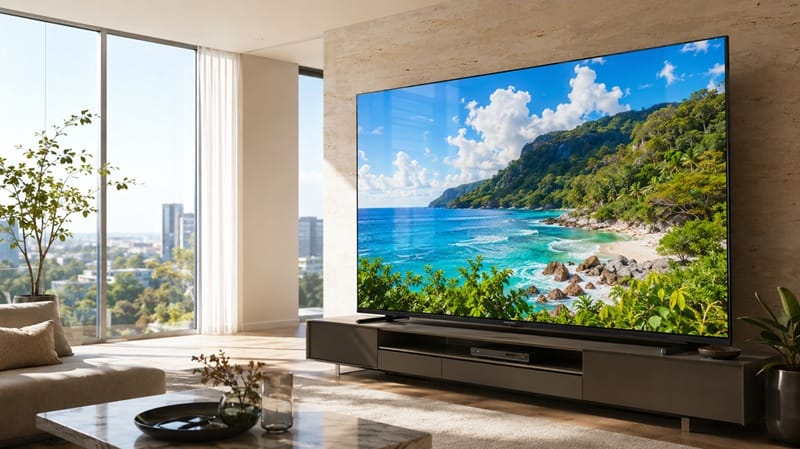
This is where the K-75XR30M2 really earns its keep. Sony’s official product documentation shows the XR Processor’s tone-mapping and upscaling are pulled from the same processing pipeline Sony uses on its pricier sets, and according to Sony’s official BRAVIA 3 II product page, that carries over across every size in the series, including this 75-inch model. In a lit living room, that processing does a lot of the heavy lifting that a pricier panel would otherwise need to do on its own.
Dark-Room and Home Theater Use
The honest limitation shows up here. Without local dimming, there’s no way to selectively deepen shadows in one part of the frame while keeping a bright highlight elsewhere — the whole panel is lit as one zone. RTINGS’ testing of the outgoing Sony BRAVIA 3 (the 2024 predecessor to this model) found that generation lacked local dimming and HDMI 2.1 bandwidth entirely; Sony’s spec sheet for the BRAVIA 3 II confirms HDMI 2.1 and 120Hz have since been added, but local dimming has not — that gap carries forward unchanged. In a dark room, expect shadow detail to look a little flatter than a Mini LED or OLED set would show at a similar screen size.
Gaming
Four HDMI 2.1 ports at full bandwidth, VRR, ALLM, and a native 120Hz panel add up to a competitive gaming spec sheet at this price point — based on our research into similarly-priced sets, several competitors only enable these features on a single HDMI port rather than all four. Console gamers on PS5 or Series X should see smooth 4K/120 output without needing to hunt for the “right” port.
Sony’s own product documentation also lists Auto HDR Tone Mapping, which calibrates HDR brightness automatically the first time a PS5 is connected, along with Auto Genre Picture Mode, which switches the picture preset based on whether you’re gaming, watching a movie, or streaming. Neither feature changes the underlying panel — you’re still working around a lack of local dimming — but they do mean less manual menu-diving to get console gaming looking right out of the box.
Key Features Breakdown
XR Processor at a Budget Price
Sony has historically kept its XR Processor for BRAVIA 7 and above. Putting it in a sub-flagship LED set means older, lower-resolution content gets upscaled more convincingly than the panel’s price tag would suggest, and scene-to-scene color transitions look less abrupt than on TVs using older or lower-tier chips.
Google TV with Gemini
The Gemini integration adds conversational voice search on top of the usual Google TV app library — useful for hands-free browsing, though it’s a software layer rather than something that changes picture quality.
The Good, the Bad, and the Ugly
Pros
- ✅ Full-bandwidth HDMI 2.1 on all four ports — no compromise port for consoles or a soundbar.
- ✅ XR Processor upscaling — a noticeably higher tier of processing than most TVs at this price offer.
- ✅ Anti-glare coating at 75″ — a real advantage for rooms with windows facing the screen.
Cons
- ❌ No local dimming — contrast and shadow detail are limited compared to Mini LED or OLED.
- ❌ Native 120Hz, not 144Hz+ — competitive gamers chasing higher refresh ceilings will want to look elsewhere.
The Ugly
If your main concern going in is whether skipping local dimming will actually be noticeable, the answer is yes — specifically in dark scenes and dedicated home-theater setups. This isn’t a TV built to hide that trade-off; it’s built around the idea that most people watching in a normal living room, with some ambient light, won’t be staring at those shadows long enough to mind. That’s a real limitation, not a minor footnote, and it should factor into the decision before the size and price pull you in.
Who Should Buy This — and Who Shouldn’t
Buy This If
You want the biggest bright, well-lit-room screen you can get without stepping up to Mini LED pricing, and you value Sony’s processing and Google TV smart features over deep contrast. Think of it less as a scaled-down premium TV and more as a large monitor built for daytime living. If you’re weighing this against other non-OLED options at a similar size, our OLED vs Mini LED compared breaks down exactly where panel tech makes the real difference.
If 75 inches doesn’t feel big enough for your room, our Sony K-85XR30M2 review covers the 85-inch step-up in the same BRAVIA 3 II lineup — worth a look before you size up, since Sony drops the anti-glare coating once you get to that size.
For a broader sense of where budget large-screen options land across brands and price points, our Samsung Crystal UHD buying guide covers several similarly-priced alternatives worth cross-checking before you commit.
Skip This If
Your primary viewing room is dark, or home theater contrast matters more to you than screen size — Samsung’s 75M70H sits in a similar price range but is worth comparing directly if you’re set on staying in this budget tier. If you’d rather stay within the Sony lineup, our Sony K-75XR70M2 review covers the True RGB Mini LED step-up that actually adds real local dimming. If competitive gaming refresh rates matter more than screen size, look at a step-up model with a higher native refresh ceiling instead.
Final Verdict
Is It Worth Buying?
The Sony K-75XR30M2 comes down to a simple trade: you’re getting Sony’s processing and a strong gaming spec sheet on a 75-inch screen for less than local-dimming alternatives usually cost, and in exchange you give up the deeper blacks a Mini LED or OLED panel would deliver. For a bright, everyday living room, that trade holds up — our TCL 75QM64L review is worth reading side by side if local dimming at a similar size and price matters more to you than Sony’s processing and software. 🛒 Check Availability on Amazon
Frequently Asked Questions
Is the Sony K-75XR30M2 a good TV in 2026?
For bright-room use, yes — the XR Processor and full-bandwidth HDMI 2.1 ports are a competitive spec sheet for the price, per Sony’s published specifications. For dark-room home theater use, its lack of local dimming is a real limitation to weigh first.
How does it compare to the Samsung 75M70H?
Both are budget 75-inch sets without local dimming. RTINGS has not yet tested the BRAVIA 3 II specifically, but its testing of the predecessor Sony BRAVIA 3 described that generation’s image quality as lackluster overall, consistent with a panel that has no dimming zones. Samsung’s 75M70H markets Mini LED branding without delivering local dimming; Sony’s K-75XR30M2 doesn’t make that claim in the first place, so what you see is closer to what’s advertised.
Is the K-75XR30M2 good for gaming?
Yes for console gaming — all four HDMI 2.1 ports run at full spec, plus VRR, ALLM, and native 120Hz, which covers the essentials for PS5 and Xbox Series X. It’s not built for competitive PC gaming chasing 144Hz+ refresh rates.
Who should avoid this TV?
Anyone prioritizing dark-room contrast, deep blacks, or a higher native refresh rate for competitive gaming should look at a Mini LED or OLED alternative instead.
Who should avoid this TV?
Anyone prioritizing dark-room contrast, deep blacks, or a higher native refresh rate for competitive gaming should look at a Mini LED or OLED alternative instead.
Does the anti-glare screen actually help in bright rooms?
Based on Sony’s product documentation, the anti-glare treatment is exclusive to the 65″ and 75″ BRAVIA 3 II sizes and is designed specifically to reduce reflections from windows and overhead lighting — a meaningful upgrade over the standard glossy finish on the smaller sizes in this same lineup.

iYaiii
Editor, GearPulse360
iYaiii is the editor and founder of GearPulse360, specializing in TV reviews and consumer electronics. He researches every recommendation before publishing.
✅ Based on spec analysis and Sony’s official data — last verified July 2026