Does a Vizio TV Have an Internet Browser?
Last updated: August 2026
🕒 7 min read
Disclosure: GearPulse360 is a participant in the Amazon Associates Program. Some pages on this site contain affiliate links, and we may earn a commission from qualifying purchases at no extra cost to you.
You’re typing a web address into the search bar on your Vizio remote, expecting a page to load the way it would on your laptop — and instead you get a wall of streaming-app suggestions that have nothing to do with what you typed. That’s not a glitch. It’s a reasonable moment to wonder: does Vizio TV have internet browser support at all, or are you just missing a setting buried somewhere in the menus?
This one has a clean, checkable answer, so here it is up front rather than buried three paragraphs into a workaround-first article — sourced from Vizio’s own VIZIO OS platform documentation, with RTINGS’ testing coverage of Vizio’s smart-TV lineup for cross-checking.
What follows is less about the missing browser itself and more about what’s sitting in its place — the app-and-casting setup Vizio built instead (the same phone-to-TV screen mirroring and casting options that work across every major TV brand), why that was the deliberate call rather than an oversight, and the couple of realistic routes to get actual browser content onto the screen when you need it.
Table of Contents
Quick Answer
No. VIZIO OS doesn’t include a native web browser on any current Vizio TV — the platform is built around streaming apps and WatchFree+, with AirPlay 2 and Chromecast casting as the way to get browser content onto the screen.
- Best for: Casual browsing via casting from a phone or laptop
- Not ideal for: Sharing the TV as a standalone browsing device
- Key advantage: AirPlay 2 and Chromecast are built in on every current model
- Workaround: An external streaming device adds an independent browser app
The Short Answer: Does Vizio TV Have a Web Browser?
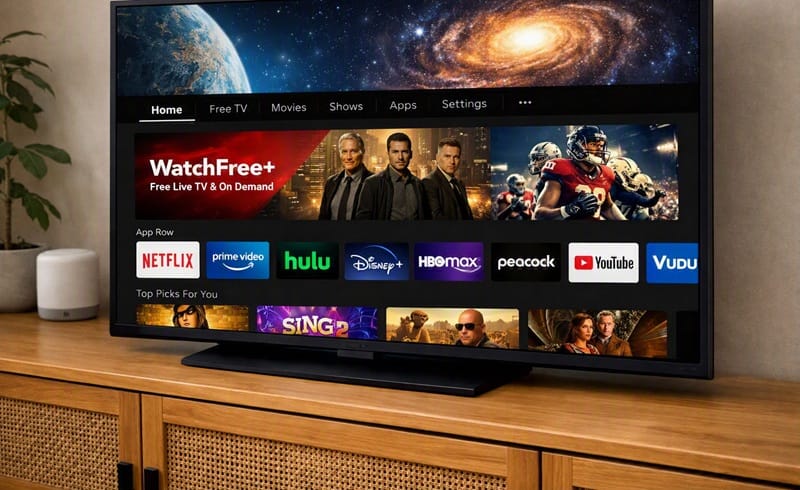
No. VIZIO OS, the smart-TV platform on every current Vizio set, doesn’t ship with a native, general-purpose web browser. There’s no “Internet” or “Browser” icon to find on the home screen, and none of the built-in menus lets you type a URL and load an arbitrary website. What you get instead is a curated catalog of streaming apps plus Vizio’s own free channel service, WatchFree+ — and casting support for pulling browser content over from a phone or laptop when you actually need it.
What VIZIO OS Includes Instead of a Browser
An App-First Platform, By Design
Vizio’s own product pages describe VIZIO OS as a platform built around apps, live channels, and personalized content — not around open web access. The company’s current messaging highlights access to 300-plus apps, including the major streaming names, alongside WatchFree+ for ad-supported live and on-demand content. A browser simply isn’t part of that feature list, on any current model, at any price tier.
That’s a meaningfully different approach from platforms like Samsung’s Tizen or LG’s webOS, which do bundle a general web browser as one of the pre-installed apps. Vizio made the opposite call: keep the interface narrow and app-driven, and treat anything browser-shaped as a job for a connected device instead.
Why Vizio Skips a Native Browser
A TV remote is a poor keyboard, and typing a full URL with an arrow-key D-pad is genuinely unpleasant — that’s part of the practical case against building one in. There’s also a maintenance angle: a browser app has to be kept patched against security issues in a way a closed app catalog doesn’t — one more reason a narrower, curated platform is simpler to maintain than one with open web access built in. Fewer moving parts, in other words, in exchange for less flexibility.
Why It Matters in 2026
The Gap Isn’t Closing
Nothing in Vizio’s current platform documentation points toward a browser being added in a future VIZIO OS update — the company’s feature messaging for 2026 models still centers on the same app-plus-WatchFree+ structure it’s used for several years running. If you’re buying a Vizio TV specifically hoping browser access shows up down the line, there’s no signal from Vizio’s own materials that it’s coming.
Casting Is the Built-In Workaround
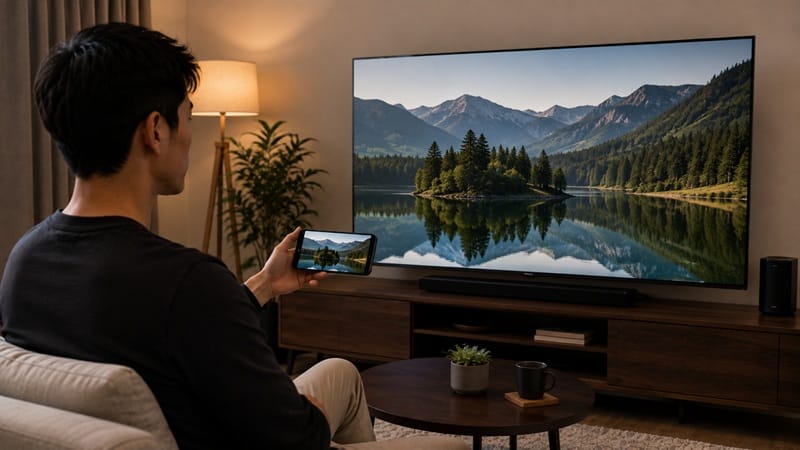
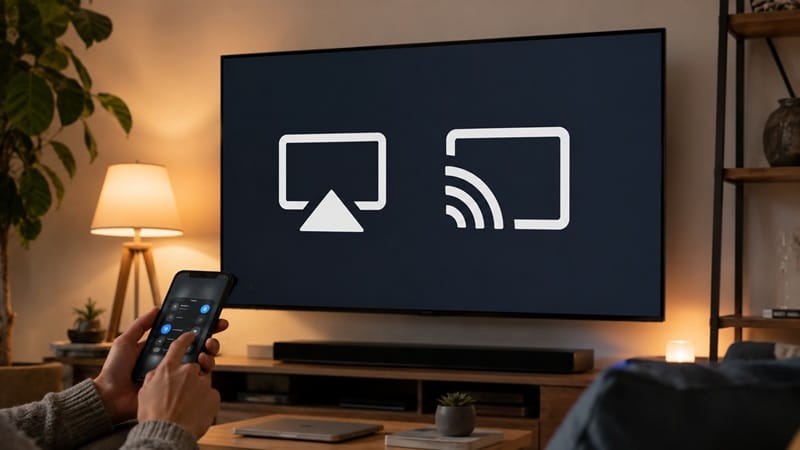
Vizio didn’t leave web access out entirely — it just moved it off the TV. Every current Vizio set supports Apple AirPlay 2 and Google Cast (Chromecast built-in), which means the actual browsing happens on your phone, tablet, or laptop, and only the resulting page or video gets sent to the screen. It’s not the same as typing directly into a TV-native browser, but for reading an article, checking a recipe, or pulling up a webpage on the big screen, it does the job without installing anything extra.
The same logic applies from a laptop. If you’d rather run a physical cable than rely on Wi-Fi casting, our guide to connecting a laptop to a TV covers the HDMI route step by step.
If browser access on the TV itself is a genuine priority for you — not just a nice-to-have — that’s a real platform difference worth checking model-by-model, not just a Vizio quirk; our best 4K TVs of 2026 roundup covers this year’s Mini-LED and QLED lineup across several brands and platforms, including which ones ship a browser natively and which, like Vizio, don’t.
Getting a Browser on a Vizio TV Anyway
If casting isn’t a good fit for your setup — maybe you want the browser to stay open independently of your phone, or you’re sharing the TV with people who don’t want to mirror their own device — a small external streaming device is the more permanent fix. Plug one into an HDMI port and you can install a dedicated browser app on top of it, running independently of VIZIO OS entirely.
This addresses the objection some readers have with casting as a full-time solution: it ties up your phone or laptop as the source device the whole time you’re browsing, which isn’t practical for long sessions or shared-household use. An external device sidesteps that by running its own browser app, with its own remote, independent of anything else in the room.
What This Means for You in Practice
Who Should Pay Attention to This
If you were planning to use your Vizio TV as a shared household web terminal — checking recipes in the kitchen, pulling up flight info, browsing without picking up a phone — the absence of a native browser is worth knowing about before you’re mid-recipe with no good option. It’s also relevant if you’re actively comparing Vizio against a Samsung or LG model specifically because of browser access, since that’s a real platform difference, not a settings toggle you’re missing.
If a built-in browser is actually a deciding factor for you, it’s worth checking which platforms include one before you commit — our Samsung Crystal UHD buying guide covers a lineup built on a platform that does.
Who Doesn’t Need to Worry About This
If your Vizio TV is mainly for streaming apps, live TV through WatchFree+, and the occasional cast from your phone, the lack of a native browser won’t show up as a limitation in day-to-day use. Most of what people actually want a “TV browser” for — looking something up quickly, showing a webpage to the room — is already covered by AirPlay or Chromecast without any extra setup.
FAQs: Vizio TV Web Browser Access
Does Vizio TV have internet browser access at all, on any model?
No — this applies across Vizio’s current lineup, not just budget models. Every current Vizio TV runs VIZIO OS, and none of them include a native browser app, regardless of screen size or price tier. RTINGS’ testing across Vizio’s range confirms the platform’s app catalog and casting support, with no browser listed among the built-in features on the models RTINGS has tested.
Is the missing browser a hardware limitation or a platform decision?
It’s a platform decision, not a hardware one — there’s nothing about a Vizio TV’s processor or display that prevents a browser app from running. VIZIO OS’s app catalog and WatchFree+ structure is simply built without one, the same deliberate app-first design choice that shapes the rest of the interface.
Will a streaming stick plugged into a Vizio TV actually give me a working browser?
Yes. Once a streaming device is connected over HDMI, it runs its own operating system independent of VIZIO OS, and a browser app installed on that device works the same way it would on any other TV. The Vizio TV itself is just the display at that point — the device is doing the browsing. That streaming device still needs its own network connection to work, and if you run into trouble at that step, our guide to connecting a TV to Wi-Fi walks through the same kind of network setup screen most streaming devices use.
Does casting from my phone work as well as an actual TV browser would?
For most casual use — reading an article, pulling up a photo, showing someone a webpage — yes, it’s a close substitute. Where it falls short is anything that needs the TV to keep running independently: casting ties up your phone as the source, so if you want the page to stay up without your phone nearby, an external streaming device is the better fit.

iYaiii
Editor, GearPulse360
iYaiii is the editor and founder of GearPulse360, specializing in TV reviews and consumer electronics. He researches every recommendation before publishing.
✅ Based on spec analysis and RTINGS data — last verified August 2026