Best OLED TVs for PC Gaming in 2026: Ranked by Refresh Rate, Input Lag, and Desk-Ready Size
Last updated: June 2026 / 🕒 9 min read
Disclosure: As an Amazon Associate I earn from qualifying purchases. This article contains affiliate links — we may earn a small commission if you buy through them, at no extra cost to you.
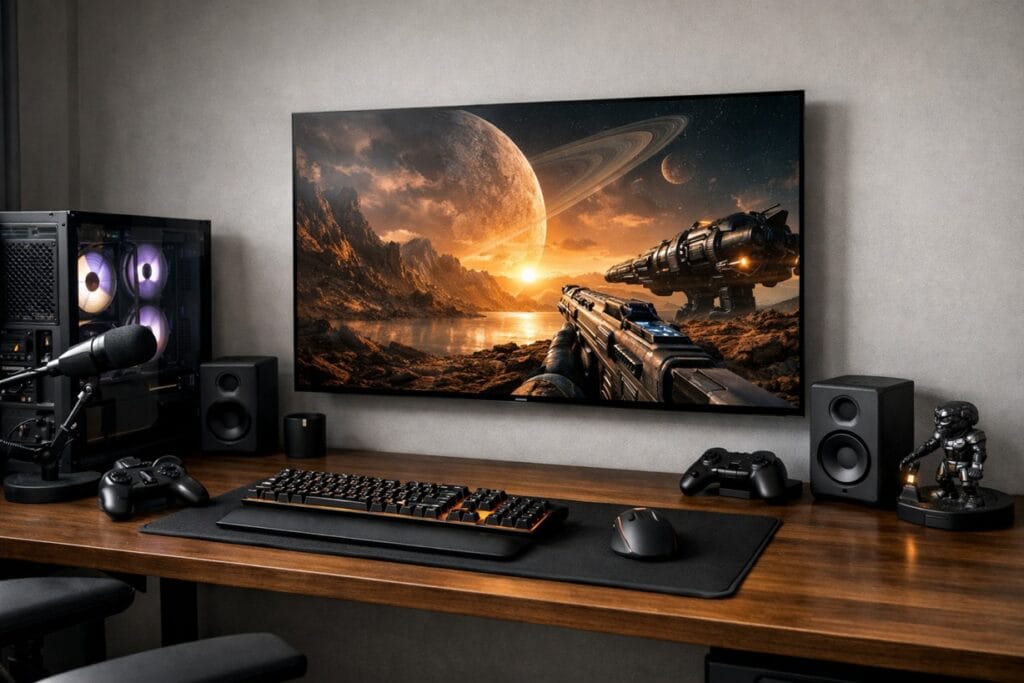
A 65-inch flagship built for a couch fifteen feet away solves a different problem than a screen sitting eighteen inches from your keyboard. This guide is built for that second setup: four 42-to-48-inch OLED panels picked for PC gaming, specifically for refresh-rate ceiling, VRR format compatibility, and how they hold up at true desk distance, not for movie night.
Our top pick is LG’s 42-inch C6, the smallest size in this year’s lineup and the one that benefits most from its 165Hz ceiling. If you’re building around a console instead of a desktop, our best OLED TVs for PS5 picks weigh brightness and HDR differently than this guide does.
Table of Contents
Best OLED TVs for PC Gaming: Quick Comparison
Ranked for refresh-rate ceiling, VRR format support, and desk-ready screen size
🏷️
LG C5 (42-Inch)
WOLED evo AI · 144Hz
Same gaming features as the C6, already discounted
☀️
Samsung S90H (42-Inch)
WOLED · 165Hz
Glare Free coating for desks near windows
🖥️
LG C6 (48-Inch)
WOLED evo · 165Hz
Same 165Hz ceiling, more room for multi-monitor setups
↻ Prices change frequently — click through for current pricing.
✓ Rankings reflect our independent editorial assessment — not Amazon customer reviews.
Best Overall OLED TVs for PC Gaming: LG C6 42-Inch
The 42-inch LG C6 is the smallest screen in LG’s 2026 OLED lineup, and at typical desk distance, that’s exactly the point — anything bigger starts to feel like sitting too close to a television instead of using a monitor. LG’s own spec page confirms it runs the Alpha 11 AI Processor Gen3, the same chip used in the step-up G6, and it shows up as noticeably faster menu navigation compared to last year’s C5.
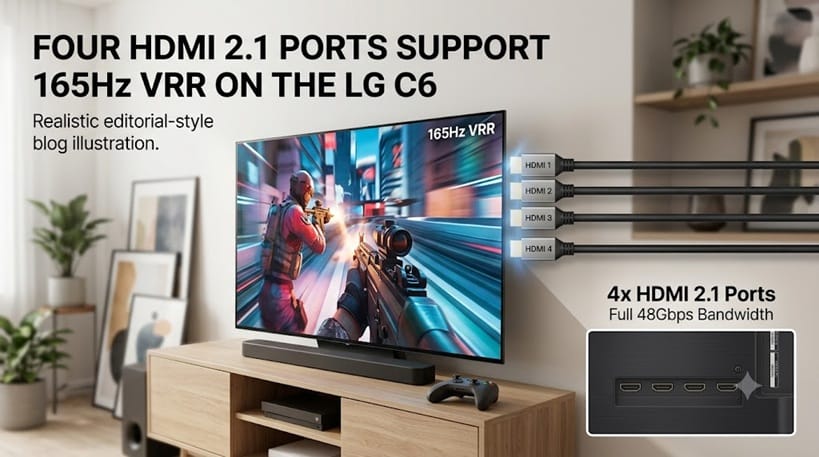
For PC gaming specifically, the headline number is the refresh-rate jump: the C6 supports up to 165Hz over VRR, a real increase from the C5’s 144Hz ceiling, with both NVIDIA G-Sync and AMD FreeSync Premium certified across all four HDMI 2.1 ports. RTINGS’ testing on the C6 line backs up LG’s input-lag claims, measuring well under 10ms in Boost mode — fast enough that the panel isn’t the bottleneck for competitive play.
One thing worth knowing before you buy: this is the standard WOLED evo panel, not the brighter Tandem panel LG reserves for the larger C6H. For a desk that isn’t fighting direct sunlight most of the day, that distinction matters less than the refresh-rate and processor upgrades do.
Best Value OLED TVs for PC Gaming: LG C5 42-Inch
If 165Hz isn’t a number you’ll actually use — plenty of office work and even a lot of fast-paced games run fine well below it — the 42-inch LG C5 covers the same core ground for less. It carries the same G-Sync and FreeSync Premium certification, the same four HDMI 2.1 ports, and the same WOLED evo AI panel generation as the C6, just with Alpha 9 Gen8 processing instead of Gen3 and a 144Hz ceiling instead of 165Hz.
LG’s C5 spec page lists 120Hz as the native refresh rate, with 144Hz available specifically through a PC connection — worth confirming your graphics card can actually push that before assuming it’s a given. RTINGS’ independent review of the C5 found input lag and color accuracy on par with the newer C6, which tracks: outside of the processor and refresh-rate bump, LG didn’t change much generation to generation.
A year into its release cycle, the C5 has settled into pricing that makes the 21Hz gap to the C6 easy to skip for most desk setups.
Best OLED TV for PC Gaming in Bright Rooms: Samsung S90H 42-Inch
Desks rarely get the lighting control of a dedicated home theater — windows, overhead fixtures, and desk lamps are usually part of the deal — which is where Samsung’s 42-inch S90H earns its place on this list. Its Glare Free coating handles side lighting and overhead glare noticeably better than the glossy finish on LG’s panels, without the contrast trade-off anti-glare coatings used to carry.
Worth flagging directly: Samsung’s own S90H product page doesn’t specify panel type, and this generation has moved away from the QD-OLED panel used in earlier S90 models — RTINGS’ S90H testing points to a WOLED panel at this size instead. The gaming spec sheet still holds up regardless: 165Hz with VRR, NVIDIA G-Sync, and HDR10+ Advanced support that LG’s TVs don’t offer at all. (For the sizes where Samsung does still ship QD-OLED, we’ve covered are Samsung OLED TVs worth it separately.)
One limitation worth knowing: full FreeSync Premium Pro certification is reserved for the 55-inch model and larger. At 42 inches, you get standard FreeSync Premium instead — VRR without tearing, just without the wider variable range Pro adds.
Best OLED TVs for PC Gaming on Larger Desks: LG C6 48-Inch
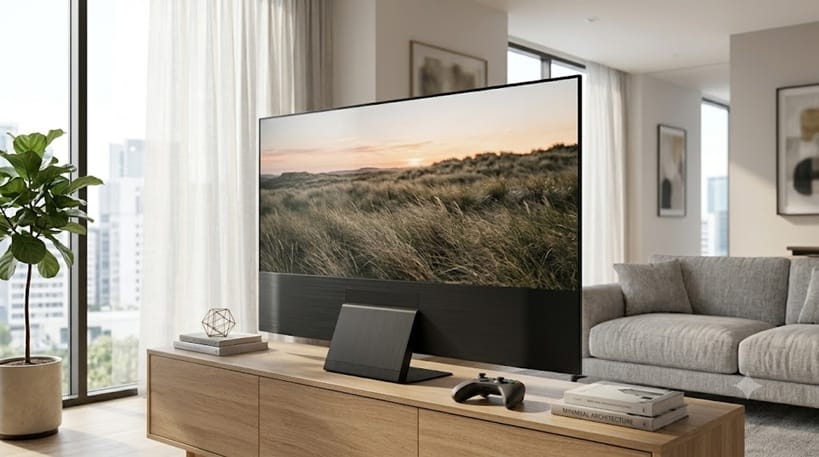
Not every desk setup wants the smallest screen possible. If you’re sitting farther back, running a multi-monitor arrangement where the TV anchors the center, or planning to double the screen as a casual living-room set, the 48-inch C6 carries over every gaming spec from the 42-inch model — 165Hz, G-Sync, FreeSync Premium, four HDMI 2.1 ports — on a larger panel.
The one real difference shows up in brightness handling: LG’s 48-inch C6 spec page lists Brightness Booster Standard, a feature the 42-inch model skips entirely. It’s a modest gain rather than a dramatic one, but it’s there if highlight detail in bright scenes matters to you.
At normal desk distance, six extra inches is more noticeable than it sounds — measure your desk depth before assuming bigger is automatically better here.
These four picks are deliberately narrow — all 42 or 48 inches, all chosen for desk distance and refresh rate. If you want the broader picture across PS5, Xbox, and PC together, our best OLED TVs for gaming roundup covers all three platforms side by side.
What to Look for in an OLED TVs for PC Gaming
Refresh Rate and VRR Format Actually Matter Here
On a console, 120Hz is the practical ceiling — neither PS5 nor Xbox Series X can push a TV past it. A PC graphics card can, which is why the 144Hz-versus-165Hz gap between the C5 and C6 is a real consideration for this guide in a way it wouldn’t be for a console-only buyer. VRR format matters just as much: NVIDIA G-Sync and AMD FreeSync Premium are standard across every pick here, but FreeSync Premium Pro — which adds a wider variable refresh range — only shows up on Samsung’s larger sizes, not the 42-inch S90H.
Screen Size and Desk Distance
Living-room viewing distance is typically eight to ten feet; a desk setup is closer to two or three. At that range, a 65-inch panel forces your eyes to scan rather than rest, while 42 and 48 inches sit closer to how a large desktop monitor behaves. Bigger isn’t a downgrade, but it changes what the screen is good for — multi-monitor centerpiece versus dedicated gaming display.
Input Lag for Competitive Play
Every pick on this list ships with a dedicated game mode that strips out post-processing to cut input lag, and all of them measure low enough that the display itself won’t be the reason you miss a shot. The setting to actually enable matters more than the spec sheet number — Boost or Game Optimizer modes need to be turned on manually, and skipping that step is the most common reason someone’s “165Hz TV” still feels laggy.
Will a Static Desktop Cause Burn-In?
This is the most common worry people bring to OLED-as-a-monitor, and it’s a fair one — a taskbar or browser UI sitting in the same spot for hours a day is a different usage pattern than a moving TV show. Modern OLED panels include pixel-shifting and logo-dimming specifically to manage this, and we cover exactly how much it still matters in 2026 in our deep dive on OLED burn-in.
Is OLED Actually Good for PC Gaming?
The objection usually goes: OLED is built for movies, not for hours of static spreadsheets and code editors. In practice, the opposite holds up better than expected. OLED’s near-instant pixel response is what makes fast motion look clean in the first place, and that advantage shows up in everyday cursor movement and window dragging just as much as it does in a shooter. Compared with Mini-LED, which still relies on backlight zones that can’t react instantly, OLED’s per-pixel control is the bigger reason gaming-focused buyers keep choosing it — we break down the full picture in our OLED vs Mini LED comparison.
How We Picked These TVs
We started from LG’s and Samsung’s own 2026 spec sheets for every 42-to-48-inch OLED model with VRR support, then checked each refresh-rate, processor, and panel-type claim against RTINGS’ published testing where a review existed. Two specs didn’t match between the manufacturer pages and independent data we found — both are flagged directly in the relevant product sections above rather than smoothed over.
We didn’t include sizes above 48 inches here on purpose: this guide is scoped to true desk distance, and that cutoff is where a screen stops behaving like a monitor and starts behaving like a TV that happens to sit on a desk. Specs were last checked in June 2026.
📍 Already decided OLED is right for your setup? See how these PC-focused picks stack up against every other use case in our complete best OLED TVs of 2026 roundup.
OLED TV for PC Gaming FAQs
Which OLED TV for PC gaming is best overall?
The 42-inch LG C6 is our top pick. It pairs the highest refresh-rate ceiling in this lineup (165Hz) with LG’s newest processor, in the screen size that suits typical desk-viewing distance best.
Do I need to spend more for the higher refresh rate?
Not necessarily. The 144Hz LG C5 covers the same core gaming features for less, and most games and everyday tasks don’t push past 144 frames per second anyway. The extra 21Hz on the C6 matters most if you already own a graphics card that can sustain it consistently.
Does text look sharp on an OLED TV used as a monitor?
Mostly yes, with one caveat. WOLED panels use a slightly different subpixel layout than the RGB-stripe arrangement on dedicated PC monitors, which can occasionally cause faint color fringing on small text at very close range. It’s rarely noticeable at normal desk distance and isn’t something we observed as a practical issue with any pick in this guide.
How is this different from your Xbox Series X OLED guide?
Console hardware caps out at 120Hz, so our best OLED TVs for Xbox Series X guide weighs HDR brightness and screen size more heavily than refresh rate. This guide exists because a PC graphics card can push well past that ceiling, which changes which specs actually matter.
Do I need a 165Hz-capable graphics card to benefit from these TVs?
To hit the full 165Hz, yes — the TV is only one half of that equation. If your current setup tops out lower, any of these panels will still deliver a clean, low-lag picture; you’ll just be using a portion of the refresh-rate headroom rather than all of it.

iYaiii
Editor, GearPulse360
iYaiii is the editor and founder of GearPulse360, specializing in TV reviews and consumer electronics. He researches every recommendation before publishing.
✅ Based on spec analysis and LG’s and Samsung’s official data plus RTINGS — last verified June 2026