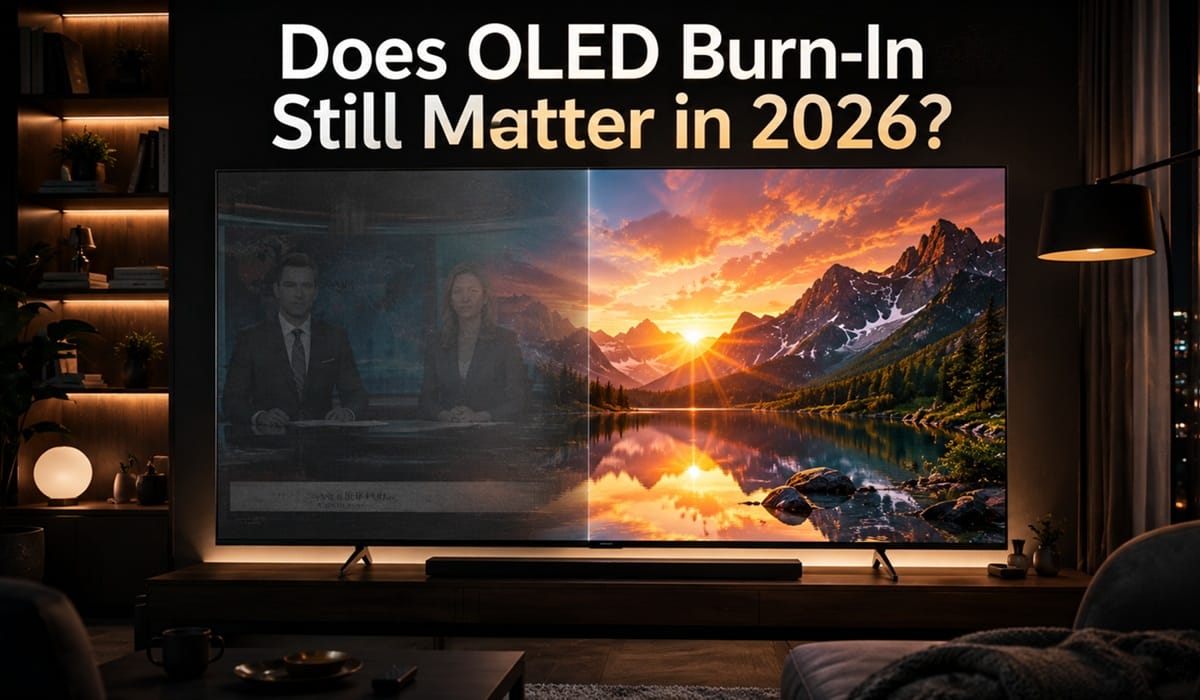
Does OLED Burn-In Still Matter in 2026? The Honest Answer
Last updated: June 2026
Disclosure: As an Amazon Associate I earn from qualifying purchases. This article contains affiliate links — we may earn a small commission if you buy through them, at no extra cost to you.
You’ve seen the Reddit posts — a ghost of a news ticker permanently etched into someone’s screen, a sports scoreboard burned into the panel after months of daily use. Those images have followed OLED TVs around for years, and they remain the single biggest reason people hesitate at checkout in 2026 — often tipping the bigger question of whether OLED is worth it in 2026 at all.
Here’s what we found after digging into the data: for the vast majority of home users, OLED burn-in 2026 is a manageable risk — not the dealbreaker it once was. Modern panels are meaningfully better than the early OLEDs where those horror stories originated, and built-in protection has improved substantially.
This article covers how burn-in actually works, what’s changed in current panels, and exactly which situations still carry real risk. Once you’ve read this, see our practical guide on how to prevent OLED burn-in for the step-by-step settings to enable from day one.
Table of Contents
The Short Answer: Does OLED Burn-In Still Matter?
Yes — but far less than it used to. Under normal mixed-use home viewing, the risk of permanent OLED burn-in 2026 is low enough that it shouldn’t stop most people from buying an OLED TV. Modern panels ship with active protection systems that didn’t exist on the early units where burn-in became notorious.
The risk remains real in specific high-stress scenarios: running the same static content for many hours every single day over months. Outside of that, you’re unlikely to encounter it.
What Actually Causes OLED Burn-In
How Self-Lit Pixels Age at Different Rates
Each pixel in an OLED display generates its own light independently — that’s the fundamental reason OLED delivers perfect blacks and exceptional contrast. But it’s also why pixels wear differently depending on how hard they’ve been driven over time.
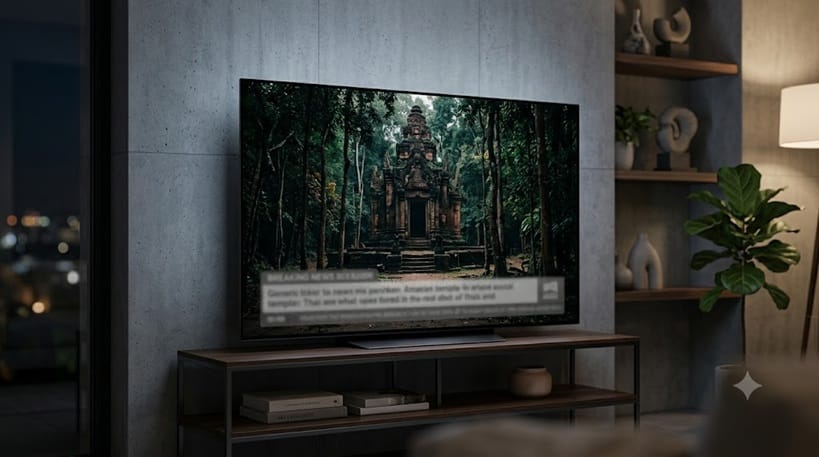
When a bright, static element sits in the same screen position for hundreds of hours — a channel logo, a news ticker, a game HUD — the pixels underneath it degrade faster than the rest of the panel. Over time, that uneven wear becomes visible as a faint ghost image, even when completely different content is on screen.
Think of it like a well-worn path through a grass field. Use the same route long enough and it stays visible even when no one is walking it. That’s essentially what’s happening at the pixel level — it’s wear, not damage from heat or electricity.
Screen Retention vs. Permanent Burn-In
Most of what people call “burn-in” is actually temporary image retention — a faint afterimage that clears on its own within minutes, or after running a pixel refresh cycle. A common example: you watch three hours of CNN, switch to Netflix, and briefly see a faint ticker outline on a dark scene. That’s retention. It’s gone within minutes.
True permanent burn-in, where the damage is irreversible, requires extreme usage patterns sustained over a very long period. Temporary retention is normal and expected behavior — the two are often conflated, which inflates the perceived risk significantly. For a closer breakdown of how to tell them apart in practice, see our guide on screen retention vs burn-in.
What’s Changed in Modern OLED Panels in 2026
Built-In Protection Features That Run in the Background
Every major OLED TV sold today includes a suite of protection features that simply didn’t exist on early panels. These run automatically without any action required from the viewer.
- Pixel Shift — the TV subtly moves the entire image by a few pixels at set intervals, so no single pixel is locked into displaying the same static element continuously. The shift is imperceptible during normal viewing.
- Logo Luminance Adjustment — LG and Sony OLEDs detect static bright logos and automatically reduce their luminance to limit pixel stress, without affecting surrounding image quality.
- Screensaver & Auto-Dimming — after a period of no input change, the TV dims or blanks the screen automatically. One of the most effective protections for people who leave the TV on in the background.
Together they make a measurable difference — early 2018–2020 panels had none of this running in the background.
If better burn-in protection is the main thing pulling you toward a new set, it’s worth zooming out first — protection improvements are only one piece of what changed. We weigh the full picture, including gaming and brightness gains, in is it worth upgrading to LG OLED 2026.
Pixel Refresh Cycles
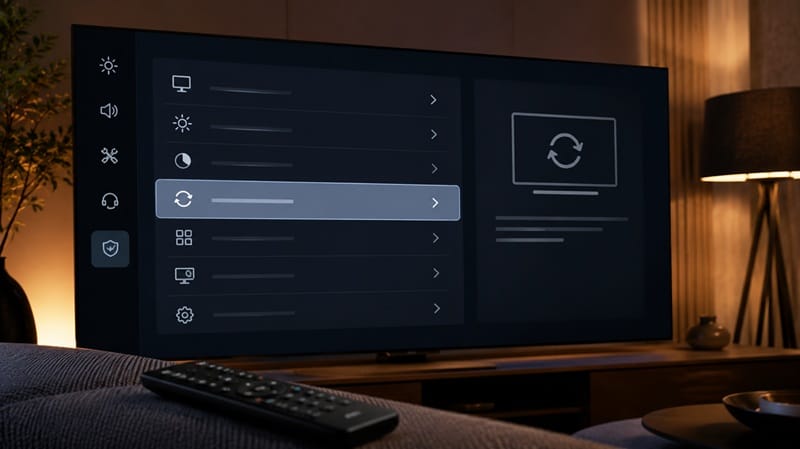
All modern OLEDs include an automated pixel refresh routine that runs when the TV is switched off after a certain number of viewing hours. This process recalibrates pixel output across the entire panel, helping even out any early-stage wear before it becomes visible.
LG calls this feature Pixel Refresher (also called Pixel Cleaning on newer WebOS models). Samsung calls it Panel Care. You can also trigger it manually if you notice any retention after an extended gaming or news-watching session — it takes around 6–10 minutes and the TV handles everything automatically.
Panels from 2022 onward run this more frequently than older models, which is why the burn-in stories you read online are mostly about TVs that are 4–6 years old.
When Burn-In Is Still a Legitimate Concern in 2026
The protection systems above handle typical home viewing well. But there are specific usage patterns where the risk profile changes enough that you should factor it into your decision before buying.
High-Risk Scenarios to Know About
- 24/7 news channel viewing — Channels with persistent tickers, lower-thirds, and static logos running 8+ hours daily are the hardest scenario for any OLED panel. If this is your primary use case, consider a QLED or Mini LED instead.
- Single-game heavy gaming sessions — Playing one title with a persistent HUD for 6+ hours every day over many months can cause uneven wear. Rotating titles, lowering HUD brightness, or enabling the console’s screensaver breaks up the repetition enough to keep the panel safe.
- Commercial or display use — OLED TVs are not rated for commercial applications. Digital signage, retail displays, or any scenario where the same image loops continuously will cause burn-in. No built-in protection system is designed to handle that load.
Outside of these scenarios, the vast majority of households won’t encounter permanent burn-in under normal mixed viewing conditions. RTINGS’ multi-year longevity testing confirmed that panels running varied content showed minimal retention even after thousands of hours of use. Real owner reports tell a similar story — our LG OLED long-term ownership data tracks sets logged well past 5,000 hours of everyday use with no meaningful wear to show for it.
What This Means for You in Practice
Who Should Pay Attention to This
If you watch a lot of live sports with persistent score overlays, or if you’re a dedicated single-game console gamer logging 5–6 hours daily, it’s worth building some basic habits: enable the built-in protection features, keep the TV’s auto-dimming active, and run a manual pixel refresh if you notice any retention after a heavy session. We cover this in more detail in our best OLED TVs for sports guide, including which panels handle scoreboard overlays better than others.
For buyers focused on value and protection, our guide to the best OLED TVs under $1,000 highlights models with solid built-in protection suites at accessible prices. Anyone purchasing for a commercial or semi-commercial setting — a bar, waiting room, or retail display — should choose a different panel technology entirely; our OLED vs LED comparison covers how traditional LED panels handle that kind of continuous, static-image use better.
If longevity is part of your decision, it’s also worth understanding how long OLED TVs last — the lifespan picture is more reassuring than most people expect.
Who Doesn’t Need to Worry
Mixed-use home viewers — streaming movies, watching series, occasional gaming, some live TV — should not let burn-in meaningfully factor into their buying decision. The protection systems in 2026 OLEDs handle this use case well, and the content variety that comes naturally with mixed viewing is the best real-world protection against uneven pixel wear. If you’re weighing burn-in alongside OLED’s other trade-offs, our full breakdown of OLED pros and cons covers where the technology genuinely excels and where it falls short.
If your household watches a mix of Netflix, YouTube, live sports, and the occasional game — you’re already doing everything right. That kind of rotation is exactly what keeps a panel healthy. If competitive gaming sessions are a bigger part of your routine, our picks for the best OLED TVs for gaming weigh long-term panel protection alongside picture quality and response time.
📍 Ready to choose your OLED TV? See our top-tested picks for every budget and use case. See Best OLED TVs 2026 → .
FAQs: OLED Burn-In 2026
Does OLED burn-in still happen in 2026?
Yes, but it’s rare under normal home use. RTINGS’ multi-year longevity test running over 100 TVs at high intensity found that panels used for mixed content showed minimal retention even after thousands of hours — and concluded that burn-in “isn’t really an issue under mixed usage” on 2022 and newer models. Permanent burn-in under normal viewing conditions remains rare.
Is OLED burn-in covered under warranty?
Generally, no. LG, Sony, and Samsung all exclude burn-in from their standard warranty terms, classifying it as user-induced wear rather than a manufacturing defect. This is worth knowing before purchase, though it shouldn’t be a significant deterrent given how uncommon burn-in is under typical home use patterns.
Does gaming on an OLED TV cause burn-in?
It can — but only under specific conditions. Casual to moderate gaming with varied titles carries very low risk. The risk increases meaningfully if you play a single title with a bright static HUD for 5+ hours every day over an extended period. Enabling the console’s screensaver and using the TV’s built-in pixel shift feature reduces exposure significantly.
How do I tell the difference between temporary retention and permanent burn-in?
Display a solid grey or white screen and look for faint ghost images. If they disappear within a few minutes on their own, it’s temporary retention — completely normal behavior. If the ghost image persists after running a pixel refresh cycle, that’s a sign of early permanent burn-in. Run it twice over two days before drawing any conclusions — some retention takes more than one cycle to clear.
Which OLED brands have the best burn-in protection in 2026?
LG, Sony, and Samsung all ship current OLEDs with comprehensive protection — pixel shift, logo luminance adjustment, and automated pixel refresh are standard across all three. Differences between brands are minor at this point. Usage habits matter more than brand choice: content variety and enabling built-in protection features will do more to protect your panel than any one manufacturer’s implementation.

iYaiii
Editor, GearPulse360
iYaiii is the editor and founder of GearPulse360, specializing in TV reviews and consumer electronics. He tests and researches every recommendation before publishing.
✅ Based on spec analysis and RTINGS data — last verified June 2026