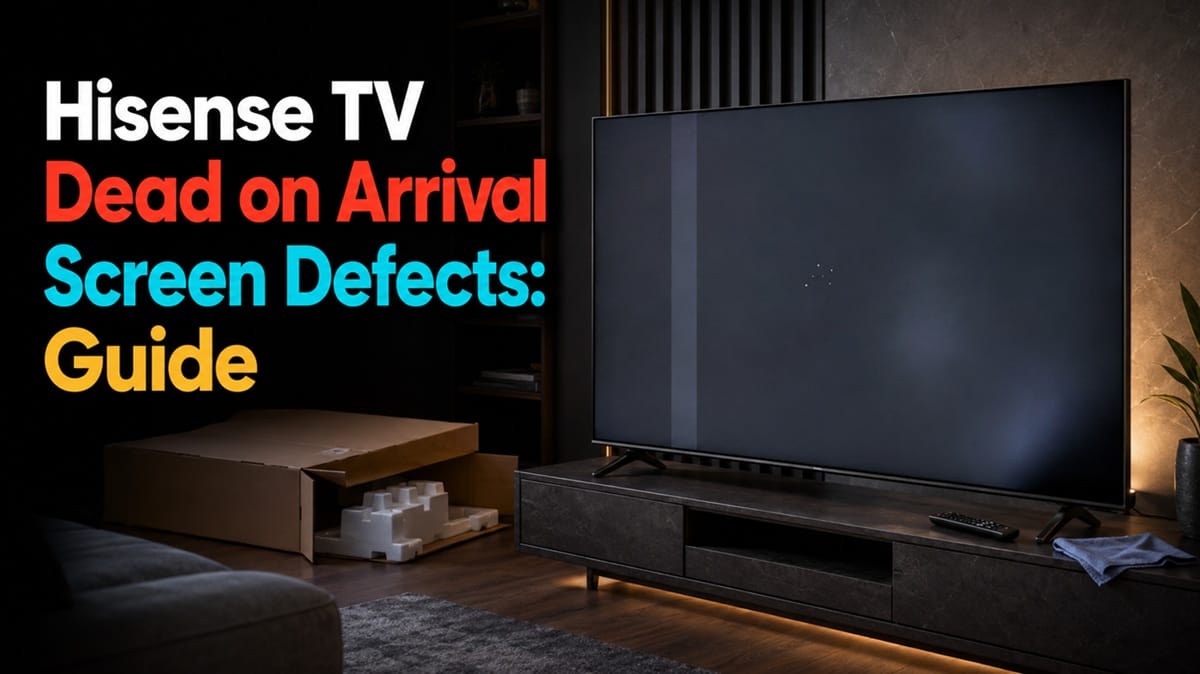
Hisense TV Dead on Arrival Screen Defects: How to Tell and What to Do Before Your Return Window Closes
Last updated: July 2026
🕒 8 min read
Disclosure: GearPulse360 participates in the Amazon Associates Program. This particular article contains no affiliate links; other content on our site may.
You’ve just carried a new Hisense TV out of the box, gone through setup, and switched it on for the first time. There’s a faint vertical band running down one side of the picture that wasn’t in any of the product photos.
Is that an actual Hisense TV dead on arrival screen defect, or just something that needs a few minutes to settle in?
Retailers and Hisense apply different rules depending on exactly when a defect turns up, and getting that timing wrong can cost you a free return or exchange. Not every mark on the screen counts, either — plenty of what looks alarming on the first power cycle is normal panel warm-up, not a defect.
Based on Hisense’s published U.S. return and refund terms and RTINGS’ gray-uniformity testing criteria, this piece covers what counts as a DOA screen defect and how to document one before the clock runs out. A defect caught weeks or months into ownership is handled differently, under Hisense TV warranty denied humidity rather than a straight return.
Same split applies to Hisense TV warranty claim denied, which deals with claims refused after the return window has already shut. This article stops at the return window — before that becomes a factor.
Table of Contents
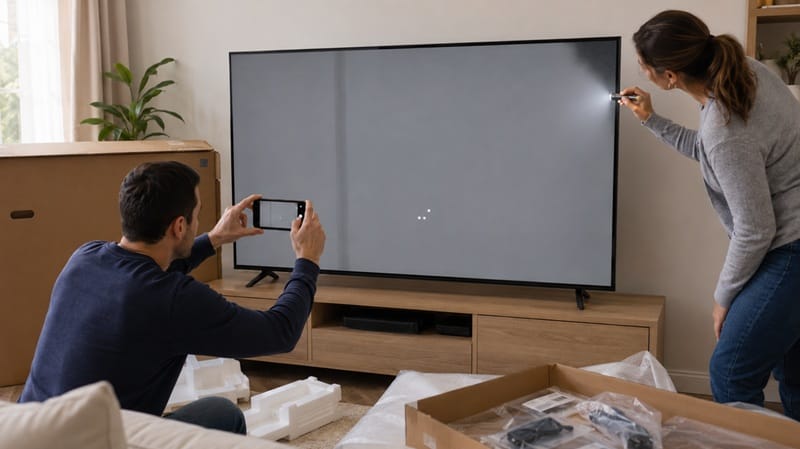
The Short Answer: What Counts as a Hisense TV Dead on Arrival Screen Defect
A Hisense TV dead on arrival screen defect is any panel-level fault — a dead or stuck pixel, a persistent line, uneven backlight bleed, or visible banding — present the moment the TV is unboxed and powered on. That timing is what makes it a DOA issue rather than a warranty issue: it’s handled through the retailer’s return or exchange process, not a manufacturer repair claim.
What Counts as a Screen Defect on a New Set
The Defects Buyers Commonly Report
The most commonly reported issues on a brand-new Hisense set fall into a handful of categories: a dead pixel that stays black no matter what’s on screen, a stuck pixel locked on a single color, uneven brightness or banding across a solid gray field, and backlight bleed along the edges on mini-LED models.
None of these need a technician visit to confirm — they’re visible within the first hour of setup if you know where to look. Hisense’s own return and refund policy treats a faulty or dead-on-arrival unit differently from a change-of-mind return, covering return shipping and processing it as a straight exchange.
Where the Line Sits Between DOA and Warranty
Retailers set their own return windows — commonly somewhere between 15 and 30 days depending on where the TV was purchased. That window, not the one-year manufacturer warranty, is what governs a screen defect found immediately after unboxing.
Once that window closes, the same defect gets routed through Hisense’s warranty process instead, and exclusion language tied to handling or environmental causes starts to apply the same way it does for later-developing defects.
A dead pixel spotted on day two and a dead pixel spotted on day ninety technically look identical on the screen. But they’re handled through two completely different systems, with different paperwork and a different party footing the bill for shipping.
Why Getting This Right Matters More on 2026’s Mini-LED Sets
Zone-Based Backlights Make Defects Easier to Spot — and Easier to Miss
On a mini-LED model like the Hisense 65U7SG review, the same local-dimming zones that improve contrast also make an uneven zone easier to spot on a plain gray screen than on a cheaper edge-lit panel — provided you run that kind of test screen instead of just watching whatever loads on first boot.
A blooming halo around a bright object in normal content is a different thing entirely from a zone-level uniformity fault. Mixing the two up is the fastest way to either miss a real DOA case or return a perfectly good TV.
Online Purchases Put the Inspection Step on You
Buying online instead of in-store shifts the entire inspection step onto the buyer. Nobody powered this specific unit on and checked it before it shipped, which is exactly why running a deliberate check in the first day or two matters more now than it did when TVs were routinely unboxed on a showroom floor.
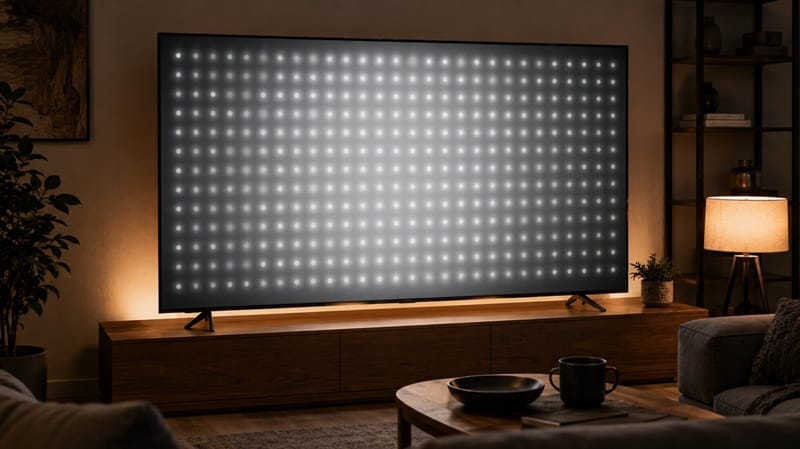
If this whole process has you second-guessing whether a mini-LED set is the right call for your room, our best 4K TVs of 2026 roundup breaks down this year’s field by panel type, so you can weigh OLED’s pixel-level lighting against mini-LED’s zone-based backlight before you buy again.
How to Test for It Before the Window Closes
Run this within the first day or two, not weeks in.
Check for Dead and Stuck Pixels First
Power the TV on and switch to a full-screen white field first, since a dead pixel shows up as a small dark dot against it. Cycle to black next to catch a stuck pixel instead.
Run the Gray Field Uniformity Test
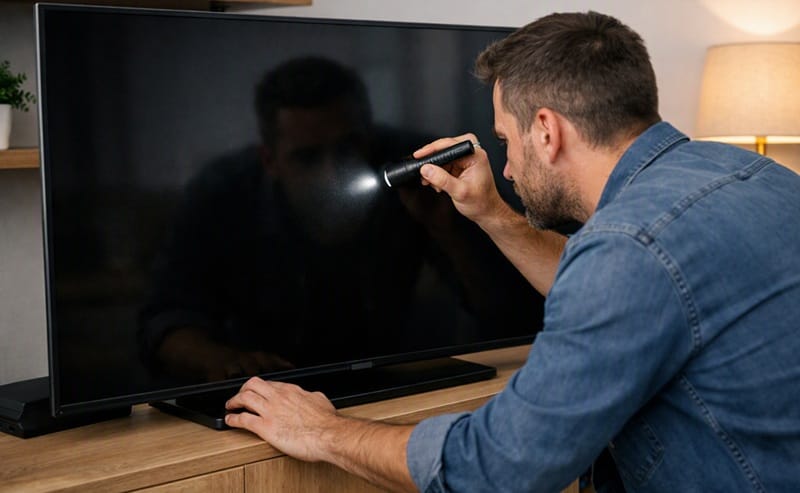
Then run a plain mid-gray field in a dim room — this is where dirty screen effect and backlight bleed show up most clearly, since anything short of an even, uniform field stands out immediately against flat gray.
Check the whole panel, corners included, from a normal seating distance rather than pressed up close. A defect invisible from six feet away often isn’t worth pursuing even if it’s technically there.
Document Before You Contact Anyone
Photograph anything you find against each test screen before contacting anyone. That documentation is what turns a return request into an approved one instead of a back-and-forth.
What This Means for You in Practice
Who Should Pay Attention to This
This matters most for anyone still deciding between panel types, since backlight-driven uniformity issues are a mini-LED-specific concern rather than something every TV technology deals with equally.
Our OLED vs Mini LED compared breakdown covers how each technology handles uniformity differently, since OLED sidesteps backlight-zone issues entirely by lighting each pixel on its own.
Who Doesn’t Need to Worry
If you bought in-store and already ran a test screen on the actual unit before it left the shop, you’ve already ruled out most of what this article covers.
And before assuming any anomaly is a panel issue at all, swap the input source or streaming app first — a lot of what looks like a screen defect is a cable, port, or source problem that has nothing to do with the panel underneath.
FAQs: Hisense TV Dead on Arrival Screen Defects
How Do I Know If It’s a Hisense TV Dead on Arrival Screen Defect and Not Just a Signal Issue?
Switch to a different input source or app first. If the same line or dark spot shows up on both a game console and a streaming app, it’s coming from the panel, not the source.
From there, run a full-screen gray or white field in a dim room. RTINGS’ gray uniformity test is built around exactly this kind of check, since uneven brightness across a flat color is the clearest way to catch dirty screen effect or panel banding.
Does a Dead on Arrival Screen Defect Mean the Whole TV Model Is Unreliable?
No — a DOA panel fault is a manufacturing or transit-tolerance issue caught at the individual-unit level, not a sign the model line has a broader reliability problem.
Panel manufacturers typically allow some tolerance for a small number of pixel-level imperfections before a unit is treated as defective, though the exact threshold varies by brand and isn’t published by Hisense for this specific model line. One unit falling outside whatever threshold applies says nothing about the units sitting next to it on the truck.
How Long Do I Have to Return a Hisense TV With a Dead on Arrival Screen Defect?
It depends entirely on where you bought it. A retailer’s own return window governs this, and those commonly run 15 to 30 days, though the exact number varies by seller and sometimes by state.
If you bought directly from Hisense, its own return terms apply instead — check the specific policy for where the purchase happened rather than assuming a single sitewide number.
Does Returning a Dead on Arrival Hisense TV Affect Any Warranty I’d Get on a Replacement Unit?
No — a straight DOA return or exchange resets the clock rather than touching your warranty standing in any way. The timing questions that affect warranty status come up later, once a unit has been in use for a while, which is what whether a warranty claim expires your TV’s return window covers in more detail.
Are Dead on Arrival Screen Defects More Common on Mini-LED Hisense Models Than OLED Sets?
Mini-LED relies on a backlight split into hundreds or thousands of independently controlled zones — a layer of hardware that OLED doesn’t have, since each OLED pixel lights and dims itself. That extra layer is where zone-uniformity faults originate, and OLED sidesteps the failure point entirely by design.
Manufacturers don’t publish per-model DOA rates broken out by panel type, so there’s no public number to point to for exactly how much more often it happens on mini-LED. The build difference above is the honest, verifiable part of the answer; a specific frequency isn’t.

iYaiii
Editor, GearPulse360
iYaiii is the editor and founder of GearPulse360, specializing in TV reviews and consumer electronics. He researches every recommendation before publishing.
✅ Based on Hisense’s official return policy and RTINGS test data — last verified July 2026