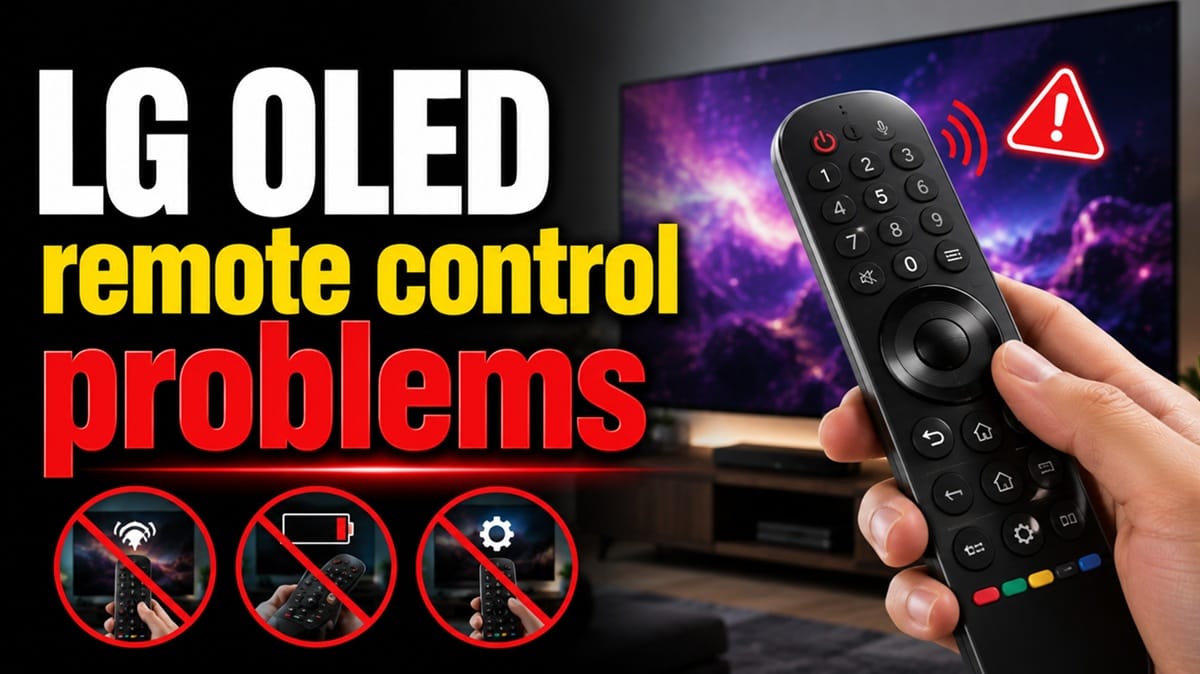
LG OLED Remote Control Problems: The Real Causes and How to Fix Them
Last updated: July 2026
🕒 8 min read
Disclosure: GearPulse360 participates in the Amazon Associates Program. This particular article contains no affiliate links; other content on our site may.
Your LG OLED’s pointer freezes dead-center on the screen, or the TV flashes “Cannot connect to unsupported remote” the moment you try to pair a replacement. Either way, LG OLED remote control problems are one of the most common ownership complaints once the excitement of a new panel wears off.
Most people assume a dead pointer or a remote that won’t re-pair means the remote itself has failed, so replacing it seems like the obvious fix. LG’s own troubleshooting documentation points first to the TV side instead — lost registration between the remote and TV — and in practice a firmware update or corroded battery contacts often turn out to be the underlying trigger. Sorting out which one you’re dealing with saves you from buying a replacement you didn’t need.
The sections below separate the remote-side causes from the TV-side ones, then walk through LG’s actual reset sequence before you consider a replacement remote. If the pointer tracks fine and it’s specific apps refusing to launch instead, that’s a different problem with a different fix path — our LG TV apps won’t open guide covers that separately. If you’re still deciding which LG OLED to bring home, our LG OLED buying guide covers how remote design has changed across recent model years.
Table of Contents
The Short Answer: LG OLED Remote Control Problems Explained
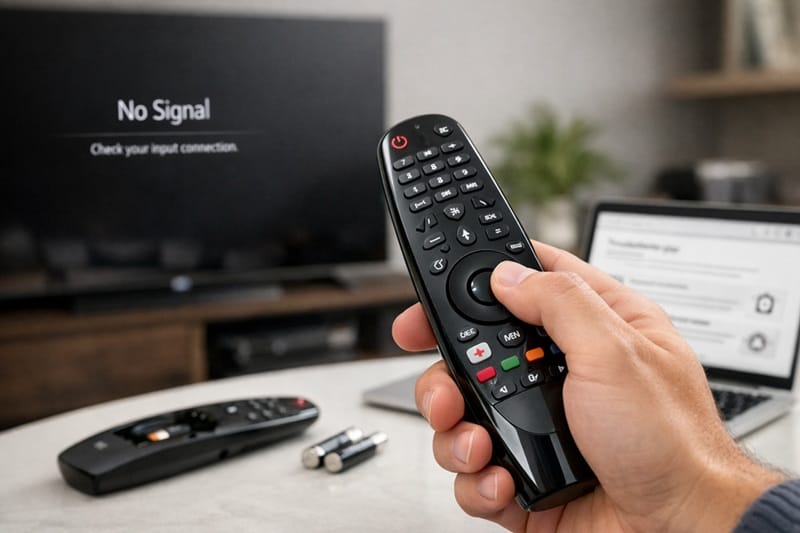
Most LG OLED remote control problems come down to three causes: the remote has lost its Bluetooth pairing with the TV, the battery contacts have corroded, or a firmware update reset the TV’s remote registration. Re-pairing the remote — holding Home and Back for five seconds, then reconnecting — is the fix LG’s own support process points to first, before treating the remote as defective.
Why LG Magic Remotes Stop Working
Lost Bluetooth Pairing and Registration
LG’s Magic Remote pairs to the TV over Bluetooth rather than a simple infrared signal, which is part of why it enables pointer and voice control in the first place. That pairing can drop after a power outage, a firmware update, or simply over time, and once it does, the TV treats the remote as unregistered rather than broken. It’s a good example of how a routine webOS update can introduce a side effect that has nothing to do with the update’s actual purpose — a pattern our LG webOS problems in 2026 breakdown covers in more depth for owners running into slowdowns or app issues after the same kind of update.
LG’s own troubleshooting documentation walks through checking the remote’s Bluetooth output and re-registering it before assuming a hardware fault — see LG’s Magic Remote troubleshooting guide for the manufacturer’s own diagnostic steps.
Battery Contact Corrosion
Another common cause has nothing to do with pairing at all. LG Magic Remotes ship with standard AA batteries, and if they sit unused for months — common with a secondary bedroom TV — leaking battery acid can build a thin layer of corrosion on the contacts. That corrosion interrupts the electrical connection long before the batteries are actually dead, which is why a remote can feel unresponsive even with fresh batteries installed.
Remote vs. TV: How to Tell Which One Is at Fault
A Quick Diagnostic Before You Buy a Replacement
Before ordering a new remote, run two quick checks. First, press any button and watch the power button LED — if it lights up, the batteries are fine and the issue is pairing or hardware, not power. Second, open the LG ThinQ app on your phone and try controlling the TV through it. If the app works but the physical remote doesn’t, that’s a useful sign the TV itself is responsive over its network connection, which points toward the remote’s Bluetooth registration rather than a broader TV fault — not unlike a phone that’s dropped off a Wi-Fi network the router still recognizes by name.
When It’s Actually a TV-Side Issue
Recurring pairing failures after every software update, or a remote that pairs successfully but whose pointer refuses to move from the center of the screen, point toward the TV’s Bluetooth stack rather than the remote itself. This overlaps with other LG OLED hardware quirks worth knowing about — our LG OLED anti-glare filter problem breakdown covers a similarly TV-side issue that owners often mistake for a defective unit.
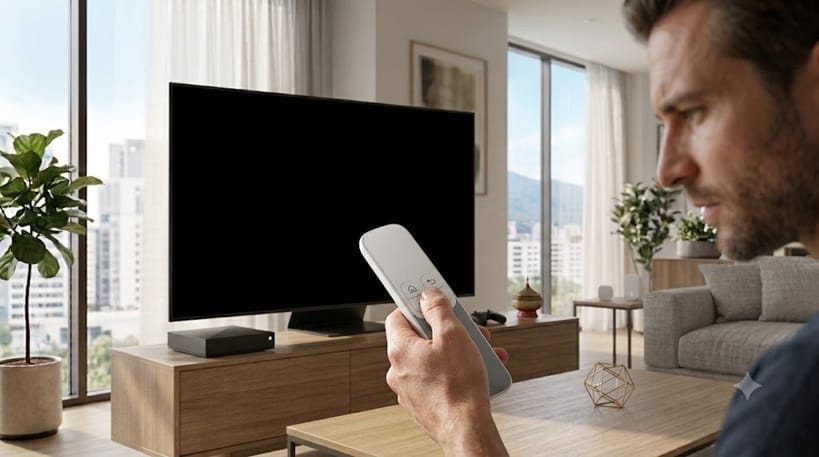
A flaky remote isn’t a reason to second-guess the panel underneath it — Magic Remote pairing quirks show up across LG’s whole 2026 lineup regardless of tier. If you’re still narrowing down a model, our best OLED TVs of 2026 roundup breaks down the picture-quality tradeoffs that actually differ from one LG OLED to the next.
Step-by-Step Fixes for LG OLED Remote Control Problems
Symptom → Cause → Fix
| SYMPTOM | LIKELY CAUSE | FIX | DIFFICULTY |
|---|---|---|---|
| Pointer stuck in the center of the screen | Pairing handshake didn’t fully complete | Deregister (hold Home + Back for 5 seconds) and re-pair | Easy |
| “Cannot connect to unsupported remote” error | Remote lost its Bluetooth registration with the TV | Re-pair following the on-screen prompt; power-cycle the TV if it repeats | Easy |
| Remote feels unresponsive despite fresh batteries | Corroded battery contacts blocking the connection | Clean contacts with a vinegar-dipped cotton swab and let them dry fully | Medium |
| Pairing keeps dropping after every firmware update | TV-side Bluetooth stack reset by the update, not a remote fault | Re-pair after each update; unplug the TV for a full minute first if it recurs | Medium |
If none of these resolve it, the remote’s internal Bluetooth module may have failed — contact LG support about a replacement.
Work through these steps in order, starting with the battery check and the re-pairing step below before moving on to the less common causes.
- Test the batteries first. Press any button and confirm the power LED lights up. Swap in a fresh pair if it doesn’t, or if the light looks dim.
- Deregister and re-pair the remote. With the TV powered on, hold the Home and Back buttons together for five seconds until the power LED flashes three times, then point the remote at the TV and follow the on-screen pairing prompt.
- Clean corroded contacts. If you see white or green residue on the battery terminals, remove the batteries and clean the contacts with a cotton swab dipped in white vinegar, then let them dry fully before reinserting.
- Power-cycle the TV. Unplug the TV from the wall for a full minute. This clears a stuck Bluetooth handshake that a simple remote re-pair sometimes can’t.
- Check for interference. A Bluetooth soundbar or headphones connected to the same TV can occasionally compete for the wireless connection. Temporarily disconnect other Bluetooth accessories and try pairing again.
Work through these five checks before assuming the remote itself needs replacing — most pairing complaints resolve at the deregister-and-repair step.
What This Means for You in Practice
Who Should Pay Attention to This
If you own an LG OLED with a Magic Remote — particularly a model from the last three to four years — these steps apply directly to you, especially if your household runs multiple Bluetooth devices on the same TV. Shoppers comparing current-generation options can see how remote design and features stack up across the model year in our LG OLED roundup.
Who Doesn’t Need to Worry
If your remote is pairing normally and the pointer tracks smoothly, there’s nothing to pre-emptively fix here. Owners of older IR-only LG remotes — the pointer-free, button-only style used on some entry-level models — aren’t affected by Bluetooth pairing issues at all, since those remotes never relied on that connection type in the first place.
FAQs: LG OLED Remote Control Problems
What causes LG OLED remote control problems?
LG OLED remote control problems are most often caused by lost Bluetooth pairing, corroded battery contacts, or a firmware update that reset the TV’s remote registration — not a defective remote. According to RTINGS’ review of LG’s current OLED lineup, the redesigned Magic Remote and webOS smart platform are evaluated as part of each model’s day-to-day usability testing, though RTINGS’ published reviews focus on remote and interface usability rather than pairing-failure rates specifically.
Why does my LG Magic Remote pointer stay frozen in the center of the screen?
A pointer stuck dead-center almost always means the remote paired but its motion-sensor handshake with the TV didn’t fully complete. Deregistering the remote — holding Home and Back for five seconds — and re-pairing it resolves this in most cases.
Can I fix a corroded LG remote myself, or do I need a replacement?
Light corrosion on the battery contacts can usually be cleaned with a vinegar-dipped cotton swab and doesn’t require a replacement. If the corrosion has visibly damaged the metal contacts or spread further into the remote’s internals, a replacement is the more reliable fix.
Will a universal remote work with my LG OLED if the Magic Remote keeps failing?
A basic universal remote can handle power, volume, and input switching on most LG OLEDs, but it won’t replicate the Magic Remote’s pointer or voice control, since those features depend specifically on LG’s Bluetooth pairing protocol. If the Magic Remote is out of commission entirely and you just need the TV powered on in the meantime, our guide on how to turn on a TV without a remote covers backup options that don’t require Bluetooth pairing at all.
Does LG’s redesigned Magic Remote fix these pairing problems on newer OLED models?
Not entirely, no. LG’s redesigned AI Magic Remote adds new shortcut buttons and a flatter layout, but it registers to the TV the same way earlier Magic Remotes did. Based on editorial research into current-generation reviews, the redesign changes how the remote feels in your hand — not how it connects to the TV, so the pairing and deregistration steps above still apply to it.

iYaiii
Editor, GearPulse360
iYaiii is the editor and founder of GearPulse360, specializing in TV reviews and consumer electronics. He researches every recommendation before publishing.
✅ Based on spec analysis and LG’s official and RTINGS data — last verified July 2026