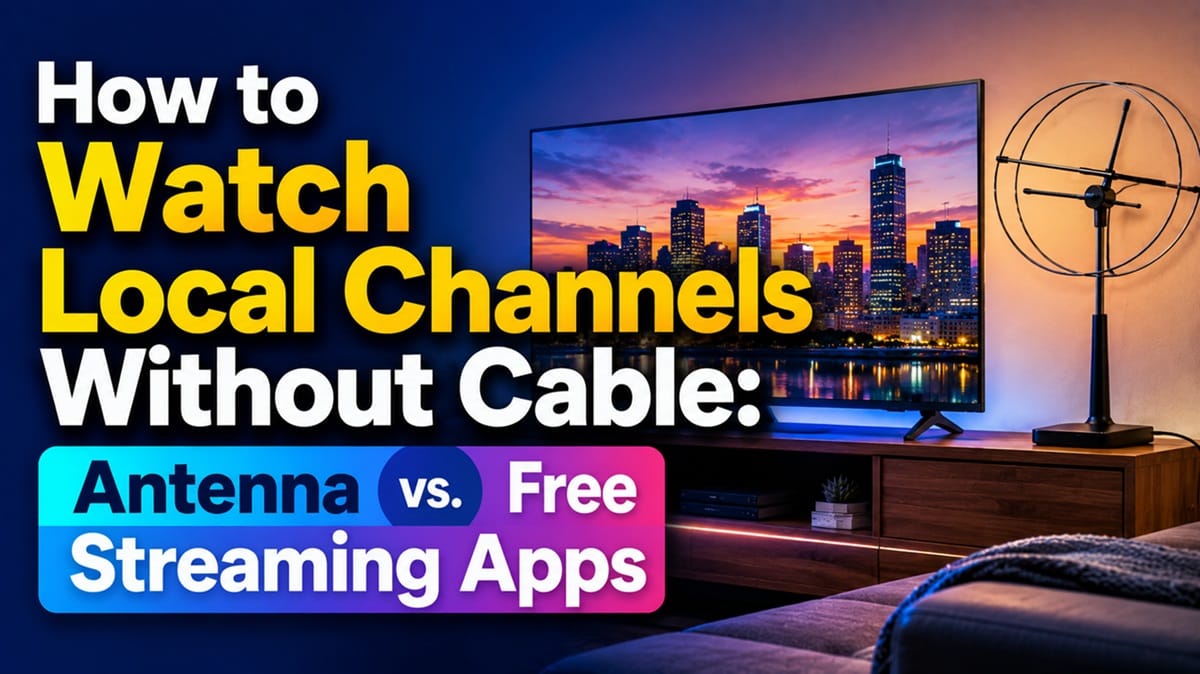
How to Watch Local Channels Without Cable: Antenna vs. Free Streaming Apps
Last updated: August 2026
🕒 8 min read
Disclosure: GearPulse360 is a participant in the Amazon Associates Program. Some pages on this site contain affiliate links, and we may earn a commission from qualifying purchases at no extra cost to you.
You cancel cable expecting to save money, sign up for a streaming service or two, and then realize halfway through the first week that none of them are actually showing you the 6 o’clock local news or Sunday’s game on your local network affiliate.
Netflix doesn’t carry it. Neither does your streaming bundle. It’s the one gap almost every cord-cutter runs into within the first few days, and it’s specific enough that no amount of adding more streaming apps actually closes it.
The good news is that local channels — ABC, CBS, NBC, FOX, PBS, and the rest — are some of the easiest channels to keep once cable is gone, since most of them still broadcast over the air for free. The confusion isn’t whether it’s possible; it’s which method actually fits your situation, since “watch local channels without cable” covers a few genuinely different approaches with different trade-offs.
There are two real paths to local channels without cable — antenna or streaming apps — and most people end up needing to understand both. This guide breaks down how OTA reception actually works, which free apps carry local affiliates and where that coverage falls short, and where the DVR question fits in once live channels are back in the picture — our guide on how to record TV shows covers that part in full, since recording is a separate decision from receiving the channel in the first place.
Table of Contents
The Short Answer: Antenna, Free Apps, or Both
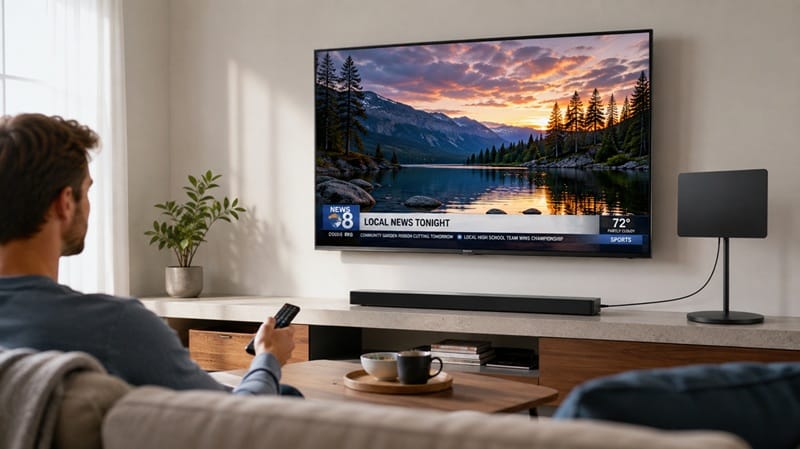
You can watch local channels without cable in two main ways: an over-the-air (OTA) antenna, which pulls your local network affiliates’ broadcast signal directly and for free once you own the hardware, or a free ad-supported streaming app — like Samsung TV Plus, LG Channels, Pluto TV, Tubi, or The Roku Channel — which carries some local network content in supported markets over an internet connection. Most cord-cutters end up using both, since antenna coverage depends on your distance from the broadcast tower and streaming apps depend on which affiliates have struck a deal with that platform in your specific area.
Over-the-Air Antenna: The Original Way to Get Local Channels Free
How Antenna Reception Actually Works
Local TV stations broadcast a digital signal over the air, and any TV with a built-in ATSC tuner — which almost every set sold in the last decade has — can pick it up with an antenna connected to the coaxial input. There’s no monthly fee and no internet connection required once the antenna is in place; the signal itself is free, the same way it’s always been. Reception quality comes down to distance from the broadcast tower, terrain, and building materials between you and it, which is why an antenna that works flawlessly for a neighbor a mile away can perform noticeably worse at your address.
What to Expect From Channel Scanning
Once the antenna is connected, the TV needs to scan for available channels the same way it would when first set up — a short menu process most smart TVs walk you through automatically. The number of channels that come in and their reliability vary enough by location that it’s worth running the scan and checking signal strength before assuming an antenna will or won’t work at your address, rather than ruling it out based on someone else’s experience in a different city.
Free Streaming Apps: Local Channels Without an Antenna
What These Apps Actually Carry
Free ad-supported streaming (FAST) apps have become the second major route to local channels without cable, and they work differently from an antenna: instead of pulling a broadcast signal, they stream content over your internet connection, and it’s an internet connection this route depends on entirely — our guide on how to connect your TV to Wi-Fi covers getting that set up if a shaky connection is part of what’s holding this back.
Samsung TV Plus and LG Channels both come built into their respective smart TV platforms at no extra cost, and Samsung’s own support documentation confirms the built-in tuner can scan and program local over-the-air channels separately from the TV Plus app itself, meaning the antenna and app routes aren’t mutually exclusive on the same TV. If you’re not sure your set has this capability built in, our what is a smart TV guide covers what that label actually means.
Coverage Isn’t Guaranteed by Market
The catch with FAST apps is that local-affiliate coverage isn’t universal — a given app might carry a live local news feed in one metro area and nothing local at all in another, depending on licensing deals that shift over time. That inconsistency is why an antenna remains the more dependable option specifically for local channels, even as streaming apps have gotten stronger at everything else.
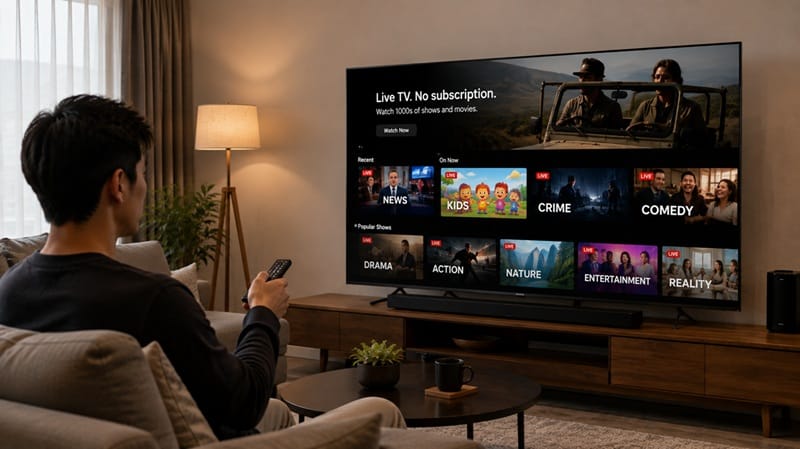
Tuner performance and app support don’t always travel together on the same TV — some sets pull in weak antenna signal but run FAST apps beautifully, others do the reverse. Our best OLED TVs of 2026 roundup calls out both separately for anyone shopping with this specific combination in mind.
Antenna vs. Streaming Apps: Picking What Fits Your Situation
The honest answer to whether antenna or streaming apps are the better way to watch local channels without cable is that it depends on where you live and how much reliability matters to you. An antenna, once purchased, has no ongoing cost and no dependency on a licensing deal that could change — but it does depend on physical distance and line-of-sight to the broadcast tower, and that’s not something a streaming app has to worry about.
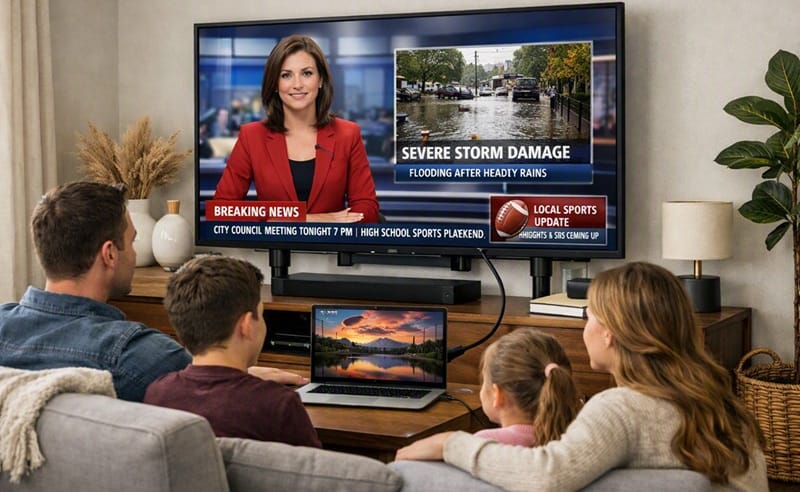
A FAST app costs nothing extra and needs no hardware or roof-mounted equipment, but its local coverage can disappear from one year to the next if a deal doesn’t renew. Combining both gives you a fallback either way: if the antenna signal is weak on a stormy night, the app is still there, and if an app drops local coverage in your market, the antenna hasn’t gone anywhere.
What This Means for You in Practice
Buy This If…
An antenna is worth the one-time cost if you live within reasonable range of your market’s broadcast towers and want a local-channel setup that doesn’t depend on any streaming company’s licensing decisions. If you’re also deciding between models and want a set that handles both routes cleanly, our best OLED TVs for streaming in 2026 guide breaks down which current picks combine dependable tuner performance with the smart-platform app support this setup relies on.
Skip This If…
If you’re in a fringe reception area with weak or unreliable broadcast signal, or you’d rather not deal with antenna placement and signal troubleshooting at all, leaning on free streaming apps alone — while keeping expectations realistic about which local channels they actually carry in your area — is a reasonable trade-off.
FAQs: Watching Local Channels Without Cable
Do I need an antenna to watch local channels without cable?
Not necessarily — free ad-supported apps like LG Channels carry some local network content without any hardware or antenna at all, though coverage depends on your market. An antenna is the more dependable option if you want consistent access to your specific local affiliates rather than whatever a given app happens to carry.
Is there a monthly fee for OTA antenna channels?
No — over-the-air broadcast signals are free to receive once you own an antenna, with no subscription or recurring cost tied to the channels themselves. The only cost is the one-time antenna purchase, and possibly a signal amplifier if you’re in a weaker reception area.
Why does my smart TV’s free app show different local channels than my neighbor’s?
Local channel availability on FAST apps is tied to licensing deals in specific markets, so two households in different cities — or even different parts of the same metro area — can see a different local lineup on the same app. This is a platform-and-market issue, not a setting you can change on the TV itself.
Can I combine an antenna with a free streaming app on the same TV?
Yes — most modern smart TVs support both at the same time, since the antenna feeds the TV’s built-in tuner while apps like Samsung TV Plus stream over your internet connection independently, as Samsung’s own support documentation confirms. Running both gives you a backup if one route has a bad day.
Should I bother with an antenna if a streaming app already covers my local channels?
It’s still worth keeping as a backup — FAST app local-channel deals are tied to licensing agreements that can change or drop out of your market without warning, while an antenna’s reception doesn’t depend on any company’s ongoing business decision. If the app already covers what you need today, an antenna is the low-cost insurance for when that deal doesn’t renew.

iYaiii
Editor, GearPulse360
iYaiii is the editor and founder of GearPulse360, specializing in TV reviews and consumer electronics. He researches every recommendation before publishing.
✅ Based on spec analysis and Samsung’s and LG’s official data — last verified August 2026.