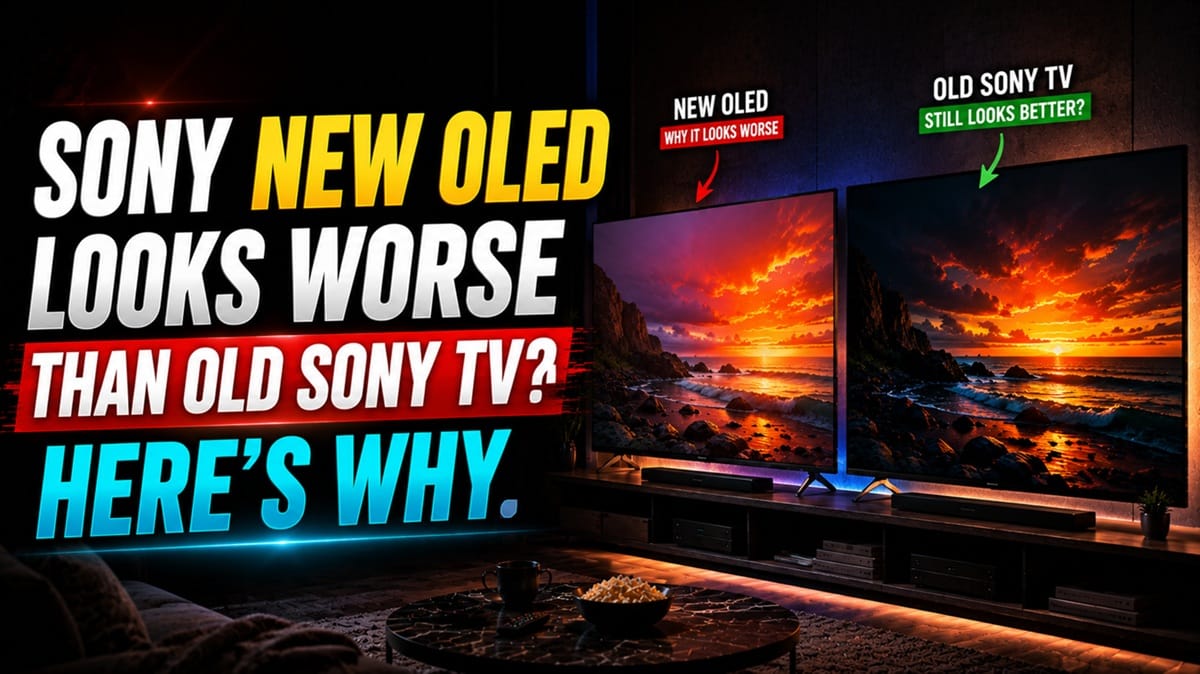
Sony New OLED Looks Worse Than Old Sony TV: What’s Actually Going On
Last updated: July 2026
🕒 8 min read
Disclosure: GearPulse360 participates in the Amazon Associates Program. This particular article contains no affiliate links; other content on our site may.
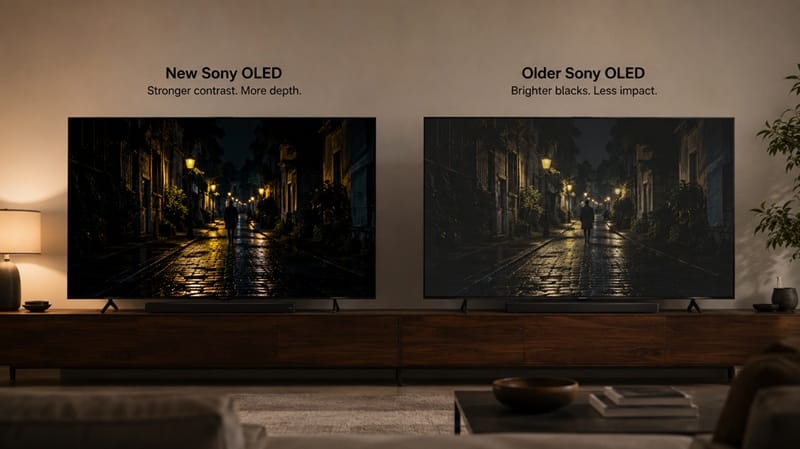
Put a new Sony OLED next to the one it’s replacing, run the same scene on both, and for a lot of owners the newer, pricier TV is somehow the one that looks worse. Not broken — just flatter, dimmer, or oddly colored compared to the set it’s supposed to be an upgrade from.
That reaction usually shows up right after setup, before anyone has touched a single picture setting, which is exactly why it feels alarming enough that owners search some version of “sony new oled looks worse than old sony tv” trying to figure out what happened. Based on editorial research into how Sony’s OLED lineup has changed generation to generation, the picture is rarely as simple as “the new one is worse.” A default picture mode, Auto Picture Mode switching settings unprompted, and, for some model pairs, a real panel-technology change are almost always the actual cause.
This guide covers what’s actually different between a new Sony OLED and the model it replaced, why that difference can look like a downgrade in the first ten minutes, and how to tell a genuine problem from a normal transition. For a related picture-quality question on the same lineup, see our breakdown of Sony OLED dark scene shadow detail, which covers a different but related complaint pattern.
Table of Contents
The Short Answer: Why Sony New OLED Looks Worse Than Old Sony TV
A new Sony OLED almost never has worse underlying hardware than the model it replaced — in the generation pairs independent testing has covered so far, the data points the other way. What usually makes it look worse out of the box is a mix of default picture mode settings, Sony’s Auto Picture Mode switching the image without asking, and, for some model pairs, a real panel-technology change that shifts how color and brightness are rendered. Most of it is adjustable.
What Actually Changed Between Generations
Out-of-Box Picture Mode Defaults
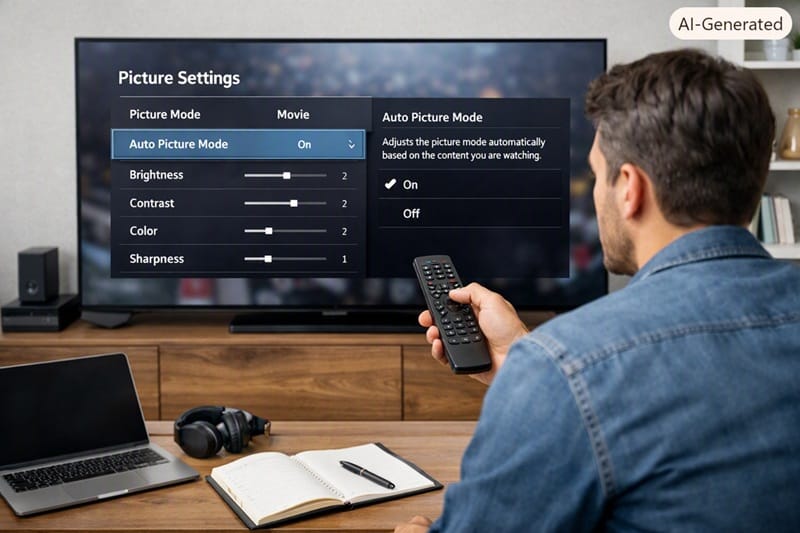
Sony ships its Google TV sets with an Auto Picture Mode feature that swaps picture settings automatically based on what’s on screen, adjusting brightness and saturation without a prompt. Owners who never explored this setting on their old TV can find it behaves differently on a newer model, which reads as the picture “changing on its own” rather than a setting doing exactly what it’s designed to do.
Auto Picture Mode is a named, documented feature rather than a bug, and it can be turned off if a viewer prefers a fixed picture mode instead of one that shifts by content. Sony’s own Android TV FAQ on Picture and Screen is the right starting point for locating and adjusting picture settings like this one before assuming anything is actually wrong with the set.
A Genuine Panel-Technology Shift
Not every case is just settings. Some Sony OLED generations moved from a WOLED panel to a QD-OLED panel — the same panel-type jump that separates the Sony BRAVIA 8 from the BRAVIA 8 II. QD-OLED and WOLED render color and brightness differently by design, so a viewer used to one panel’s specific color character can perceive the other as “off,” even when the newer panel tests brighter and more color-accurate.
Why It Matters in 2026
What Independent Testing Actually Shows
For the one Sony generation pair with public comparative data, side-by-side lab testing does not support the idea that the newer set is quietly worse. Comparative testing data shows the newer BRAVIA 8 II measurably brighter in HDR and more color-accurate than the BRAVIA 8 it replaced, with better color volume thanks to its QD-OLED panel. That’s the reverse of a downgrade, even though some owners’ first impression runs the other way.
If you’re weighing a Sony OLED against what else is out there this year, our LG vs Samsung vs Sony OLED compared breakdown covers how each brand’s color and processing choices tend to differ, which is useful context for exactly this kind of comparison.
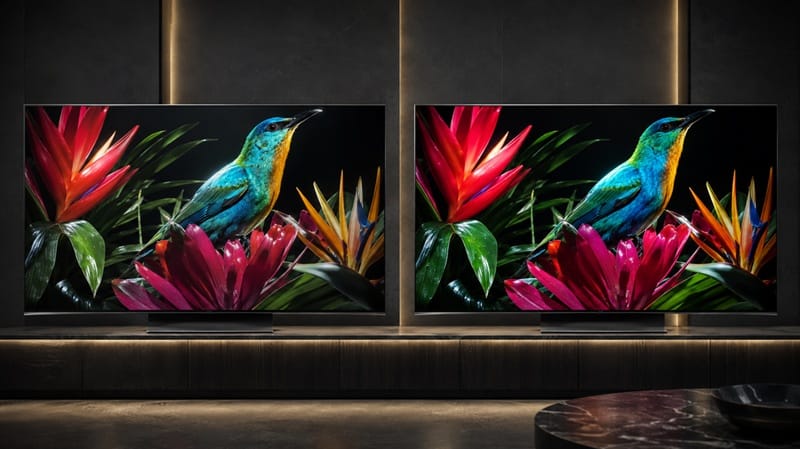
A fairer test than the unboxing moment is a proper side-by-side once both TVs are dialed in — that’s where the spec sheet gap actually shows up. If you’re still weighing this year’s field before deciding anything, our best OLED TVs in 2026 roundup lays out how the current Sony lineup stacks up against LG and Samsung on the same measures.
Settings Issue or Real Problem? How to Tell
A quick way to separate the two: turn off Auto Picture Mode, set both TVs to the same picture mode (Standard or Cinema tend to be closest to accurate), and match brightness and color temperature manually. If the gap mostly closes, this was a settings and panel-character difference, not a fault. If one specific area — banding, a dim patch, a color cast in one corner — stays put across every mode and every piece of content, that’s worth treating as a possible unit issue rather than a generational one.
Room lighting plays a role too. Panel brightness and screen coatings can vary between models, and either one can make a TV read dimmer or punchier depending on how much ambient light is hitting the screen — which has nothing to do with the generation gap itself.
It helps to test with more than one type of content before drawing a conclusion. A movie’s dim, deliberately warm color grading will expose picture mode differences much faster than a bright sports broadcast will, so a side-by-side that only uses one type of source can point you toward the wrong cause. Cycle through a streaming show, a game, and a piece of HDR content in the same matched settings, and treat only a pattern that holds across all three as meaningful.
Worth checking, too, is whether a store demo unit is the TV setting the expectation. Showroom floor models are frequently left in a punchier, oversaturated demo mode that isn’t representative of how either TV looks once it’s set up at home — comparing a home unit against a memory of a showroom demo, rather than against the actual old TV side by side, is a common way this kind of “looks worse” impression gets started in the first place.
What This Means for You in Practice
Buy This If…
You’re comparing a new Sony OLED against an older Sony model and want to know whether the newer one is a real step up on paper — it typically is, and the first-impression gap is usually a setup issue rather than a spec regression. If you’re still narrowing down which current-generation model fits your room and budget, our Sony OLED buying guide breaks down the current lineup model by model.
Skip This If…
You’ve already ruled out settings, tested both TVs in matched picture modes, and one specific flaw persists across every input and mode. Sony’s standard warranty channels apply regardless of which model year is affected, so that persistence is worth documenting before you call in a claim. If a pattern like that has you questioning the brand more broadly rather than just this one unit, our Sony OLED owners switching brands piece walks through when that reasoning actually holds up.
FAQs: Sony New OLED Looks Worse Than Old Sony TV
Is it normal when Sony new OLED looks worse than old Sony TV right out of the box?
Almost always because of default picture mode and Auto Picture Mode settings, not because the new panel is genuinely worse. Comparative lab testing on Sony’s own model pairs — including the BRAVIA 8 versus BRAVIA 8 II — has consistently shown newer models testing brighter and more accurate, based on independent comparative testing data, so a worse first impression is a setup problem far more often than a hardware one.
Does switching from WOLED to QD-OLED explain the difference?
It can, for the model pairs where that switch actually happened. WOLED and QD-OLED panels produce color and brightness differently by design, so a viewer accustomed to one panel type’s specific look can read the other as unfamiliar or “off” even though neither is objectively broken.
Should I turn off Auto Picture Mode on my new Sony TV?
Not necessarily — it’s a legitimate feature, not a defect, and plenty of owners prefer letting it adjust automatically by content type. But if you’re trying to do a fair side-by-side against an older TV, turning it off on both sets and locking in the same picture mode removes one of the biggest variables from the comparison.
Is this the same issue as Sony’s dark scene shadow detail complaints?
Related, but not identical. The dark scene shadow detail piece linked earlier in this article covers a narrower symptom specific to low-light content, while a new-versus-old perceived downgrade tends to show up across all kinds of content, not just dark scenes.
Should this affect whether I buy a new Sony OLED?
No, not by itself. The pattern described here is almost entirely about first-impression setup, not a documented decline in Sony’s OLED quality — if anything, the independent data points the other way. Running through Auto Picture Mode and picture mode once at setup closes most of the gap that triggers this reaction in the first place.

iYaiii
Editor, GearPulse360
iYaiii is the editor and founder of GearPulse360, specializing in TV reviews and consumer electronics. He researches every recommendation before publishing.
✅ Based on spec analysis and Sony’s official and RTINGS data — last verified July 2026