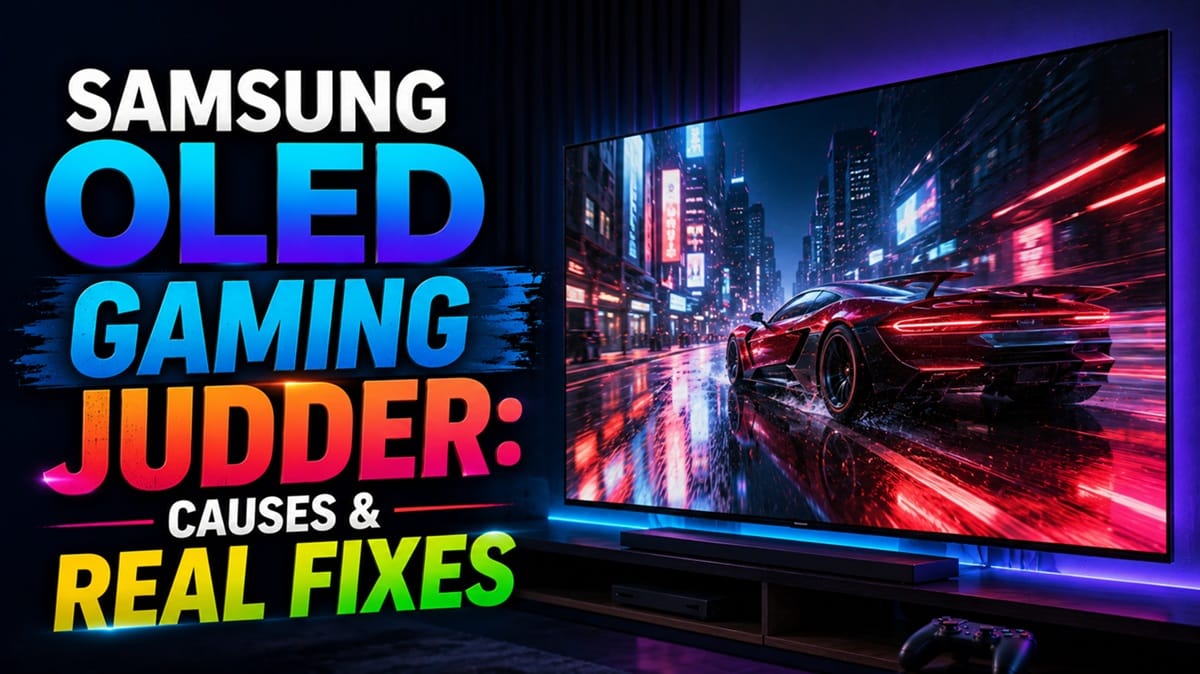
Samsung OLED Gaming Judder: Why 30FPS Games Look Choppy (and What Actually Helps)
Last updated: July 2026
🕒 8 min read
Disclosure: GearPulse360 participates in the Amazon Associates Program. This particular article contains no affiliate links; other content on our site may.
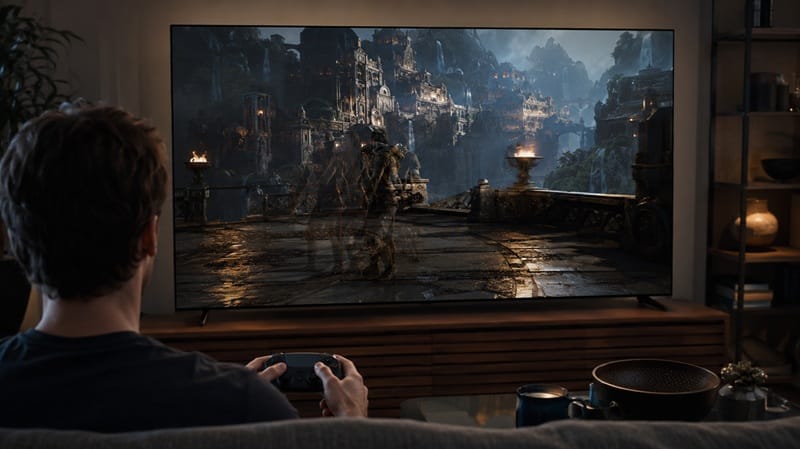
You drop into a 30fps “Quality Mode” on your Samsung OLED, and the panning shots stutter in a way that doesn’t match the spec sheet — 165Hz, VRR, G-SYNC Compatible, all the boxes checked. Samsung OLED gaming judder shows up almost exclusively in this specific scenario: a console rendering at 30 frames per second while sending a fixed 60Hz signal, not in movies or 60fps+ gameplay.
Based on editorial research into Samsung’s own community forums and RTINGS’ published motion testing, this is a known pattern that’s shown up across multiple Samsung generations, not a one-off defect on a single model.
A high refresh rate spec doesn’t automatically prevent this — that’s the misconception worth correcting up front. Below, we cover what’s actually causing the choppiness, why it’s different from the panel-quality issues we’ve broken down in our Samsung OLED picture quality consistency guide, and which settings actually make a difference before you assume your TV is defective.
Table of Contents
The Short Answer: What Causes Samsung OLED Gaming Judder
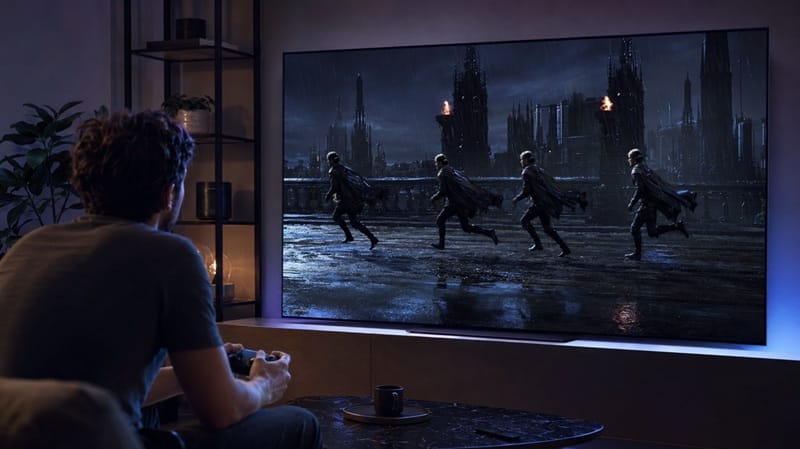
Samsung OLED gaming judder is caused by a mismatch between a game’s actual frame rate (often 30fps in a console’s “Quality” or “Fidelity” mode) and the fixed 60Hz signal the console sends over HDMI. Because OLED pixels respond almost instantly, each of those 30 frames gets held on screen for a noticeably longer stretch than it would on a slower-responding LCD panel, which makes the unevenness harder to hide.
Judder vs. Stutter: Why the Terminology Gets Mixed Up
What RTINGS Calls “True” Judder
Judder, in the strict testing sense, refers to uneven frame timing when 24fps or 25fps movie content is stretched across a 60Hz signal — a mismatch that mostly affects films and scripted TV, not games, since most games render at 60fps or higher. That’s a different mechanism from what gamers are usually describing when they say “gaming judder.”
What’s Actually Happening in 30FPS Games
What gamers experience with 30fps console content is closer to what motion testing labs classify as stutter — each frame holding on screen too long because the source frame rate is low and the panel’s response time is fast. Samsung OLEDs, with their near-instant pixel response, tend to make that holding pattern more visible rather than less, which is part of why 30fps games can look worse on an OLED than they did on an older LCD TV with slower pixel response and more natural motion blur to mask it.
Why Samsung Specifically Has a History With This
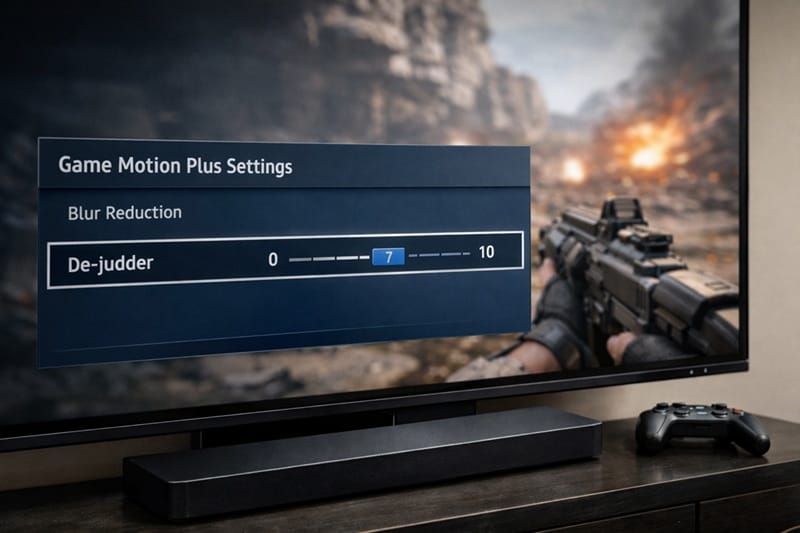
Samsung’s De-Judder / Game Motion Plus Setting
Samsung TVs include a motion-interpolation feature — branded Game Motion Plus, with a de-judder control inside it — designed specifically to smooth out this kind of low-frame-rate console signal in Game Mode. When it’s working as intended, owners on enthusiast forums have described it making a 30fps game feel noticeably smoother, with one detailed account putting it closer to 40–50fps and only a minor, largely unnoticeable increase in input lag — a subjective impression from one setup, not a lab-measured figure.
A Pattern of Generation-to-Generation Inconsistency
Based on reports across Samsung’s community forums, this feature hasn’t worked consistently from one generation to the next. Owners of 2020 T-series models reported it working well, then found it doing nothing for 30fps signals on the 2021 Neo QLED lineup at launch — a gap Samsung partially closed with a 2023 firmware update, though some owners still described it as less smooth than the earlier implementation. That inconsistency is a separate issue from the panel-uniformity concerns we cover in our Samsung S90D banding guide, but it points to the same broader pattern: Samsung’s processing behavior can shift meaningfully between model years.
Motion handling like this rarely shows up in a spec sheet comparison — you mostly notice it after a few weeks with the remote in your hand. Our best OLED TVs of 2026 roundup calls out which current models handle 30fps console content cleanly and which ones still stutter through it.
Does the 2026 Samsung OLED Lineup Fix This?
Samsung’s 2026 marketing for the S95H, S90H, and S85H leans heavily on Motion Xcelerator up to 165Hz, NVIDIA G-SYNC Compatible support, and AMD FreeSync Premium Pro — features aimed at tearing and stutter while VRR is active, not the non-VRR 30fps mismatch this article covers.
Independent lab testing of the Samsung S90H OLED found some noticeable stutter during slow panning shots, tied to the panel’s near-instantaneous response time, and rated its motion-interpolation feature as only partially smoothing that out, with the resulting cadence still reading as somewhat inconsistent. That’s a current-generation result, not a legacy complaint carried over from older hardware — it suggests the underlying interpolation-consistency question this article opened with hasn’t fully gone away on Samsung’s newest panels.
What This Means for You in Practice
Who Should Pay Attention to This
If you regularly play console games in a 30fps “Quality” or “Fidelity” mode — common in open-world and story-driven titles — this is something to check for before you commit to a specific Samsung model. Our best OLED TVs for gaming guide breaks down motion handling alongside input lag and refresh rate across this year’s lineup.
Who Doesn’t Need to Worry
If you mainly play competitive titles locked at 60fps or higher, or you keep VRR engaged for games that support it, this specific issue largely doesn’t apply to you — the frame-rate-mismatch problem only shows up once a game’s real output drops well below the signal rate.
How to Check for Samsung OLED Gaming Judder Before You Buy
Before assuming a specific Samsung model is the culprit, try toggling the de-judder setting inside Game Motion Plus while running a known 30fps title, and compare it with the setting off. If the motion visibly smooths out with a barely noticeable input-lag increase, the feature is working as intended on that unit. If nothing changes regardless of the setting, that’s the pattern owners have historically reported when the interpolation isn’t engaging for that particular signal type.
It also helps to check whether the console is sending the game at a fixed 60Hz regardless of its actual internal frame rate, since that’s the specific signal condition that triggers the mismatch in the first place. According to owner reports, most current-gen consoles default to this in their 30fps modes, and it’s generally not something you can adjust from the console’s own settings — the TV’s processing is what has to compensate.
FAQs: Samsung OLED Gaming Judder
What causes Samsung OLED gaming judder?
Samsung OLED gaming judder happens when a console renders a game at 30fps but sends a fixed 60Hz signal over HDMI, so each real frame gets held on screen for an uneven stretch of time. OLED’s near-instant pixel response makes that unevenness more visible than it would be on a slower-responding LCD panel.
Does turning on VRR fix judder in 30fps games?
Not directly, no. Variable refresh rate is built to eliminate tearing and stutter when a game’s frame rate is fluctuating in real time, but a game that’s deliberately capped at a steady 30fps isn’t fluctuating — it’s outputting a fixed low rate over a fixed high-Hz signal, which is a different mismatch that VRR alone doesn’t solve. According to RTINGS’ motion testing methodology, this kind of low-frame-rate stutter is a separate category from both classic judder and VRR-related flicker.
What does Samsung’s de-judder setting actually do?
The de-judder control, found inside Samsung’s Game Motion Plus menu, uses motion interpolation to insert extra frames into a low-frame-rate game signal so it feels smoother in Game Mode. Based on user reports and published testing, it has worked more reliably on some Samsung generations than others, so it’s worth testing in person rather than assuming it behaves identically to a previous Samsung TV you’ve owned.
Which Samsung OLED handles 30fps games best right now?
There’s no publicly available comparative data ranking Samsung’s current OLED lineup specifically on 30fps interpolation consistency, so it isn’t something we can rank with confidence yet. For a closer look at how one current model handles motion and gaming responsiveness in independent testing, see our Samsung 48S90H review.
Will a future Samsung firmware update fix gaming judder for good?
Samsung has changed Game Motion Plus behavior through firmware before, most notably the 2023 update that restored some 30fps interpolation on Neo QLED models, so another adjustment down the line isn’t out of the question. Samsung’s 2026 support pages don’t earmark a fix for this specific behavior, though, so it shouldn’t factor into a purchase decision today.

iYaiii
Editor, GearPulse360
iYaiii is the editor and founder of GearPulse360, specializing in TV reviews and consumer electronics. He researches every recommendation before publishing.
✅ Based on spec analysis and Samsung’s official and RTINGS data — last verified July 2026