Samsung S90D Banding: Why It Happens and When to Get It Checked
Last updated: July 2026
🕒 8 min read
Disclosure: GearPulse360 participates in the Amazon Associates Program. This particular article contains no affiliate links; other content on our site may.
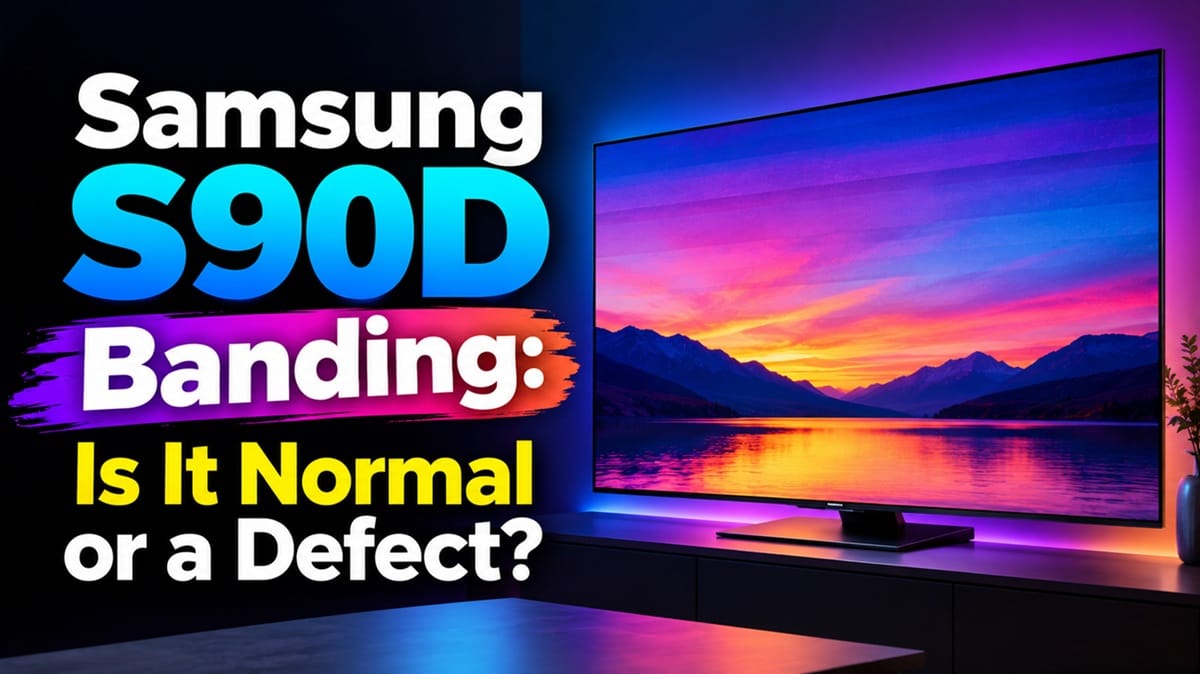
Search “Samsung S90D banding” and you’ll land in the middle of a years-long thread on the Samsung Community, plus a running conversation on AVS Forum where owners keep comparing notes and photos. That volume alone tells you something: this isn’t a rare, one-off complaint. Based on RTINGS lab data and a wide read of those owner reports, it also turns out “banding” is being used to describe more than one distinct issue — and the fix, or lack of one, depends entirely on which one you’re actually seeing.
That distinction matters more than it sounds like it should. RTINGS’ own lab measurements rate the S90D’s gray uniformity as very good overall, with faint vertical lines showing up mainly near the corners and not registering at a normal seating distance — which lines up with what most owners describe: something subtle, not something broken. The owners posting about a hard diagonal line, or banding that keeps getting worse month over month, are describing a different animal entirely.
It’s also not the only documented S90D quirk — we’ve separately covered why some units trip a circuit breaker, so treat this as one piece of a broader reliability picture on this TV rather than a single “bad batch” story. If you’re mainly weighing this TV for console gaming, it’s also worth knowing that Samsung OLED gaming judder is a separate picture-performance quirk that shows up on lower frame-rate content, unrelated to the banding issue below. Below, we split banding into the three patterns owners actually report, explain the screen-size factor behind them, and lay out which ones warrant a service call. Let’s start with the short version.
Table of Contents
The Short Answer: Is Samsung S90D Banding a Defect?
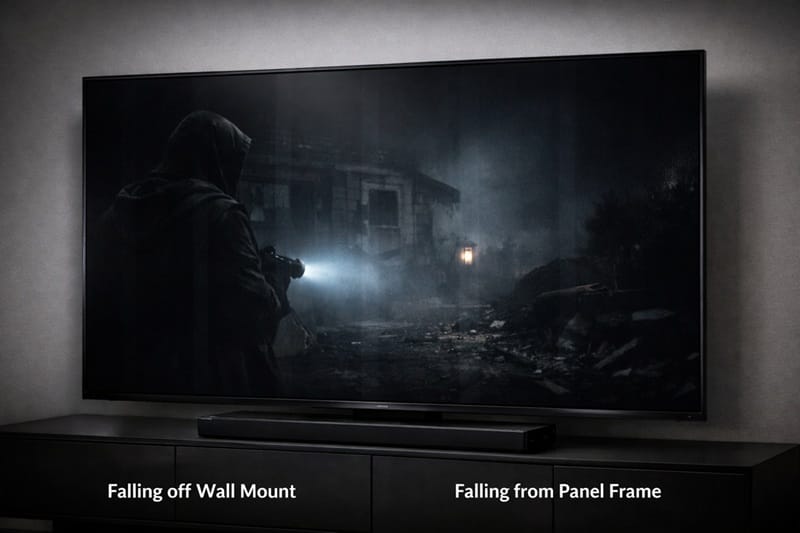
Usually, no — faint banding in near-black scenes is a known gray-uniformity limitation shared by most large-panel OLED TVs, not something unique to a bad S90D unit. But a small number of owners report something different: sharp diagonal lines, or banding that visibly worsens over weeks alongside burn-in. Those cases point to an actual panel defect, not ordinary uniformity variance, and are worth pursuing through Samsung support.
What Actually Causes Banding on the S90D
A gray-uniformity limit, not a “broken” panel
OLED panels light each pixel individually, which is why they produce true black — but keeping thousands of individually-driven subpixels perfectly matched at very low brightness is difficult at scale in practice. When the panel sits just above true black, in the 1–5% brightness range, tiny voltage differences between pixel columns become visible as faint gray streaks. RTINGS’ HDR gradient testing on this exact unit found no banding in any color channel except dark greens, and even that was barely visible unless someone went looking for it — consistent with a panel that’s slightly imperfect at the extreme low end rather than one that’s failing.
According to Samsung’s own troubleshooting documentation on lines, dots, and uneven areas, this category of unevenness is something support evaluates case by case rather than something that automatically qualifies for a replacement.
Why it shows up more on dark, slow content
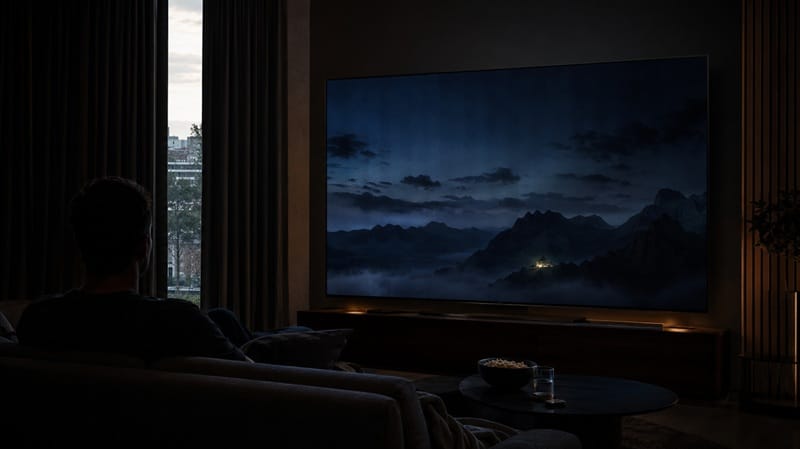
Banding hides in normal daytime footage because bright pixels mask small brightness differences. It becomes visible specifically in near-black gradients — space scenes, fade-to-black transitions, a dimly lit room — which is exactly the content owners keep citing in forum reports. That’s a useful self-check: pull up a bright, well-lit scene and see whether the banding disappears. If it does, you’re very likely looking at ordinary gray-uniformity variance rather than a hardware fault.
The S90D Panel Lottery: Why Your Screen Size Matters
Not every S90D uses the same panel
Here’s the detail that trips up a lot of owners comparing notes online: in the US, only the 55-, 65-, and 77-inch S90D models use Samsung’s QD-OLED panel. The 42-, 48-, and 83-inch versions ship with a standard WOLED panel instead — same model name, meaningfully different display technology underneath. This isn’t a one-year quirk, either — it’s just evolved. RTINGS’ testing of the 2026 S90H found Samsung actually dropped QD-OLED from that model in North America altogether, moving most sizes to a standard WOLED panel, with the 48- and 77-inch models getting a different RGB tandem panel instead.
The specific split changes generation to generation, but the underlying pattern doesn’t: buying a Samsung OLED by model name alone, without checking the size you actually want, is still a gamble on panel technology. If you’re trying to understand what QD-OLED actually is and how it differs from the WOLED panels LG and others use, that explainer covers the mechanics; the short version is that QD-OLED’s quantum dot layer tends to produce steadier gray uniformity than WOLED at the same screen size.
Why this changes your odds
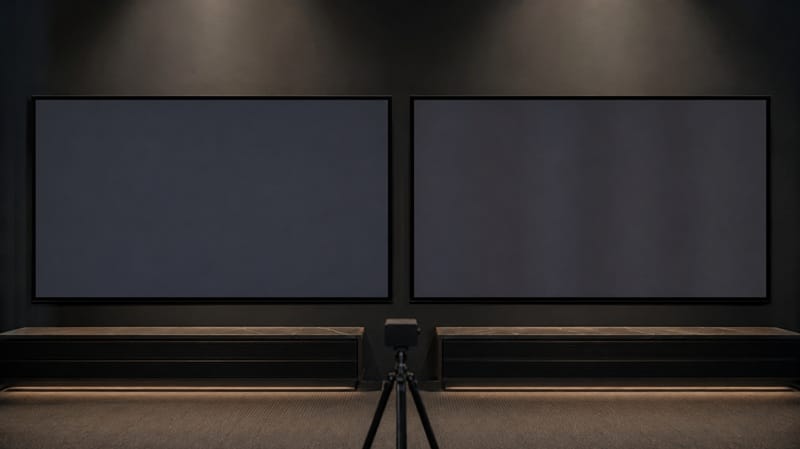
Based on how forum reports cluster, complaints about visible banding show up more often around the WOLED-based sizes, while QD-OLED owners more often describe better, though not perfect, uniformity. That’s an editorial read of publicly posted threads, not a measured statistic — RTINGS hasn’t published a size-by-size uniformity comparison for the S90D — but the pattern is consistent enough across separate forums that it’s worth factoring into a size decision.
If you’re weighing a smaller size in Samsung’s current lineup, our Samsung 48S90H review is worth a look — though note it’s a non-QD-OLED panel, the 48-inch S90H actually uses a newer RGB tandem panel rather than the standard WOLED found on the S90D’s smaller sizes, so it’s a related but not identical comparison point.
Uniformity quirks aside, whether the S90D is still the right pick for your room comes down to more than one display trait — our best OLED TVs of 2026 guide puts it side by side with the rest of this year’s field so you can weigh the tradeoffs in context.
Banding vs. a Real Defect: Three Things Owners Report
Not every report labeled “banding” describes the same problem. Three distinct patterns keep showing up across owner threads, and separating them matters for what you do next. It’s also worth keeping banding separate from a completely different kind of imperfection — dead or stuck pixels. Our guide on Samsung OLED dead pixels covers how to tell the two apart and when a replacement actually makes sense.
Ordinary near-black banding
Faint, soft vertical bands that only appear in dark gradients, spread evenly across the panel rather than clustered in one spot. This is the specific pattern RTINGS measured and rated as within normal range for this model — which also means an exchange for an identical unit is unlikely to resolve it, since it’s a characteristic of the panel type rather than a one-off manufacturing slip.
A sharp diagonal line or streak
A distinctly different complaint: a hard, visible diagonal line, sometimes described as a scratch-like defect, present in bright and dark content alike, on and off. Community discussion around this points to it being a glass or coating-layer defect rather than a uniformity issue, and it doesn’t behave like the soft banding above — it’s usually there regardless of scene brightness.
Banding that worsens over weeks
A smaller group of owners report banding that starts subtle and becomes progressively more visible over one to two months, sometimes alongside early burn-in symptoms on frequently-displayed static elements like app logos or menus. Progressive worsening is the key differentiator here — normal gray-uniformity banding doesn’t meaningfully change over time on a healthy panel.
What This Means for You in Practice
Who should pay attention to this
If your banding only shows up in near-black scenes, looks the same today as it did on day one, and disappears once brightness increases, you’re most likely seeing a normal panel characteristic rather than a fault. If you’re still deciding between Samsung’s OLED lineup and other brands with this in mind, whether Samsung OLED TVs are worth it is worth a read, since panel-uniformity tradeoffs are part of that broader value picture.
Who doesn’t need to worry
If you mostly watch bright, daytime content — sports, news, well-lit shows — and haven’t noticed anything during casual viewing, there’s no reason to go looking for banding you haven’t seen. Chasing near-invisible imperfections at maximum zoom on a test pattern is a fast way to manufacture a problem that doesn’t affect real viewing.
FAQs: Samsung S90D Banding
Is Samsung S90D banding covered under warranty?
Ordinary near-black banding that’s consistent with normal gray-uniformity limits is usually treated as within specification and may not qualify for replacement. A sharp diagonal line, or banding that’s clearly worsening over time, has a stronger case for warranty service — RTINGS’ lab review of the S90D is a useful baseline for what normal performance looks like on this model if you want a reference point before contacting support.
Does banding mean my S90D has burn-in?
Not by itself. Banding and burn-in are separate phenomena — banding is a uniformity issue tied to how evenly the panel displays near-black gray, while burn-in is permanent, image-shaped brightness loss from static content. They can appear together on the same unit, but seeing one doesn’t confirm the other.
Can I fix S90D banding with picture settings?
Not fully. Some owners report that disabling local dimming variations or adjusting gamma slightly reduces how visible faint banding appears, but this masks the symptom rather than resolving the underlying uniformity variance. If banding is severe enough to bother you at normal viewing distance, settings adjustments are unlikely to be a lasting fix.
Should I avoid the S90D because of banding reports?
Not automatically. Every large-panel OLED TV, regardless of brand, has some degree of gray-uniformity variance, and RTINGS’ own testing rated this model’s uniformity as very good overall. If you’re comparing your options across Samsung’s current lineup, our Samsung OLED roundup lines up the S90D-adjacent models by size, price tier, and panel generation.
Does the Samsung S95D have the same banding issue?
Less often, based on available reporting. Unlike the S90D, every size in the S95D lineup uses the QD-OLED panel — there’s no WOLED variant mixed in — which removes the size-dependent variance that drives a lot of the S90D complaints. That doesn’t make the S95D immune to ordinary gray-uniformity limits, but it does mean you’re not gambling on which panel technology you end up with.

iYaiii
Editor, GearPulse360
iYaiii is the editor and founder of GearPulse360, specializing in TV reviews and consumer electronics. He researches every recommendation before publishing.
✅ Based on spec analysis and Samsung’s official and RTINGS data — last verified July 2026