LG WebOS Problems in 2026: Why Your Smart TV Feels Slower (And What Actually Fixes It)
Last updated: July 2026 | 🕒 7 min read
Disclosure: GearPulse360 participates in the Amazon Associates Program. This particular article contains no affiliate links; other content on our site may.
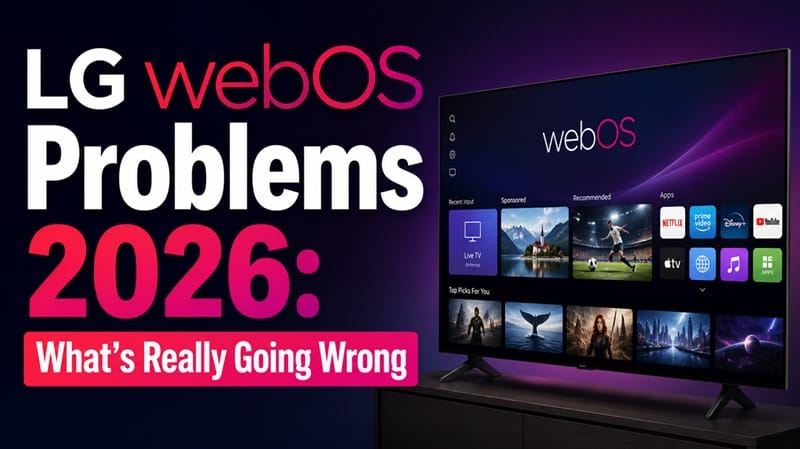
You update your LG TV expecting the usual bug fixes, and instead the home screen loads a beat slower, a banner ad crowds out half the recommendations row, and the app you open every night takes three tries to launch. That combination is what most people actually mean when they search for LG webOS problems in 2026 — it’s rarely one single bug.
A common assumption is that a freshly updated TV should feel newer and faster. In practice, webOS updates add features and ad-serving logic just as often as they add speed, and a mid-range processor from a few years ago can end up carrying more software weight than it was built for. Based on editorial research pulling from LG’s own webOS documentation and independent smart-platform testing, this guide separates genuine bugs from behavior LG has designed into the platform on purpose.
The sections below split LG webOS problems in 2026 into three real buckets — ad clutter, performance drag, and app-compatibility cliffs — and walk through what you can fix yourself versus what you can’t. If a flaky pointer or pairing error is the bigger headache right now, our LG OLED remote control problems guide covers Magic Remote issues separately from the software problems below.
Table of Contents
The Short Answer: Are LG WebOS Problems in 2026 Fixable?
Most LG webOS problems in 2026 fall into three categories: ads that can be reduced but not fully removed, performance drag that a full power cycle usually clears, and app support that ages out on older sets no update can restore. LG has carried these trade-offs across the webOS 22 through webOS 26 generations on purpose, so a TV showing them isn’t malfunctioning.
What’s Actually Behind These WebOS Problems
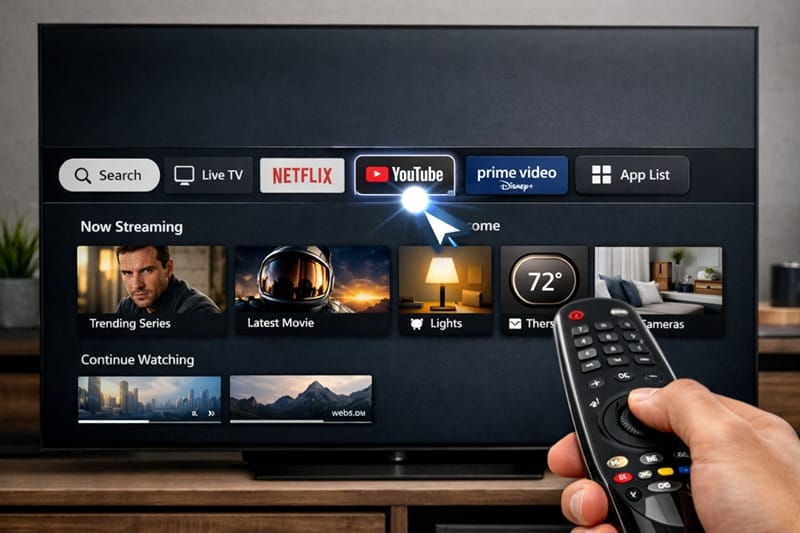
The Home Screen Ad Layer
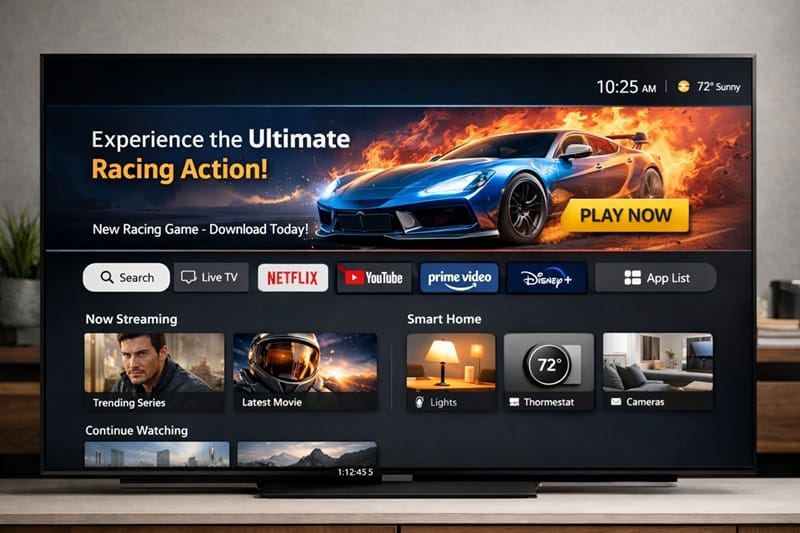
The loudest complaint is the ad banner that’s sat at the top of the webOS home screen since webOS 22, and it’s still present in webOS 25 and 26. LG doesn’t offer one master switch to remove it, but two separate settings reduce it: Home Promotion controls sponsored banners directly, and Content Recommendations controls the suggested-content rows underneath (exact menu wording has varied slightly by model year and region, so check your TV’s Home Settings for the closest match).
Turning both off won’t make the launcher fully blank — some promotional tiles are baked into the layout itself rather than gated by a toggle. LG frames webOS as an ad-supported platform in its own materials, and its official webOS overview centers the pitch on years of free software updates through the webOS Re:New program, which is part of how that trade-off gets funded.
Performance Drag and App Crashes
webOS reallocates memory aggressively between apps that are open or recently used, which is efficient until several apps are competing for the same limited RAM. Third-party apps — media server clients like Plex, for example — tend to be among the first to stutter or crash when that happens, based on editorial research into owner reports.
A standby restart doesn’t clear this the way people expect. A full power cycle — power off, unplug for 60 seconds, then plug back in — clears temporary memory in a way a quick restart doesn’t, and it’s the fix owners most commonly report as resolving freezing and lag complaints.
If the lag shows up specifically in the hours right after installing an update, rather than as an ongoing pattern, that’s a narrower and more predictable case with its own timeline — walked through separately in our lg tv slow after update guide.
Symptom → Cause → Fix
| SYMPTOM | LIKELY CAUSE | FIX | DIFFICULTY |
|---|---|---|---|
| Home screen covered in banner ads and sponsored tiles | Home Promotion and Content Recommendations enabled by default | Settings → General → Home Settings, turn off both toggles | Easy |
| Apps freeze or crash a few days after a software update | webOS post-update memory or cache conflict reported by owners | Full power cycle — unplug 60 seconds, not just standby restart | Easy |
| A new AI shortcut tile appeared on the home screen unprompted | Added automatically by a recent webOS platform update (pending confirmation against LG’s official changelog) | Home screen → Edit Mode, move or hide the tile (full removal isn’t offered) | Easy |
| A streaming app stopped updating and eventually stopped opening | TV’s webOS version is below that app’s current minimum requirement | No software fix exists — add an external streaming device instead | Hard |
If the issue persists after trying these steps, contact LG support directly.
Why This Matters More in 2026
What Changed With WebOS 26
LG’s 2026 OLED lineup, including the C6 and G6 series, ships running webOS 26 out of the box, with deeper AI-assistant integration built into the home dashboard. The platform is reported to feel noticeably faster on the newer Alpha processors, though the ad banner and recommendation rows carry over unchanged from prior versions.
If you’re shopping new rather than troubleshooting an existing set, starting on the newest platform generation sidesteps a chunk of the lag complaints below, since our LG OLED buying guide breaks down which 2026 models ship with the current processor generation versus older carryover hardware.
Older LG TVs Losing App Support
Streaming services periodically raise the minimum webOS version their apps require. A set still running an older webOS generation can eventually find that an installed app still opens but never updates again, and newer catalog features quietly stop working inside it. If an app has stopped opening altogether rather than just falling behind on updates, our LG TV apps won’t open guide walks through that diagnostic separately, since a platform-aging issue is only one of several possible causes.
Every smart TV brand eventually runs into this same platform-aging issue as software requirements move past older hardware. The practical workaround is the same one people use on any aging smart TV: an external streaming stick restores current app versions without replacing the TV itself — though on a current-generation set, that’s usually a stopgap rather than something you need from day one, as we cover in do i need a streaming device for lg oled.
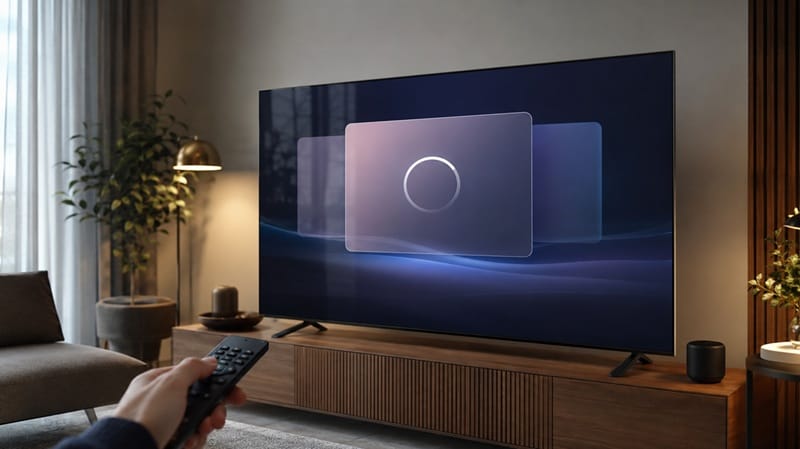
webOS friction lives in the software layer sitting on top of the panel. The real gap between LG’s 2026 OLED tiers shows up in picture quality, well ahead of platform speed. If you’re still narrowing down which model to buy, our best OLED TVs of 2026 roundup walks through those differences alongside what’s changed generation over generation.
How to Actually Reduce WebOS Problems Yourself
None of the fixes below require a service call, and most take less than five minutes:
- Turn off Home Promotion and Content Recommendations under Settings → General → Home Settings to cut most home-screen ad clutter.
- Do a full power cycle — unplug for 60 seconds — instead of a standby restart when apps start lagging or crashing.
- Check Settings → Support → Software Update regularly rather than waiting for an automatic prompt.
- Hide unwanted AI-assistant tiles through Home → Edit Mode; LG doesn’t currently offer full uninstallation for these.
- On a TV several webOS generations behind, add an external streaming device instead of waiting on app updates that may not arrive.
What This Means for You in Practice
Who Should Pay Attention to This
If you mainly watch through two or three apps and rarely browse the home screen, webOS’s ad layer and occasional lag are a minor tax on an otherwise capable platform. This describes most LG OLED owners, and it’s part of why our LG OLED roundup still ranks current-generation LG OLEDs highly despite the platform quirks covered here.
Who Doesn’t Need to Worry
If a completely ad-free interface matters more to you than any single picture-quality advantage, no LG software update changes that calculus — LG built the ad layer as a business model choice, and nothing in its update history suggests removing it. A different smart TV platform, or an external streaming box paired with LG’s screen, is the more direct fix.
FAQs: LG WebOS Troubleshooting
What’s actually causing LG webOS problems in 2026?
Most reported LG webOS problems in 2026 trace back to three things: an ad-supported home screen LG hasn’t offered a full opt-out for, memory pressure that builds up between updates, and app requirements that eventually outpace older TVs. RTINGS’ testing of LG’s 2026 lineup treats webOS’s responsiveness and smart features as a real factor in its overall TV reviews, not a footnote.
Does clearing the cache or resetting the TV fix LG webOS problems for good?
It helps temporarily, but it isn’t permanent. A full power cycle clears the memory buildup causing most freezes and crashes, though the same buildup gradually returns with normal use until the next reset.
How do I turn off the ads on my LG TV’s webOS home screen?
Go to Settings → General → Home Settings and disable both Home Promotion and Content Recommendations. This removes the sponsored banner and suggested-content rows, though some promotional tiles built into the layout itself may still remain.
Could my “webOS problem” actually be a hardware issue?
Sometimes. Software glitches are usually intermittent and often clear after a power cycle, while a hardware fault tends to be consistent and worsens over time regardless of what you try. If a reset doesn’t help at all, it’s worth ruling out a hardware cause — our lg oled warranty claim problems guide covers what LG actually checks before approving a repair.
Will webOS 26 make these problems go away on newer LG TVs?
The performance side, yes — LG’s newer Alpha processor pairing measurably reduces the lag and app-crash complaints covered above. The ad layer is a separate question: LG has kept a version of the home-screen banner and recommendation rows through every webOS generation to date, and it’s built into the platform’s ad-supported business model rather than a bug scheduled for removal. Don’t expect a future update to strip it out.

iYaiii
Editor, GearPulse360
iYaiii is the editor and founder of GearPulse360, specializing in TV reviews and consumer electronics. He researches every recommendation before publishing.
✅ Based on spec analysis and LG’s official and RTINGS data — last verified July 2026