TCL Owners Switching to Roku TV after Google TV Problems: What’s Really Going On
Last updated: August 2026
🕒 8 min read
Disclosure: GearPulse360 is a participant in the Amazon Associates Program. Some pages on this site contain affiliate links, and we may earn a commission from qualifying purchases at no extra cost to you.
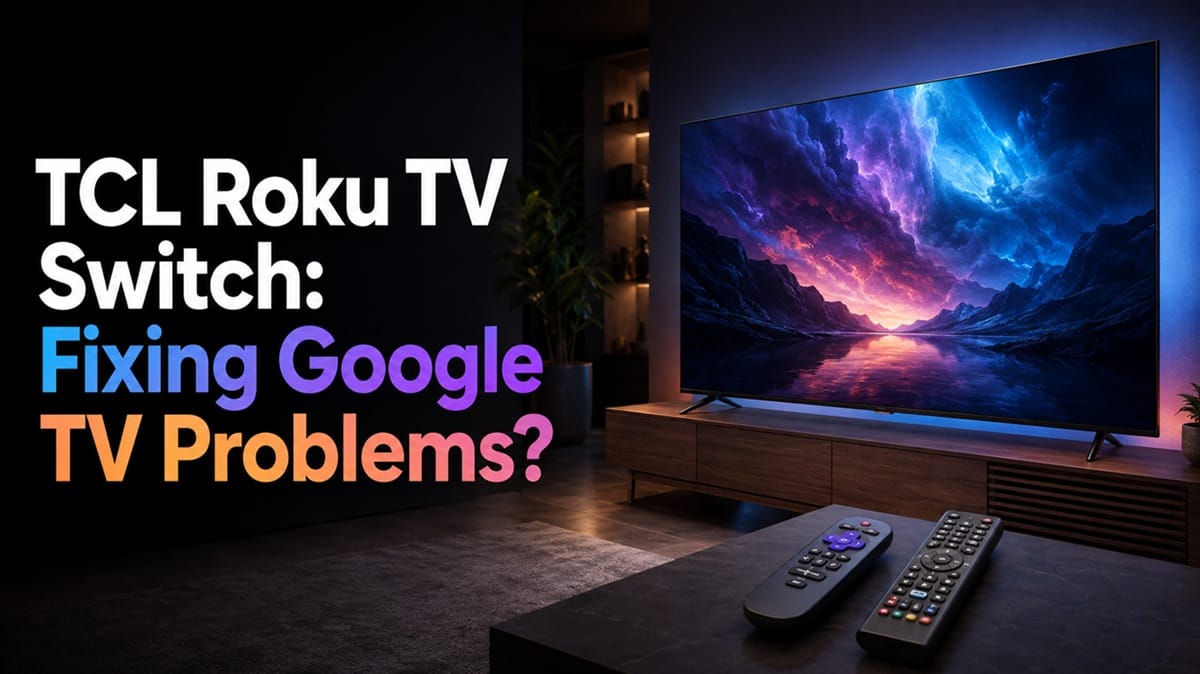
Search “TCL Google TV problems” on any owner forum right now and the same suggestion shows up in thread after thread: switch to a Roku TV instead. It’s the standard advice for anyone dealing with a freezing home screen, apps that crash mid-stream, or a Google account that logs itself out a few days after an update.
What the forum advice rarely spells out is what the switch actually changes. TCL sells the same panel technology — the same QLED and Mini-LED hardware — under both Google TV and Roku TV branding. “Switching” isn’t about better picture quality; it’s a change to the software layer sitting on top of the same panel, and that’s worth knowing before anyone buys a new TV based on a forum recommendation.
This look at TCL owners switching to Roku TV after Google TV problems covers where the switch actually helps and where it just trades one set of quirks for another. If the TV is already stuck in a boot loop right now, our guide on TCL Google TV freezing or stuck in a reboot loop covers the troubleshooting steps worth trying first — before deciding a new TV is the answer.
Table of Contents
The Short Answer
TCL owners switching to Roku TV after Google TV problems are usually reacting to software-level issues — freezing, reboot loops, or account logout bugs — not a hardware defect. Roku TV runs on different underlying software than Google TV, so it can sidestep those specific bugs, but it’s not automatically more reliable overall, and it comes with its own tradeoffs in app depth and personalization.
Why the Roku TV Suggestion Keeps Coming Up
The Complaints Are Almost Always Software, Not Screen
The recurring TCL complaints — freezing at boot, apps closing unexpectedly, having to re-enter a Google password every few days — trace back to the software layer, not the panel. TCL’s own support documentation still lists three separate smart TV platforms across its current lineup: Google TV, Fire TV, and Roku TV, split by model and retailer.
TCL hasn’t discontinued Roku TV in favor of Google TV — the two lines are sold side by side, and switching from one to the other means picking a different current model, not settling for an older or unsupported one. Fire TV is the third option in that split, running on budget QLED sets like the TCL 75F8D — worth knowing before assuming Roku TV and Google TV are the only two platforms TCL sells.
Roku TV Runs on a Separate Codebase
Roku TV isn’t a re-skinned version of Google TV running on the same backend — it’s Roku’s own operating system, licensed to TCL the same way Google licenses its platform to TCL, Hisense, and Sony. The two platforms don’t share code, so a bug tied specifically to Google TV’s update process — like the account logout issue some owners have reported — has no direct equivalent on a Roku TV model, since Roku handles sign-in and updates through a separate system entirely.
Why This Keeps Showing Up in 2026
Google TV’s Slower Update Cycle Is Widening the Gap
According to RTINGS, Google TV’s major platform updates now land roughly every two years instead of annually — most sets released in 2024 and 2025 launched on version 12, and most 2026 models are shipping on version 14. A bug introduced in one release can sit unresolved for that entire stretch before the next major update arrives, which is a large part of why owners dealing with a recurring freeze or logout pattern stop waiting it out. Our breakdown of TCL TV Google account keeps logging out after update covers the specific mechanism behind that particular bug.
Roku’s Simpler Structure Trades Away Some Features
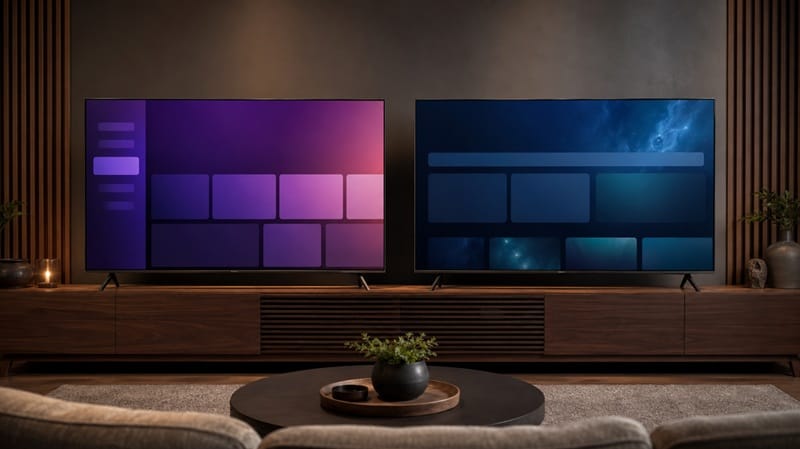
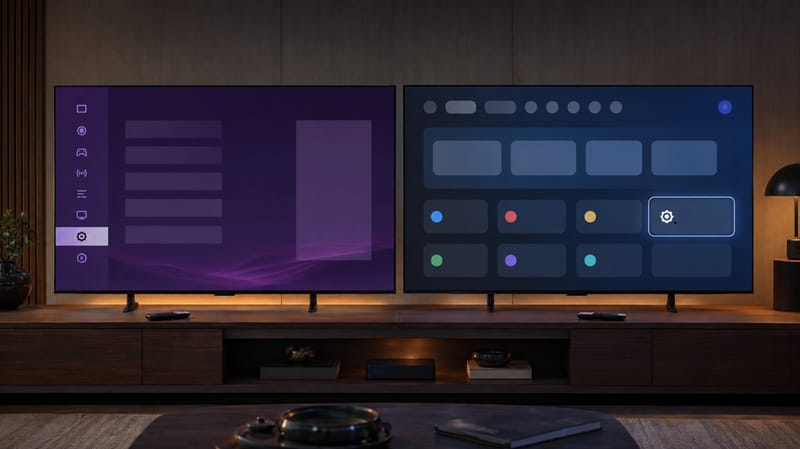
Roku TV is a structurally simpler platform: it’s essentially single-user, with a fixed grid of app icons rather than Google TV’s recommendation-driven, constantly-updating home screen. Fewer moving parts on the home screen means fewer places for a software bug to surface. The tradeoff is real, though — Roku TV doesn’t offer Google TV’s system-level user profiles or its integration with Google Home devices, so switching for stability means giving up both.
If the tradeoffs below end up ruling out a platform switch, it’s worth widening the search instead — our best 4K TVs of 2026 roundup lays out this year’s picks across platforms, panel types, and price points — not just TCL’s lineup.
Does Switching to Roku TV Actually Fix the Problem?
The forum advice tends to skip this part: switching platforms only fixes bugs that live in that platform’s code. It does nothing for a panel-level issue, and it won’t fix a failing power board or a bad HDMI port — those sit below the smart TV layer entirely, and no interface change reaches them.
[FUD-1] Should You Switch to Roku TV?
What This Means for You in Practice
Buy This If…
A Roku-platform TCL set makes sense if you’ve already confirmed your current problems are software-specific to Google TV, you don’t rely on multi-user profiles or deep Google Home integration, and you’d rather have a simpler, single-track interface. Shoppers weighing this against other panel-tech questions may also want our OLED vs Mini LED compared guide, since the platform decision and the panel decision are separate purchases worth evaluating on their own terms. Once the new set is set up, our how to turn brightness down on Roku TV guide covers the menu path for dialing in picture settings on the new platform.
Skip This If…
If you haven’t ruled out a hardware-level cause yet, or your household actually uses Google TV’s multi-user profiles and smart home controls day to day, switching platforms trades away features you rely on without guaranteeing the underlying problem goes away.
FAQs: TCL Owners Switching to Roku TV after Google TV Problems
Why are TCL owners switching to Roku TV after Google TV problems?
Most owners making this switch are responding to recurring software bugs — freezing home screens, reboot loops, or Google account logout issues — that trace back to Google TV’s code rather than the TV’s panel. According to RTINGS’ overview of Google TV, the platform doesn’t guarantee firmware updates the way some competing operating systems do, which can leave known bugs unresolved longer than owners expect.
Does TCL still make Roku TV models, or has it moved entirely to Google TV?
TCL still makes both. Roku TV models remain part of the current lineup alongside Google TV and Fire TV options, confirmed on TCL’s own support site — switching platforms means picking a currently sold model, not settling for something TCL has phased out.
Will a TCL Roku TV have worse picture quality than the Google TV version?
Not inherently. TCL builds and sells the panel separately from the smart TV platform, and a Roku TV model can carry the same QLED or Mini-LED hardware as its Google TV counterpart within a given series. Any picture-quality gap between two TCL sets usually comes down to which panel tier they’re built on, not which interface is running.
If I buy a new TCL Roku TV, am I less likely to deal with defects like dead pixels?
The smart TV platform has no bearing on panel-level manufacturing defects. Our guide on TCL TV dead stuck pixel guide ccovers what actually counts as a defect, and if TCL ends up rejecting the claim outright, our piece on tcl tv warranty claim denied walks through what TCL’s policy actually says before you accept that answer — regardless of whether the set runs Roku TV or Google TV.
Is Roku TV more reliable long-term than Google TV on the same TCL hardware?
Not in any way that’s independently measured — neither TCL nor Roku publishes platform-level reliability data, so a claim that Roku TV is categorically more reliable is anecdotal, not tested. What is documented is structural: Roku TV’s single-user, grid-based interface runs fewer background processes than Google TV’s recommendation engine. That’s a plausible reason a platform switch feels more stable, but it’s a difference in software design, not a proven reliability gap.

iYaiii
Editor, GearPulse360
iYaiii is the editor and founder of GearPulse360, specializing in TV reviews and consumer electronics. He researches every recommendation before publishing.
✅ Based on TCL’s official specifications and RTINGS data — last verified August 2026