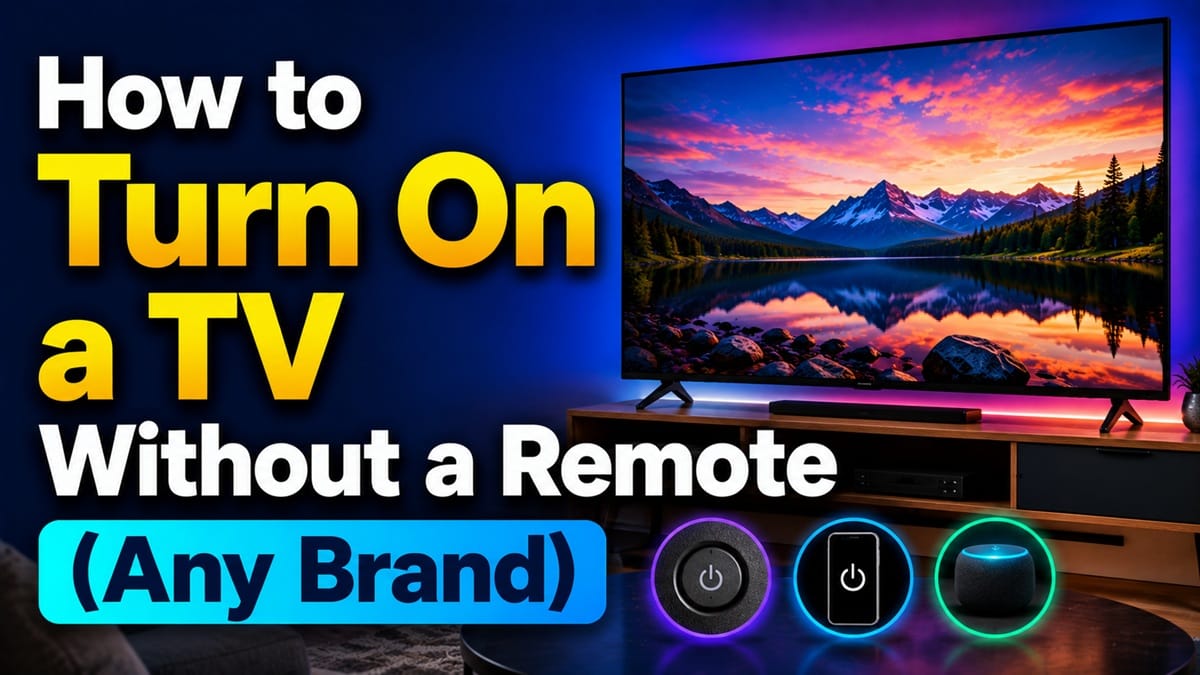
How to Turn On a TV Without a Remote: Power Buttons, Apps, and Backup Options for Every Brand
Last updated: August 2026
🕒 7 min read
Disclosure: GearPulse360 is a participant in the Amazon Associates Program. Some pages on this site contain affiliate links, and we may earn a commission from qualifying purchases at no extra cost to you.
You’ve dug through couch cushions, checked the junk drawer, and the remote is nowhere to be found — and the TV itself is sitting there, dark, not helping. It feels like the screen is useless without that little plastic wand.
That’s not actually true. Every TV still has a way to turn itself on without one; it’s just not always where you’d expect to look.
Below is exactly how to turn on a TV without a remote across the major brands, along with the phone-app and connected-device backups worth setting up so a missing remote doesn’t strand you again. If your TV won’t connect to the internet once it’s on, how to connect TV to Wi-Fi covers that separately.
If it’s a Roku TV specifically, how to connect a Roku TV to Wi-Fi without a remote covers that platform’s own setup quirks.
Table of Contents
Quick Answer
Press the physical power button on the TV — usually a small button or joystick on the back or underside panel — or use a phone companion app or a connected HDMI-CEC device instead.
- Best for: anyone whose remote is lost, dead, or broken right now
- Not ideal for: TVs with a fully hidden or disabled physical control — a companion app is the fallback there
- Key advantage: works immediately, no app setup or Wi-Fi required
- Fastest method: the physical power button, once located
The Short Answer: How to Turn On a TV Without a Remote
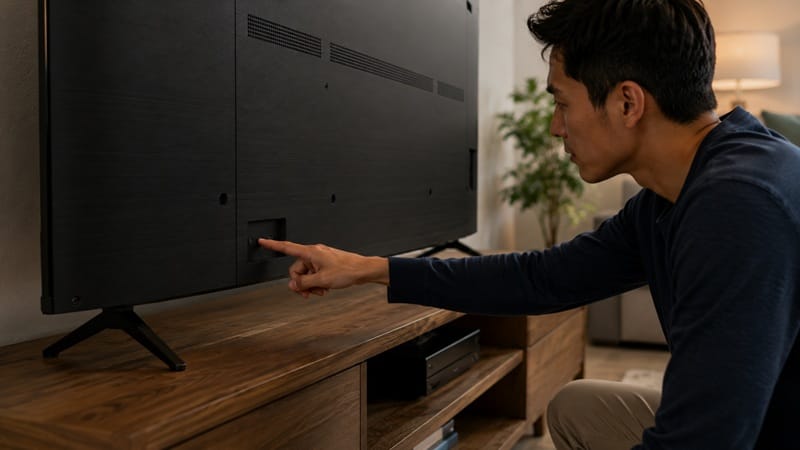
Press the physical power button on the TV itself — on most sets this is a small button or joystick-style control on the back or bottom edge, usually near the brand logo.
If you can’t find it, a phone-based companion app (like LG’s ThinQ or Samsung’s SmartThings) or a connected streaming/gaming device with HDMI-CEC enabled can both power the TV on over Wi-Fi or an existing HDMI connection.
How to Turn On a TV Without a Remote: Finding the Power Button
Where Brands Tend to Hide It
According to LG’s own support documentation, the company has moved its physical control several times over the years — a joystick-style button near the bottom center of the rear panel on most current models, a single button beneath the logo on the front bezel for a few years before that, and a row of buttons along one edge on older sets.
Samsung’s support pages describe a similar pattern: a control stick most often on the back near the bottom-right corner, though some models place it as a touch-sensitive icon on the front bezel instead.
Why It’s Easy to Miss
The button on newer sets usually isn’t labeled and doesn’t light up until it’s touched, so running a finger slowly along the back edge and underside — near where the standby light sits — is the most reliable way to find it. On a wall-mounted TV, check the underside first, since that’s typically the only edge still reachable.
Once you’ve found it, a single press turns the TV on. On sets that use the joystick-style control, that same button often doubles as basic navigation once the TV is on: press to open a small on-screen menu, then push it in different directions to move through options.
Using a Phone App or Connected Device Instead
Companion Apps
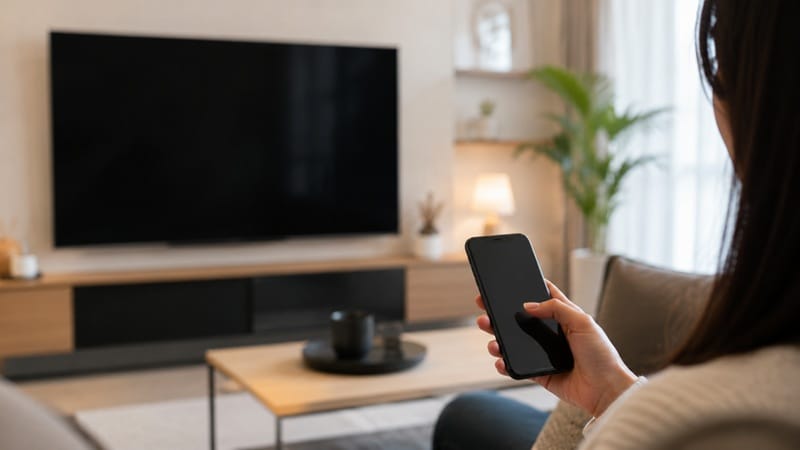
Every major smart TV brand offers a free companion app that turns a phone into a full remote once it’s paired — LG’s ThinQ, Samsung’s SmartThings, and Sony’s Bravia Connect are the most common.
The setup process is nearly identical across brands: get the TV on using the physical button first, connect the phone to the same Wi-Fi network the TV is using, open the app, and follow the prompt to add a new device. Most apps display a short verification code on the TV screen that gets entered into the phone to finish pairing.
A companion app is worth setting up on any current TV, not just one with a missing remote — it’s one of the everyday-usability details covered in our best OLED TVs of 2026 roundup for anyone still deciding on this year’s model.
HDMI-CEC and Connected Devices
If a game console, streaming stick, or soundbar is already plugged into the TV over HDMI and supports HDMI-CEC, turning that device on can wake the TV automatically — the two devices are designed to talk to each other over the same cable.
CEC is usually on by default on external devices but may need enabling in the TV’s own settings menu the next time a remote is available, so it’s worth checking now rather than discovering it’s off during the next lost-remote moment.
Voice Assistants as a Third Option
Voice control is easy to overlook here, but if a TV is already linked to a smart speaker or a phone’s voice assistant, a command like “turn on the living room TV” can power it on the same way a companion app does — provided that link was set up beforehand.
It won’t help in the moment if it hasn’t been configured yet, but it’s worth setting up once the TV is back on so a future missing remote is less of a scramble.
What This Means for You in Practice
Who Should Pay Attention to This
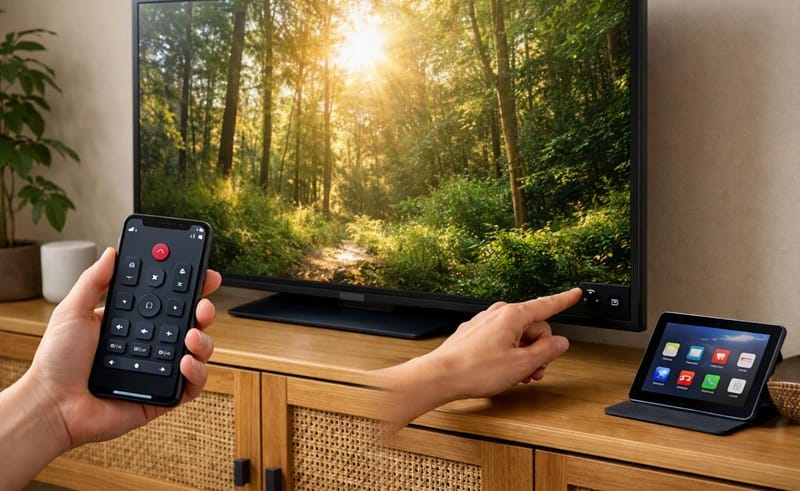
Anyone whose remote is currently lost, damaged, or drained of batteries with no replacement on hand — the physical button gets the TV on immediately, and a companion app is worth setting up right after so it doesn’t happen again.
If the remote issue is a broken or unresponsive unit rather than a missing one, our LG OLED remote control problems guide covers diagnosing and fixing that instead.
Who Doesn’t Need to Worry
If the remote is just temporarily misplaced and likely to turn up, there’s no need to set up a companion app or CEC as a permanent fix — the physical button gets the job done for a one-off search-and-find situation.
FAQs: Turning On a TV Without a Remote
How do I turn on a TV without a remote?
Locate the physical power button, usually on the back or underside panel near the brand logo, and press it once. According to Samsung’s own support documentation, this button typically also functions as basic navigation once the TV is on, letting you access settings even without a remote.
Why can’t I find a power button on my TV at all?
It’s there — modern TVs almost never ship without one, but the button has gotten smaller and moved from the front bezel to the back or underside on most 2018-and-newer models. Running a finger along the rear edge near the standby light is usually the fastest way to locate it.
Can I use my phone to turn on my TV instead of buying a new remote?
Yes, on most current smart TVs. LG, Samsung, and Sony all offer free companion apps that pair over Wi-Fi and replicate full remote functionality, including power. See how to connect phone to a TV for the full pairing walkthrough.
Will using the physical button instead of the remote damage my TV or void the warranty?
No — the physical button is a standard, manufacturer-installed control, not a workaround, so using it doesn’t affect the warranty or put any extra strain on the TV.
Do I need to replace my remote, or is a phone app enough long-term?
That depends on how often the TV gets used and by whom — a phone app works well for a single regular user, but a physical remote is usually still worth keeping around for guests or household members who don’t want to open an app every time.

iYaiii
Editor, GearPulse360
iYaiii is the editor and founder of GearPulse360, specializing in TV reviews and consumer electronics. He researches every recommendation before publishing.
✅ Based on spec analysis and LG’s and Samsung’s official data — last verified August 2026