OLED ABL Explained: Why Your OLED TV Dims Automatically
Last updated: June 2026 / 🕒 7 min read
Disclosure: As an Amazon Associate I earn from qualifying purchases. This article contains affiliate links — we may earn a small commission if you buy through them, at no extra cost to you.
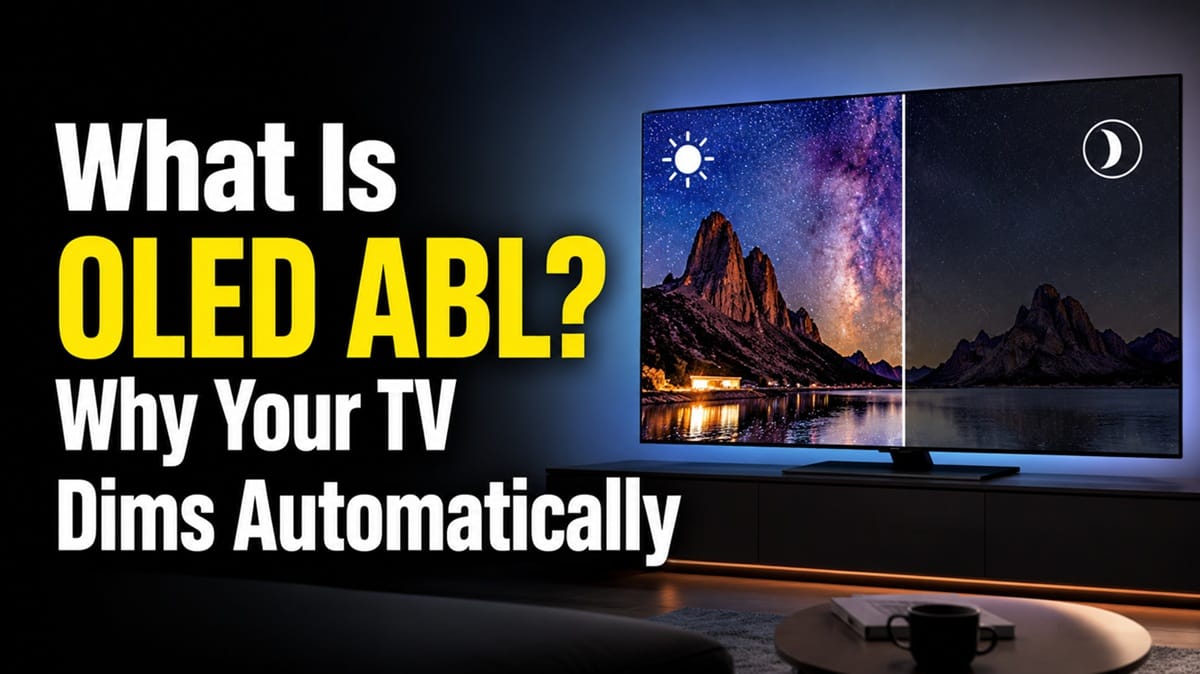
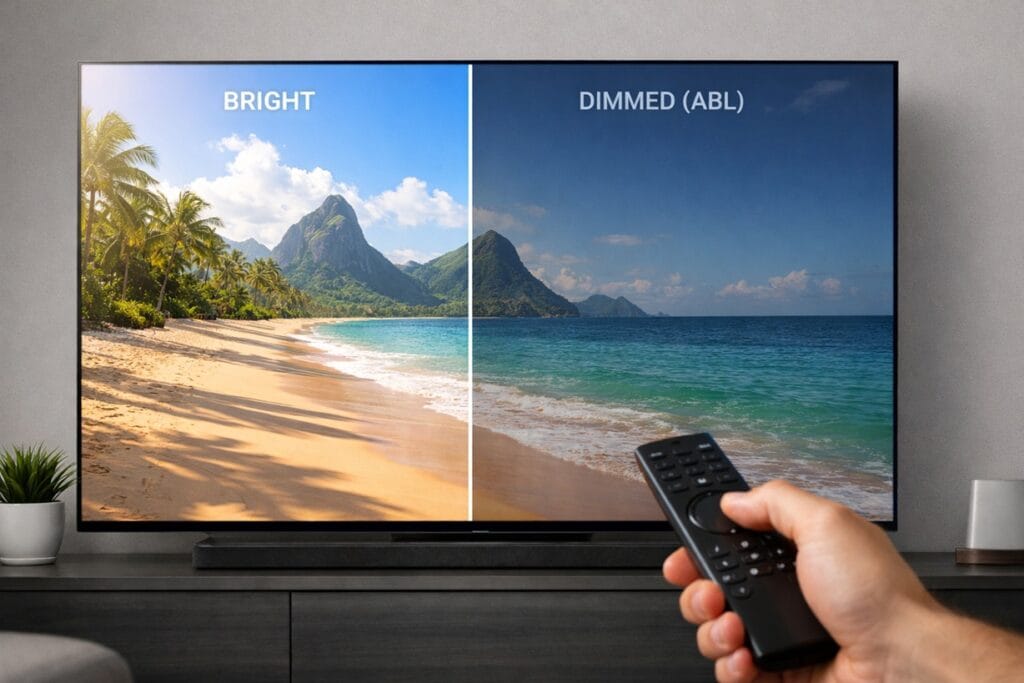
You’re halfway through a bright scene — snow, a white document, a sunlit beach shot — and your OLED suddenly looks a shade dimmer than it did a minute ago. No setting changed, no remote was touched. That’s OLED ABL, and it’s one of the most common things new OLED owners notice and worry about.
Based on editorial research into how OLED panels manage power, this dimming isn’t a malfunction or a sign your TV is failing. It’s a built-in limitation tied to how OLED pixels generate their own light, and it shows up on every OLED TV on the market, not just yours.
This guide on OLED ABL explained covers what the dimming actually means in plain terms, when you’ll notice it, and how it’s different from the burn-in protection features covered in does OLED burn-in still matter in 2026. We’ll also look at when it matters for gaming and streaming, and when it’s nothing to think twice about.
Table of Contents
The Short Answer: What Is OLED ABL?
ABL stands for Auto Brightness Limiter. It’s a hardware-level feature that automatically reduces an OLED panel’s overall brightness when a large portion of the screen displays bright content. It exists to keep the panel within its safe power and heat limits — it isn’t optional, and it isn’t a defect.
What Is OLED ABL and Why Does It Exist?
How OLED pixels create light differently than LCD
Every pixel on an OLED panel produces its own light, unlike LCD and Mini LED TVs, which shine a separate backlight through a layer of liquid crystal. That self-lit design is exactly why OLED gets such deep blacks — pixels showing black simply turn off. But it also means total power draw scales directly with how much of the screen is lit and how bright it is.
Think of it like a kitchen with a shared circuit breaker: if every burner on the stove runs at once, the breaker won’t let any single burner draw full power. An OLED panel has a similar power ceiling, and the panel’s controller redistributes brightness to stay under it.
How OLED ABL is measured and triggered
Engineers describe this using Average Picture Level, or APL — the percentage of the screen that’s bright at any given moment. A small white logo on a black background is a low-APL image; a snowy landscape or a white webpage filling the whole screen is high-APL. As APL rises, OLED ABL kicks in and pulls overall brightness down to stay within the panel’s power budget.
This is also why peak brightness specs can be misleading without context. A TV’s headline nit figure is usually measured at a small highlight window, like 2% or 10% of the screen, since that’s where OLED panels can push their highest output. The same panel will read noticeably dimmer at 100% APL — a fully bright screen — because that’s exactly the scenario OLED ABL is designed to manage.
When OLED ABL Is Most Noticeable in 2026
Full-screen bright scenes
HDR content is where this is easiest to spot, since HDR pushes panels closer to their peak brightness more often. A scene that’s mostly bright sky or snow asks more of the panel than a scene with small bright highlights against a dark background, so the dimming is more obvious in those wide, sustained bright moments.
Static bright elements like HUDs and logos
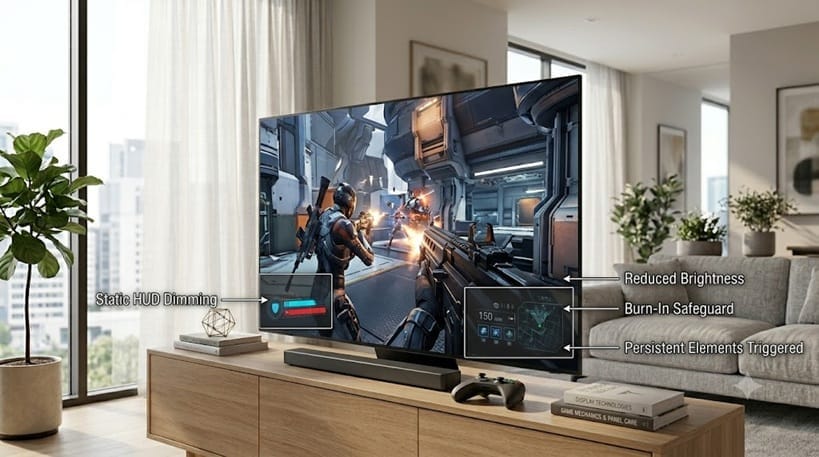
Static bright elements behave a little differently. A persistent scoreboard, news ticker, or game HUD can interact with both ABL and the separate static-image protection covered in how to prevent OLED burn-in, which is a distinct feature aimed at long-term image retention rather than short-term power management.
If you’re already close to a buying decision, our best OLED TVs in 2026 roundup ranks every top pick by use case and budget.
OLED ABL vs Burn-In Protection: Two Different Mechanisms
It’s easy to lump OLED ABL in with burn-in prevention since both involve the screen getting dimmer, but they solve different problems. ABL is a real-time power and heat limitation that applies to any bright content, moving or static. Burn-in protection, by contrast, specifically watches for unchanging static images over long stretches of time and dims or shifts pixels to reduce wear.
According to RTINGS’ comparison testing, the strength of this dimming effect varies meaningfully between models. As one representative example, RTINGS found that one OLED panel managed brightness with a noticeably less distracting Automatic Brightness Limiter than its competitor. The same pattern holds across newer generations too: “OLED ABL” isn’t a single fixed behavior, it depends on the specific panel and the brand’s brightness algorithm, which is why checking model-specific reviews matters more than assuming all OLEDs handle this the same way.
What This Means for You in Practice
Who should pay attention to this
If you game for long sessions with a bright, static HUD on screen, or you use your OLED as a desktop monitor with bright white windows, you’re the most likely to notice OLED ABL regularly. For competitive or HUD-heavy games, even a small brightness shift can be distracting, and it’s worth checking how a specific model handles this before buying — our best OLED TVs for gaming picks call out gaming-specific behavior like this. Brightness stability is only half the picture for gaming, too — pairing this with OLED motion and response time explained gives a fuller sense of how a panel actually feels in fast-paced play.
Sports fans should also pay some attention here, since broadcasts often mix large bright graphics — scoreboards, replay overlays, full-field daytime shots — with fast scene changes. That combination is one of the more common real-world triggers for noticeable OLED ABL, even outside of gaming or desktop use.
Who doesn’t need to worry
For typical movie and TV viewing, scenes change constantly, so ABL rarely has a chance to register. Most viewers watching mixed content — film, sports, streaming — simply won’t notice it as anything more than a natural part of how the picture looks from scene to scene.
If your TV looks dim in situations beyond what’s described here, the cause might be a different setting entirely rather than ABL — we cover why your OLED looks too dark for reasons unrelated to power limiting in a separate guide.
FAQs: OLED ABL Explained
Can you turn off OLED ABL explained behavior?
No. ABL is a hardware-level power limitation built into the panel itself, not a menu setting, so there’s no toggle to disable it. According to RTINGS’ brightness testing methodology, peak brightness figures are measured precisely because this kind of content-dependent dimming is inherent to how OLED panels operate. Even a full step-by-step OLED calibration won’t remove it — ABL sits beneath any picture setting, so it shows up the same way whether your TV is fresh out of the box or perfectly dialed in.
Does OLED ABL shorten the panel’s lifespan?
No — it’s the opposite. ABL exists specifically to keep power draw and heat within safe limits, which protects the panel rather than wearing it down. It’s unrelated to the slow, gradual luminance decline some panels experience over years of normal use.
Which OLED TVs have the least noticeable ABL?
This varies by brand, generation, and even by specific model within the same lineup, so it’s worth checking individual reviews rather than assuming all OLEDs behave the same way. Newer panel generations have generally gotten smoother and less abrupt about how they manage this transition.
Is OLED ABL a problem for gaming?
It can be more noticeable during gaming sessions with a bright, static HUD, especially in competitive titles where consistent visibility matters. It’s worth checking how a specific model handles this before buying if gaming performance is your priority.
Will a Mini LED TV avoid this dimming issue entirely?
Mini LED and other backlit LCD TVs don’t have the same per-pixel power constraint, so they don’t exhibit OLED-style ABL. That said, they come with their own brightness behaviors, like local dimming zone transitions — RTINGS’ testing shows Mini LED sets can use anywhere from a few hundred to well over a thousand dimming zones, and how a model manages those zones affects blooming and brightness consistency in its own way. It’s a different trade-off rather than a strictly simpler one.

iYaiii
Editor, GearPulse360
iYaiii is the editor and founder of GearPulse360, specializing in TV reviews and consumer electronics. He researches every recommendation before publishing.
✅ Based on spec analysis and RTINGS data — last verified June 2026