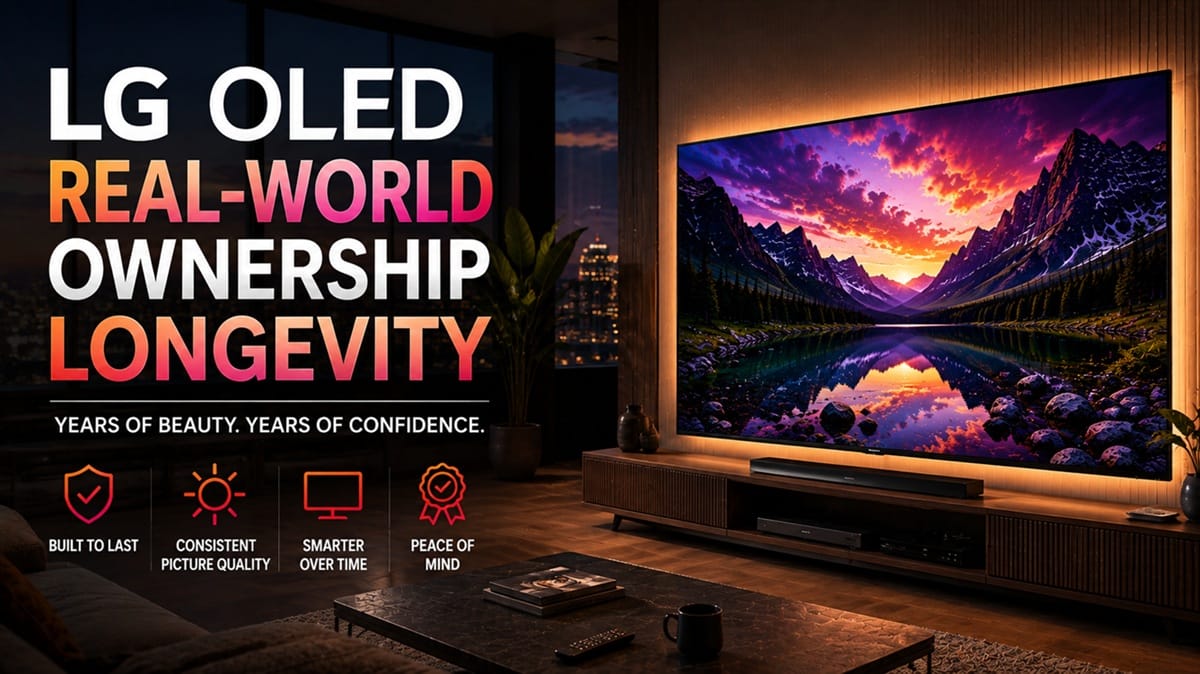
LG OLED Real-World Ownership Longevity: A Timeline of What Changes Over the Years
Last updated: August 2026
🕒 9 min read
Disclosure: GearPulse360 is a participant in the Amazon Associates Program. This article does not contain affiliate links, but other pages on this site may.
Ask “how long does an LG OLED last?” and you’ll get one number back — usually about the panel. That’s only a third of the answer. An LG OLED runs on three separate clocks at once: the physical panel, the software that keeps it feeling current, and the warranty that backs it up if something goes wrong. Most owners only track the first one, right up until one of the other two runs out first.
A common misconception treats “longevity” as a single countdown — hit a certain number of hours or years and the TV is simply done. LG OLED real-world ownership longevity actually runs on three separate schedules instead, and knowing which one you’re really asking about changes what “years of use” looks like in your own living room.
This piece stays narrow to the ownership picture — the underlying mechanics of OLED panel aging itself are covered separately in our how long OLED TVs last piece. What follows is how the three clocks play out over real years of ownership.
Table of Contents
The Short Answer
Independent long-term testing (detailed below) points to most LG OLED panels holding up well past the multi-year mark without meaningful picture loss under normal use. Where ownership experience tends to shift is the other two clocks: software support has a defined end date, and warranty coverage is shorter than most owners assume relative to how long the panel itself keeps working.
The Three Clocks That Determine LG OLED Real-World Ownership Longevity
Panel Life
OLED pixels are self-emissive and dim gradually with use rather than failing outright — closer to how brake pads wear down over years of driving than how a lightbulb just stops one day. According to LG’s own reliability documentation, the panels include protective features built to reset pixel wear and interrupt static images before short-term retention has a chance to become permanent. LG doesn’t publish a specific hour-count guarantee for any given model — that’s the gap the RTINGS test cited later in this piece fills with independent data.
The settings and habits that actually protect a panel — screen shift, pixel refresh timing, avoiding static logos at peak brightness — are covered step by step in our how to prevent OLED burn-in guide rather than repeated here.
Software Support Life
This is the clock most buyers don’t think about until it starts running out. LG’s webOS Re:New program, announced by LG itself, commits to bringing eligible LG TVs the latest webOS version for the next five years from launch. Once that window closes, the panel keeps working exactly as before — but new app compatibility and platform-level features stop arriving.
| PLATFORM | OBSERVED UPDATE WINDOW | EVIDENCE SOURCE | LAST VERIFIED |
|---|---|---|---|
| LG webOS (Re:New-eligible models) | 5 years from launch (LG-stated program window) | LG official press release, webOS Re:New program | August 2026 |
Reflects LG’s publicly announced program as of the Last Verified date — not a guarantee for every individual model or region. Check LG’s official support page for your specific model’s eligibility.
Warranty & Repair Coverage
Warranty coverage is the shortest of the three clocks by a wide margin, and it doesn’t reset just because a panel is still performing well. Standard manufacturer coverage typically runs a year or two from purchase, well before the panel or the software support window is anywhere near done — which means most of a TV’s real ownership life happens without that safety net.
An active claim adds another wrinkle: filing one can affect your return window in ways most owners don’t expect. Our warranty claim return window guide walks through exactly how that interaction works.
A Year-by-Year LG OLED Ownership Timeline
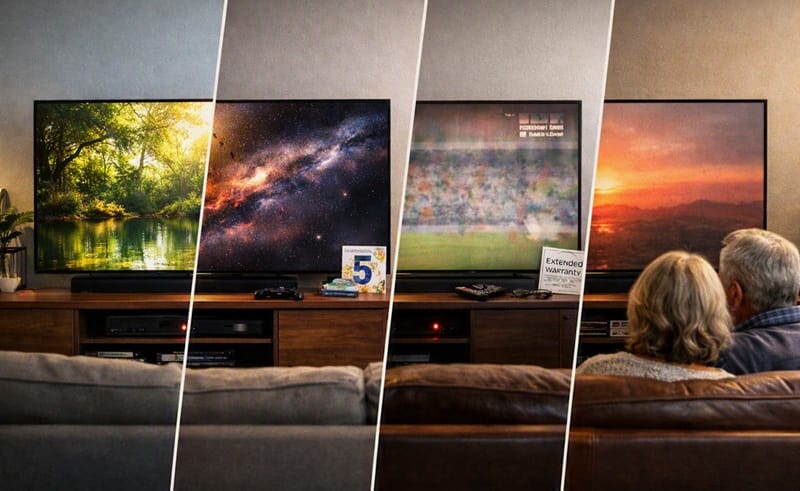
Laying all three clocks side by side shows where they actually diverge. If your set is already deep into one of these timelines and you’re weighing a current-generation replacement instead, our best OLED TVs of 2026 roundup covers what’s changed on this year’s models before you decide.
| STAGE | PANEL | SOFTWARE | WARRANTY |
|---|---|---|---|
| Year 1 | Full performance, no expected change | Latest webOS version, full feature set | Standard warranty active |
| Year 3 | Typically unchanged under normal viewing | Still receiving major webOS upgrades under Re:New | Standard warranty likely expired |
| Year 5 | Panel still functional for most households | Nearing or past the end of the Re:New upgrade window | Out of standard coverage; any extended plan would be ending |
| Year 8+ | Gradual brightness decline more likely to be noticeable | New apps and platform features no longer arriving | No manufacturer coverage; repairs are out-of-pocket |
Reflects typical patterns for normal household use, not a guarantee for any individual unit.
What This Means for You in Practice
Who Should Pay Attention to This
Owners deciding whether to keep a several-years-old LG OLED running or start comparing new options will find the software and warranty clocks matter more to that decision than the panel does. Our LG OLED resale value breakdown covers how that timing affects what a current set is actually worth on resale.
Buyers still narrowing down a current-generation model benefit from weighing all three clocks upfront rather than picture quality alone. Our our LG OLED buying guide walks through how current models compare beyond the spec sheet.
Who Doesn’t Need to Worry
Someone a year or two into ownership who mostly watches a mix of streaming, sports, and movies shouldn’t notice any of these three clocks yet. Panel-protection features are designed for exactly this kind of everyday viewing, and both software and warranty coverage are typically still active this early in ownership.
FAQs: LG OLED Real-World Ownership Longevity
What does LG OLED real-world ownership longevity depend on?
Three separate factors, not one: panel performance, software update support, and warranty coverage. On the panel side, RTINGS’ independent longevity test found only a single outright failure among dozens of LG OLED units run continuously for years under an accelerated schedule, with most surpassing 10,000 operating hours. Typical household viewing involves far fewer hours than that test schedule, so panel failure is unlikely to be the factor that ends most owners’ ownership window.
How long does LG actually support an OLED TV with software updates?
LG’s webOS Re:New program commits to five years of major platform upgrades from launch for eligible models. After that window, the TV keeps functioning normally, but it stops receiving new platform-level features and some newer apps may eventually drop support for the installed webOS version.
Does my LG OLED warranty cover panel aging or dimming over time?
No — standard manufacturer warranties cover manufacturing defects for a limited period after purchase, not the gradual brightness decline that comes with normal, years-long use. If a defect does show up while coverage is still active, filing that claim can also affect your remaining return window, which is worth understanding before you call it in.
Does burn-in still happen on LG OLEDs after years of daily use?
It can, but it’s rare for someone who isn’t running static content at peak brightness for hours at a stretch. Our does OLED burn-in still matter in 2026 piece breaks down exactly which usage patterns put a panel at risk.
Should I upgrade to a newer LG OLED once software support ends, even if the panel still works fine?
Not automatically. A panel that’s still performing well is still a functional TV, even without new platform features. Whether it’s worth upgrading usually comes down to whether missing app support or newer gaming features actually affect how you use the set day to day, not the software window alone.

iYaiii
Editor, GearPulse360
iYaiii is the editor and founder of GearPulse360, specializing in TV reviews and consumer electronics. He researches every recommendation before publishing.
✅ Based on spec analysis and LG’s official and RTINGS data — last verified August 2026.